Ikut koding bersama kami di
Ikut Kode ↗Only Code If You Want To: Data Science with DataLab (Part 2)
Find out how AI assistance can boost your productivity in a more traditional notebook setting.

Joe Franklin
Buat Akun Gratis Anda
Berlatih dan lacak kemajuan Anda.
Lanjutkan dengan GoogleDengan melanjutkan, Anda menyetujui Ketentuan Penggunaan, Kebijakan Privasi dan bahwa data Anda disimpan di AS.Terkait
blogs
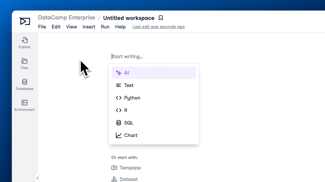
How To Use DataLab AI-Powered Notebooks for Every Data Skill Level
Find out how DataLab and its AI Assistant can boost your data science workflow - regardless of your skill level.
 Alena Guzharina · 6 min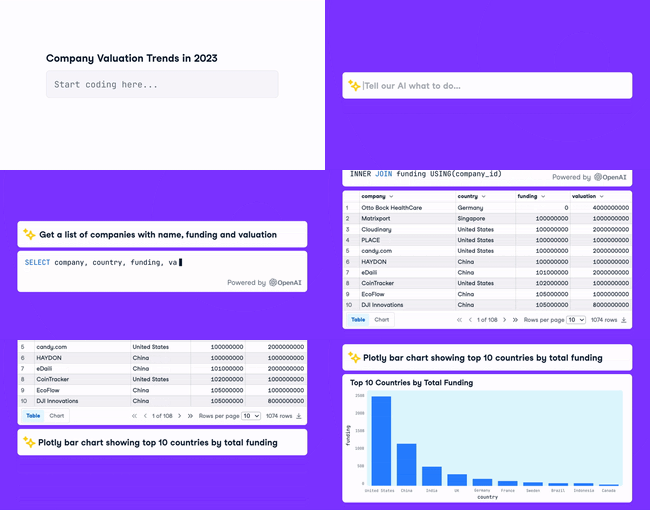
blogs
From Data to Insights: Get There Faster with the DataLab AI Assistant
DataCamp today announced the launch of the AI Assistant within its modern data science notebook, DataLab. The AI-powered features are now available on both free and paid DataLab plans.
 DataCamp Team · 4 min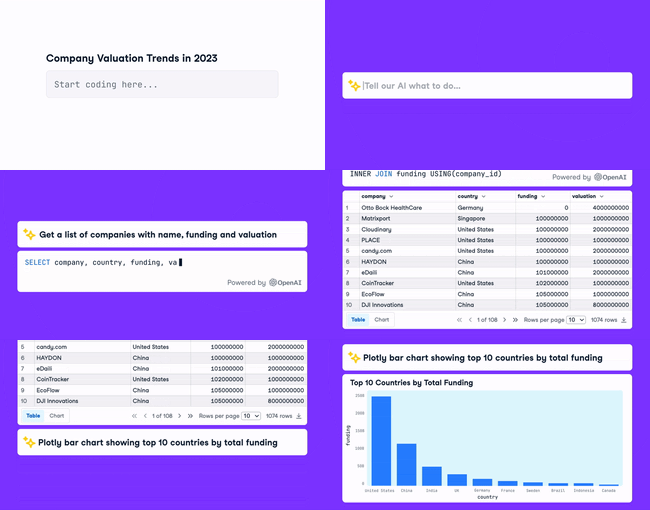
blogs
10 Ways to Speed Up Your Analysis With the DataLab AI Assistant
Learn how to leverage the Generate feature inside DataLab to speed up your workflow!
 Justin Saddlemyer · 11 min


DataCamp Workspace is now DataLab!
Some people love to code, and others really don't. In order to be productive as a data team, you need a tool that works for coders and non-coders alike.
In this two-part series of (no-)code-alongs, you'll see how DataLab can be used to perform data science workflows whether you want to write the code yourself or you want AI to generate it for you. You'll see how DataLab's automatic prompt engineering makes it easier-than-ChatGPT to generate valid data science code, and how to use this to generate data reports and tell data stories that you can share with your colleagues.
In this second session, you'll see how AI assistance can boost your productivity in a more traditional notebook setting.
Key Takeaways:
Resources