Build a No-Code Email Personalization AI Workflow with Zapier
Aman Kumar, a Senior Data Scientist, will guide you through creating an AI-powered email personalization workflow using Zapier.

Aman Kumar
無料アカウントを作成する
練習とトラックであなたの進捗を記録しましょう。
Googleで登録続行すると、次に同意したものとみなされます: 利用規約、 プライバシーポリシー 、およびデータが米国内に保管されることに同意したものとみなされます。関連

ブログ
n8n vs. Zapier: Which Automation Tool is Right For You?
Compare n8n vs Zapier across pricing, integrations, AI capabilities, and workflow complexity. Learn which automation platform is best for technical teams or business users.
 Tim Lu · 15 min

チュートリアル
Google Workspace Studio Tutorial: Build an AI Agent Using Natural Language
Learn how Google Workspace Studio lets you create AI agents to automate workflows in Gmail, Drive, and Sheets with an easy, hands-on beginner tutorial.
 Aryan Irani · 7 min

チュートリアル
Google Opal Tutorial: A Complete Beginner’s Guide to No-Code AI App Development
Learn how Google’s new no-code AI platform enables anyone to build applications using natural language and visual workflows.
Tim Lu · 15 min


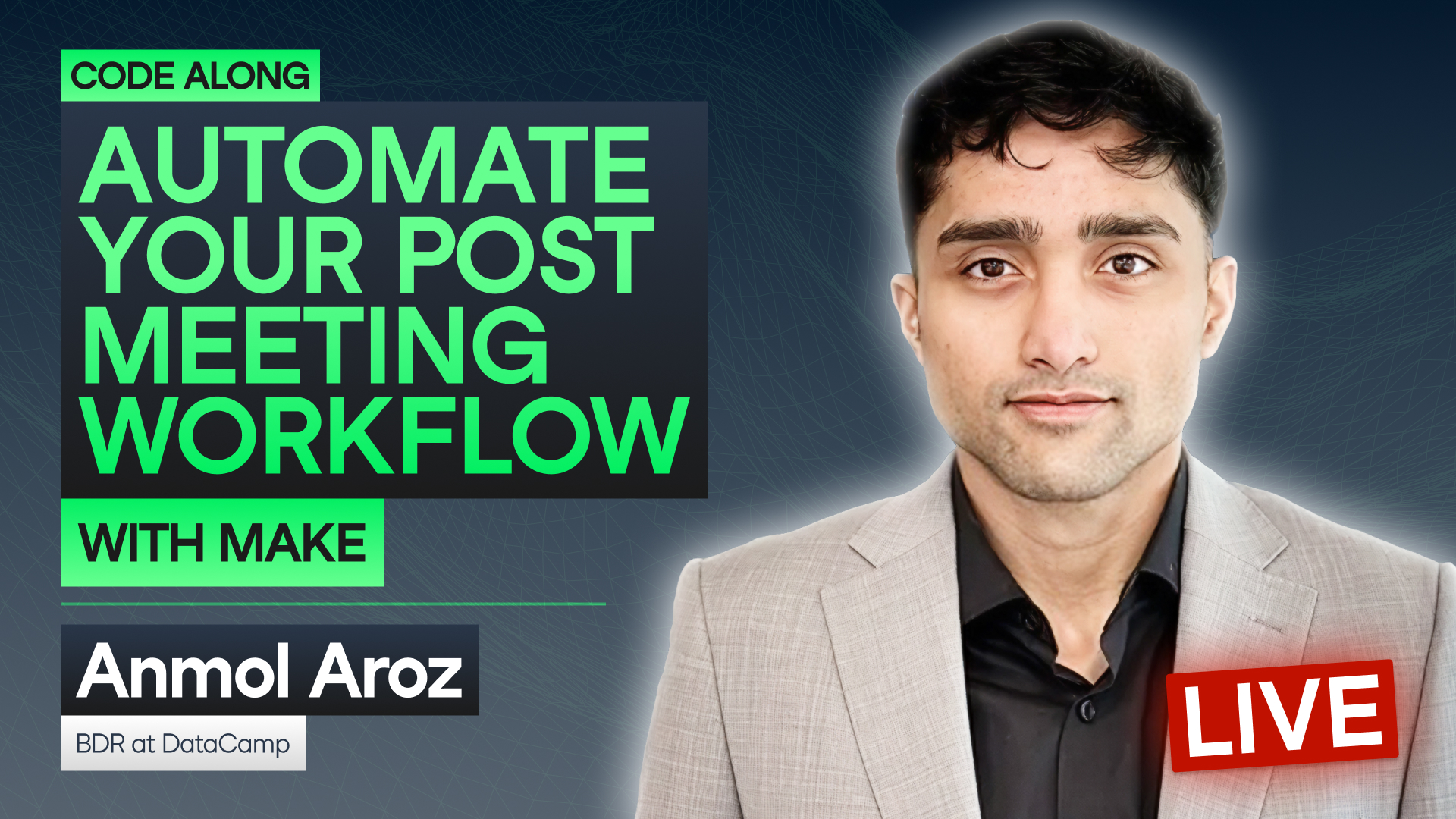

Personalized communication can dramatically improve engagement—but scaling it across hundreds or thousands of contacts is no small feat. With the right combination of large language models and automation tools, you can build intelligent workflows that craft customized emails without writing a line of code.
In this hands-on code along, Aman Kumar, a Senior Data Scientist, will guide you through creating an AI-powered email personalization workflow using Zapier. You’ll learn how to connect LLMs to your data sources, generate tailored messages, and automate outreach with minimal effort. By the end, you’ll know how to bring AI into your own workflows—without touching a single line of code.
Key Takeaways:
Session Resources