Build Your First Productivity Assistant with OpenClaw
Dan Denney, Senior Software Engineer at DataCamp, walks you through building your own AI productivity assistant from scratch.

Dan Denney
相关

博客
What Is OpenClaw? A Guide to the Open-Source AI Assistant
A practical look at OpenClaw, how it works, what ClawHub skills add, where the security risks are, and whether developers should try it.
 Khalid Abdelaty• 15分钟
速查表
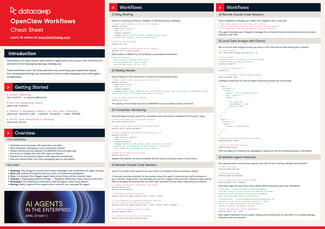
Introduction to OpenClaw Cheat Sheet
Get started with OpenClaw, the open-source self-hosted AI agent. This cheat sheet covers core CLI commands, scheduled briefings, multi-channel automation, local model setup with Ollama, and multi-agent workspaces.
 DataCamp Team• 5分钟

教程
Building Custom OpenClaw Skills: A Hands-On Tutorial
Learn how to build OpenClaw skills from scratch, connect external APIs, configure Docker sandboxing, and publish to ClawHub in this step-by-step tutorial.
 Bexruz (Bex) Tuychiev• 11分钟




Session Resources
A single AI assistant that can check your calendar, triage your inbox, send a message and pull the right file—all in one run—is no longer science fiction. But getting one that's genuinely useful (and safe to let loose on your accounts) takes some deliberate design.
In this hands-on code-along, Dan Denney, Senior Software Engineer at DataCamp, walks you through building your own AI productivity assistant from scratch. You'll design the workflows that let one agent handle several everyday tasks across the tools you already use, connect it to those tools step by step, and set sensible guardrails so it only touches what you want it to.
Key Takeaways