
강의
인공 지능 이해하기
2시간
431K
실습 문제하고 트랙하세요.
Google로 계속하기Durable, Wix, and Framer are the best free AI website builders right now. Each one turns a single sentence about your business into a live website in under a minute.
There's no single best tool for everyone, though. Everyone's building something different, so the right tool depends on the use case.
In this guide, we'll show you the fastest way to build a free AI website, walk through ten of the best free AI website builders on the market, and point out what each one holds back for paying users.
To build a website for free with AI:
That's the whole workflow, and it's the same no matter which AI builder you choose.
A free AI website builder removes the three biggest barriers to launching a website:
Here's how the ten AI website-building tools compare:
|
Tool |
Best For |
Free Plan |
Key AI Features |
|
Durable |
Service businesses needing a CRM |
Yes |
AI copywriter, AI images, and AI chat assistant |
|
Wix |
Designing with complete business toolkit |
Yes |
Wix Harmony, Aria AI agent, and AI store setup |
|
Framer |
Pixel-level design control |
Yes |
In-canvas AI agent, AI site audit, and AI code components |
|
Quillbot |
Simple sites |
Yes |
AI layout generation, AI copywriting, code export |
|
GoDaddy Airo |
One tool for site, store, or app |
Yes |
Conversational AI builder and AI copy |
|
Canva |
Existing Canva users |
Yes (platform-wide) |
AI design generation and AI ad creation |
|
10Web |
WordPress sites with ecommerce |
Trial only |
AI site cloning, Figma-to-site AI, and AI Co-Pilot |
|
Lovable |
Web apps with accounts and databases |
Yes |
Full-stack AI code generation and AI database setup |
|
Figma Sites |
Design-first teams or dev handoff |
Yes |
Figma Make AI agent and AI code generation |
|
Replit |
Coding-style workflows |
Yes (limited) |
AI coding agent and full-stack app generation |
Let’s now explore the ten tools in detail.
Durable builds a complete website including copy, layout, and images in about 30 seconds. You answer three questions about your business, and the AI handles the rest.
It provides a drag-and-drop editor that lets you adjust layout, images, headings, and fonts if you aren’t satisfied with the AI's first draft.
What sets it apart from other AI builders is what runs alongside the website: a CRM, bookings, and AI email campaigns come standard, the kind of thing that usually means five separate subscriptions elsewhere.
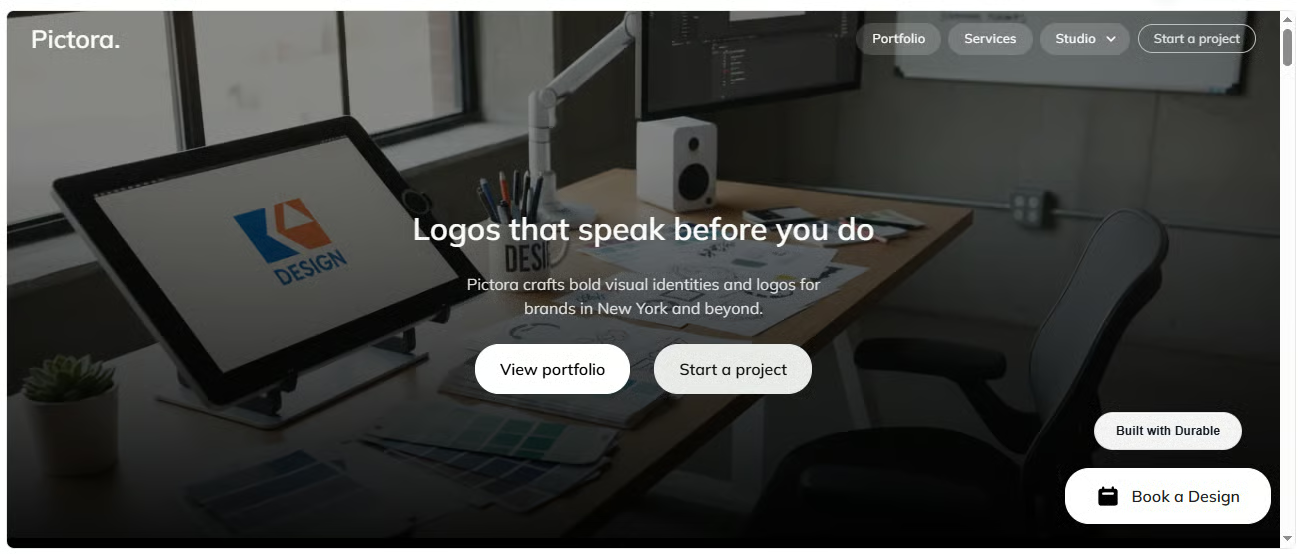
Free AI website created using Durable. Source
Its free plan gets you a subdomain (.durable.site), unlimited traffic, 10 CRM customers, 5 AI images/month, and 10 AI chat messages/month.
Best for: service businesses and solo operators who want a working website and a lightweight CRM in one place, without adding a second tool for bookings or email marketing.
Wix's AI builder is broad. One prompt generates a full website plus a matching brand kit in a single pass. Whereas most competitors only generate a homepage first.
It also builds in real functionality as it goes. Describe an online store, and you get product pages, payments, and inventory tools already working.
But the disadvantage is that Wix is a much bigger platform, so there's more to learn if all you want is one simple page.
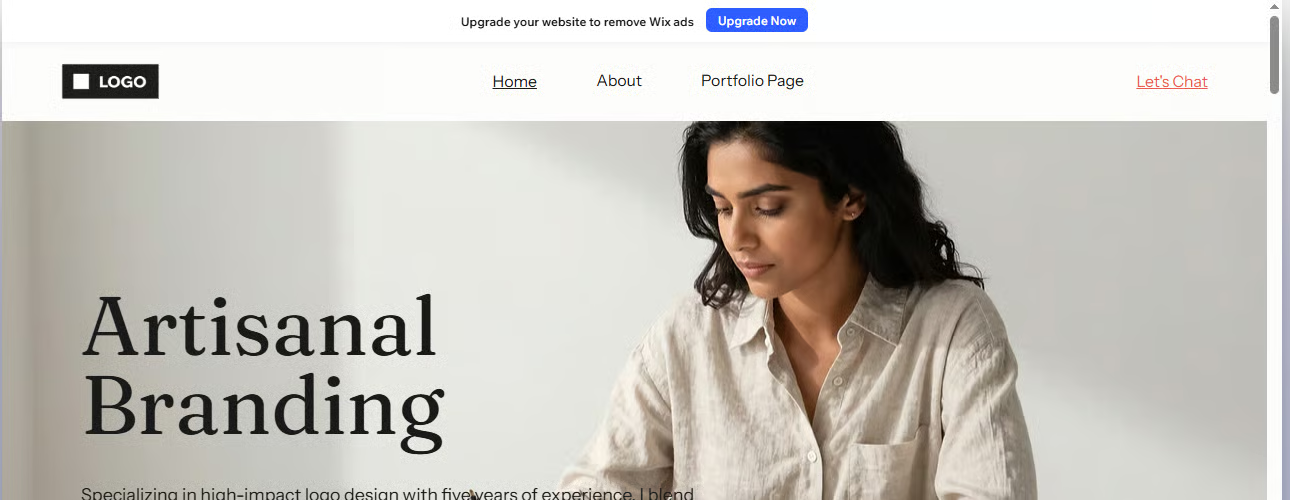
Free AI website created using Wix. Source
In its free plan, you get a drag-and-drop editor, AI website builder, and hosting, published on a Wix subdomain with Wix branding.
Best for: anyone who wants the best range of design and business tools without paying up front, and doesn't mind Wix branding while they test the idea.
The main difference between other AI builders and Framer's AI website builder is where the AI works. It’s right inside your project's canvas instead of a separate chat window.
Describe a change, and it builds real, editable pieces (pages, sections, copy, and images) you can adjust manually, the way a designer would.
It's also the only tool here whose AI checks your finished website for bad contrast, typos, missing alt text, and SEO gaps before you publish, and can pull in live data so a page keeps itself updated.
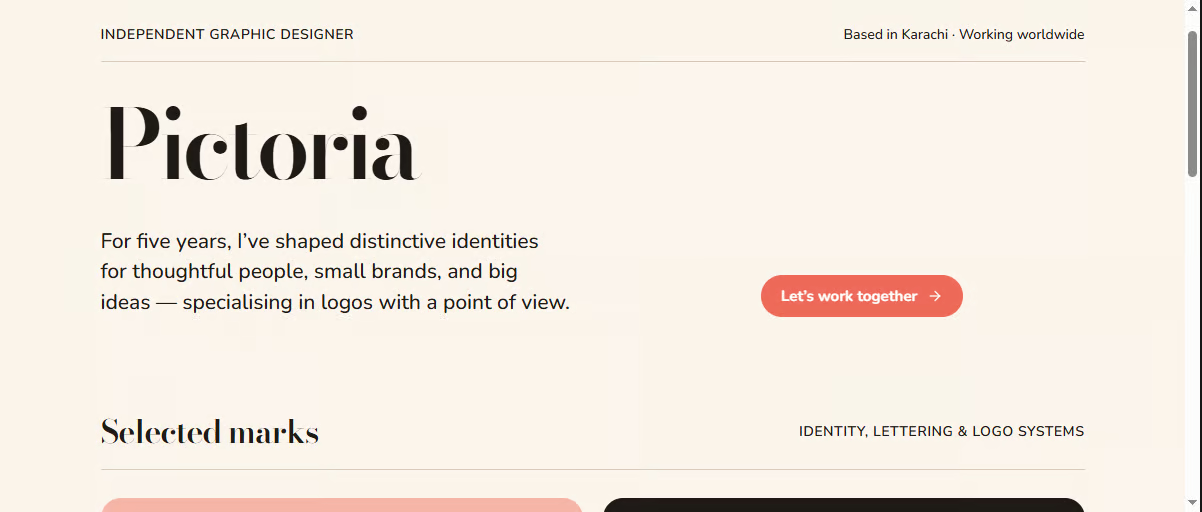
Free AI website created using Framer. Source
Its free plan comes with 500 credits to try the AI tools, a free Framer subdomain, 1 GB bandwidth, and the full design canvas.
Best for: people who want full control over how their website looks, even if it takes a bit more time, rather than something generic that comes together fast.
Quillbot AI website builder’s edge is that it's completely free without any trial, credit cap, or paywall between you and a published site.
It's a spin-off of Quillbot's writing tools, so the AI leans harder on generating clean, SEO-friendly copy than most builders here, and every design it produces comes out mobile-ready without any extra tweaking on your end.
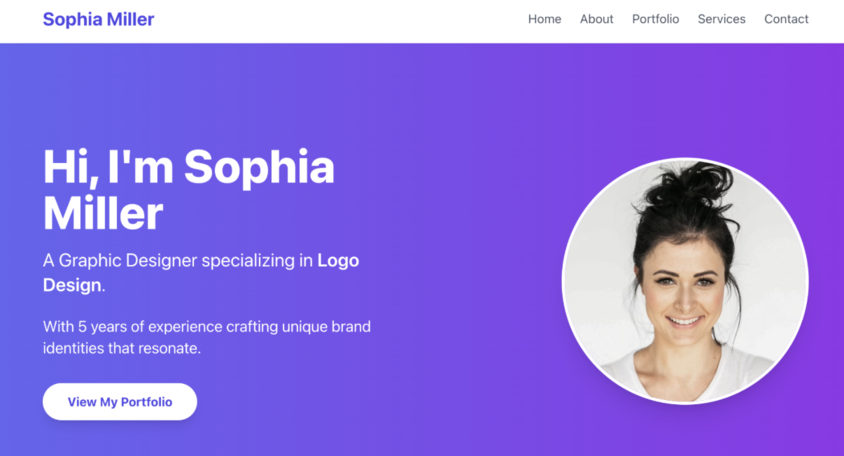
Free website designed using Quillbot. Source
But its downside is depth: it's built for simple pages like portfolios and landing pages, not stores or apps with accounts and databases.
Its free plan gives you full access to generate, edit, and publish websites, plus a shareable link.
Best for: people who want a simple website or landing page without ever hitting a paywall.
GoDaddy Airo is more than an AI website builder. It builds web apps, online stores, dashboards, and portfolios, all from one conversation. In fact, it even remembers your project's code across the board, so one change doesn't cause problems elsewhere in the site.
Security and uptime come standard too: automatic SSL, DDoS protection, and regular backups, without needing to opt in.
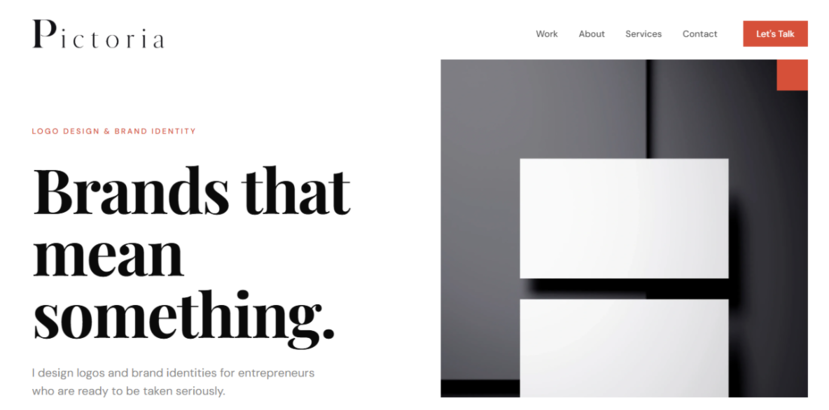
Free AI website created using GoDaddy Airo. Source
Its free plan gets you 50 AI credits/month for simple apps and websites, though no connected domains or code downloads.
Best for: people who want one tool that can build a website, a small online store, or a simple app, without learning a separate platform for each.
Canva's AI website builder is bundled into the same subscription as Canva's design tools, so anyone already using Canva for social posts or presentations gets a site generator for free, built on the same drag-and-drop editor and template library.
All you’ve to do is describe your idea and click the “Generate” button, and it starts processing your request.

Demo website created using Canva AI. Source
However, you can’t create e-commerce websites, and features like custom domains are also available in Canva Pro rather than a dedicated website plan.
Canva doesn't have a separate free plan for its website builder. Its free plan covers the whole platform, and website building is only one part of it.
That gets you the drag-and-drop editor, 1.6M+ templates, 4.7M+ photos/videos/graphics, and audio, 5GB of cloud storage, and up to 200 standard AI uses (or 20 premium AI uses) a month across all of Canva's tools. If you want to have a custom domain and remove Canva branding, upgrade to Canva Pro.
Best for: people who already use Canva and want a simple website without learning a new platform.
10Web can clone or redesign a website you already like — something none of the other tools specifically do.
Paste in a URL, and it rebuilds an editable copy without you having to edit the original, or pull a Figma design straight into a working WordPress website.
Since it runs on WordPress, ecommerce means real WooCommerce — product pages, cart, and checkout set up on their own — not a simplified in-house version.
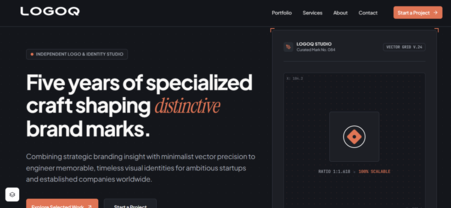
Free AI website created using 10Web. Source
In its free plan, you can generate one website for free, then it gives a one-week trial before a paid plan is required.
Best for: people who already have a design or an existing site they'd rather redesign than build from scratch.
Lovable builds websites the same way it builds apps: describe what you want, and it writes working code with a real database and login system behind it, instead of a static page.
You also get the code itself. Export it any time, which is rare among AI builders that quietly lock you into their own platform. But it has a limit: it builds for the web only, so if you want a native iOS or Android app, go for Replit.
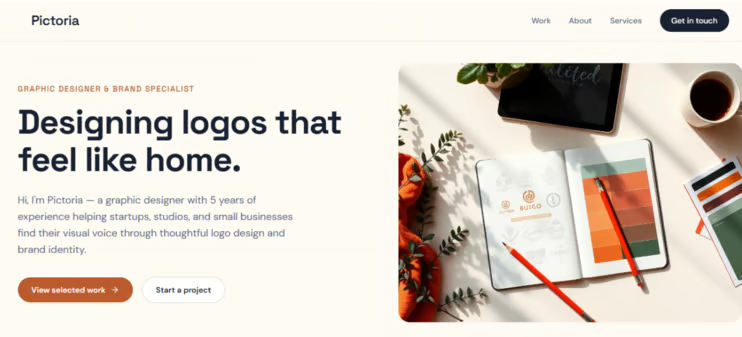
Free AI website created using Lovable. Source
In its free plan, you get 5 build credits daily (up to 30/month), 20 Cloud credits/month, and 4 credits for AI features in your apps.
Best for: those who want a web app and don't mind paying once the free credits run out.
Figma's edge is that it's the only AI builder here rooted in a professional design tool rather than a standalone site generator. It turns your prompts into a real website backed by actual code, where designers, developers, and stakeholders can work in the same file at once.
But remember it leans toward output you can hand to a developer to refine, not a finished product for someone with zero design background.

Free AI website created using Figma. Source
Its free plan (known as the Starter plan) comes with limited drafts and 150 AI credits/day and 500/month. It also includes advanced UI kits and templates.
Best for: teams who want a website that starts in a real design tool and can be handed off to developers.
Base44 treats a website like the front end of a bigger product. Describe your business, and you get real user accounts, a working database, and built-in integrations alongside the pages and copy instead of only a homepage.
It's also one of the few builders here where the AI stays in the conversation after launch. In case you want any changes, like a new page, it edits the live build in plain language.
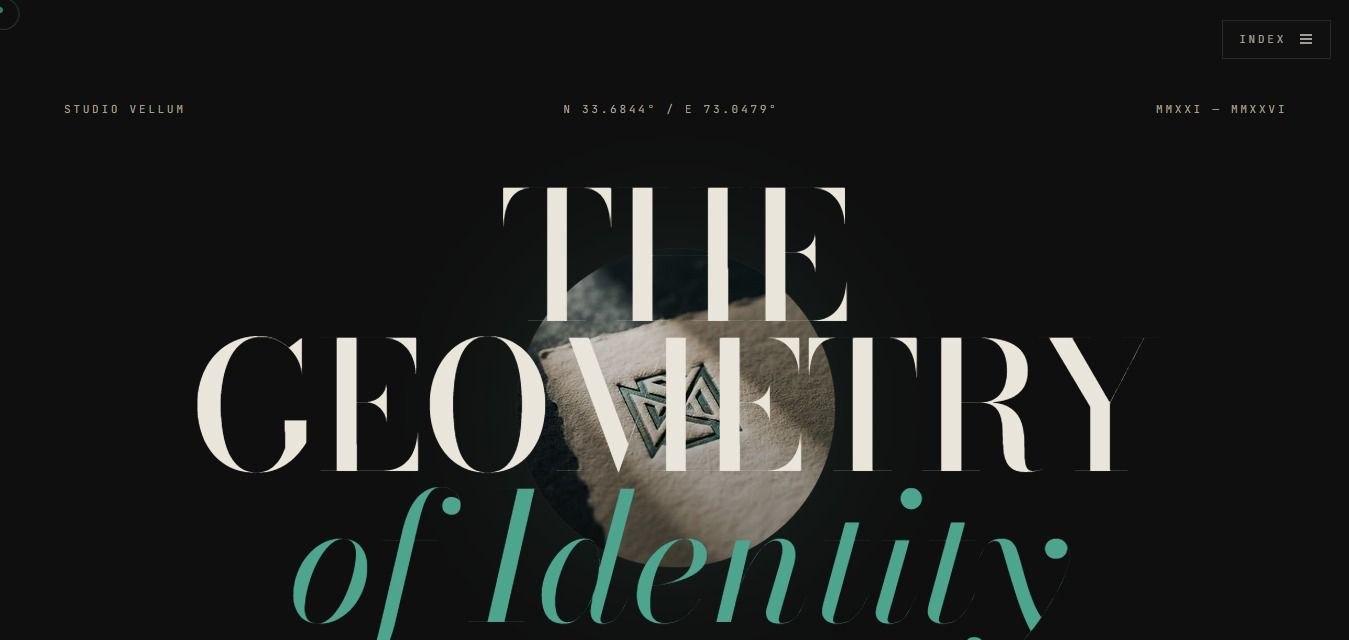
Free AI website created using Base44. Source
However, its free plan is tight on usage. You get the full builder, including authentication, database, analytics, and up to 5 projects, but message credits are capped at 5 a day (25 a month), which can run out fast in one focused building session. Custom domain publishing also requires upgrading to a paid plan.
Best for: people who want a website with real functionality, like logins, bookings, or a database, without hiring a developer.
Go with the tool that fits what you're building.
Choose a tool from the list above, prompt it about what you want, and see what comes back.
Once you've chosen a tool, the best thing you can do is get better at writing prompts. Our Understanding Prompt Engineering course teaches this in about an hour, including how to write a clear prompt, control what you get back, and tell if the AI got it right.
Learn AI with DataCamp
강의
강의
실습 문제하고 트랙하세요.
Google로 계속하기블로그
Laiba Siddiqui
15분
블로그
Brooke Webber
11분
블로그
Laiba Siddiqui
15분
블로그
Laiba Siddiqui
15분
블로그
Rajesh Kumar
15분
블로그
Adejumo Ridwan Suleiman
14분