Is your New Year’s resolution to land a data role or get to the next level in your career? Tell the world that you’re a data enthusiast by updating your LinkedIn cover image.
Google로 계속하기계속 진행하시면 다음 사항에 동의하는 것으로 간주됩니다: 이용약관 및 개인정보 처리방침 그리고 귀하의 데이터가 미국에 저장된다는 점에 동의하는 것으로 간주됩니다.
One of the best ways to stand out on LinkedIn is to use a custom LinkedIn cover image. The majority of LinkedIn users stick with the default LinkedIn cover image, which is a big missed opportunity. It’s easy to inject some personality into your profile and set yourself apart with an image that showcases your professional identity or aspirations.
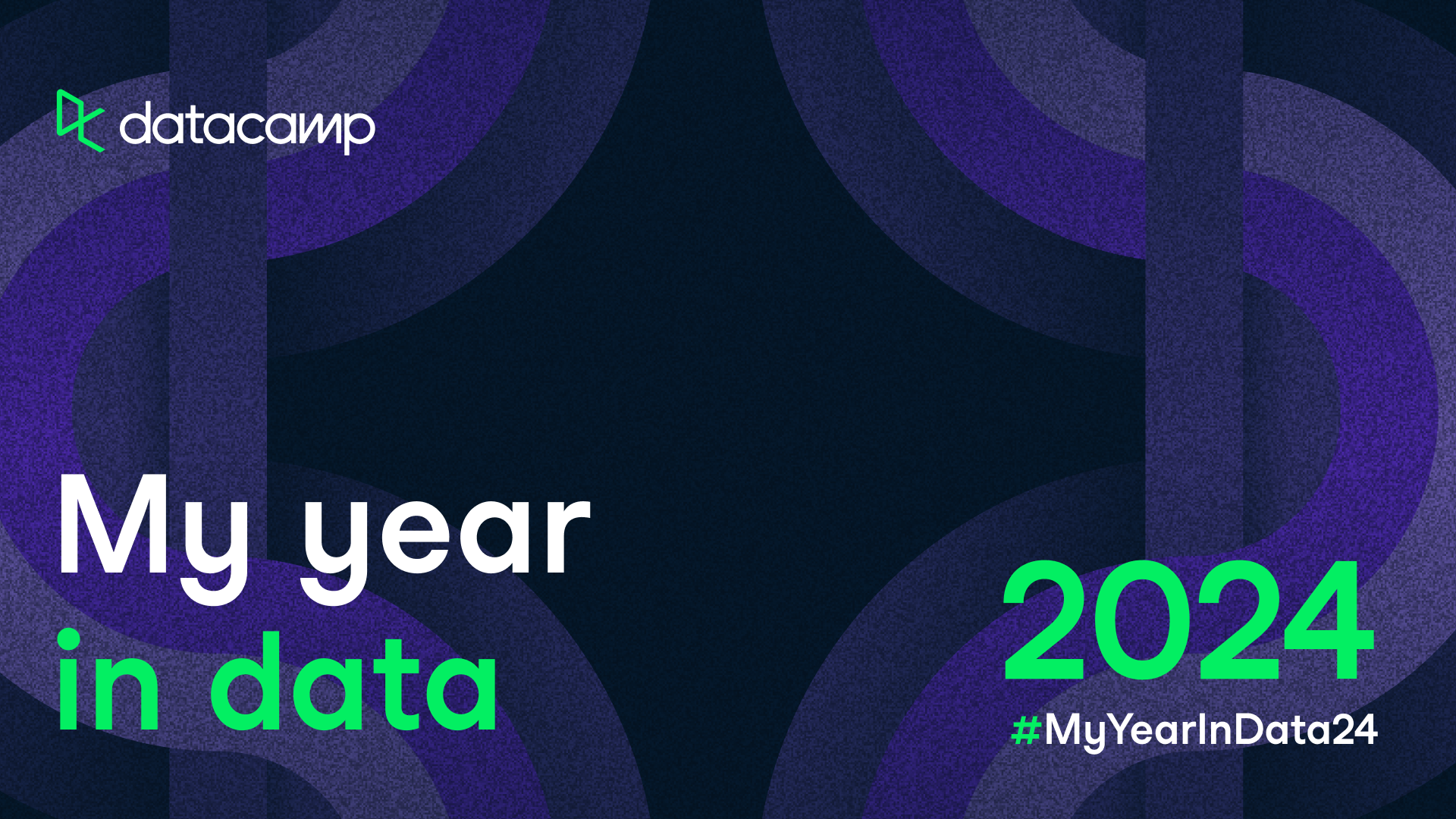
That’s why we’ve created custom LinkedIn cover images for some of the most common data roles and identities. This is what mine looks like as a reference:
If you’d like to update your LinkedIn profile like mine, just click the description below that best matches your identity to download the cover image:
Let us know what you think about these banners on LinkedIn, Twitter, Facebook, or Instagram! We hope this will be a fun way for you to express your love of data.
By certifying job readiness for data roles, we’re helping learners progress from learning to earning and we’re helping employers find and recognize the data talent they need.
From how to share your data science certificate on LinkedIn to other data science job hunting tips, find out how to get a data science job after getting certified!

 DataCamp Team• 3분

 Michael Burkhardt• 6분


One of the best ways to stand out on LinkedIn is to use a custom LinkedIn cover image. The majority of LinkedIn users stick with the default LinkedIn cover image, which is a big missed opportunity. It’s easy to inject some personality into your profile and set yourself apart with an image that showcases your professional identity or aspirations.
That’s why we’ve created custom LinkedIn cover images for some of the most common data roles and identities. This is what mine looks like as a reference:
If you’d like to update your LinkedIn profile like mine, just click the description below that best matches your identity to download the cover image:
To add the image as your background photo on LinkedIn:
For additional assistance, view the LinkedIn help article.
Let us know what you think about these banners on LinkedIn, Twitter, Facebook, or Instagram! We hope this will be a fun way for you to express your love of data.