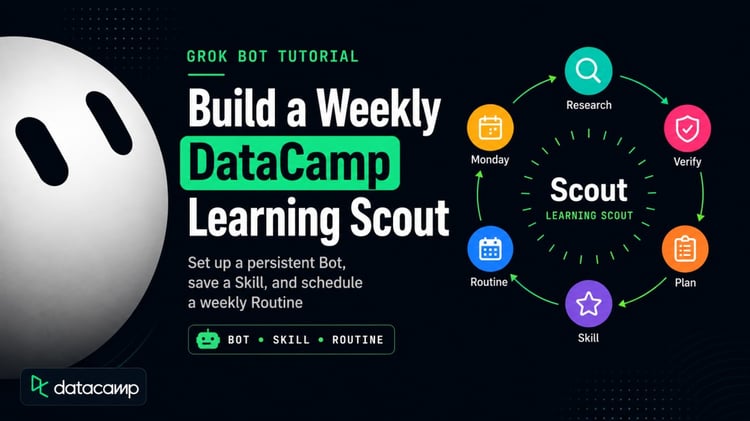
AI coding assistants are changing how quickly developers can move from idea to working software. But getting good results still requires more than prompting: you need to define what you want, test what gets built, debug what goes wrong, and iterate.
In this code-along, Ken Rose, Founder of TidyApply, will use Grok Build to create a standalone Chrome new tab extension from scratch. You will prompt Grok, write the files, load the extension in Chrome, test it, and change it live. By the end, you will have a working extension and a repeatable AI assisted development workflow you can use for your own projects.
Key Takeaways
- Learn how to turn a software idea into working code with Grok Build using clear, iterative prompts.
- Learn a practical AI assisted development loop: build, load, test, debug and iterate.
- Build a working Chrome extension that replaces the new-tab page, using Grok Build from start to finish.
Onderwerpen