Automate Your Post-Meeting Workflow with Make
Anmol shows you how he uses AI to turn meeting transcripts into sales development notes.

Anmol Aroz
Создать бесплатный аккаунт
Практикуйтесь и следите за своим прогрессом.
Продолжить с GoogleПродолжая, вы принимаете нашу Условия использования, наши Политику конфиденциальности и то, что ваши данные хранятся в США.Связанное

Учебное руководство
LangChain v1: Build an Auto Meeting Recap Assistant
Learn how to build an Auto Meeting Recap Assistant with LangChain v1 that summarizes meetings, extracts action items, and sends approved recaps to a Google Doc using the latest features like create_agent and content blocks.
 Aashi Dutt · 14 min

Учебное руководство
Make AI: A Guide With Practical Examples
Learn what Make is, how to use it to create AI agents that automate tasks, and how it compares to n8n.
 François Aubry · 8 min

Учебное руководство
n8n Workflow Builder Tutorial: Automate Daily Standups
Learn how to use n8n Workflow Builder to automate your daily standups. Connect Google Calendar, summarize with AI, and create daily digests.
Aashi Dutt · 9 min

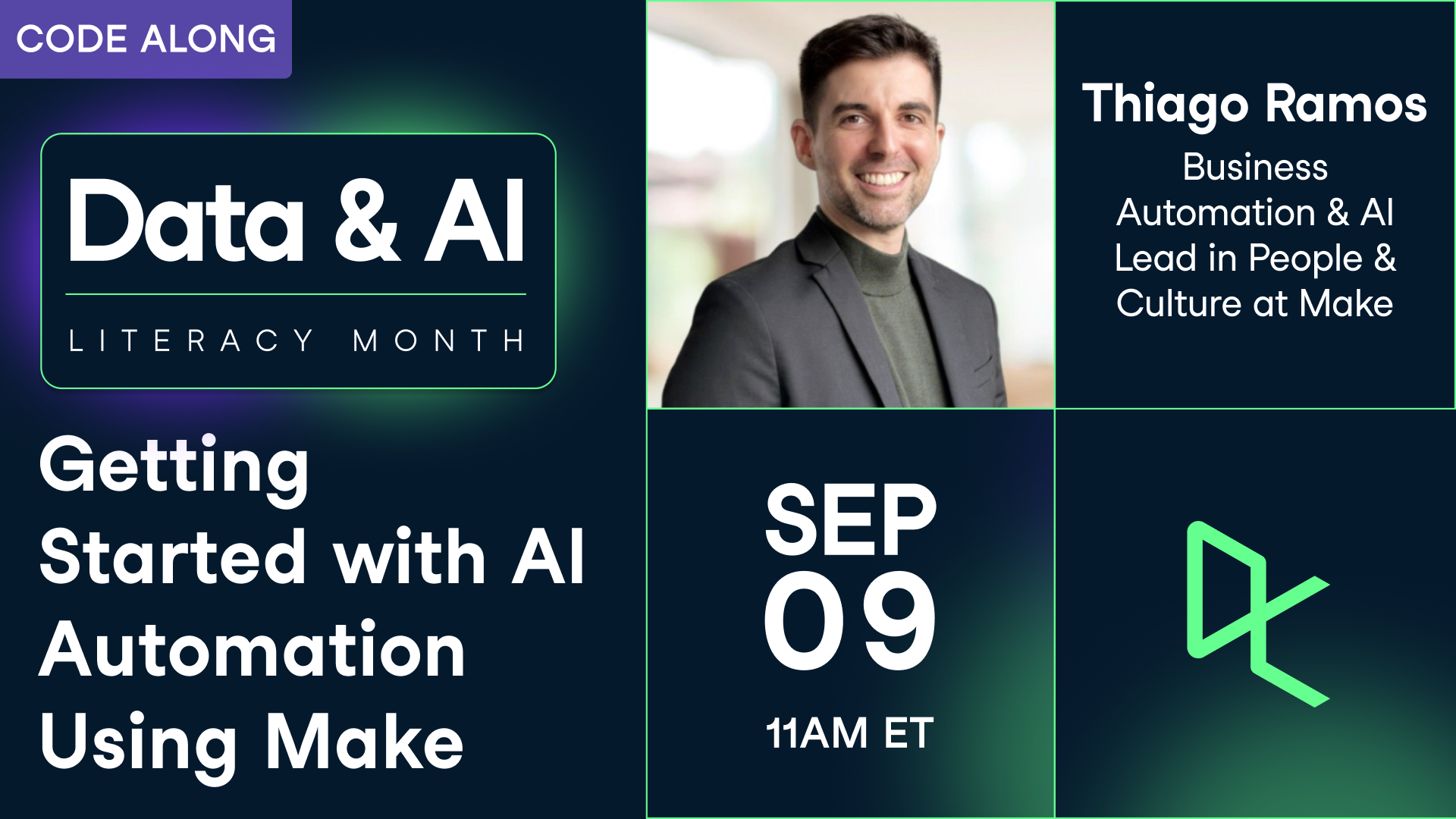


Following up after meetings is essential—but it can also be one of the most time-consuming and repetitive tasks in business development.
As a Business Development Representative at DataCamp, Anmol is often the first point of contact when large enterprises are evaluating DataCamp as a potential data and AI solution.
In this webinar, Anmol will show you how he uses AI to turn meeting transcripts into MEDDPICC notes—the sales methodology of choice at DataCamp—to create a common language for sales teams. He’ll also walk you through how this workflow powers personalized summaries and follow-up emails, helping reps save time, stay aligned, and close deals faster.
Key Takeaways:
Session Resources