

Corso
Modelli multi-modali con Hugging Face
4 ore
2.2K
Pratica and corso your progress.
Continua Con GoogleI generatori video con AI ci aiutano a trasformare idee finanziarie complesse in contenuti visivi coinvolgenti. Rendono più facile spiegare i concetti di trading ed educare il pubblico. Senza contare la creazione di contenuti di marketing senza i tempi e i costi della produzione video tradizionale.
Gregor Emmian, Deputy Chief Digital Growth Officer at Rise
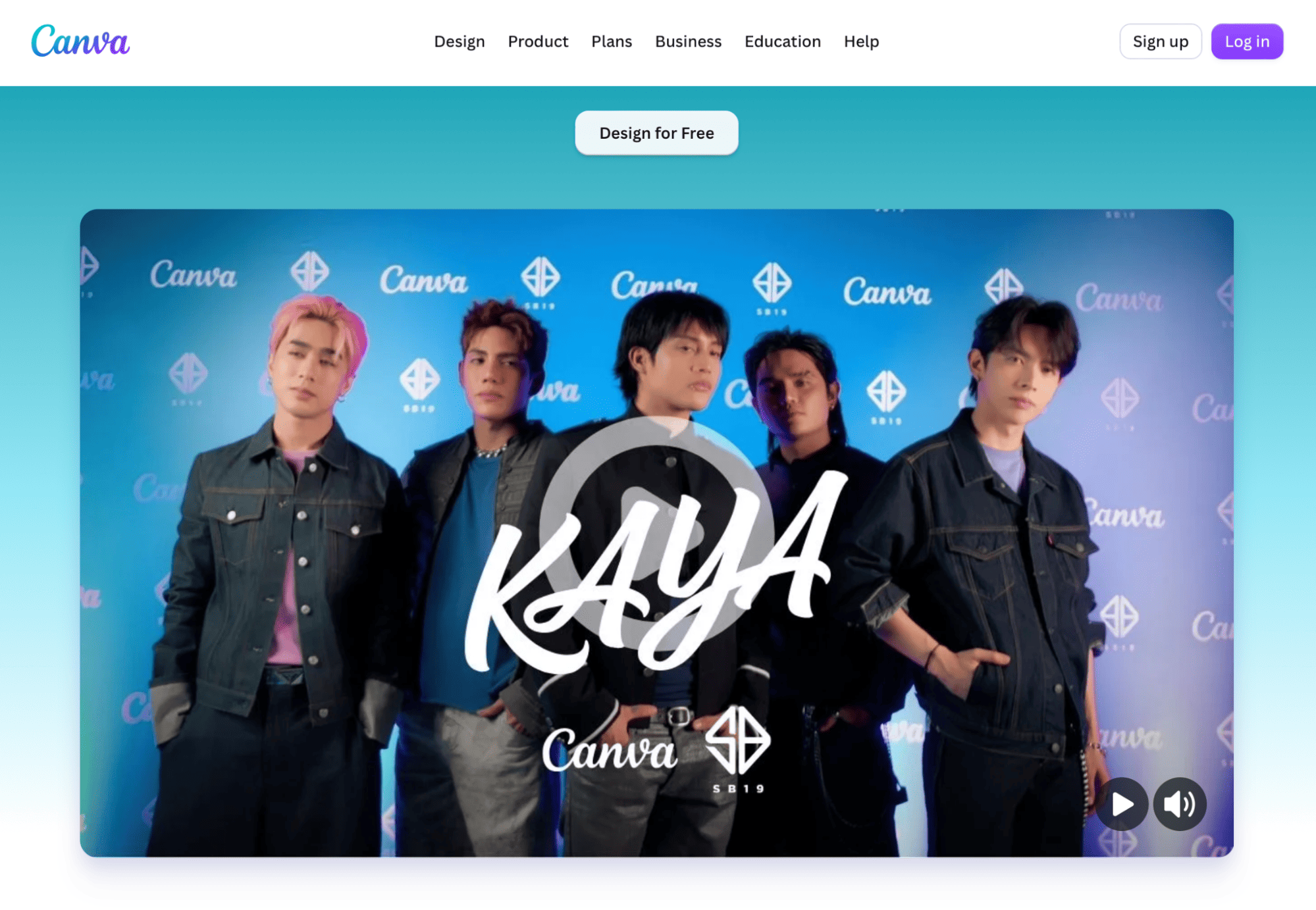
La "Magic Media" di Canva porta il text-to-video su una piattaforma che molti team già usano per post social, slide e stampa. È meno incentrata sulla pura arte filmica generativa e più sul portare a termine un video completo e coerente con il brand.
Funzionalità:
|
Pro |
|
|
Contro |
|
Limitazioni della versione gratuita e upgrade:
Il piano gratuito include template base e crediti Magic Media limitati. La versione Pro sblocca Brand Kit, più asset, background remover e opzioni di export superiori.
Approfondimenti degli esperti:
Deven Patel, fondatore di Role, vede gli strumenti video AI come un ulteriore modo per le persone di comunicare competenze ed esperienza, soprattutto quando CV tradizionali e candidature scritte non raccontano tutta la storia.
Patel spiega:
Il video AI offre alle persone un altro modo per mostrare ciò che sanno fare invece di limitarsi a dirlo. Un candidato potrebbe usarlo per creare una breve presentazione, spiegare un progetto o dare vita a un portfolio. Lo stesso vale per aziende e creator: quando l'AI rende più semplice produrre video, l'attenzione può spostarsi dal processo di produzione alla storia e al valore comunicati.
Deven Patel, Founder of Role
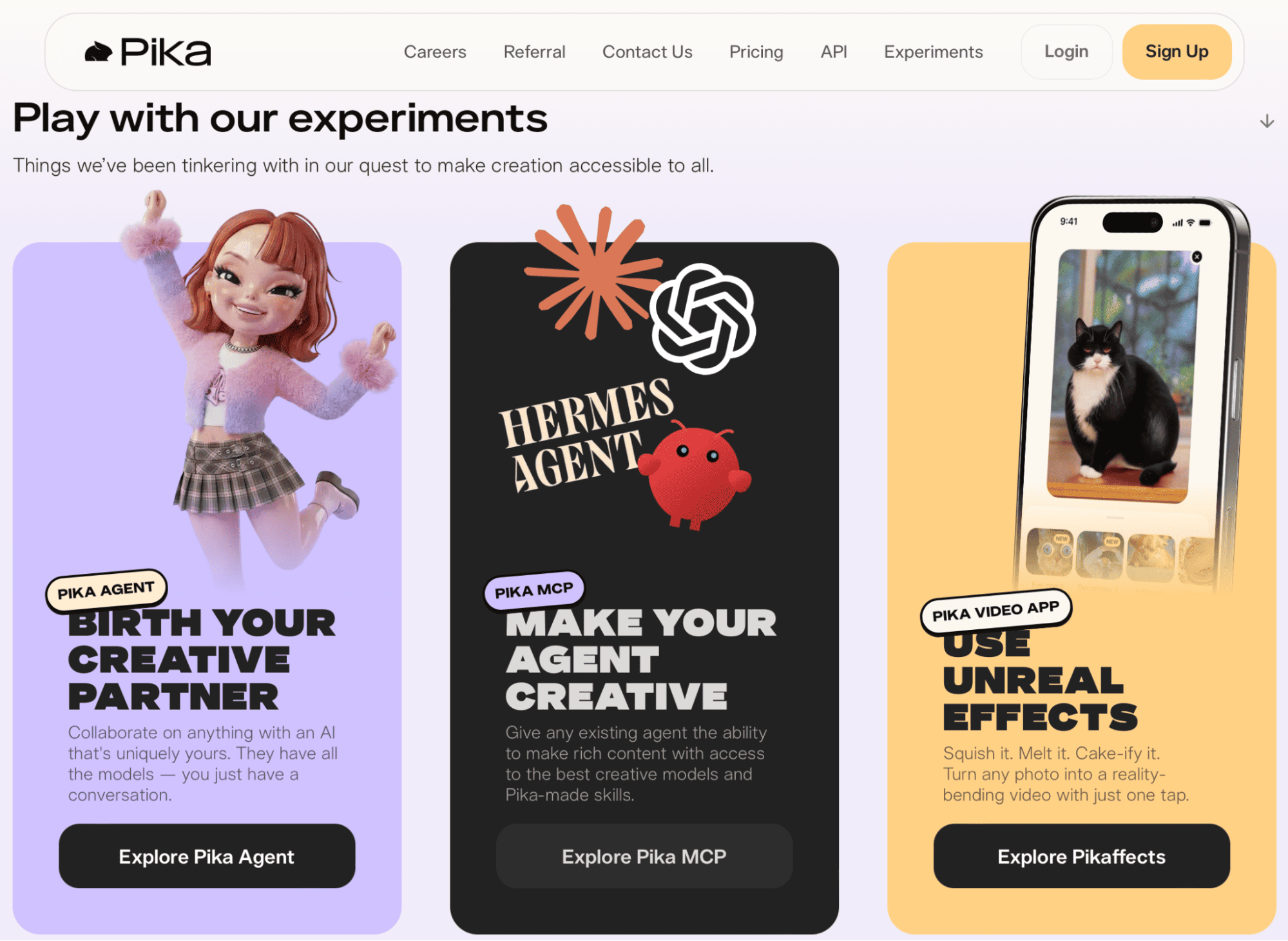
Pika art è specializzato in generazioni text-to-video e video-to-video rapide e creative con controlli giocosi. Ottimo per ideare stili, variazioni visive e motion graphic pronti per i social.
Funzionalità:
|
Pro |
|
|
Contro |
|
Limitazioni della versione gratuita e upgrade:
Il livello gratuito offre crediti giornalieri limitati, clip brevi e watermark. I livelli a pagamento estendono durata, risoluzione e opzioni d'uso commerciale.
Approfondimenti degli esperti:
Per Rawad Baroud, CEO di ZeroGPT, i generatori video AI possono rendere molto più semplice comunicare e comprendere temi tecnologici complessi.
Li vede come un modo pratico per i team tech di trasformare concetti di AI e informazioni tecniche in contenuti visivi coinvolgenti senza il tempo e le risorse di una produzione video completa.
Baroud condivide:
I generatori video con AI offrono ai team tech un modo più veloce per trasformare idee complesse in visual coinvolgenti. Possono aiutare a spiegare concetti di AI e mostrare funzionalità di prodotto. Possono persino creare contenuti educativi o social senza bisogno di un setup di produzione video completo.
Rawad Baroud, CEO of ZeroGPT
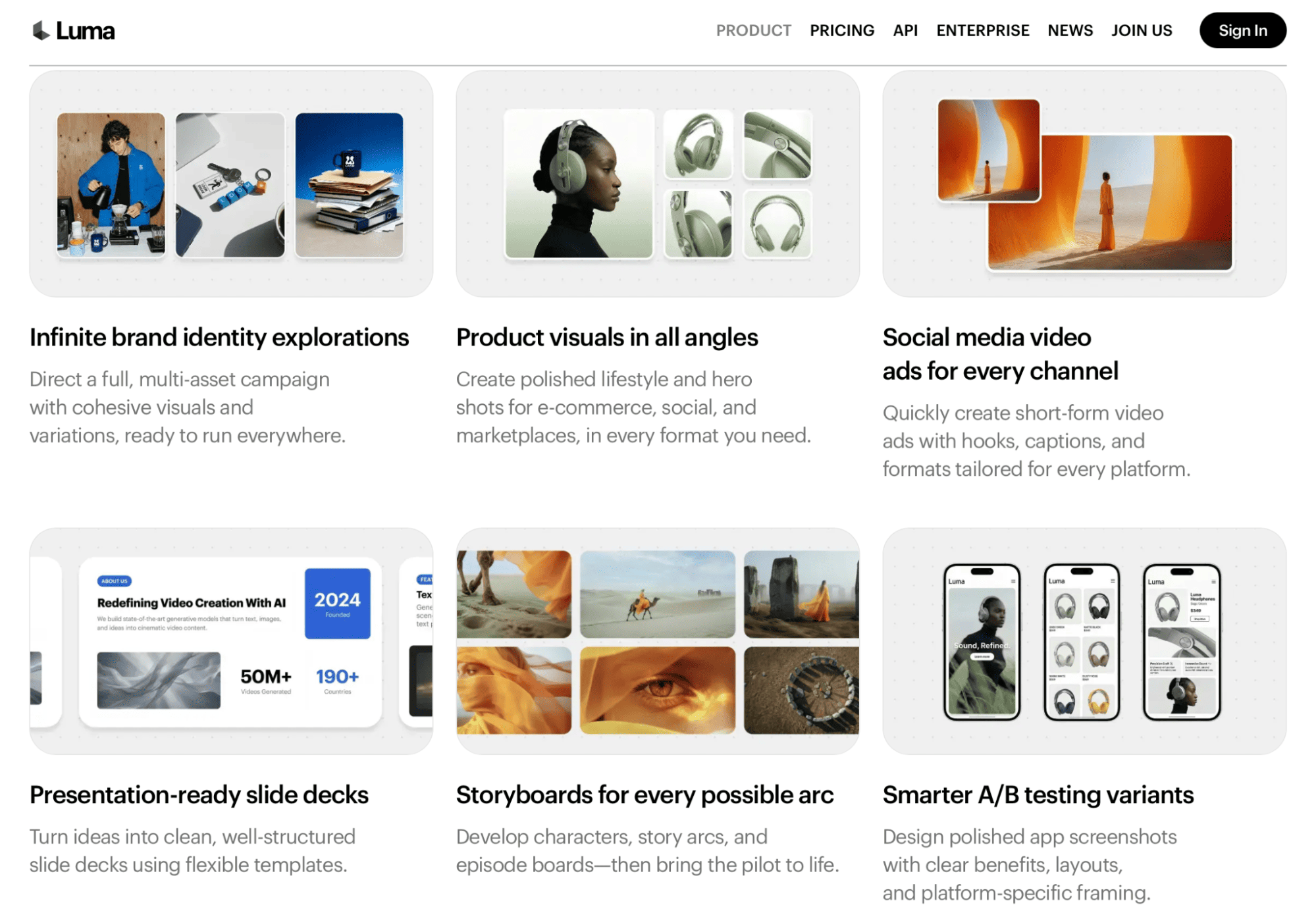
Luma Dream Machine è un generatore video AI per creare clip realistiche e cinematografiche da testo, immagini, filmati esistenti e altri clip. Particolarmente utile per scene fotorealistiche, concept creativi e visual storytelling.
Funzionalità:
|
Pro |
|
|
Contro |
|
Limitazioni della versione gratuita e upgrade:
Il piano gratuito di Luma offre crediti limitati. Prevede elaborazione a priorità inferiore e output con watermark di qualità bozza. I piani a pagamento forniscono più crediti, elaborazione più rapida, generazione di qualità superiore e diritti d'uso commerciale.
Approfondimenti degli esperti:
Parola a Nick Mendez, Founding Partner e CEO di Horton & Mendez. Vede la generazione video con AI come un'opportunità per i professionisti legali di rendere più accessibili informazioni complesse.
I servizi legali spesso implicano concetti che possono essere difficili da comprendere solo attraverso il testo. I video generati con AI possono aiutare gli studi legali a creare contenuti educativi e spiegare i processi legali. Possono presentare i loro servizi in un formato più visivo e memorabile.
Mendez osserva:
I generatori video con AI offrono ai professionisti legali un altro modo per spiegare chiaramente argomenti giuridici complessi. Possono aiutare gli studi legali a creare contenuti educativi e a comunicare i propri servizi in modo più comprensibile e memorabile per i clienti
Nick Mendez, Founding Partner and CEO of Horton & Mendez
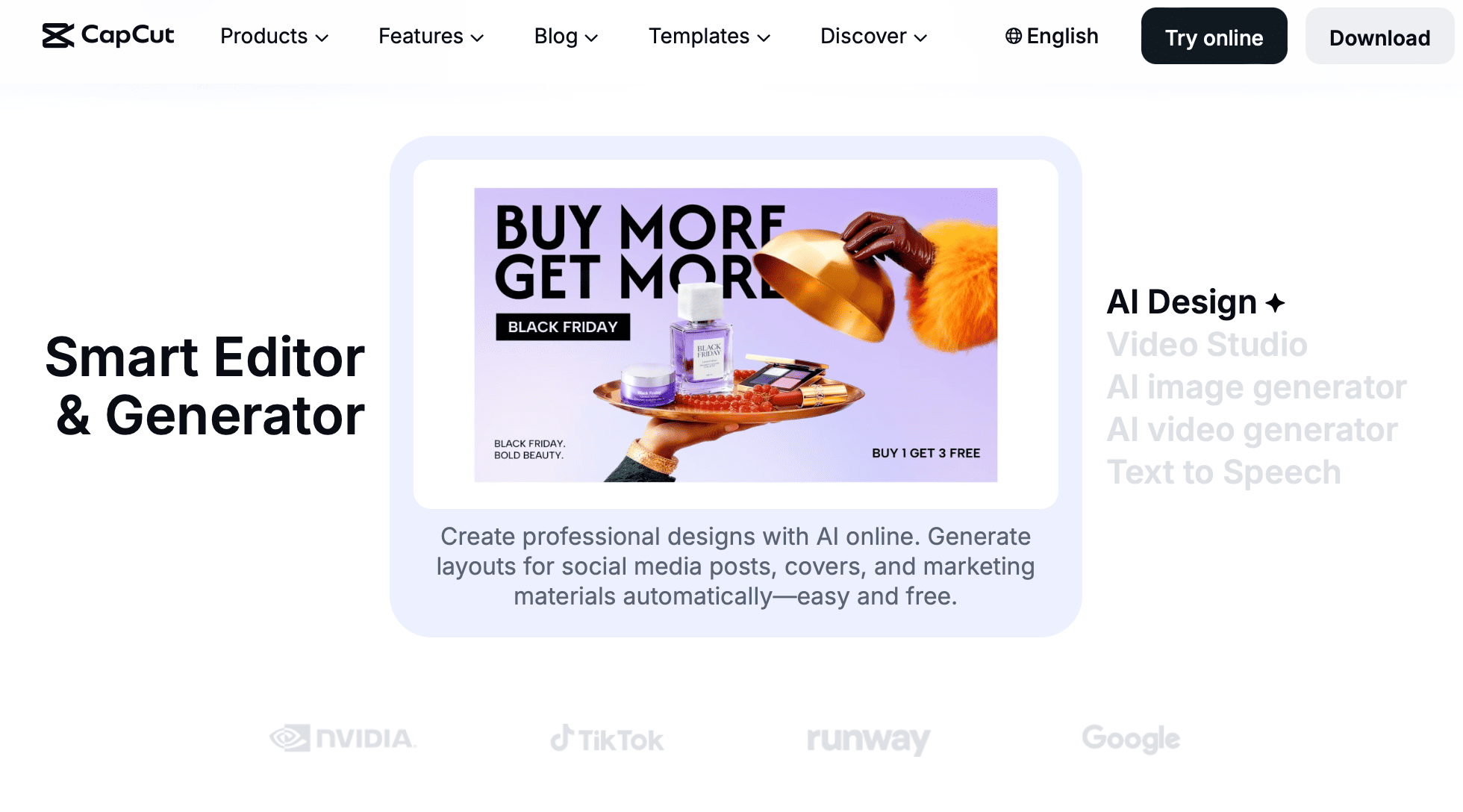
CapCut è un editor video con AI che combina strumenti di montaggio automatizzati con template, effetti, sottotitoli e contenuti generati dall'AI. È particolarmente utile per creare velocemente video brevi per i social.
Funzionalità:
|
Pro |
|
|
Contro |
|
Limitazioni della versione gratuita e upgrade:
Il piano gratuito di CapCut offre accesso agli strumenti di montaggio principali, template, effetti e alcune funzionalità AI. Strumenti AI avanzati, asset premium, opzioni di export superiori e funzionalità aggiuntive richiedono un piano a pagamento.
Approfondimenti degli esperti:
David Lamulle, titolare di Lamulle Construction, sottolinea come i generatori video AI possano aiutare le imprese di costruzioni marine a trasformare il lavoro quotidiano sui progetti in contenuti di marketing utili.
Gran parte del lavoro è altamente visivo ma difficile da comunicare tramite testo o immagini statiche. Il video facilita la documentazione dei progetti, la spiegazione delle diverse fasi costruttive, la presentazione dei lavori completati e l'aggiornamento dei potenziali clienti.
Lamulle afferma:
Gli strumenti video AI facilitano alle imprese di costruzioni marine la trasformazione dei filmati di progetto in contenuti professionali.
David Lamulle, Owner of Lamulle Construction
Confrontando i generatori video AI, puoi prendere decisioni informate nella scelta dello strumento giusto.
Ecco il mio consiglio:
Se voglio movimento cinematografico guidato dal modello e sono a mio agio a iterare sui prompt, Runway e Pika sono in cima alla lista della "pura generazione AI".
Runway tende a offrire un movimento più realistico con migliore illuminazione e lavoro di camera. Pika invece punta su rapidità e gioco. Luma spesso realizza gli scatti più fotorealistici. Tuttavia, code e limiti di durata delle clip possono rallentarmi.
Per i team che pubblicano molto contenuto di marketing e formazione, Canva e CapCut vincono sul tempo di pubblicazione.
Perché? Perché hai template, sottotitoli, asset di brand e impostazioni sicure che appaiono pulite già al primo colpo.
Non eguaglieranno le sfumature dei modelli generativi avanzati. Ma ti aiuteranno a muoverti rapidamente tra le piattaforme.
Watermark, durata delle clip e risoluzione sono le grandi leve che separano gratuito e a pagamento. I livelli gratuiti sono convenienti quando sto:
Gli upgrade iniziano a ripagarsi quando ho bisogno di:
I marketer continuano a vedere il video come un investimento solido.
Nello studio annuale di Wyzowl, una grande maggioranza riporta ROI positivo dai contenuti video. E molti pianificano di aumentare di nuovo la spesa quest'anno. Ecco perché oltre il 90% usa il video come strumento di marketing:
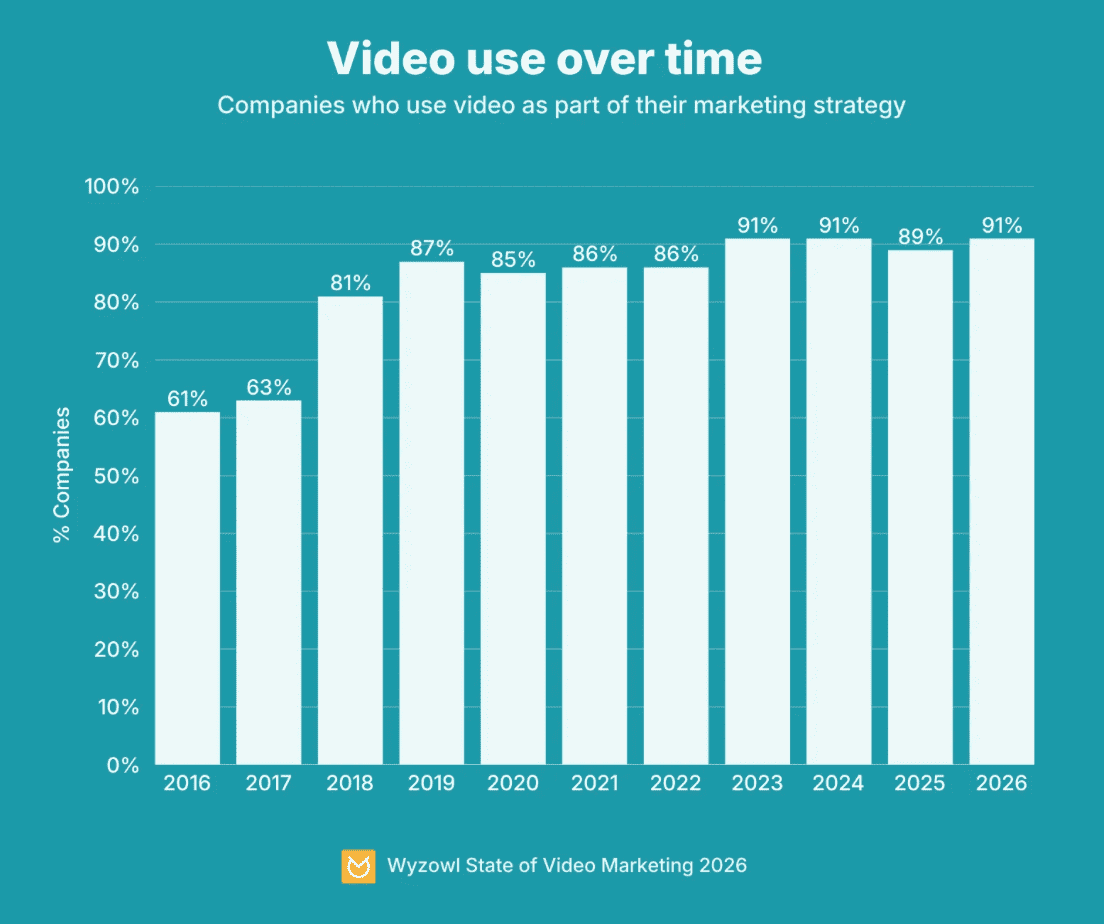
Se il piano gratuito offre i risultati di cui abbiamo bisogno, ottimo. Altrimenti, anche un livello a pagamento modesto può sbloccare molto potenziale inespresso.
Parti dal lavoro. Non dallo strumento. È più importante chiarire cosa stiamo davvero creando prima di iscriverci a qualsiasi cosa.
Clip brevi per i social e video di formazione interna richiedono punti di forza diversi. Una volta definito il lavoro ed essendo onesti sul nostro livello tecnico, lo strumento giusto tende a emergere da solo.
Qualche consiglio:
Dal punto di vista del budget, prova a pubblicare un contenuto reale con un livello gratuito prima di fare upgrade.
Se un paywall blocca un passaggio critico (pensa alla qualità di export, rimozione watermark, clip più lunghe), è il segnale per salire di un livello.
Altrimenti, resta sul gratuito e investi tempo nel migliorare prompt e script.
Il miglior generatore video AI gratuito da testo è quello che ci porta velocemente a una bozza utile.
Runway brilla per scene generative ambiziose. Canva per la produzione end-to-end con template. E Pika per un movimento rapido e creativo.
La maggior parte dei team può iniziare con i livelli gratuiti se adatta i contenuti ai limiti e pianifica intorno a watermark e durata delle clip.
Ci stiamo avvicinando a un marketing in cui i video si adattano allo spettatore e un singolo template può generare al volo innumerevoli versioni su misura.
Gli strumenti comprendono sempre meglio i prompt in linguaggio naturale, così il montaggio sembrerà più una conversazione che un compito tecnico.
Accesso facile agli strumenti, personalizzazione video, editing in tempo reale e maggior controllo renderanno i flussi di lavoro di oggi superati.
Nel frattempo, un brief chiaro, prompt efficaci, creatività e uno strumento in linea con il tuo livello di comfort ti porteranno lontano.
Tieni un piccolo foglio di calcolo con i limiti dei livelli gratuiti per i tuoi due strumenti principali: crediti, durata massima, qualità di export e regole sul watermark. Sembra pignolo, ma eviterà sorprese dell'ultimo minuto quando la scadenza incombe.
Per approfondire i migliori strumenti per produzione, montaggio, pubblicazione e promozione video, iscriviti al nostro webinar su come creare un video AI.
I migliori corsi DataCamp
Corso
Programma
Pratica and corso your progress.
Continua Con Googleblog
Abid Ali Awan
15 min
blog
Abid Ali Awan
10 min
blog
Tim Lu
12 min