课程
职场 AI 入门
2 小时
121.9K
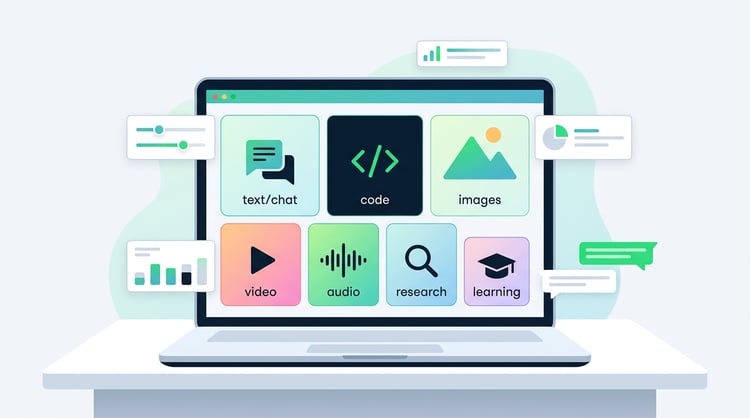
AI tools have moved well past the novelty stage. There's now a purpose-built AI tool for almost every task on your to-do list, be that drafting documents, writing code, building presentations, or managing workflows. But which ones are actually worth your time?
This list of the best AI productivity tools is for anyone who wants to work faster and smarter: marketers, writers, students, data scientists, developers, and anyone in between. I've organized it by category so you can jump straight to the area that matters most to you. Every tool here earns its place for a specific reason, not just because it has "AI" in the name.
I selected these tools based on practical utility, quality of AI integration, and how well they fit into real workflows. I use most of these in my daily workflows, while others I've experimented with and can see the benefits (and will no doubt integrate them eventually!). Pricing and features change quickly in this space and vary by region, so I'd recommend checking each tool's site for the latest tiers before committing.
Here's a quick overview of all 18 AI for productivity tools covered in this guide, organized by category.
| Tool | Category | Best for | Pricing |
|---|---|---|---|
| ChatGPT | General AI assistant | Versatile text, code, and reasoning tasks | Freemium |
| Claude | General AI assistant | Long documents, nuanced writing, coding | Freemium |
| Perplexity AI | Research and search | Cited, real-time web research | Freemium |
| NotebookLM | Research and knowledge management | Synthesizing your own documents | Free |
| Grammarly | Writing assistance | Grammar, tone, and clarity editing | Freemium |
| Jasper AI | Writing assistance | Marketing copy and brand-consistent content | Paid |
| Notion AI | Productivity and organization | Summarizing and drafting inside Notion | Add-on (paid) |
| n8n | Workflow automation | Visual automation and AI agent builder | Freemium |
| Granola | Meeting productivity | AI-enhanced meeting notes | Freemium |
| Canva Magic Studio | Design | AI-assisted visual content creation | Freemium |
| Synthesia | Video creation | AI avatar videos without a camera | Paid |
| ElevenLabs | Audio and voice | Realistic AI voice generation | Freemium |
| Napkin.ai | Visual communication | Turning text into diagrams and visuals | Freemium |
| Cursor | Coding | AI-native code editor for developers | Freemium |
| DataLab | Data science | AI-assisted data analysis in notebooks | Freemium |
| GitHub Copilot | Coding | In-editor code suggestions and completions | Freemium |
| Otter.ai | Meeting productivity | Real-time transcription and meeting summaries | Freemium |
| Midjourney | Design and image generation | High-quality AI image creation | Paid |
Below, I've grouped the tools by category. Within each category, I've tried to be honest about where each tool shines and where it falls short. No tool does everything well.
These are the Swiss Army knives of AI productivity. If you only adopt one or two AI tools, start here.
ChatGPT remains the most widely used AI assistant, and for good reason. It handles an enormous range of tasks: drafting emails, writing code, explaining concepts, summarizing documents, and working through complex reasoning problems. The GPT-5.5 model supports text, images, and voice input in the same conversation.
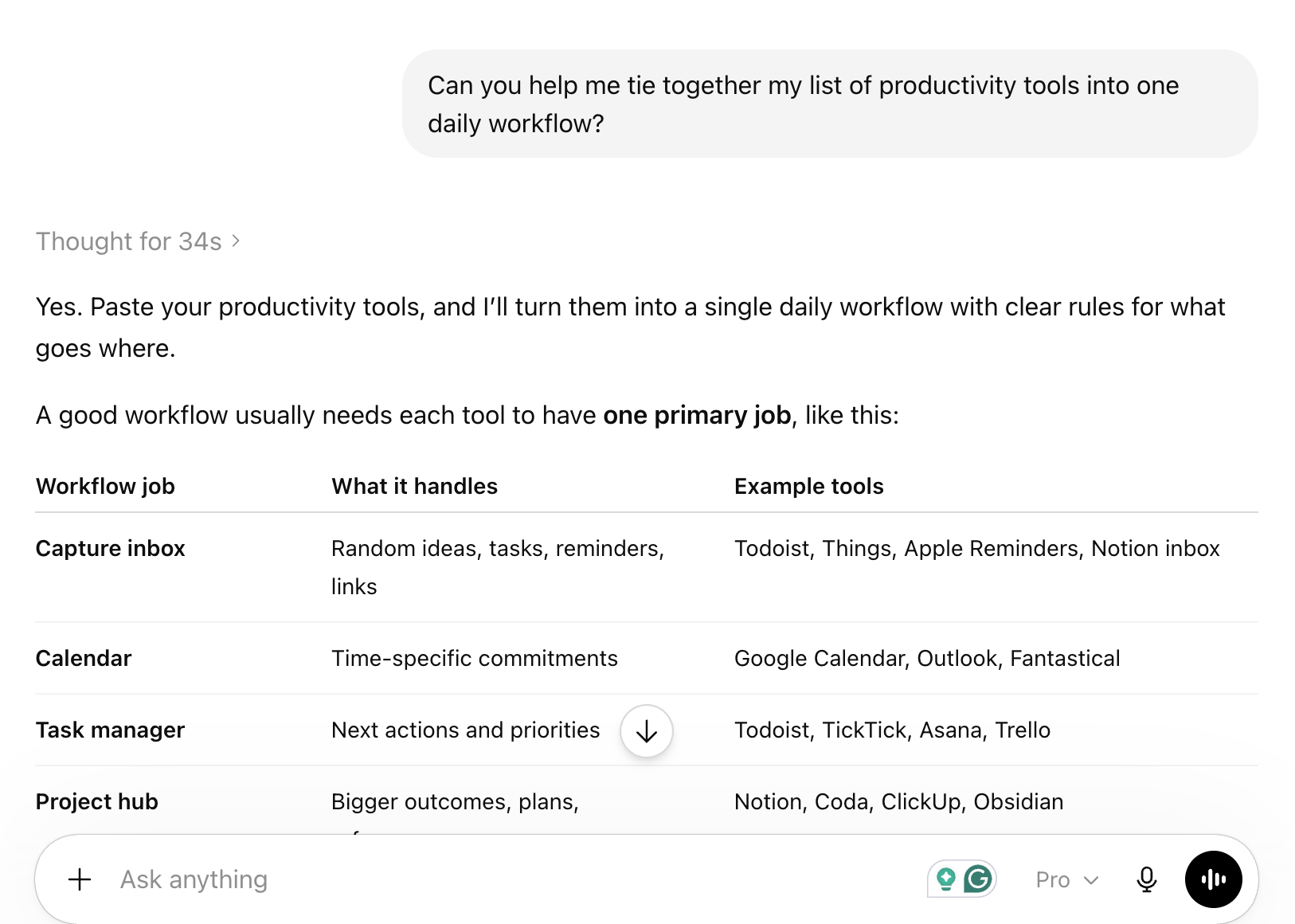
The free tier gives you access to GPT-5.5 with some usage limits. ChatGPT Plus ($20/month) removes most of those limits and adds access to newer models and features like memory and custom GPTs. For most people, the free tier is a reasonable starting point.
Best use case: General-purpose drafting, brainstorming, and coding help when you don't need a specialized tool.
Best resource to get started: ChatGPT Fundamentals skill track
Claude is my preferred assistant for anything involving long documents or nuanced writing. Anthropic's models handle large context windows well, which makes Claude particularly useful for reviewing lengthy reports, codebases, or research papers in a single session.
Claude also tends to produce more careful, measured prose than ChatGPT, which I find useful for professional writing. The free tier is genuinely usable, and Claude Pro ($20/month) adds priority access and higher usage limits. If you're doing serious document work, Claude is worth trying alongside ChatGPT rather than instead of it. I also highly recommend using Claude Code if you're trying to build projects to help with productivity.
Best use case: Reviewing and summarizing long documents, drafting professional content, and coding assistance.
Best resource to get started: Introduction to Claude Models course
Perplexity sits in an interesting middle ground between a search engine and an AI assistant. Every answer comes with cited sources, which makes it far more trustworthy than a standard chatbot for research tasks. It pulls from the live web, so the information is current rather than frozen at a training cutoff.
The free tier is genuinely useful for everyday research. Perplexity Pro ($20/month) adds access to more capable models and higher query limits. I use Perplexity when I need a quick, sourced answer to a factual question rather than a generated response I'd have to verify myself. I've also used it in agentic AI tools as my go-to deep researcher when the latest info is crucial.
Best use case: Research tasks where you need current, verifiable information rather than generated content.
Best resource to get started: Getting started with Perplexity guide
These tools go beyond general chat to help you work with your own documents and knowledge bases.
NotebookLM is one of the more underrated tools on this list. You upload your own documents, PDFs, or URLs, and it builds a private AI assistant that answers questions based only on those sources. There's no hallucination from general training data because the model is grounded in what you've given it.
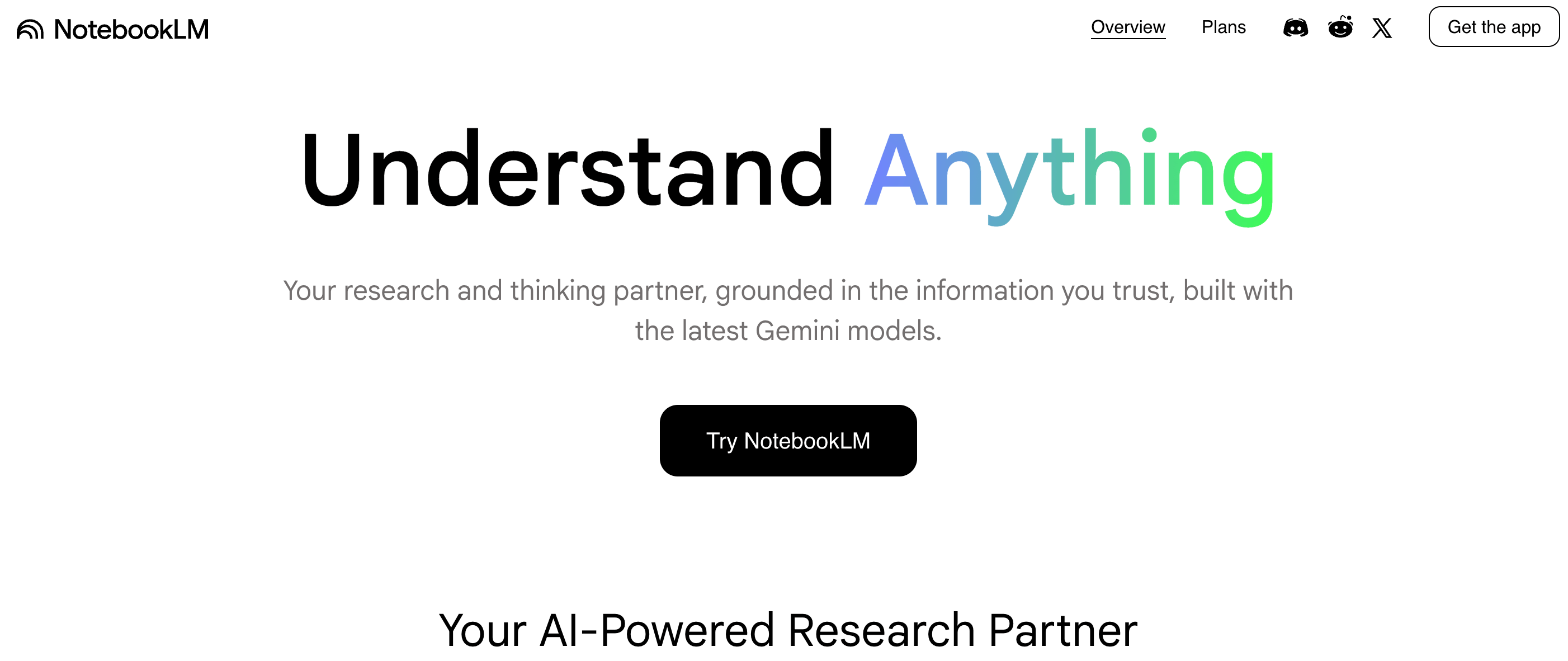
The Audio Overview feature generates a podcast-style conversation summarizing your sources, which is a genuinely novel way to absorb dense material. NotebookLM is currently free to use. For researchers, students, and anyone who works with large volumes of source material, it's one of the most practical tools available right now.
Best use case: Synthesizing research papers, reports, or any large collection of documents you own.
Best resource to get started: NotebookLM guide with examples
These tools are built specifically for writing tasks, from grammar checking to full content generation.
Grammarly has been around long enough that it's easy to underestimate how much it's improved. I've been using it for nearly 10 years now, and it keeps getting better.
The AI layer now goes well beyond grammar: it suggests tone adjustments, rewrites unclear sentences, and flags when your writing sounds too formal or too casual for the context. It integrates directly into browsers, Google Docs, and Microsoft Word.
The free tier catches basic grammar and spelling errors. Grammarly Premium adds style suggestions, tone detection, and clarity rewrites. For anyone who writes professionally, the Premium tier pays for itself quickly in time saved on editing.
Best use case: Polishing professional writing across email, documents, and web-based tools.
Jasper is built for marketing teams that need to produce content at volume while staying on-brand. Unlike general-purpose assistants, Jasper lets you define your brand voice, upload style guides, and generate content that consistently matches your tone. It includes templates for blog posts, ad copy, social media, and email campaigns.
Jasper is a paid tool starting at $49/month, which puts it out of reach for individual users. For marketing teams producing dozens of pieces of content per week, the brand consistency features justify the cost. If you're a solo writer, ChatGPT or Claude will serve you better at a lower price.
Best use case: Marketing teams that need consistent, on-brand content at scale.
These tools bring AI into the apps where you already manage your work.
Notion AI is an add-on to the Notion workspace that lets you draft, summarize, translate, and edit content directly inside your pages and databases. If your team already lives in Notion, the AI integration is genuinely useful because it works in context: you can ask it to summarize a meeting note, generate action items from a document, or draft a project brief without leaving the app.
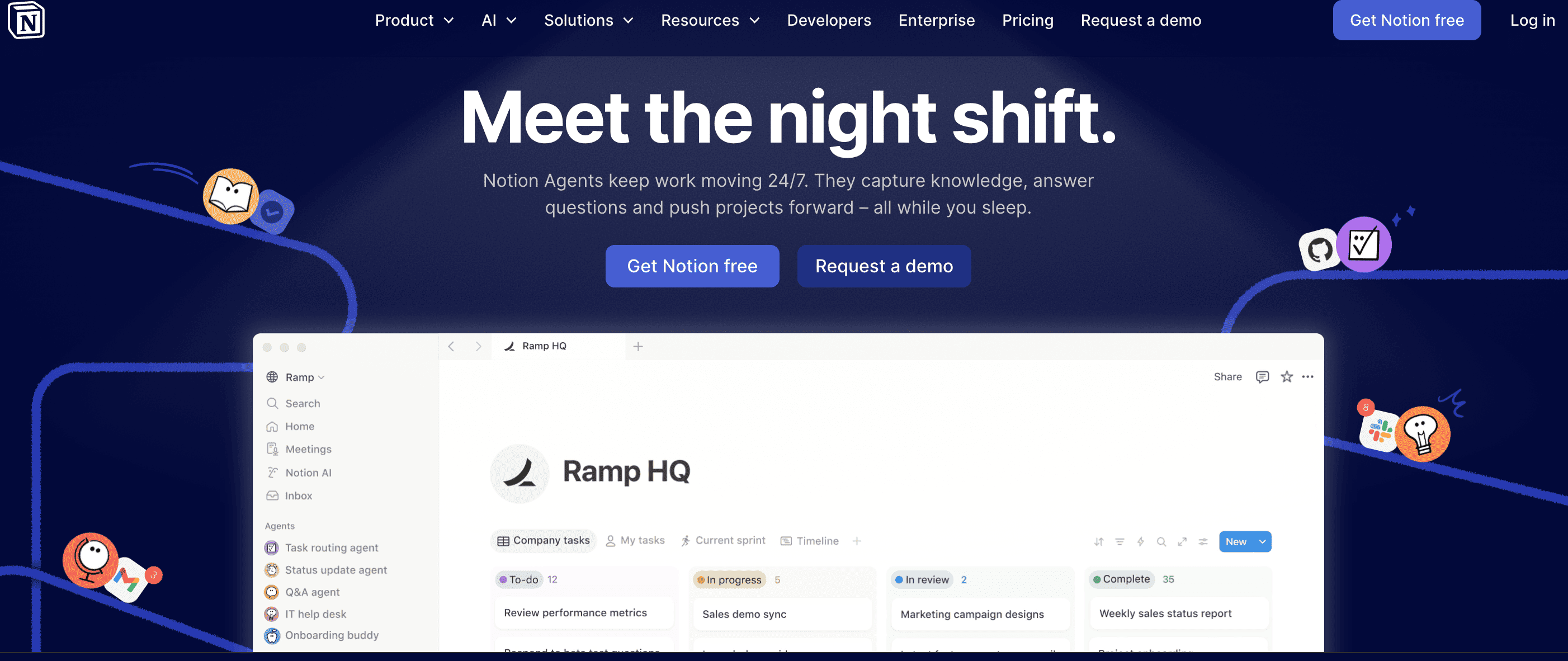
Notion AI costs $10/month per member on top of your existing Notion plan. The value depends entirely on how deeply embedded you are in Notion. If you're not already a Notion user, there's no reason to start here.
Best use case: Existing Notion users who want AI assistance without switching between apps.
n8n is a good choice for workflow automation, especially if you want to build custom AI agents. Its AI workflow builder lets you map out automations using plain English descriptions. While it has hundreds of native integrations, its real strength is flexibility; you can connect it to almost anything using custom APIs and webhooks. I've built some neat automations with it that have saved me time across all kinds of tasks.
n8n is free to self-host with unlimited workflows. If you prefer a managed cloud plan, those start at €20/month. The learning curve is a bit steeper since it blends visual building with code-friendly tools, but for complex, high-volume tasks, the cost savings are real. You can also check out our guide to AI agent frameworks if you want to go deeper on automated workflows.
Best use case: Tech-savvy users who want deep control over complex AI automations without the steep scaling costs.
Best resource to get started: Introduction to Workflow Automation with n8n course
Two tools worth knowing for anyone who spends a significant portion of their week in meetings.
Granola is a Mac-native AI notepad that runs in the background during meetings and enhances your notes after the call ends. Unlike traditional transcription tools, Granola doesn't record audio or require a bot to join your meeting. You jot down rough notes during the call, and Granola combines them with the audio transcript to produce clean, structured meeting notes.
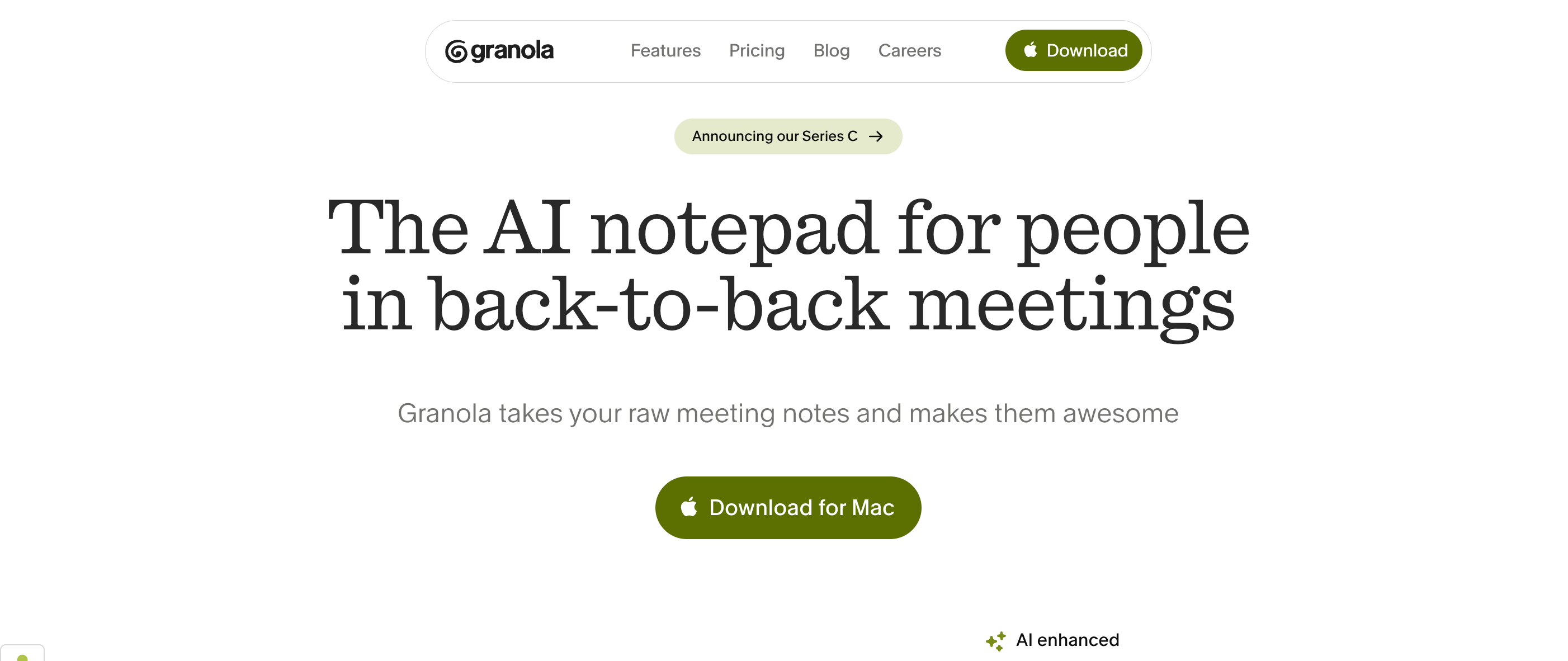
The approach feels less intrusive than tools that add a visible bot to your calls. Granola is freemium, with paid plans for heavier usage. It's currently Mac-only, which is a real limitation for Windows users.
Best use case: Mac users who want clean meeting notes without adding a bot to their calls.
Otter.ai is one of the most established AI transcription tools, offering real-time transcription, speaker identification, and automatic meeting summaries. It integrates directly with Zoom, Google Meet, and Microsoft Teams, and can join meetings automatically to take notes on your behalf.
The free tier gives you 300 minutes of transcription per month. Otter Pro ($16.99/month) adds more minutes, custom vocabulary, and advanced summary features. For teams that need a reliable, cross-platform transcription solution, Otter is a safe choice.
Best use case: Teams that need reliable cross-platform meeting transcription and summaries.
AI has made visual content creation accessible to people who aren't designers. These three tools cover different parts of that space.
Canva's Magic Studio is a suite of AI features built into the Canva design platform. Magic Write generates text for your designs, Magic Design creates full layouts from a prompt, and Magic Edit lets you modify images using natural language. For non-designers who need to produce professional-looking visuals quickly, it's one of the most accessible options available.
Most Magic Studio features are available on Canva's free tier with limited credits. Canva Pro ($15/month) gives you full access. The quality of AI-generated designs has improved significantly, though for complex or highly specific visual work, a dedicated design tool will still outperform it.
Best use case: Non-designers who need to produce social media graphics, presentations, and marketing materials quickly.
Midjourney produces some of the highest-quality AI-generated images available. It operates through Discord, which is an unusual interface, but the output quality for artistic and photorealistic images is consistently impressive. Version 7 introduced significant improvements to text rendering within images, which had been a long-standing weakness. V8.1 is available in alpha.
Midjourney is paid-only, starting at $10/month for 200 image generations. There's no free tier. For teams that need high-quality custom imagery for campaigns, editorial content, or product mockups, it's worth the cost. For occasional use, the entry plan is affordable enough to trial.
Best use case: Creative teams that need high-quality custom imagery and are comfortable with a Discord-based workflow.
Napkin.ai does one thing: it turns text into visual diagrams, flowcharts, and infographics. You paste in a paragraph or a list of ideas, and it generates multiple visual interpretations you can edit and export. It's not a full design tool, but for turning written content into shareable visuals, it's faster than building diagrams manually in Figma or PowerPoint. You've probably seen the watermark in a few of my other articles.
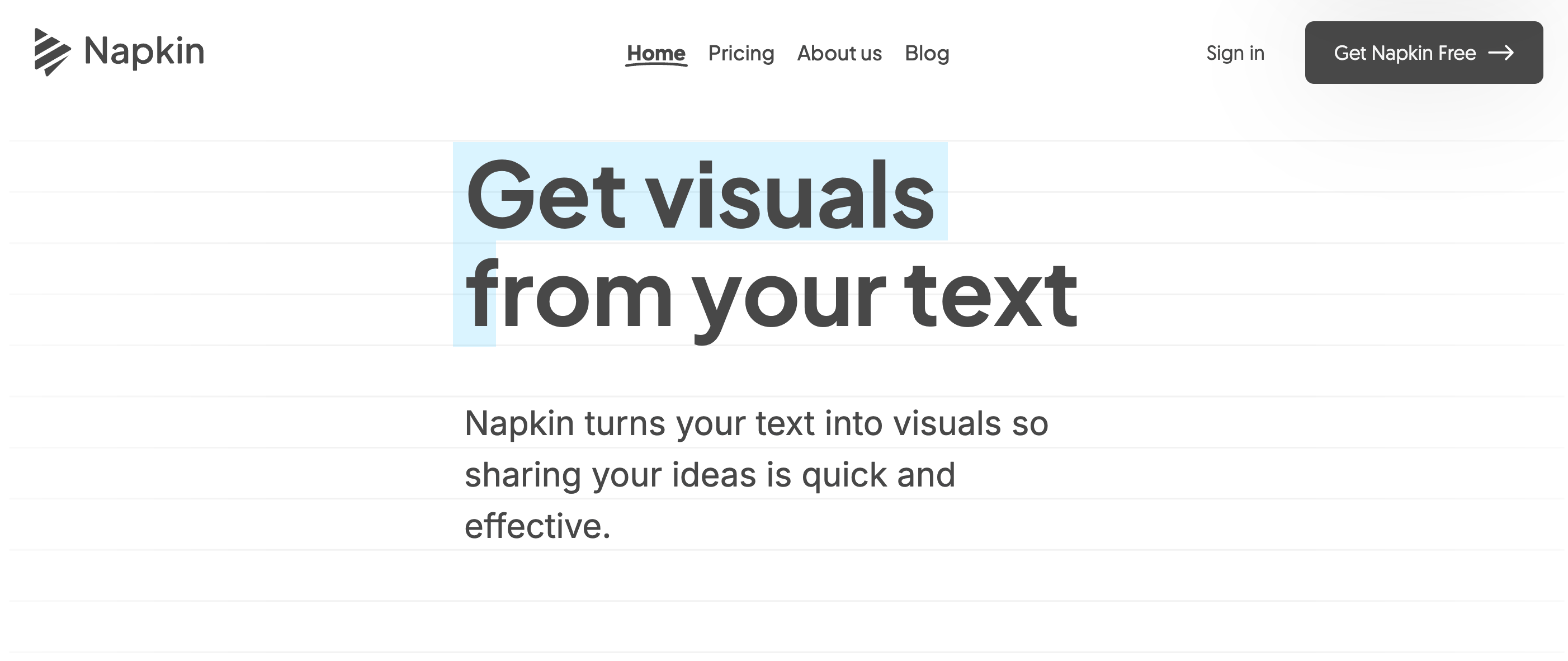
Napkin.ai has a free tier for basic use. The paid plan adds more export options and higher usage limits. For consultants, educators, and anyone who regularly needs to visualize processes or frameworks, it's a genuinely useful addition to the toolkit.
Best use case: Turning written frameworks, processes, or ideas into shareable visual diagrams quickly.
These tools have made professional-quality video and audio production accessible without a studio setup.
Synthesia lets you create AI avatar videos from a text script, no camera or recording equipment required. You choose an avatar, type your script, and the platform generates a video with a realistic AI presenter. It supports over 140 languages, which makes it particularly useful for global teams producing training or onboarding content.
Synthesia starts at $29/month for personal use. Enterprise plans add custom avatars and advanced branding. The output quality is good enough for internal training videos and product demos, though it's not yet convincing enough for high-stakes external content where authenticity matters.
Best use case: L&D teams and product marketers who need to produce training or explainer videos at scale without filming.
ElevenLabs produces some of the most realistic AI-generated voices available. You can clone a voice from a short audio sample, generate speech in 29 languages, and control emotional tone and pacing. The output quality is noticeably better than most text-to-speech tools, which makes it useful for podcasts, audiobooks, video narration, and accessibility applications.
The free tier gives you 10,000 characters per month. Starter ($5/month) and Creator ($22/month) plans add more characters, voice cloning, and commercial usage rights. For content creators who need high-quality narration without recording, ElevenLabs is the current benchmark.
Best use case: Content creators, developers, and accessibility teams who need high-quality AI voice generation.
AI coding tools have matured quickly. These two represent different approaches to the same problem. You can also explore our roundup of top vibe coding tools for more options in this space.
Cursor is a code editor built from the ground up with AI at the center, forked from VS Code so it feels familiar immediately. The Composer feature lets you describe changes in natural language and apply them across multiple files at once. It also supports codebase-wide context, meaning the AI understands your entire project rather than just the file you have open.
Cursor has a free tier with limited AI usage. Pro is $20/month. For developers who spend most of their day in an editor, Cursor is worth trialing seriously. The productivity gains on repetitive refactoring and boilerplate tasks are real. Our Chrome DevTools MCP tutorial covers related AI-powered browser tooling if you want to extend your development workflow further.
Best use case: Developers who want deep AI integration in their editor without switching to an unfamiliar environment.
Best resource to get started: Cursor AI Guide
GitHub Copilot is the most widely adopted AI coding assistant, integrated directly into VS Code, JetBrains IDEs, and other editors. It suggests completions as you type and can generate entire functions from a comment describing what you want. Copilot Chat adds a conversational interface for explaining code, writing tests, and debugging.
Copilot is free for verified students and open-source maintainers. Individual plans start at $10/month. For teams already on GitHub, the integration is seamless and the setup time is minimal. It's a lower-commitment entry point into AI-assisted coding than switching editors entirely.
Best use case: Developers who want AI coding assistance without changing their existing editor setup.
Best resource to get started: Software Development with GitHub Copilot course.
For data professionals, AI tools are increasingly embedded directly into the analysis workflow.
DataLab is DataCamp's AI-native data notebook, designed for data scientists and analysts who want AI assistance built into their analysis environment. You can write and run Python and R code, ask the AI to generate or explain code, and get help interpreting results, all within the same interface. It's particularly well-suited for exploratory analysis where you're iterating quickly.
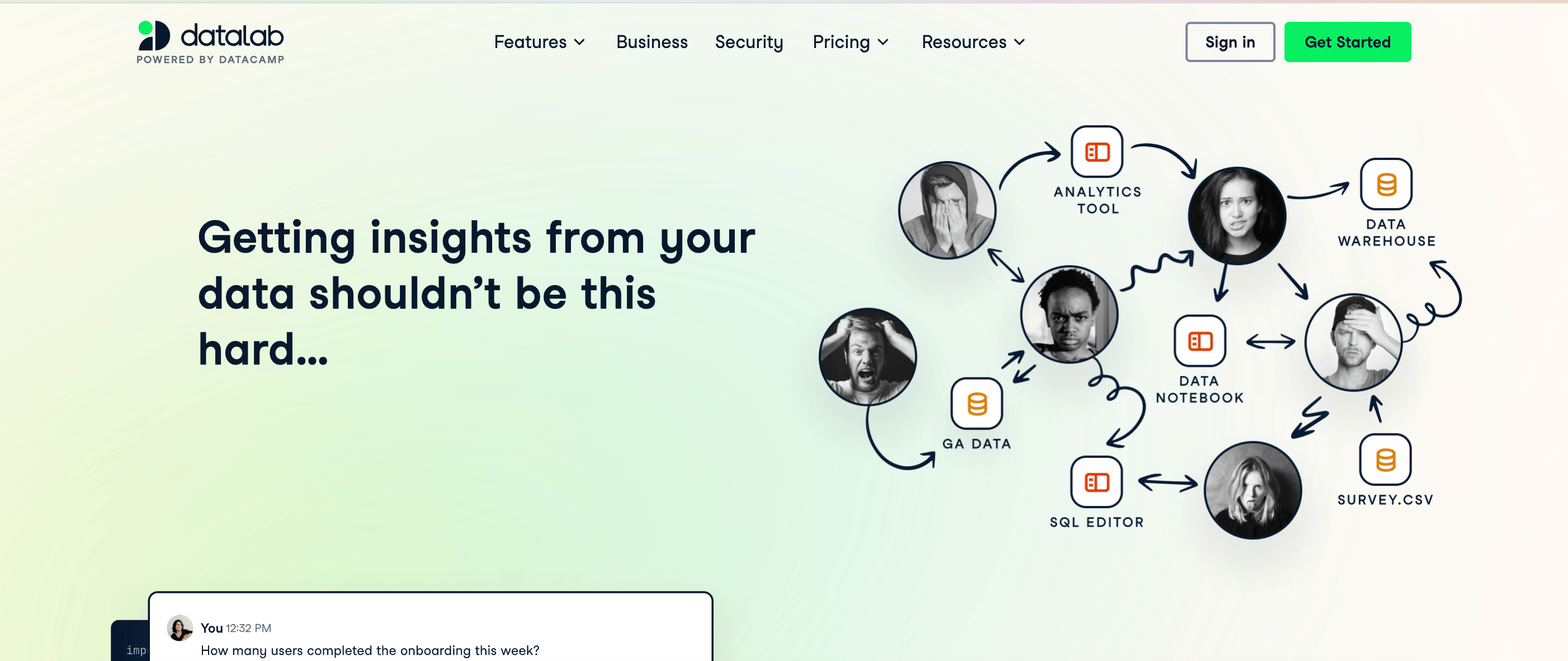
DataLab is available to DataCamp subscribers. If you're already learning data science on DataCamp (which, I hope you are!), it's a natural extension of our environment. For a broader look at Python tooling, our guide to 21 essential Python tools is worth reading alongside this.
Best use case: Data scientists and analysts who want AI assistance embedded directly in their notebook workflow.
With 20 tools on this list, the temptation is to try all of them. I'd resist that. Start with one tool per category and give it two weeks before evaluating. Here's a practical decision framework:
One thing worth noting: most of these tools have free tiers that are genuinely usable, not just trial bait. I'd recommend starting free across two or three tools before paying for anything.
The best AI productivity tool is the one you actually use consistently. For most people, that means starting with a general-purpose assistant like ChatGPT or Claude and adding specialized tools only when you hit a clear gap in your workflow.
Pricing and features in this space move fast. Several tools on this list have changed their pricing tiers in the past year, and that will continue. Check each tool's current pricing before committing to a paid plan, and don't assume the free tier you tried six months ago reflects what's available today.
If you want to build a stronger foundation for working with AI tools, I'd recommend starting with the AI Fundamentals skill track on DataCamp. It covers the concepts behind these tools, which makes you a more effective user of all of them.
博客
Rajesh Kumar
15分钟
博客
Josef Waples
7分钟
博客
Abid Ali Awan
8分钟
博客
Laiba Siddiqui
15分钟
博客
Javier Canales Luna
9分钟
博客
Matt Crabtree
12分钟