
Curso
Introducción a la IA para el trabajo
2 h
121.9K
Las herramientas de IA han dejado atrás la etapa de novedad. Ya existe una herramienta de IA hecha a medida para casi cualquier tarea de tu lista: redactar documentos, escribir código, crear presentaciones o gestionar flujos de trabajo. Pero ¿cuáles merecen realmente tu tiempo?
Esta selección de las mejores herramientas de productividad con IA es para cualquiera que quiera trabajar más rápido e inteligentemente: marketers, redactores, estudiantes, científicos de datos, desarrolladores y todo lo que hay entre medias. La he organizado por categorías para que vayas directo a lo que más te interesa. Cada herramienta está aquí por un motivo concreto, no solo porque lleva "IA" en el nombre.
He elegido estas herramientas por su utilidad práctica, la calidad de su integración de IA y cómo encajan en flujos de trabajo reales. Uso la mayoría a diario; otras las he probado y veo sus ventajas (y no tardaré en integrarlas). Los precios y funciones cambian rápido y varían según la región, así que te recomiendo consultar la web de cada herramienta para ver las opciones más recientes antes de decidirte.
Un vistazo rápido a las 18 herramientas de IA para productividad que cubre esta guía, organizadas por categoría.
| Herramienta | Categoría | Ideal para | Precio |
|---|---|---|---|
| ChatGPT | Asistente de IA general | Tareas versátiles de texto, código y razonamiento | Freemium |
| Claude | Asistente de IA general | Documentos largos, escritura matizada, programación | Freemium |
| Perplexity AI | Investigación y búsqueda | Investigación web en tiempo real con fuentes citadas | Freemium |
| NotebookLM | Investigación y gestión del conocimiento | Sintetizar tus propios documentos | Gratis |
| Grammarly | Asistencia a la escritura | Edición de gramática, tono y claridad | Freemium |
| Jasper AI | Asistencia a la escritura | Copy de marketing y contenido coherente con la marca | De pago |
| Notion AI | Productividad y organización | Resumir y redactar dentro de Notion | Complemento (de pago) |
| n8n | Automatización de flujos | Automatización visual y creación de agentes de IA | Freemium |
| Granola | Productividad en reuniones | Notas de reunión mejoradas con IA | Freemium |
| Canva Magic Studio | Diseño | Creación de contenido visual asistida por IA | Freemium |
| Synthesia | Creación de vídeo | Vídeos con avatar de IA sin cámara | De pago |
| ElevenLabs | Audio y voz | Generación de voz con IA realista | Freemium |
| Napkin.ai | Comunicación visual | Convertir texto en diagramas y visuales | Freemium |
| Cursor | Programación | Editor de código nativo de IA para desarrolladores | Freemium |
| DataLab | Ciencia de datos | Análisis de datos con ayuda de IA en cuadernos | Freemium |
| GitHub Copilot | Programación | Sugerencias y autocompletado de código en el editor | Freemium |
| Otter.ai | Productividad en reuniones | Transcripción en tiempo real y resúmenes de reuniones | Freemium |
| Midjourney | Diseño y generación de imágenes | Creación de imágenes con IA de alta calidad | De pago |
A continuación, agrupo las herramientas por categoría. Dentro de cada una, soy honesto sobre dónde brillan y dónde se quedan cortas. Ninguna herramienta lo hace todo bien.
Son las navajas suizas de la productividad con IA. Si solo vas a adoptar una o dos herramientas de IA, empieza aquí.
ChatGPT sigue siendo el asistente de IA más utilizado, y con razón. Cubre un abanico enorme de tareas: redactar emails, escribir código, explicar conceptos, resumir documentos y abordar problemas complejos de razonamiento. El modelo GPT-5.5 admite texto, imágenes y voz en la misma conversación.
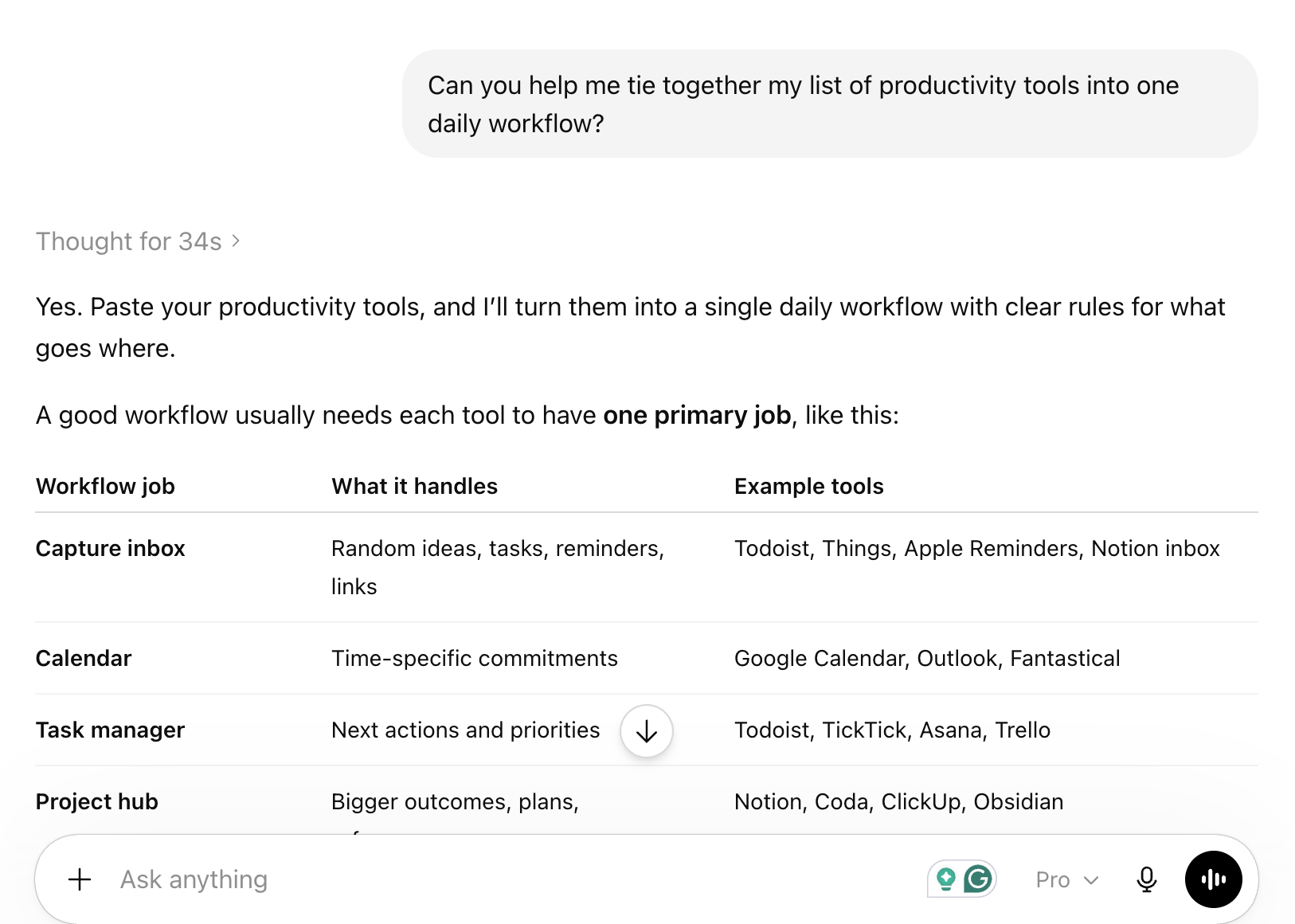
El plan gratuito te da acceso a GPT-5.5 con ciertos límites de uso. ChatGPT Plus (20 $/mes) elimina la mayoría de esos límites y añade acceso a modelos y funciones más recientes como memoria y GPTs personalizados. Para la mayoría, el plan gratuito es un buen punto de partida.
Mejor caso de uso: Redacción, lluvia de ideas y ayuda con código cuando no necesitas una herramienta especializada.
Mejor recurso para empezar: Itinerario de aprendizaje ChatGPT Fundamentals
Claude es mi asistente preferido para todo lo que implique documentos largos o escritura con matices. Los modelos de Anthropic gestionan muy bien ventanas de contexto amplias, lo que hace que Claude sea especialmente útil para revisar informes extensos, bases de código o artículos de investigación en una sola sesión.
Claude también suele producir una prosa más cuidadosa y medida que ChatGPT, algo útil para escritura profesional. El plan gratuito es realmente utilizable, y Claude Pro (20 $/mes) añade acceso prioritario y límites más altos. Si trabajas en serio con documentos, merece la pena probar Claude junto a ChatGPT, no en su lugar. También recomiendo mucho usar Claude Code si quieres crear proyectos que te ayuden con la productividad.
Mejor caso de uso: Revisar y resumir documentos largos, redactar contenido profesional y ayuda en programación.
Mejor recurso para empezar: Curso Introduction to Claude Models
Perplexity está en un punto intermedio interesante entre buscador y asistente de IA. Cada respuesta viene con fuentes citadas, lo que la hace mucho más fiable que un chatbot estándar para tareas de investigación. Tira de la web en vivo, así que la información está actualizada y no congelada en un corte de entrenamiento.
El plan gratuito es realmente útil para la investigación del día a día. Perplexity Pro (20 $/mes) añade acceso a modelos más capaces y límites de consulta más altos. Lo uso cuando necesito una respuesta rápida y con fuentes a una pregunta factual, en lugar de una respuesta generada que tenga que verificar. También lo uso en herramientas de IA agente como mi investigador profundo cuando lo último es crucial.
Mejor caso de uso: Tareas de investigación donde necesitas información actual y verificable, no contenido generado.
Mejor recurso para empezar: Guía Getting started with Perplexity
Estas herramientas van más allá del chat general para ayudarte a trabajar con tus propios documentos y bases de conocimiento.
NotebookLM es de las herramientas más infravaloradas de esta lista. Subes tus documentos, PDFs o URLs, y crea un asistente de IA privado que responde basándose solo en esas fuentes. No hay alucinaciones de datos de entrenamiento generales porque el modelo se ancla a lo que le das.
La función Audio Overview genera una conversación estilo pódcast que resume tus fuentes, una forma realmente novedosa de absorber material denso. NotebookLM es gratis por ahora. Para investigadores, estudiantes y cualquiera que trabaje con grandes volúmenes de material, es de lo más práctico que hay.
Mejor caso de uso: Sintetizar papers, informes o cualquier colección amplia de documentos propios.
Mejor recurso para empezar: Guía de NotebookLM con ejemplos
Herramientas pensadas específicamente para escribir: desde corrección gramatical hasta generación completa de contenido.
Grammarly lleva tanto tiempo que es fácil subestimar cuánto ha mejorado. Lo uso desde hace casi 10 años y no deja de avanzar.
La capa de IA ya va mucho más allá de la gramática: sugiere ajustes de tono, reescribe frases confusas y avisa cuando tu texto suena demasiado formal o demasiado informal para el contexto. Se integra directamente en navegadores, Google Docs y Microsoft Word.
El plan gratuito corrige errores básicos de gramática y ortografía. Grammarly Premium añade sugerencias de estilo, detección de tono y reescrituras para mayor claridad. Para quien escribe de forma profesional, el Premium se amortiza rápido en tiempo de edición ahorrado.
Mejor caso de uso: Pulir textos profesionales en email, documentos y herramientas web.
Jasper está pensado para equipos de marketing que necesitan producir contenido a escala manteniendo la coherencia de marca. A diferencia de los asistentes genéricos, Jasper te permite definir tu voz de marca, subir guías de estilo y generar contenido que encaje de forma consistente con tu tono. Incluye plantillas para posts, anuncios, redes sociales y campañas de email.
Jasper es de pago desde 49 $/mes, lo que lo deja fuera para muchos usuarios individuales. Para equipos de marketing que producen decenas de piezas a la semana, las funciones de coherencia de marca justifican el coste. Si eres redactor en solitario, ChatGPT o Claude te servirán mejor por menos dinero.
Mejor caso de uso: Equipos de marketing que necesitan contenido coherente con la marca a escala.
Estas herramientas llevan la IA a las apps donde ya gestionas tu trabajo.
Notion AI es un complemento para el espacio de trabajo de Notion que te permite redactar, resumir, traducir y editar contenido directamente dentro de tus páginas y bases de datos. Si tu equipo ya vive en Notion, la integración de IA es realmente útil porque funciona en contexto: puedes pedirle que resuma una nota de reunión, genere tareas a partir de un documento o redacte un brief de proyecto sin salir de la app.
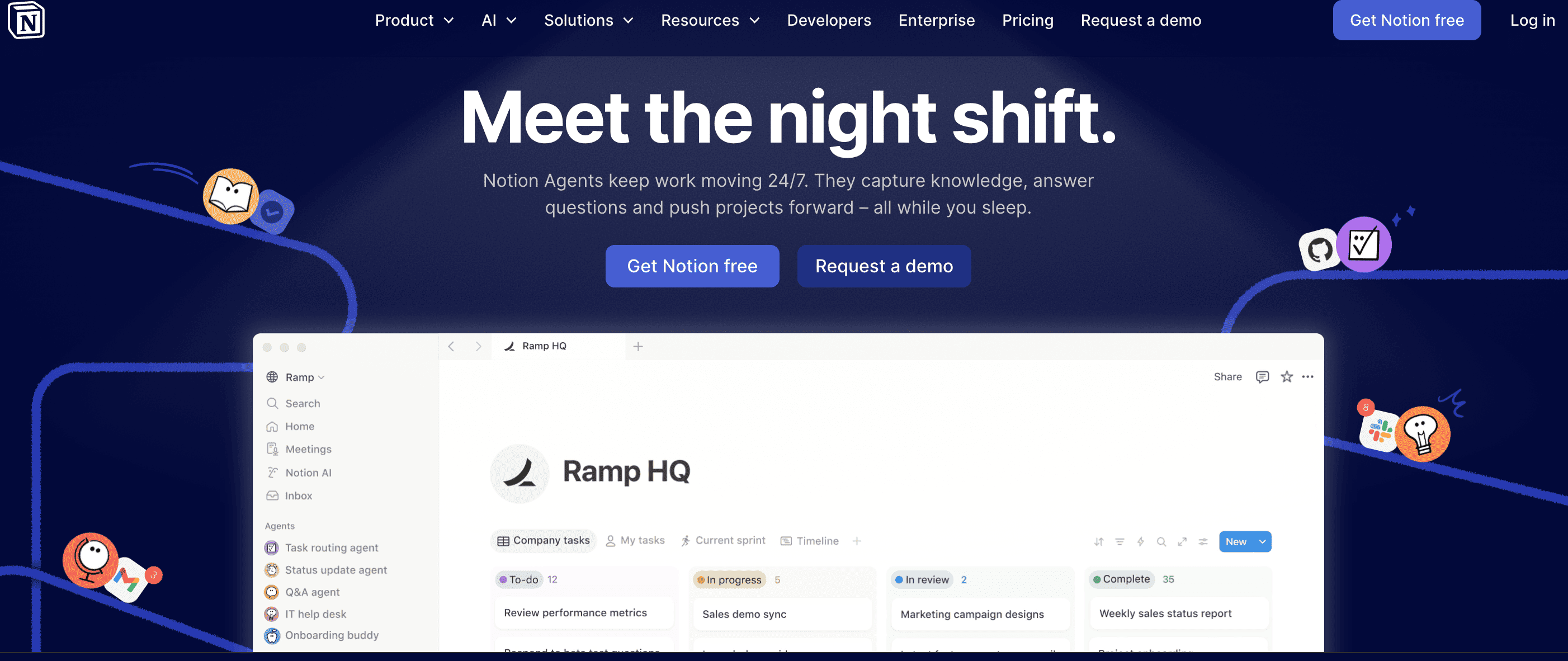
Notion AI cuesta 10 $/mes por miembro además de tu plan de Notion. El valor depende totalmente de lo integrado que estés en Notion. Si no lo usas ya, no hay motivo para empezar aquí.
Mejor caso de uso: Usuarios de Notion que quieren asistencia de IA sin cambiar de aplicación.
n8n es una gran opción para automatizar flujos, especialmente si quieres crear agentes de IA personalizados. Su generador de flujos con IA te permite trazar automatizaciones con descripciones en lenguaje natural. Aunque tiene cientos de integraciones nativas, su verdadera fortaleza es la flexibilidad: puedes conectarlo prácticamente a cualquier cosa mediante APIs personalizadas y webhooks. He creado automatizaciones muy útiles que me han ahorrado tiempo en todo tipo de tareas.
n8n es gratis si lo alojas tú, con flujos ilimitados. Si prefieres la nube gestionada, los planes empiezan en 20 €/mes. La curva de aprendizaje es algo mayor porque combina construcción visual con herramientas amigables para código, pero para tareas complejas y de alto volumen, el ahorro es real. También puedes consultar nuestra guía sobre frameworks de agentes de IA si quieres profundizar en flujos automatizados.
Mejor caso de uso: Usuarios con perfil técnico que quieren control total sobre automatizaciones de IA complejas sin costes de escalado elevados.
Mejor recurso para empezar: Curso Introduction to Workflow Automation with n8n
Dos herramientas que merece la pena conocer si pasas buena parte de la semana en reuniones.
Granola es un bloc de notas con IA nativo para Mac que se ejecuta en segundo plano durante las reuniones y mejora tus notas al terminar la llamada. A diferencia de las herramientas de transcripción tradicionales, Granola no graba audio ni necesita un bot que se una a la reunión. Tomás notas rápidas durante la llamada y Granola las combina con la transcripción para producir notas limpias y estructuradas.
El enfoque resulta menos intrusivo que las herramientas que añaden un bot visible a tus llamadas. Granola es freemium, con planes de pago para usos más intensivos. De momento solo está en Mac, una limitación real para usuarios de Windows.
Mejor caso de uso: Usuarios de Mac que quieren notas limpias sin añadir un bot a sus llamadas.
Otter.ai es una de las herramientas de transcripción con IA más consolidadas, con transcripción en tiempo real, identificación de hablantes y resúmenes automáticos. Se integra directamente con Zoom, Google Meet y Microsoft Teams, y puede unirse a las reuniones automáticamente para tomar notas por ti.
El plan gratuito ofrece 300 minutos de transcripción al mes. Otter Pro (16,99 $/mes) añade más minutos, vocabulario personalizado y resúmenes avanzados. Para equipos que necesitan una solución fiable y multiplataforma, Otter es una apuesta segura.
Mejor caso de uso: Equipos que necesitan transcripción y resúmenes de reuniones multiplataforma fiables.
La IA ha democratizado la creación visual para quienes no son diseñadores. Estas tres herramientas cubren distintas necesidades.
Magic Studio es un conjunto de funciones de IA dentro de la plataforma de diseño de Canva. Magic Write genera texto para tus diseños, Magic Design crea composiciones completas a partir de un prompt y Magic Edit te permite modificar imágenes con lenguaje natural. Para no diseñadores que necesitan producir visuales profesionales rápido, es de las opciones más accesibles.
La mayoría de funciones de Magic Studio están en el plan gratuito de Canva con créditos limitados. Canva Pro (15 $/mes) te da acceso completo. La calidad de los diseños generados por IA ha mejorado mucho; aun así, para trabajos complejos o muy específicos, una herramienta de diseño dedicada seguirá rindiendo mejor.
Mejor caso de uso: No diseñadores que necesitan crear gráficos para redes, presentaciones y materiales de marketing con rapidez.
Midjourney produce algunas de las mejores imágenes generadas por IA. Funciona a través de Discord, una interfaz poco habitual, pero la calidad de salida para imágenes artísticas y fotorrealistas es constantemente impresionante. La versión 7 introdujo grandes mejoras en el texto dentro de imágenes, una debilidad histórica. La V8.1 está disponible en alfa.
Midjourney solo es de pago, desde 10 $/mes por 200 generaciones. No hay plan gratuito. Para equipos que necesitan imágenes de alta calidad para campañas, contenido editorial o mockups de producto, merece la pena. Para uso ocasional, el plan de entrada es asequible para probar.
Mejor caso de uso: Equipos creativos que necesitan imágenes personalizadas de alta calidad y están cómodos trabajando en Discord.
Napkin.ai hace una cosa: convierte texto en diagramas, flujos e infografías. Pegas un párrafo o una lista de ideas y genera varias interpretaciones visuales que puedes editar y exportar. No es una herramienta de diseño completa, pero para convertir texto en visuales compartibles, es más rápida que montar diagramas a mano en Figma o PowerPoint. Seguramente hayas visto su marca de agua en algunos de mis artículos.
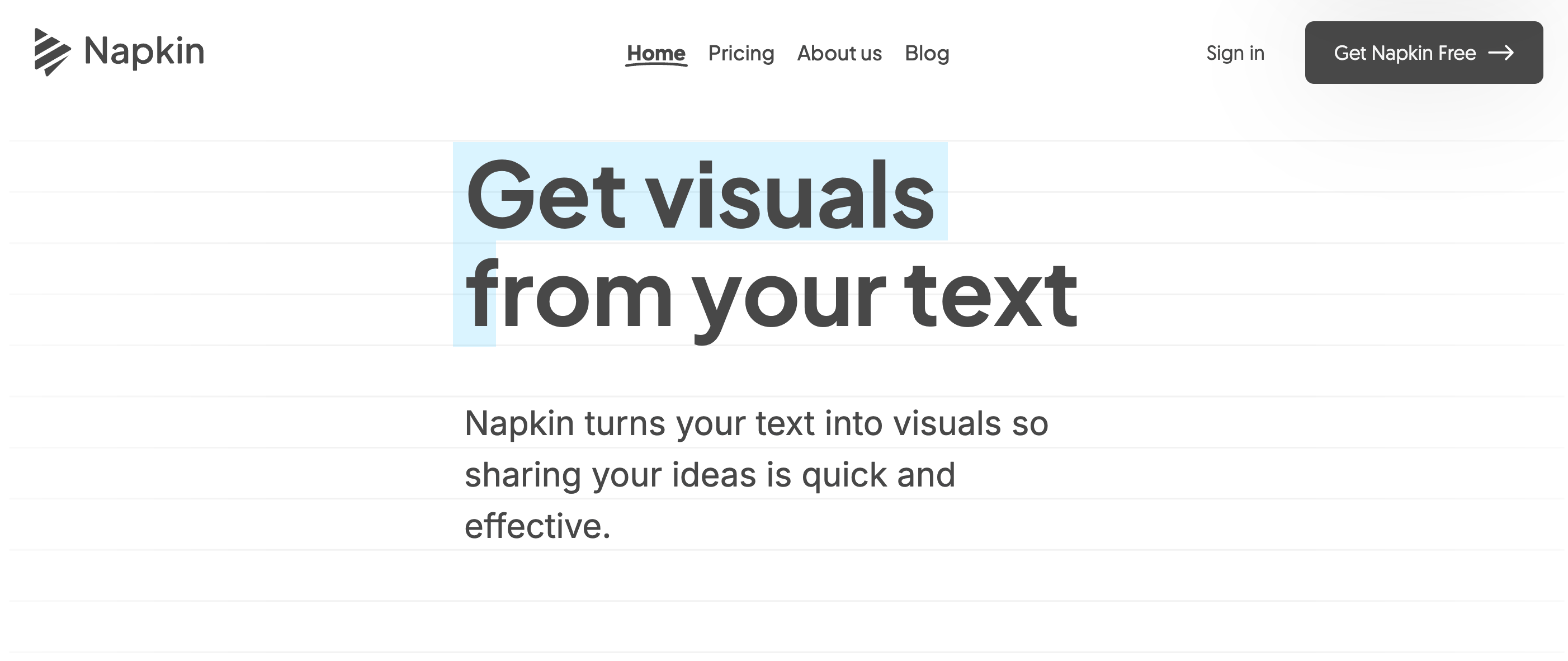
Napkin.ai tiene un plan gratuito para uso básico. El plan de pago añade más opciones de exportación y límites superiores. Para consultores, docentes y cualquiera que necesite visualizar procesos o marcos con regularidad, es un añadido realmente útil.
Mejor caso de uso: Convertir marcos, procesos o ideas escritas en diagramas visuales compartibles rápidamente.
Estas herramientas han hecho accesible una producción de vídeo y audio de calidad profesional sin estudio.
Synthesia te permite crear vídeos con avatar de IA a partir de un guion, sin cámara ni equipo de grabación. Eliges un avatar, escribes el guion y la plataforma genera un vídeo con un presentador de IA realista. Admite más de 140 idiomas, muy útil para equipos globales que producen formación u onboarding.
Synthesia parte de 29 $/mes para uso personal. Los planes Enterprise añaden avatares personalizados y branding avanzado. La calidad es suficiente para formación interna y demos de producto, aunque aún no convence para contenido externo de alto impacto donde la autenticidad es clave.
Mejor caso de uso: Equipos de L&D y marketing de producto que necesitan producir formación o vídeos explicativos a escala sin rodaje.
ElevenLabs ofrece algunas de las voces con IA más realistas del momento. Puedes clonar una voz con una muestra corta, generar habla en 29 idiomas y controlar el tono emocional y el ritmo. La calidad se nota por encima de la mayoría de herramientas de texto a voz, útil para pódcasts, audiolibros, locuciones y accesibilidad.
El plan gratuito ofrece 10.000 caracteres al mes. Starter (5 $/mes) y Creator (22 $/mes) añaden más caracteres, clonación de voz y derechos de uso comercial. Para creadores que necesitan locución de alta calidad sin grabar, ElevenLabs es la referencia.
Mejor caso de uso: Creadores de contenido, desarrolladores y equipos de accesibilidad que necesitan voces de IA de alta calidad.
Las herramientas de IA para programar han madurado rápido. Estas dos representan enfoques distintos para el mismo problema. También puedes explorar nuestro resumen de top vibe coding tools para más opciones.
Cursor es un editor de código creado desde cero con la IA en el centro, bifurcado de VS Code para que te resulte familiar al instante. La función Composer te permite describir cambios en lenguaje natural y aplicarlos a varios archivos a la vez. También entiende el contexto de toda la base de código, no solo del archivo abierto.
Cursor tiene un plan gratuito con uso de IA limitado. Pro cuesta 20 $/mes. Para desarrolladores que pasan el día en el editor, merece una prueba seria. Las ganancias de productividad en refactors repetitivos y tareas de boilerplate son reales. Nuestro tutorial de Chrome DevTools MCP cubre herramientas de navegador con IA relacionadas si quieres ampliar tu flujo de desarrollo.
Mejor caso de uso: Desarrolladores que quieren una integración profunda de IA en su editor sin cambiar de entorno.
Mejor recurso para empezar: Guía de Cursor AI
GitHub Copilot es el asistente de programación con IA más adoptado, integrado directamente en VS Code, los IDEs de JetBrains y otros editores. Sugiere completados mientras escribes y puede generar funciones enteras a partir de un comentario que describa lo que quieres. Copilot Chat añade una interfaz conversacional para explicar código, escribir tests y depurar.
Copilot es gratis para estudiantes verificados y mantenedores de open source. Los planes individuales empiezan en 10 $/mes. Para equipos ya en GitHub, la integración es fluida y la puesta en marcha mínima. Es una puerta de entrada de menor compromiso a la programación asistida por IA que cambiar de editor.
Mejor caso de uso: Desarrolladores que quieren asistencia de IA sin cambiar su editor actual.
Mejor recurso para empezar: Curso Software Development with GitHub Copilot.
Para profesionales de datos, las herramientas de IA se integran cada vez más en el propio flujo de análisis.
DataLab es el cuaderno de datos nativo de IA de DataCamp, pensado para científicos de datos y analistas que quieren asistencia de IA integrada en su entorno de análisis. Puedes escribir y ejecutar código en Python y R, pedir a la IA que genere o explique código y obtener ayuda para interpretar resultados, todo en la misma interfaz. Es especialmente adecuado para análisis exploratorio con iteración rápida.
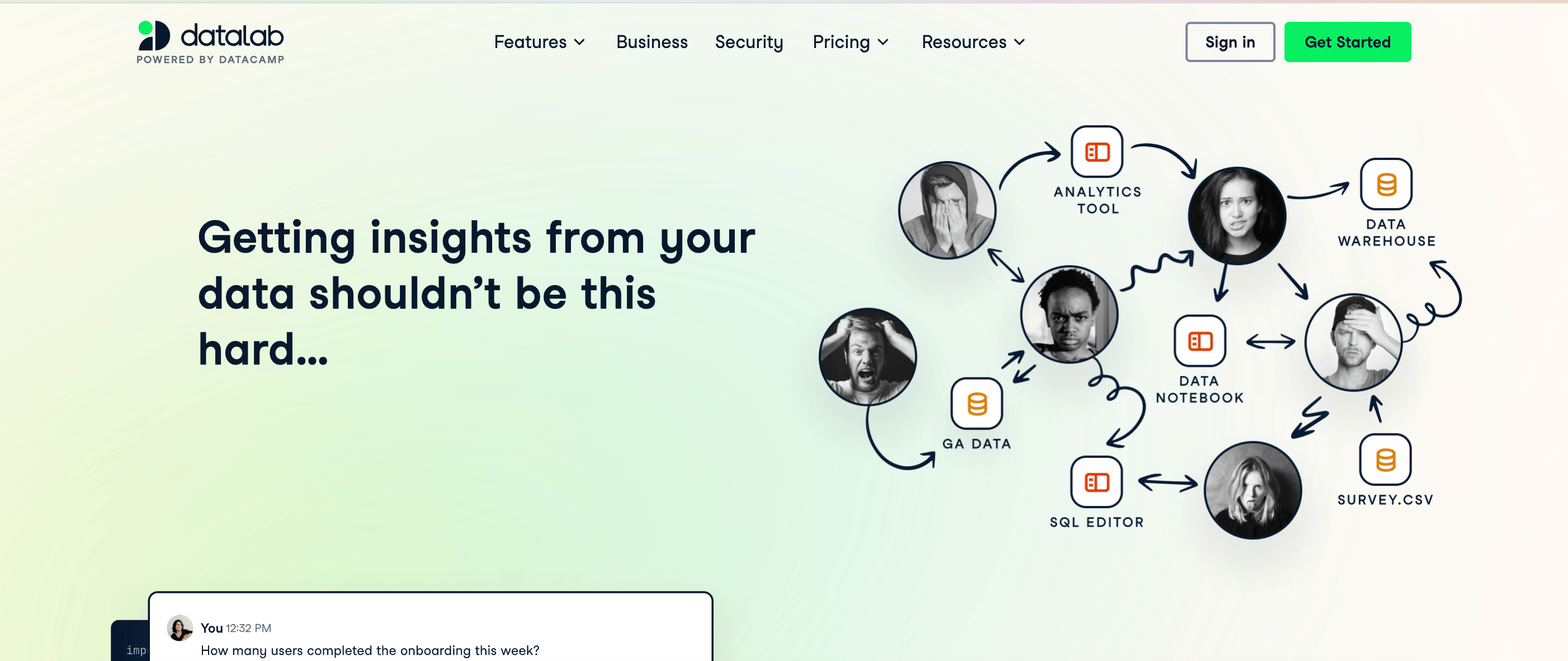
DataLab está disponible para suscriptores de DataCamp. Si ya estás aprendiendo ciencia de datos en DataCamp (¡eso espero!), es una extensión natural de nuestro entorno. Para una visión más amplia del ecosistema Python, nuestra guía de 21 herramientas esenciales de Python merece la pena leerla en paralelo.
Mejor caso de uso: Científicos de datos y analistas que quieren asistencia de IA directamente en su flujo de trabajo en cuadernos.
Con 20 herramientas en la lista, la tentación es probarlas todas. Mejor no. Empieza con una por categoría y dale dos semanas antes de evaluar. Un marco práctico:
Un apunte: la mayoría de estas herramientas tienen planes gratuitos realmente utilizables, no simples ganchos de prueba. Te recomiendo empezar gratis con dos o tres antes de pagar nada.
La mejor herramienta de productividad con IA es la que usas de forma constante. Para la mayoría, eso significa empezar con un asistente general como ChatGPT o Claude y añadir herramientas especializadas solo cuando detectes un hueco claro en tu flujo.
Los precios y funciones en este ámbito cambian rápido. Varias herramientas de esta lista han modificado sus planes en el último año, y seguirá ocurriendo. Revisa el precio actual antes de pasar a un plan de pago y no des por hecho que el plan gratuito que probaste hace seis meses sigue igual.
Si quieres reforzar tus bases para trabajar con herramientas de IA, te recomiendo empezar con el itinerario de aprendizaje AI Fundamentals en DataCamp. Cubre los conceptos detrás de estas herramientas y te hará más eficaz con todas.
Los mejores cursos de DataCamp
Curso
Programa
Curso
blog
Matt Crabtree
12 min
blog
Javier Canales Luna
14 min
blog
Abid Ali Awan
10 min
blog
Adel Nehme
15 min
blog
Abid Ali Awan
8 min
blog
Joleen Bothma
12 min