HomeUpcoming webinars
Free to Join

Build Your First Productivity Assistant with OpenClaw

Monday, August 17, 11 AM ET

Key Takeaways

  • Build your first AI assistant from scratch, no prior experience with agents needed.
  • Design workflows that let one assistant handle multiple everyday tasks across your calendar, inbox, messages and files in a single run.
  • Connect an agent to real tools safely, and stay in control of what it can access.

Your Presenter(s)
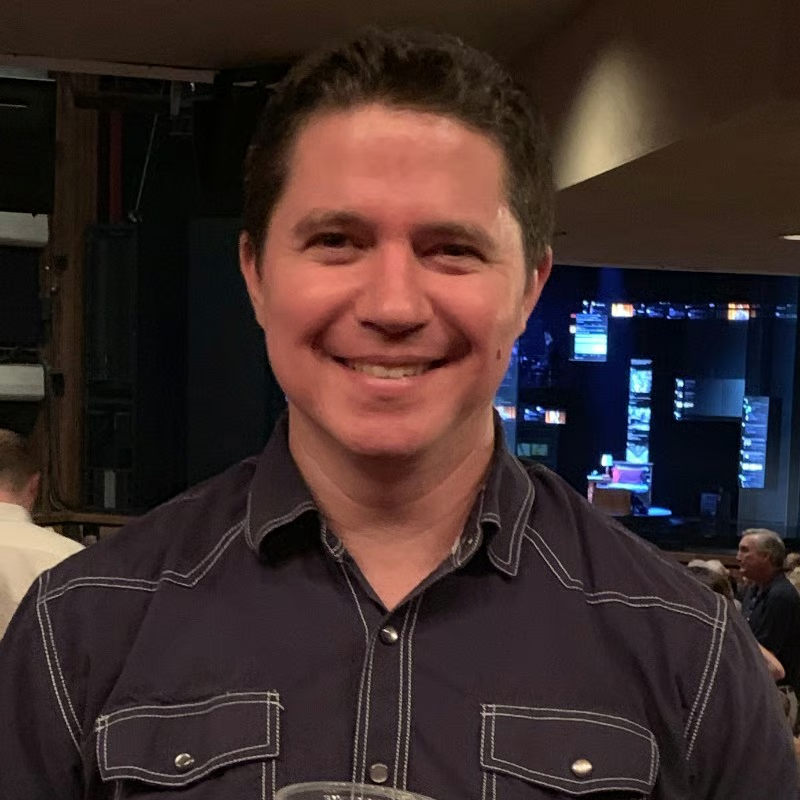
Dan Denney headshot

Dan Denney

Senior Software Engineer at DataCamp

null logo

Dan is one of DataCamp's longest serving developers, and has built a lot of DataCamp's frontend. In his spare time, he volunteers for the Uncovered cold case solving platform, and organizes developer conferences.

Why this matters

A single AI assistant that can check your calendar, triage your inbox, send a message and pull the right file—all in one run—is no longer science fiction. But getting one that's genuinely useful (and safe to let loose on your accounts) takes some deliberate design.

In this hands-on code-along, Dan Denney, Senior Software Engineer at DataCamp, walks you through building your own AI productivity assistant from scratch. You'll design the workflows that let one agent handle several everyday tasks across the tools you already use, connect it to those tools step by step, and set sensible guardrails so it only touches what you want it to.

Register for the webinar

By continuing, you accept our Terms of Use, our Privacy Policy and that your data is stored in the USA.

Share this webinar

Close your data and AI skills gap

We're the only platform uniquely engineered to advance data and AI skills across your entire organization. Let's explore a tailored program.

Book an Enterprise Demo
Upskilling a small team?Get started today

Recommended Content

Grow your data skills with DataCamp for Mobile

Make progress on the go with our mobile courses and daily 5-minute coding challenges.