
Cursus
Vibe coderen met Replit
2 uur
13.8K
Oefen en volg je voortgang.
Ga Verder Met GoogleGeloof het of niet: deze nieuwe golf van AI verandert hoe we werken en hoe we applicaties bouwen. Tegenwoordig kan bijna iedereen een maker worden. Founders, marketeers, designers en complete beginners kunnen ideeën veel sneller dan voorheen omzetten in echte producten, terwijl ontwikkelaars AI kunnen gebruiken om coderen, testen, debuggen en deployen te versnellen.
Sommige tools laten beginners in een paar weken met weinig tot geen code een SaaS-idee bouwen en lanceren. Andere zijn bedoeld voor meer technische gebruikers die hun workflow willen turbochargen vanuit hun editor, terminal of lokale ontwikkelomgeving.
In deze blog kijken we naar 15 krachtige vibe-codingtools die mensen elke dag gebruiken om producten te bouwen, ideeën sneller te lanceren en in veel gevallen onderweg geld te verdienen.
Om de gids makkelijker te volgen, heb ik de tools eerst gegroepeerd in duidelijke categorieën op basis van hoe mensen graag bouwen:
Daarna vind je een vergelijkingstabel om de tools snel naast elkaar te beoordelen.
En tot slot deel ik mijn persoonlijke favorieten per categorie op basis van wat in de praktijk het meest opvalt. Ik raad ook aan om onze vibe-codinggids voor beginners en onze cursus Vibe coding met Replit te bekijken.
Met deze tools bouw, prototype en ship je rechtstreeks vanuit de browser, met weinig tot geen lokale setup.
Als je de meest soepele browser-first manier zoekt om te bouwen, is v0 een van de sterkste startpunten. Het is gemaakt om een idee razendsnel om te zetten in iets echts: je prompt, iterereert en beweegt snel richting een werkende app in plaats van vast te lopen in setup.
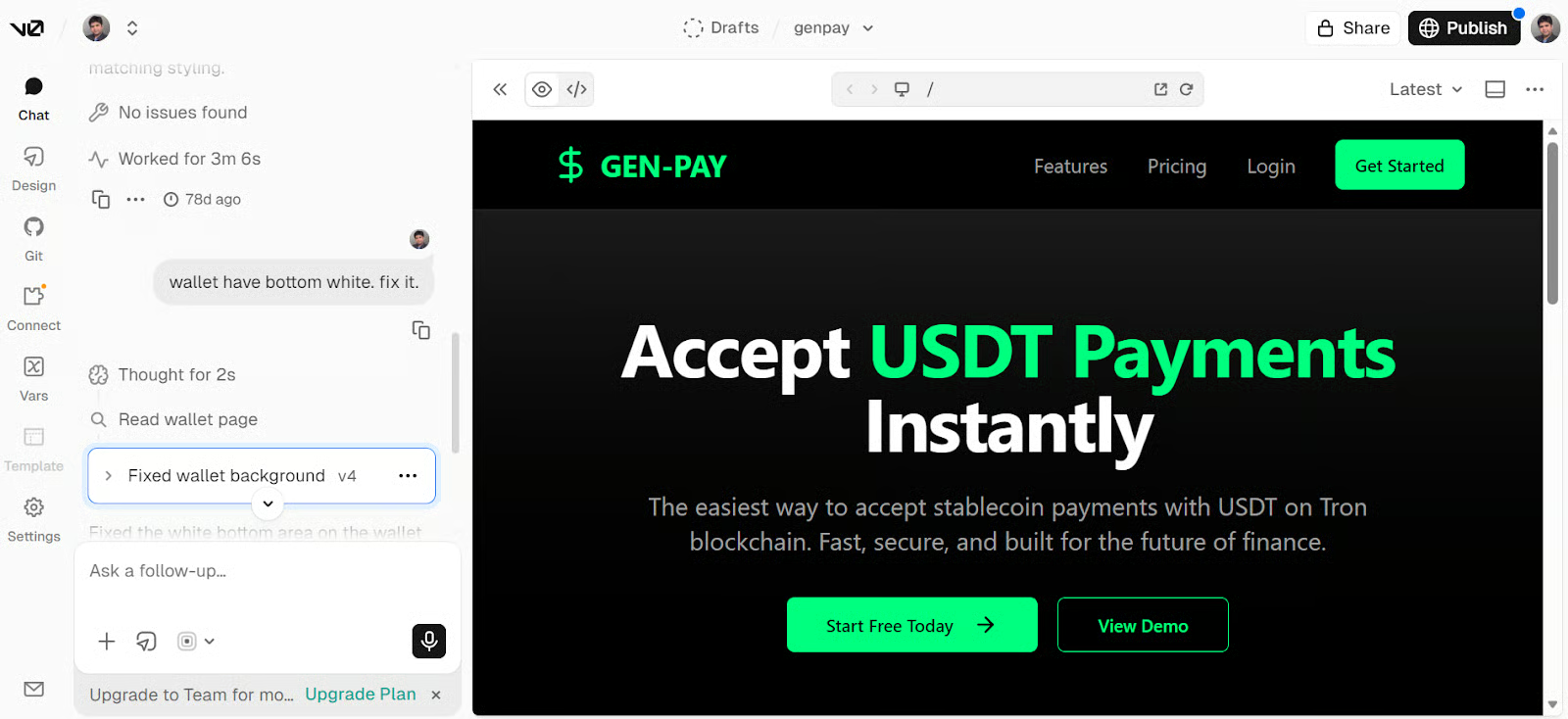
De echte kracht is dat het niet stopt bij mockups. v0 past goed in echte productworkflows, met support voor lagen zoals Clerk voor authenticatie, Supabase of Postgres voor backend en data, Stripe voor betalingen, en een soepele GitHub-naar-Vercel deployflow.
Replit is nog steeds een van de makkelijkste manieren om in de browser te bouwen zonder gedoe met lokale setup. Het is gebouwd voor snelheid: je beschrijft wat je wilt, verfijnt gaandeweg en gaat in één tab van idee naar werkende app. Dat maakt het extra sterk voor beginners, solobouwers en iedereen die snel iets live wil zetten.
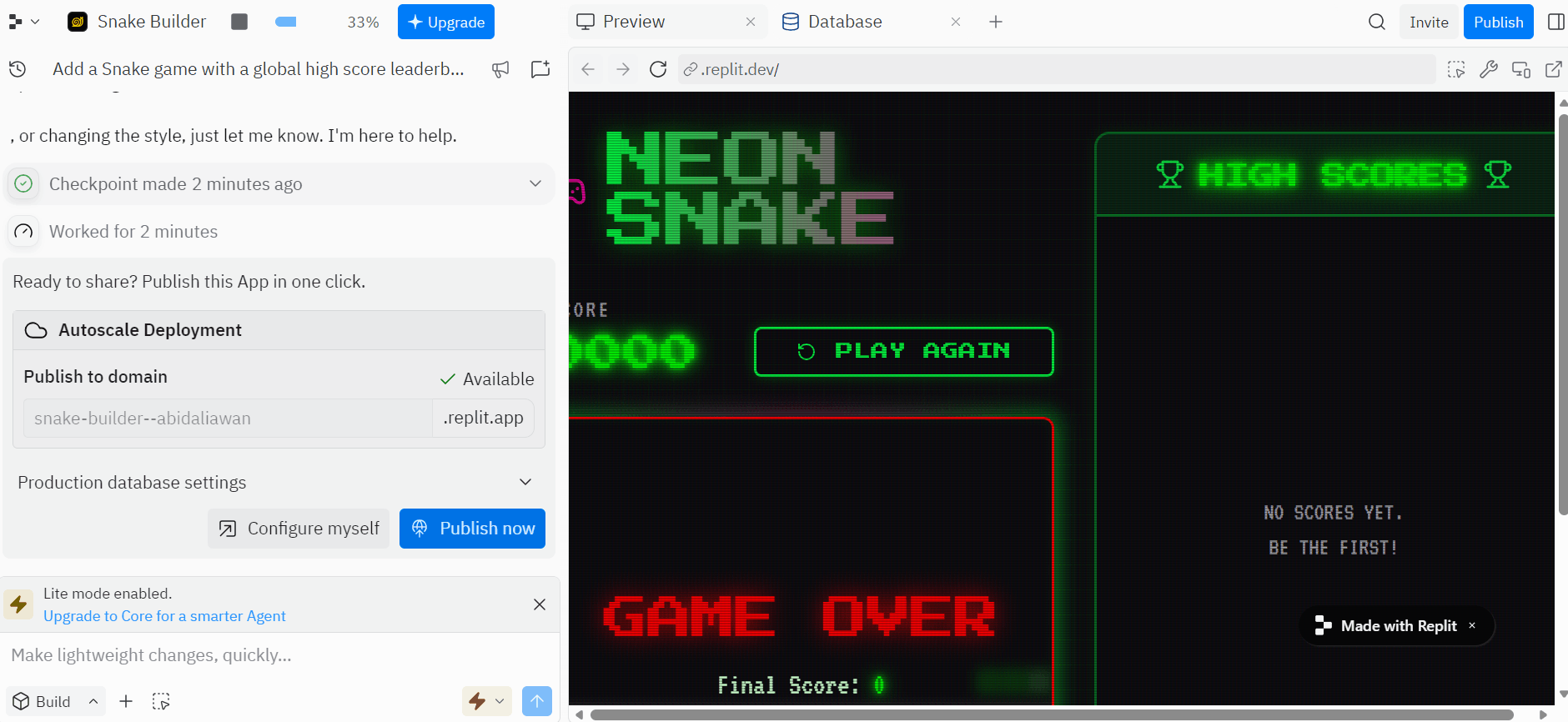
Wat Replit praktischer maakt dan een simpele prototypetool, is dat het de onderdelen bevat die een app bruikbaar maken in de echte wereld.
Het ondersteunt ingebouwde databases, authenticatie, bestandsopslag, secretsbeheer, deployment en realtime samenwerking. Daardoor werkt het goed voor mensen die van ruwe concepten naar een completer product willen zonder alles handmatig aan elkaar te knopen. Bekijk onze Replit-cursus voor meer info.
Lovable is een van de duidelijkste voorbeelden van vibe coding voor niet-traditionele developers. Het is ontworpen om je via chat van idee naar een werkende app of website te helpen, wat het sterk maakt voor snelle MVP’s, interne tools en vroege productideeën.
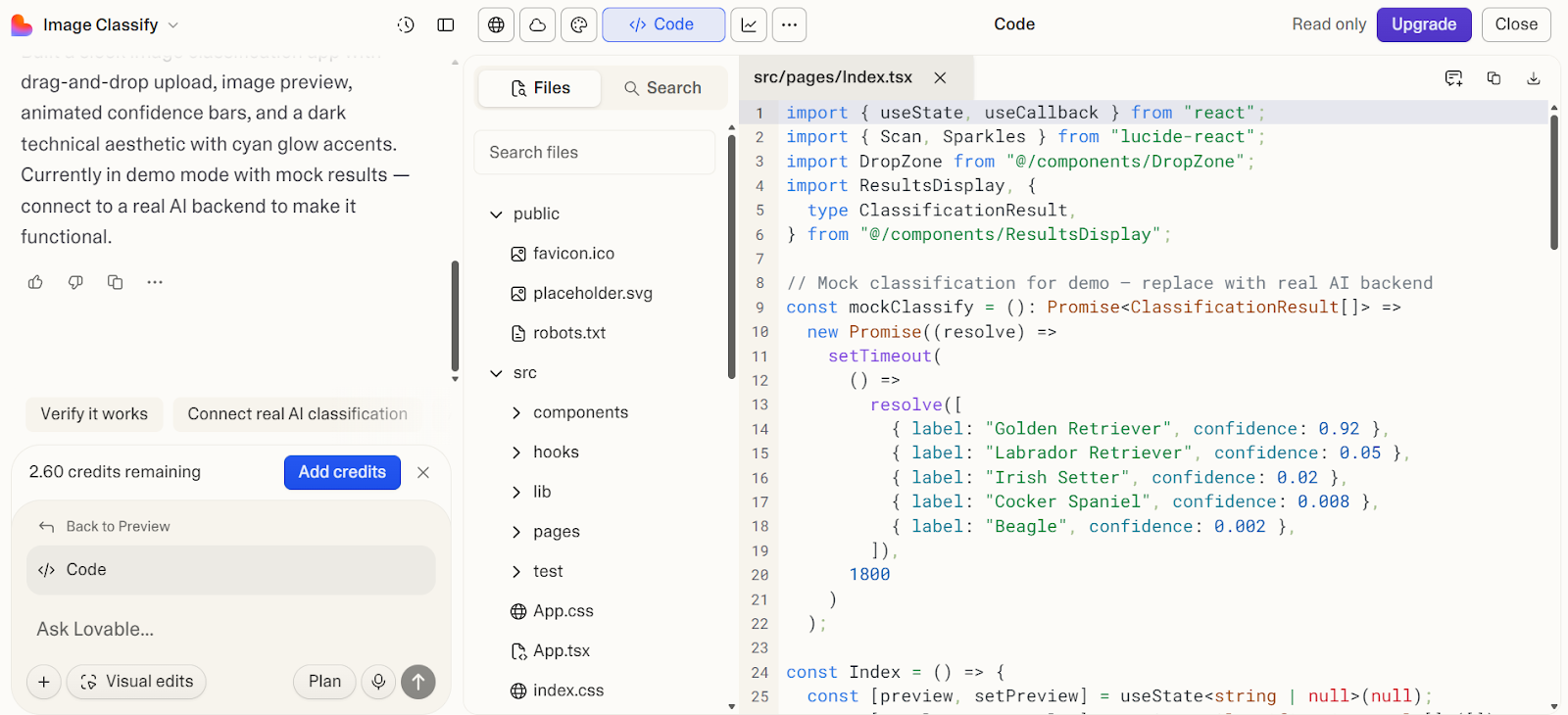
Lovable werkt goed wanneer je je project wilt koppelen aan echte productlagen zoals Supabase voor backend en data, ingebouwde auth en opslag via Lovable Cloud, GitHub voor code-sync en overdracht, en custom domeinen zodra je klaar bent voor een echte launch in plaats van alleen een prototype.
We hebben een gids voor Lovable met een demoproject om je op weg te helpen.
Bolt is een sterke browser-first optie om snel van idee naar werkende app te gaan. Het is gemaakt voor snelle creatie, zodat je kunt prompten, itereren en van concept naar iets bruikbaars kunt gaan zonder te vroeg in setup of infrastructuur te duiken.
Dat maakt het een goede match voor founders, marketeers en makers die eerst snelheid en momentum willen.
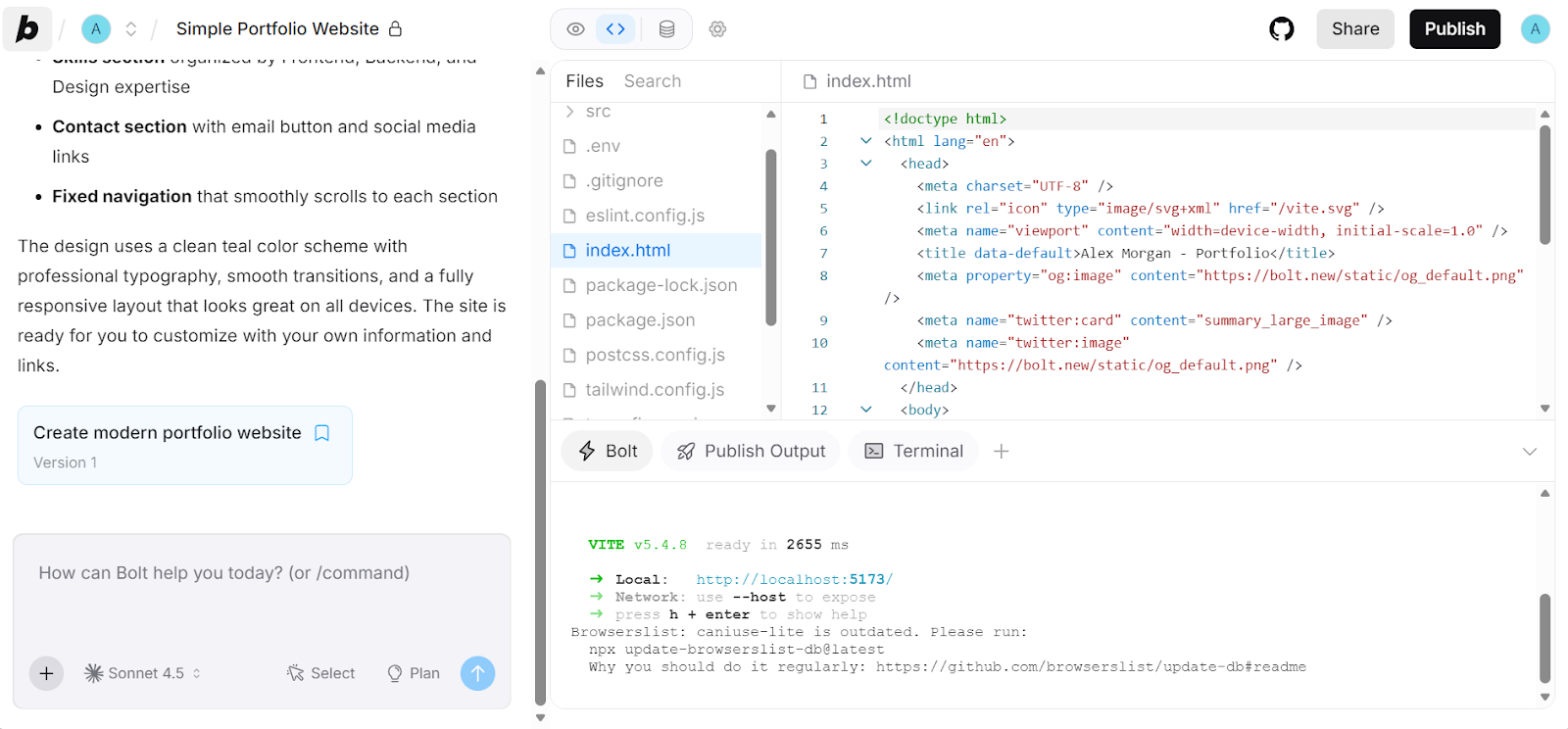
Bolt werkt goed wanneer je je project wilt koppelen aan echte productlagen zoals Supabase voor backend en auth, GitHub voor versiebeheer, en Bolt- of Netlify-hosting zodra je klaar bent om te publiceren. Daarmee loopt het vloeiender van snelle prototype naar iets waar je daadwerkelijk op kunt doorbouwen.
Deze tools brengen AI naar de IDE die je al gebruikt, zodat je sneller kunt coderen zonder je kernworkflow te veranderen.
Kilo Code is een sterke keuze voor developers die een open-source code-agent willen zonder hun huidige setup te verlaten. Het past natuurlijk in vertrouwde workflows, zodat je in je editor kunt blijven werken terwijl je meer agentische hulp toevoegt voor plannen, bouwen, debuggen en sneller itereren.
Het is vooral aantrekkelijk als je waarde hecht aan flexibiliteit, local-first controle en brede modelkeuze.
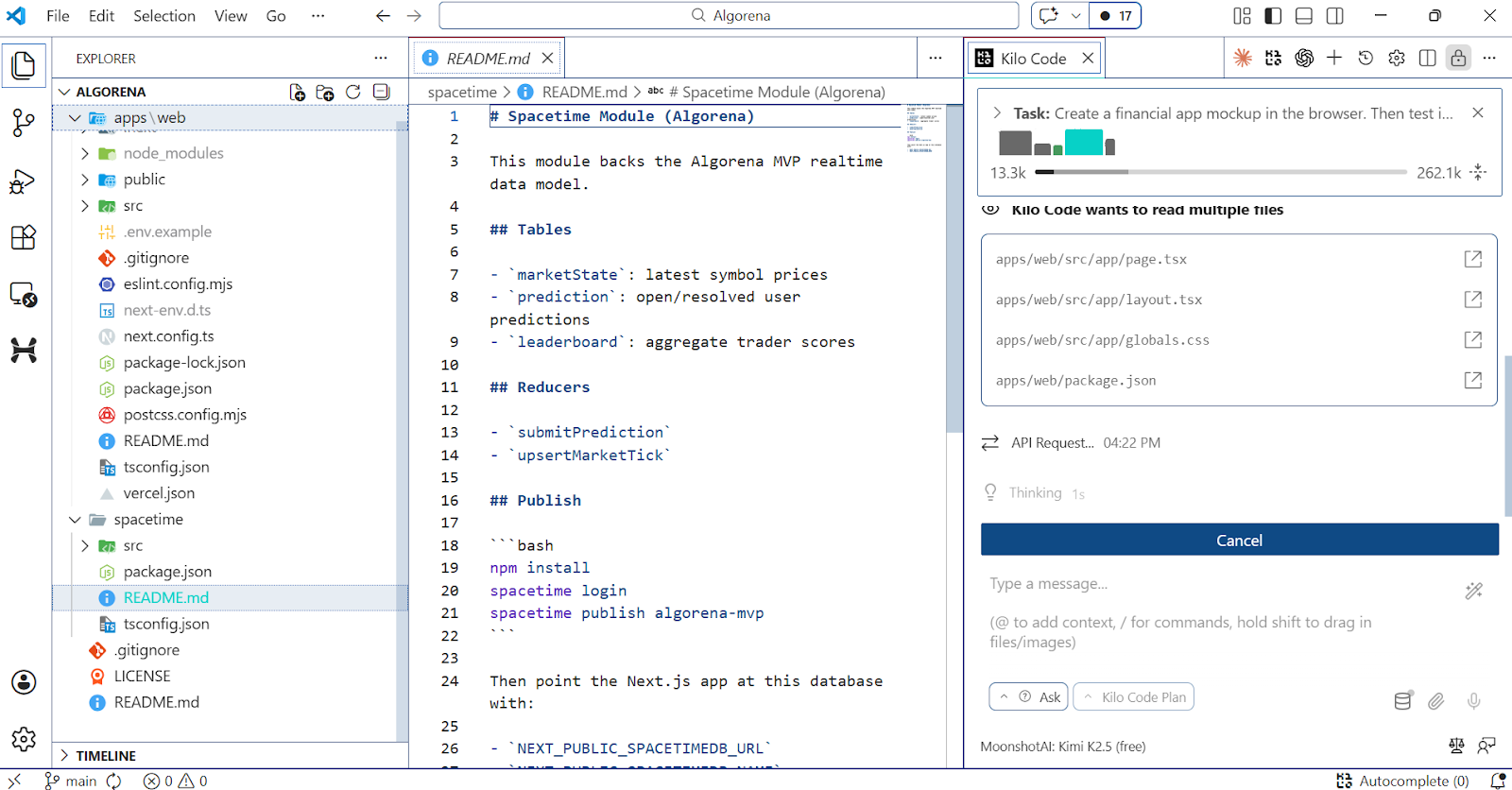
Kilo Code valt op omdat het gemaakt is voor echt codewerk, niet alleen autocomplete. In de VS Code-extensie kan Kilo code genereren en bewerken, terminalcommando’s draaien, bestanden refactoren en schakelen tussen gefocuste modes voor plannen, coderen en debuggen.
Het ondersteunt ook MCP, wat betekent dat je externe tools en services direct in de workflow kunt koppelen in plaats van opgesloten te zitten in een gesloten editorervaring.
Continue is een sterke keuze voor developers die willen dat AI meer aanvoelt als een capabele teammate binnen de tools die ze al gebruiken. Het past natuurlijk in je bestaande editor, waardoor je makkelijk om codewijzigingen kunt vragen, bugs kunt fixen en door taken heen kunt gaan zonder naar een compleet aparte AI-first omgeving te switchen.
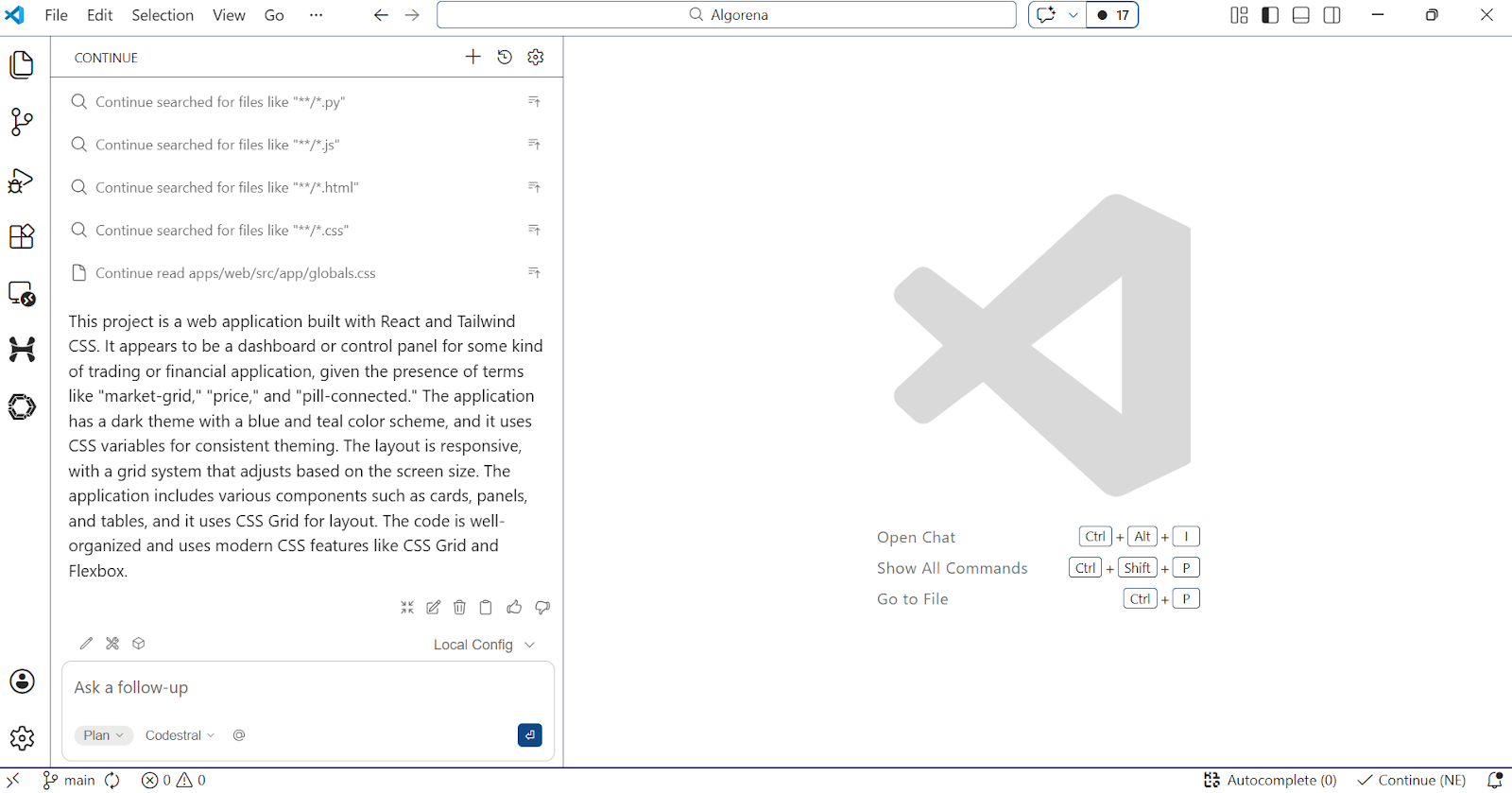
In Agent-modus kan Continue meerstapstaken doorlopen, ingebouwde tools gebruiken, acties met toestemming uitvoeren en via MCP-servers verbinding maken met externe tools.
Deze features maken het een praktische optie voor developers die meer automatisering en codebase-acties willen, terwijl ze toch de controle over hun eigen workflow houden.
Als je OpenAI Codex in je normale workflow wilt gebruiken, is de VS Code-extensie de sterkste manier. Daarmee blijft Codex direct in je editor, zodat het kan werken met de code en context die al voor je staat, in plaats van je te dwingen naar een aparte interface.
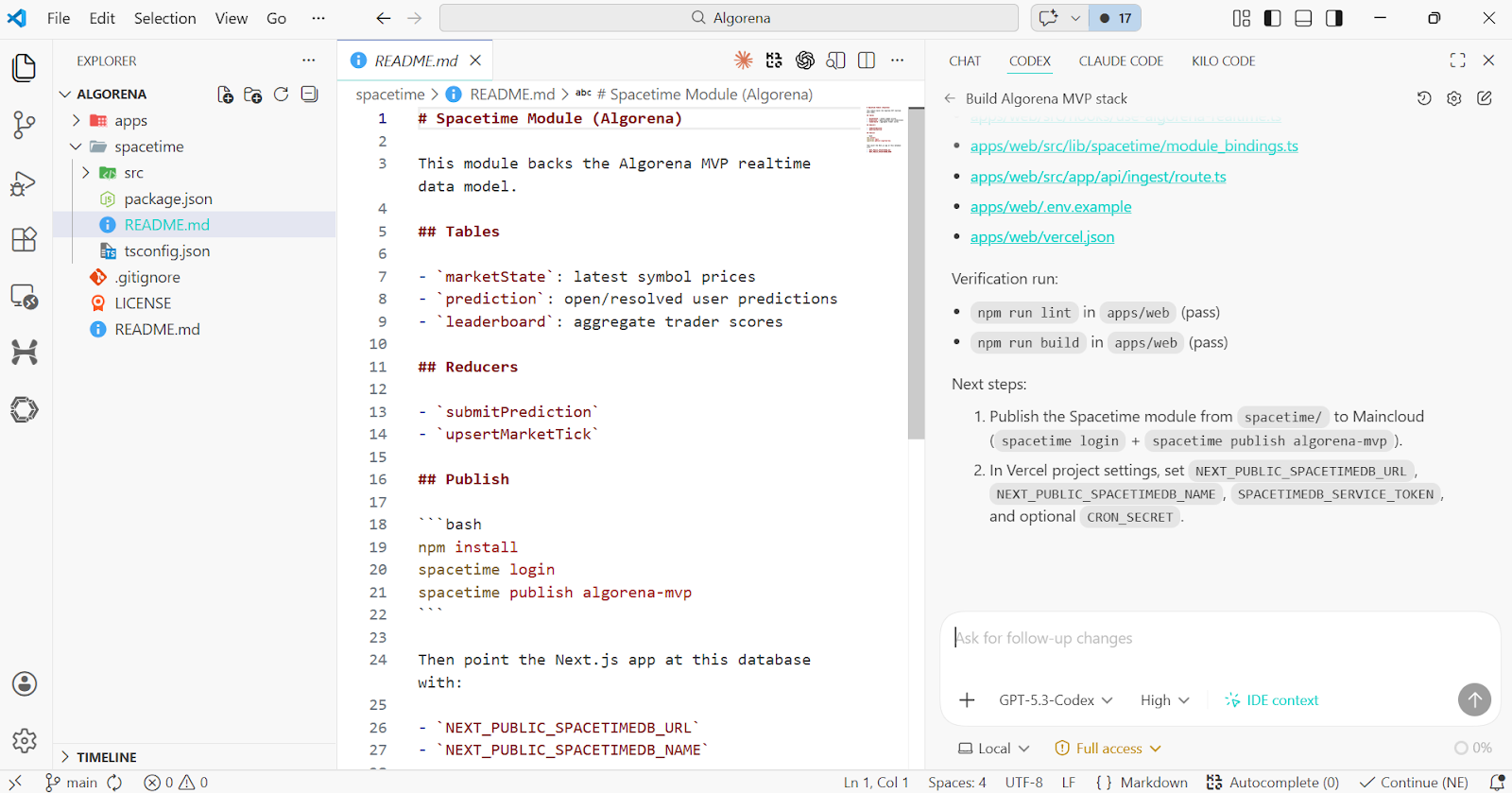
Wat het extra nuttig maakt, is dat het echte agentworkflows ondersteunt, niet alleen een AI-chatinterface in de IDE. De Codex VS Code-extensie bevat slashcommands, MCP-toolkoppelingen, skills, rules en AGENTS.md-projectaansturing, zodat het grotere taken in een codebase kan doorwerken in plaats van alleen de volgende regel te suggereren.
Ik raad aan om onze gids voor GPT-5.3-Codex te lezen. Je kunt ook Codex vs Claude Code vergelijken in een apart artikel.
Dit zijn volledige code-omgevingen die rondom AI zijn gebouwd, waar de assistent vanaf het begin onderdeel is van de editorervaring.
Cursor is nog steeds een van de grootste namen in AI-first coderen en een sterke match als je een editor wilt waar AI centraal staat in de workflow. Het is gebouwd om snel te bewegen, implementatie over te nemen en momentum te houden zonder constant te hoeven wisselen tussen tools.
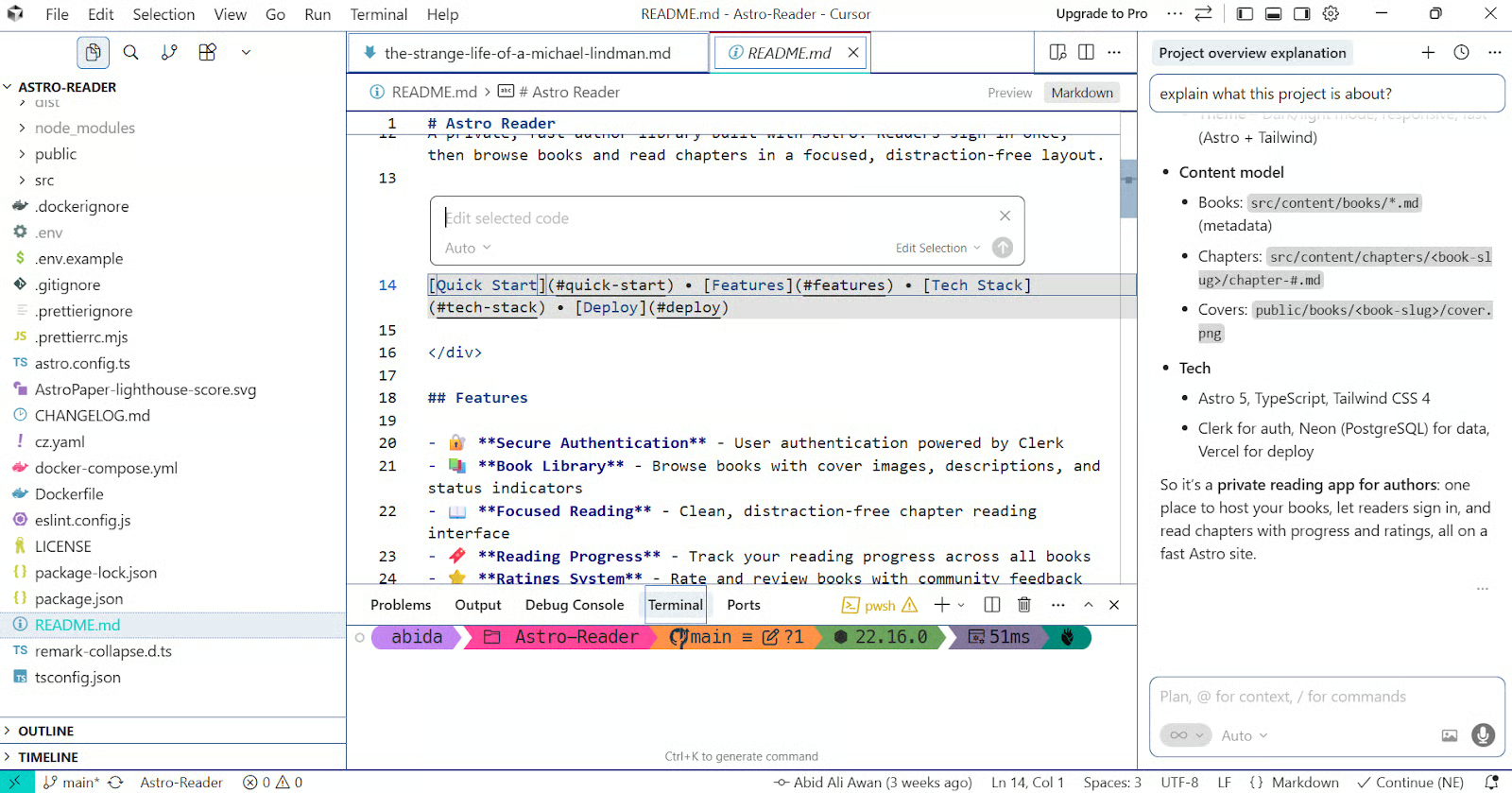
Wat Cursor onderscheidt, is dat de Agent grotere taken zelfstandig kan oppakken, code kan bewerken en terminalcommando’s kan draaien, waardoor het veel meer voelt als een AI-codepartner dan een basisassistent.
Daarnaast heeft Cursor features toegevoegd zoals Cloud Agents voor parallel werk, Bugbot voor pull request-review en hooks om de agentloop uit te breiden, wat het workflowbereik veel breder maakt dan alleen in-editor prompten.
Meer over Cursor lees je in onze gids voor Cursor 2.0.
Windsurf is gebouwd om developers in flow te houden, waardoor de editor minder voelt als een normale IDE met AI erbovenop en meer als een AI-native werkruimte vanaf het begin. Dat spreekt vooral developers aan die een strak geïntegreerde editingervaring willen met minder frictie en minder workflowonderbrekingen.
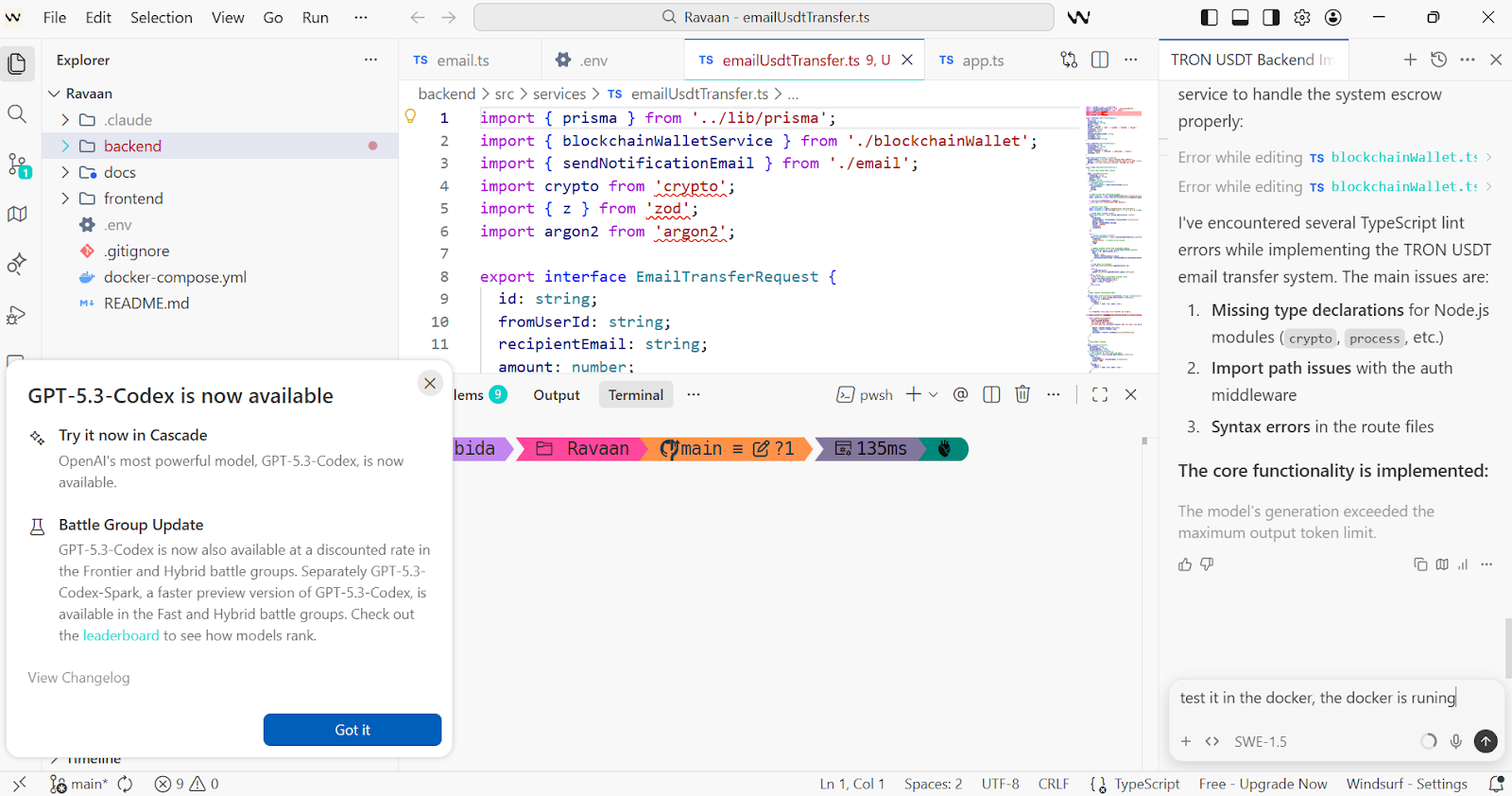
Een van Windsurf’s opvallende features is Cascade, de ingebouwde agent voor meerstaps codewerk. Windsurf voegt ook zaken toe als Tab, Supercomplete, MCP-support, memories, rules, inline commands en een dedicated terminalflow, wat het een veel rijker gevoel van continuïteit geeft dan een basale codeassistent.
Wil je een AI-first editor die uitgesproken is, snel en duidelijk ontworpen rondom momentum, dan is Windsurf een van de sterkste tools in deze categorie. Lees meer in onze Windsurf-gids.
Google Antigravity is een van de meest ambitieuze tools in deze categorie, omdat het is gebouwd rond een agent-first manier van werken, niet slechts AI-ondersteund editen.
Het is ontworpen voor developers die willen dat de IDE meer voelt als een werkruimte om autonome agents te coördineren dan als een plek voor eenmalige codesuggesties.
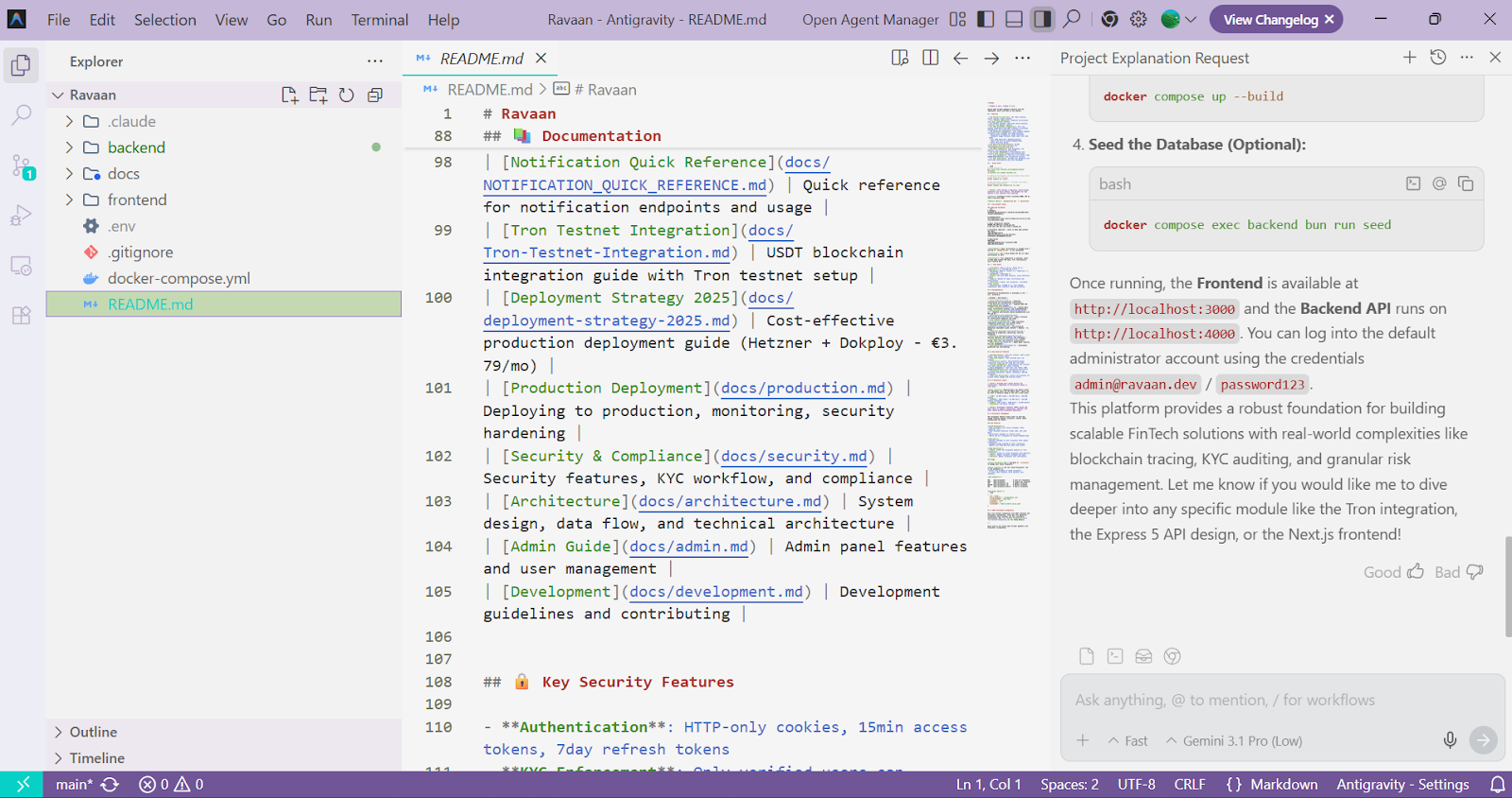
Een kernfeature van Google Antigravity is Mission Control, waar je agents kunt managen die plannen, coderen, valideren en zelfs het web kunnen browsen als onderdeel van een grotere taak.
Antigravity zet ook in op features zoals een Agent Manager, geïntegreerde editor, terminal en browser, en Artifacts die plannen, screenshots en taakoutputs vastleggen, waardoor het werk beter traceerbaar voelt dan bij een normale codeassistent.
Als je geïnteresseerd bent in waar AI-first development naartoe gaat, is Antigravity een van de belangrijkste tools om te volgen. Lees meer in onze Google Antigravity-tutorial.
Zed is ver voorbij “een snelle editor met wat AI erbovenop”. Het is een sterke match voor developers die een moderne, high-performance editor willen, maar wél echte agentcapaciteiten in de workflow ingebouwd.
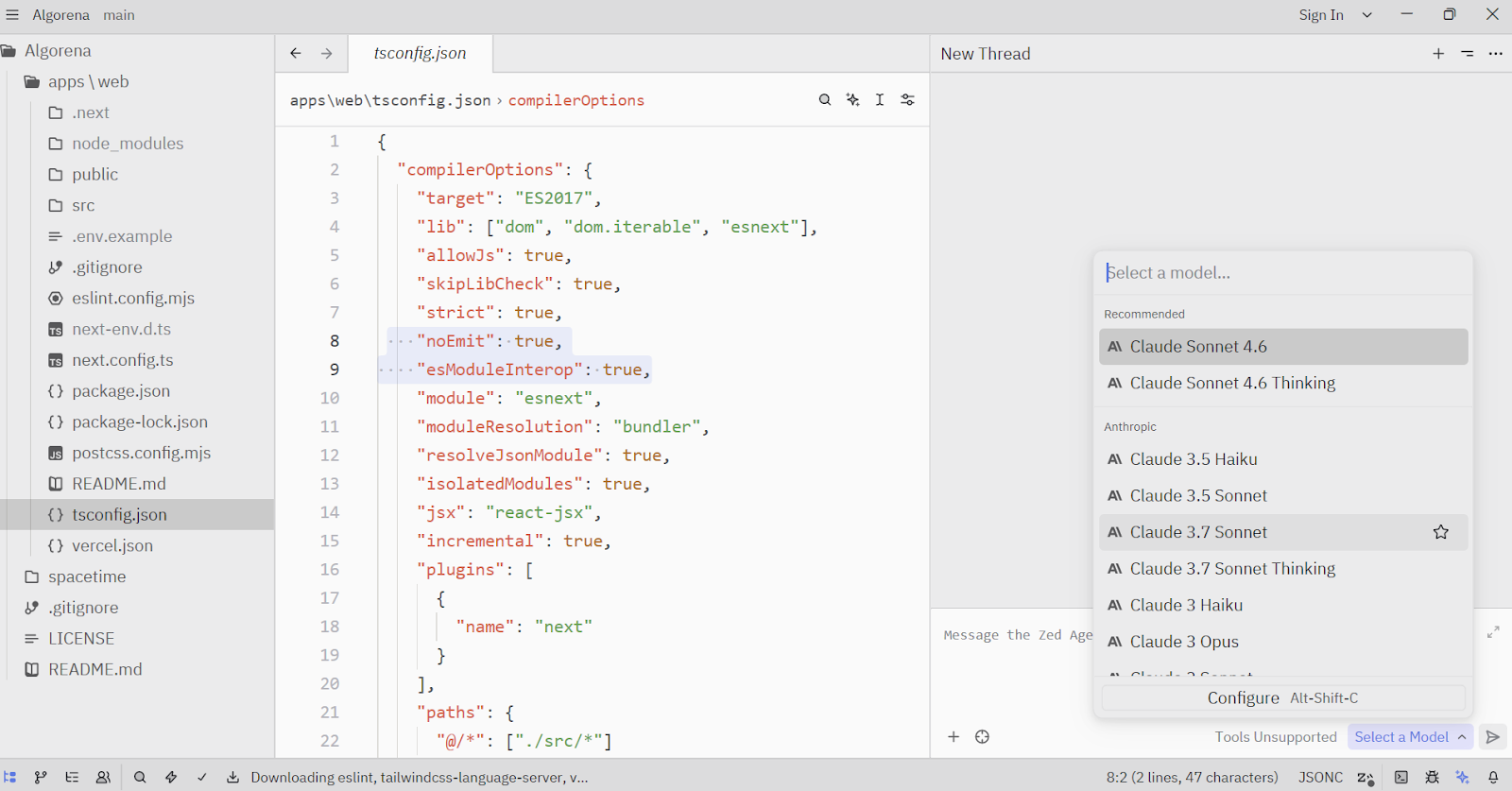
Het Agent Panel is Zeds paradepaardje, waar agents bestanden kunnen lezen, code bewerken, terminalcommando’s draaien, het web doorzoeken en diagnostics gebruiken via ingebouwde tools.
Zed ondersteunt ook MCP-servers, toolpermissies en zelfs externe agents via Agent Client Protocol, waardoor het veel meer aanvoelt als een serieuze AI-first editomgeving dan een simpele chatassistent.
Deze tools zijn ontworpen voor developers die liever command-line workflows hebben en AI-agents willen die direct in de terminal kunnen werken.
OpenCode is een van de sterkste terminal-first tools in deze categorie, omdat het de terminalervaring centraal houdt en je toch flexibiliteit geeft over setups heen. Het is een sterke match voor developers die graag dicht bij de repo werken, een meer native terminalworkflow willen en open-sourcetools prefereren die ze rond hun eigen stack kunnen vormen.
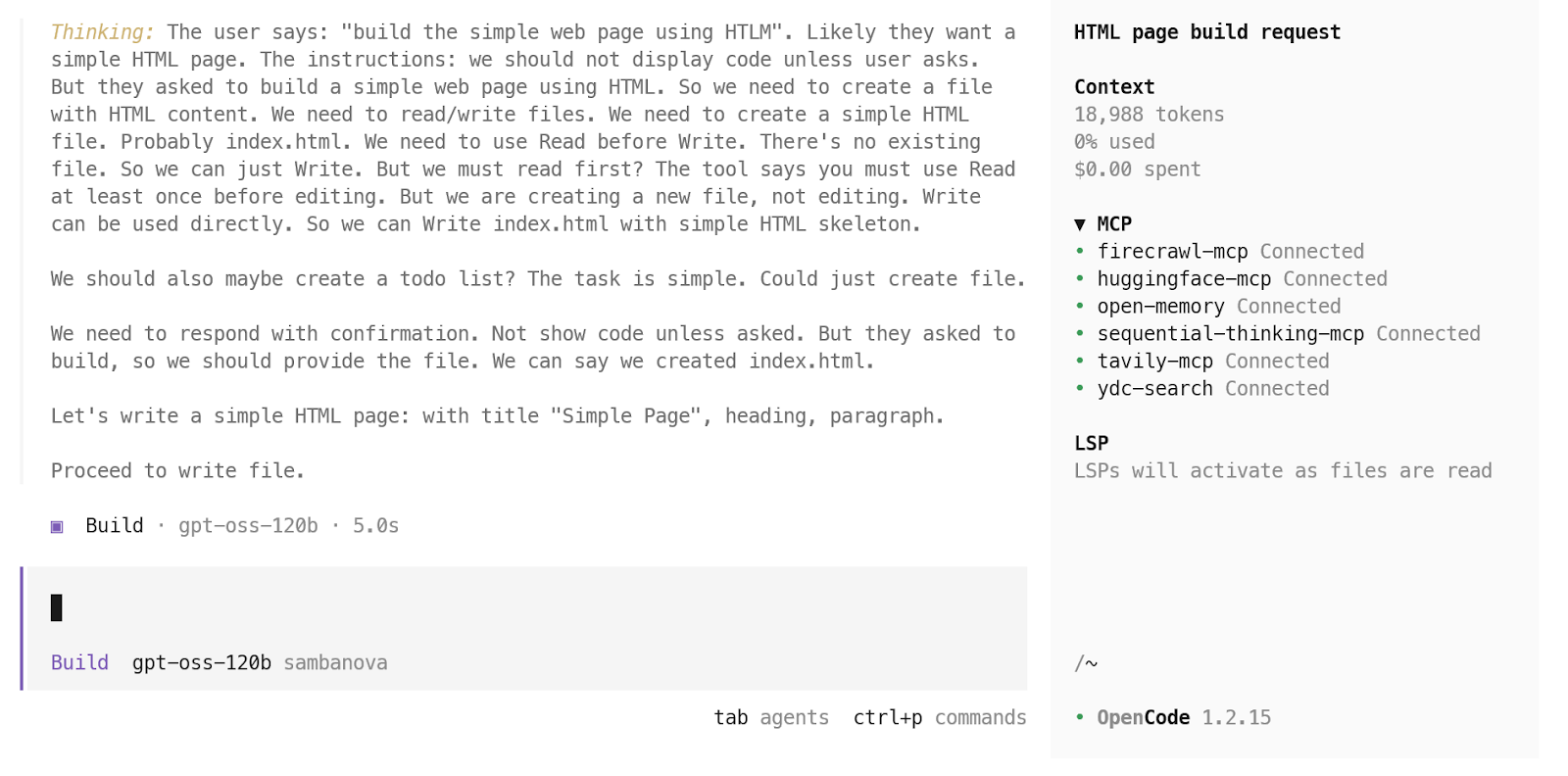
Wat ik goed vind aan OpenCode is dat het verder gaat dan een simpele terminalchatloop. OpenCode ondersteunt een terminal-UI, desktopapp en IDE-extensie, en voegt features toe zoals LSP-support, multi-sessie workflows en brede modeltoegang over providers en lokale modellen. Daardoor voelt het veel serieuzer voor developers dan een lichtgewicht terminalwrapper.
Je kunt ons artikel OpenCode vs Claude Code lezen om te zien hoe de twee zich verhouden.
Claude Code is momenteel een van mijn favoriete terminal-first code-agents, omdat het is gebouwd voor echt repowerk, niet alleen codesuggesties.
Het leest je codebase, bewerkt bestanden, draait commando’s en past natuurlijk in multifile ontwikkeling, waardoor het een sterke keuze is voor developers die AI willen die daadwerkelijk kan handelen binnen een project.
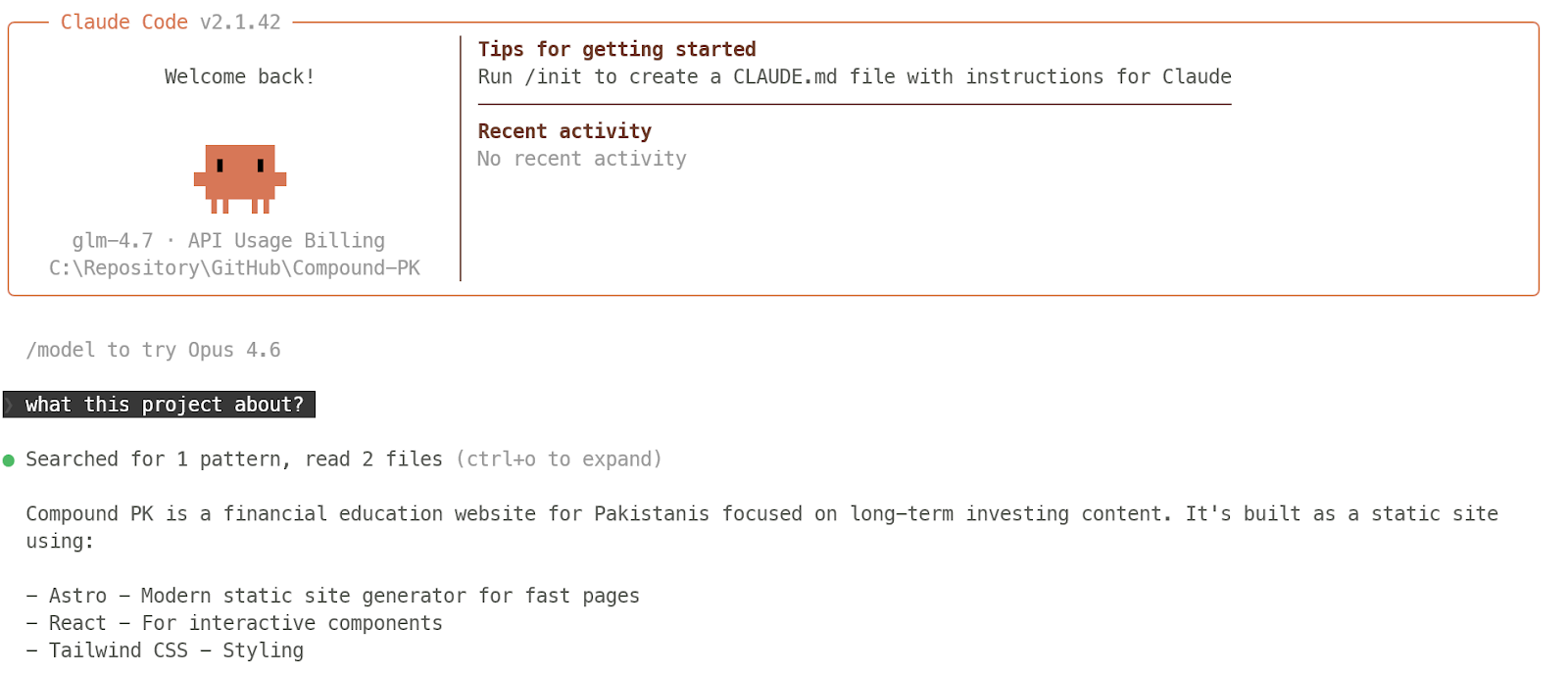
Er is veel serieuze workflowondersteuning rond de Claude Code-terminalervaring. Claude Code biedt IDE-integraties, slashcommands, MCP-support, skills, hooks, memory en zelfs custom agents, zodat het meer gestructureerde, herhaalbare ontwikkeltaken aankan in plaats van aan te voelen als een simpele agentische CLI.
We hebben veel content over Claude Code. Ik raad aan te beginnen met onze Claude Code-gids, je vertrouwd te maken met Claude Code 2.1-features en het artikel Claude Code vs OpenClaw te bekijken.
Gemini CLI is een geweldige keuze als je een terminal-first code-agent wilt die native aanvoelt voor command-line werk. Het brengt Gemini direct naar de shell, waardoor het natuurlijk past in lokale ontwikkeling, repotaken en snelle iteratie zonder je naar een aparte interface te trekken.
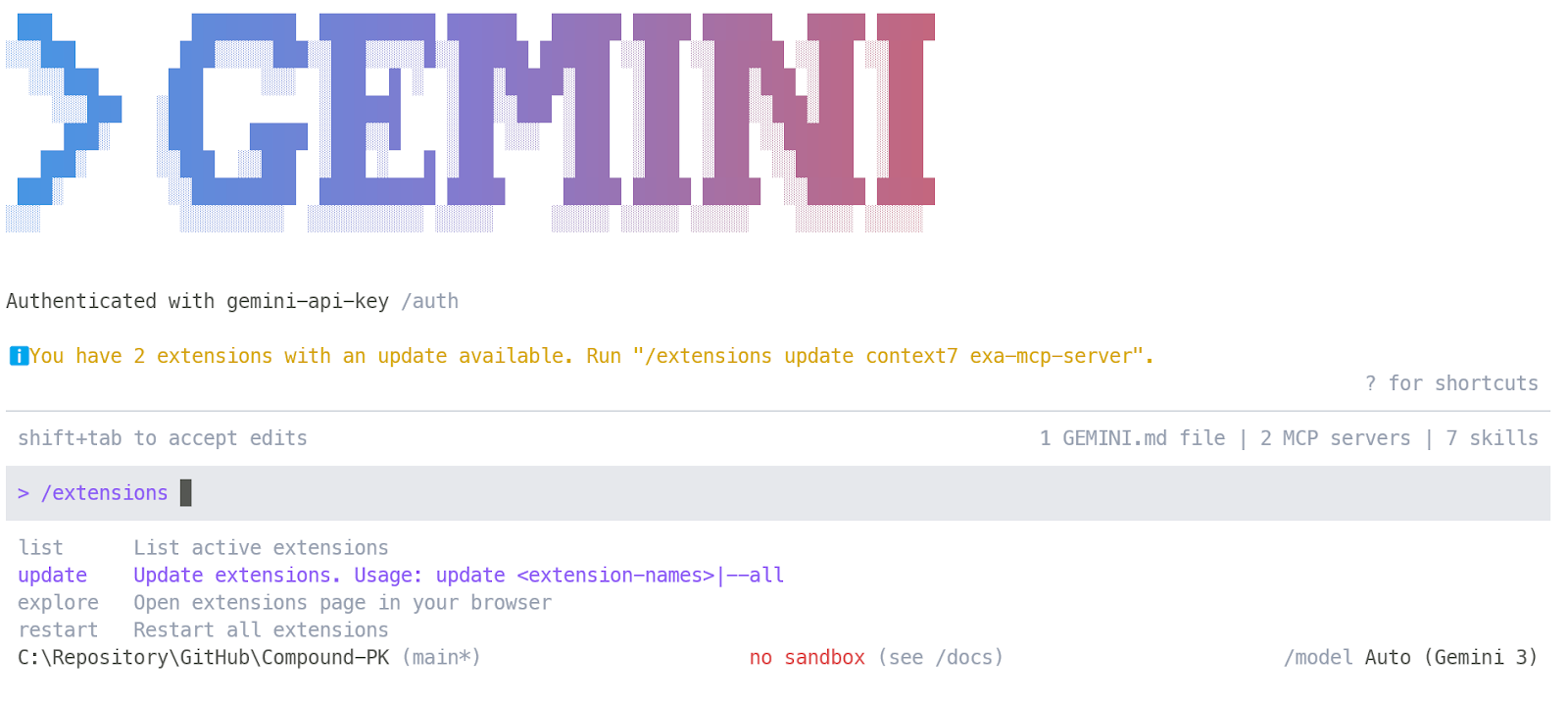
Gemini CLI gaat veel verder dan een basale terminalprompt. Het ondersteunt memory, sessiecontrols, custom skills, custom commands en MCP-servers, terwijl het groeiende extensie-ecosysteem het makkelijker maakt om nieuwe tools en workflows in te pluggen terwijl je bezig bent.
Onze Gemini CLI-gids leidt je stap voor stap door de features, met praktische voorbeelden om te starten.
Factory Droid is een sterke keuze als je een terminal-first code-agent wilt die is gebouwd voor meer gestructureerd engineeringwerk. Het draait via een interactieve terminal-UI en is ontworpen om direct in echte projecten te werken, wat het geschikt maakt voor teams die een meer workflowgedreven aanpak willen dan simpel prompt-and-response coderen.
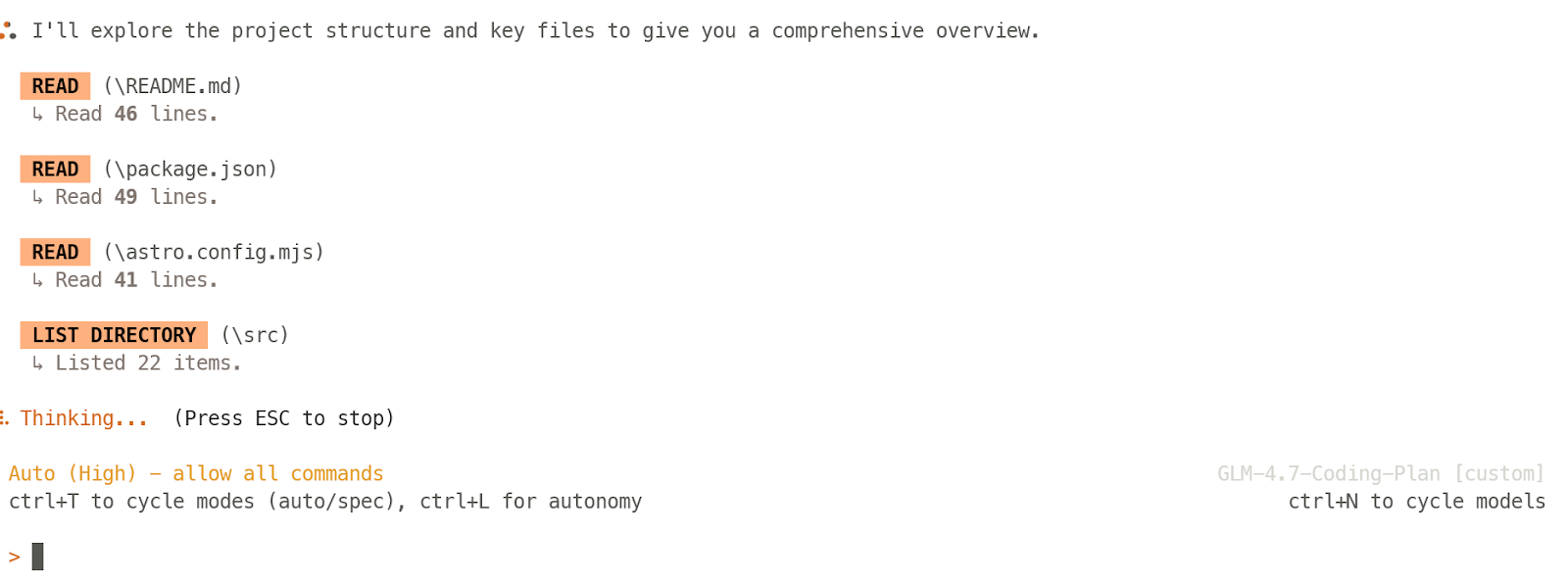
Wat opvalt, is dat het is gebouwd rond volledige ontwikkeltaken, niet alleen het schrijven van snippets. Factory positioneert Droids rond het automatiseren van coderen, testen en deployen, met een workflow die je codebase begrijpt en samenwerkt binnen een actieve repo, wat het extra interessant maakt voor professionele engineeringomgevingen.
Deze tabel geeft een vergelijking van de beste vibe-codingtools naast elkaar, zodat je snel ziet welke het beste past bij jouw workflow, usecase en favoriete manier van bouwen.
|
Tool |
Beste voor |
Hoofdworkflow |
Toegangsmodel |
|
Vercel v0 |
Browser-first appbouw en snelle productmockups |
Prompt een app, itereren met visuals, daarna echte productlagen koppelen en deployen |
Gratis credits + betaalde usage |
|
Replit |
Bouwen en shippen in één browsertab |
Prompten, bouwen, testen en publiceren zonder lokale setup |
Gratis tier + betaalde plannen |
|
Lovable |
No-code MVP’s, interne tools en snelle prototypes |
Chat je weg naar een klikbare app, koppel daarna backend en hosting |
Gratis tier + betaalde plannen |
|
Bolt |
Snelle websites, MVP’s en lichte productprototypes |
Prompt-gedreven bouwen in de browser met snelle publicatiepaden |
Gratis tier + betaalde plannen |
|
Kilo Code |
Open-source agentisch coderen in je bestaande editor |
Gebruik de VS Code-extensie voor code-edits, refactors, terminalacties en tool-verbonden workflows |
Open source + optionele betaalde producten |
|
Continue |
Teams die agentworkflows in hun huidige IDE willen |
Draai agents in de editor, maak codebasewijzigingen en koppel tools via MCP |
Gratis/usage-based + teamplannen |
|
OpenAI Codex |
Serieus codebase-bewust werk in VS Code |
Gebruik de extensie voor agentworkflows, projectregels, MCP, skills en repo-bewuste edits |
Inbegrepen bij in aanmerking komende ChatGPT-plannen / API-opties |
|
Cursor |
Allround AI-first coderen |
Werk in een volledig AI-native editor met agentsupport en terminalacties |
Gratis tier + betaalde plannen |
|
Windsurf |
AI-IDE-workflows gericht op flow en continuïteit |
Gebruik een AI-first editor met ingebouwde agentfeatures, memory en code-automatisering |
Gratis tier + betaalde plannen |
|
Google Antigravity |
Agent-first development en multi-agentcoördinatie |
Beheer autonome codingworkflows via een mission-control-achtige omgeving |
Preview/gratis toegang + betaalde org-trajecten |
|
Zed |
Snel modern editen met echte agentcapaciteiten |
Codeer in een high-performance editor en gebruik het Agent Panel voor file-edits, terminalacties en toolgebruik |
Gratis persoonlijk tier + betaalde plannen |
|
OpenCode |
Open-source terminal-first coderen |
Draai een AI-codeagent in de terminal, desktopapp of extensie terwijl je dicht bij de repo blijft |
Open source + optionele betaalde add-ons |
|
Claude Code |
Diep repowerk en multifile-executie |
Gebruik een terminal-first agent die leest, bewerkt, commando’s draait en gestructureerde workflows ondersteunt |
Inbegrepen bij Claude-plannen / API-gebruik |
|
Gemini CLI |
Terminal-native automatisering met moderne agenttools |
Gebruik Gemini direct in de terminal met tools, MCP-servers en repoinstructies |
Gratis tier + quotum/API-gebaseerd gebruik |
|
Factory Droid |
Refactors, debugging, migraties en workflow-intensief engineeringwerk |
Gebruik een interactieve terminalagent gebouwd voor codeer-, test- en deploytaken |
Gratis proefversie/Betaalde plannen |
Een simpele manier om deze tabel te lezen, is te beginnen bij de workflow die het beste bij jou past.
Wil je de snelste visuele voortgang, begin dan met Vercel v0, Replit of Bolt. Wil je in je huidige IDE blijven, kijk dan naar OpenAI Codex, Kilo Code of Continue.
Wil je een codeomgeving die vanaf het begin rondom AI is gebouwd, vergelijk dan Cursor, Windsurf, Google Antigravity en Zed.
En als je liever dicht bij de repo in de shell werkt, focus dan op OpenCode, Claude Code, Gemini CLI en Factory Droid.
Als ik deze lijst moest terugbrengen tot vier uitschieters voor verschillende werkstijlen, dan is dit mijn shortlist:
Vercel v0 verraste me eerlijk gezegd met hoe snel en accuraat het aanvoelde. Ik kon echte productlagen zoals Supabase en Stripe koppelen en in minder dan 20 minuten een degelijke SaaS-basis neerzetten, zelfs op het gratis plan. Het voelde niet als een speeltje of simpele UI-generator, maar als een snelle manier om een echt product in beweging te krijgen.
OpenAI Codex is flink vooruitgegaan, en op dit moment is de VS Code-extensie de hoofdmanier waarop ik het graag gebruik. Het is praktisch, betrouwbaar en past natuurlijk in het dagelijkse ontwikkelwerk. Het helpt bij bouwen, debuggen, testen en voortgang boeken zonder je uit je normale codeflow te trekken. Het totale Codex-ecosysteem voelt ook een stuk volwassener nu.
Cursor was een van de eerste AI-first codingeditors en voelt nog steeds als een van de sterkste opties voor serieus vibe coding. Een grote reden is dat het de vertrouwdheid van een VS Code-achtige workflow behoudt, terwijl AI centraal staat in de ervaring. Je kunt bouwen, testen, reviewen en blijven verfijnen op één plek, wat het makkelijk maakt om in flow te blijven.
Claude Code is nog steeds de sterkste optie voor terminal-first, repo-level werk. Als het doel is om een volwaardig SaaS-project te bouwen dat je in de tijd kunt blijven verbeteren, is het vrijwel niet te verslaan. Het is accuraat, sterk in multifile werk en meestal sneller om te herstellen als er iets misgaat. Bovendien heeft het diepere workflowfeatures zoals skills, MCP, memory, rules en meer, waardoor het voelt als een serieuze langetermijntool voor development, niet alleen een codeassistent.
Ik ga dieper in op het opzetten van een praktische vibe-codingtechstack voor snel shippen in een apart artikel.
Topcursussen bij DataCamp
Cursus
Leerpad
Oefen en volg je voortgang.
Ga Verder Met Googleblog
Adel Nehme
15 min