

แทร็ก
วิศวกรรม AI ด้วย LangChain
21 ชม.
There are now thousands (tens of thousands?) of great AI options. Access probably isn't the challenge. Instead, you might be wondering where to start.
In this article, we focus on the essentials. We’ve hand-picked the most widely used and reliable AI tools in 2026. We are confident that you will want to be versed in the items on this list. Many people are using them already, and they – these tools – are only getting better.
If you want to explore more niche options and if you are only interested in those options with generous free tiers, check out our full guide to the best free AI tools, where we expand this list significantly.
We start with learning. AI is changing not just what we study, but how we study.
Most online courses give everyone the same video, in the same order, at the same pace. DataCamp has an AI-native approach, which is entirely unique and different. Learners don't sit and consume static, pre-created content. Lessons are generated dynamically and adapted entirely to the individual.
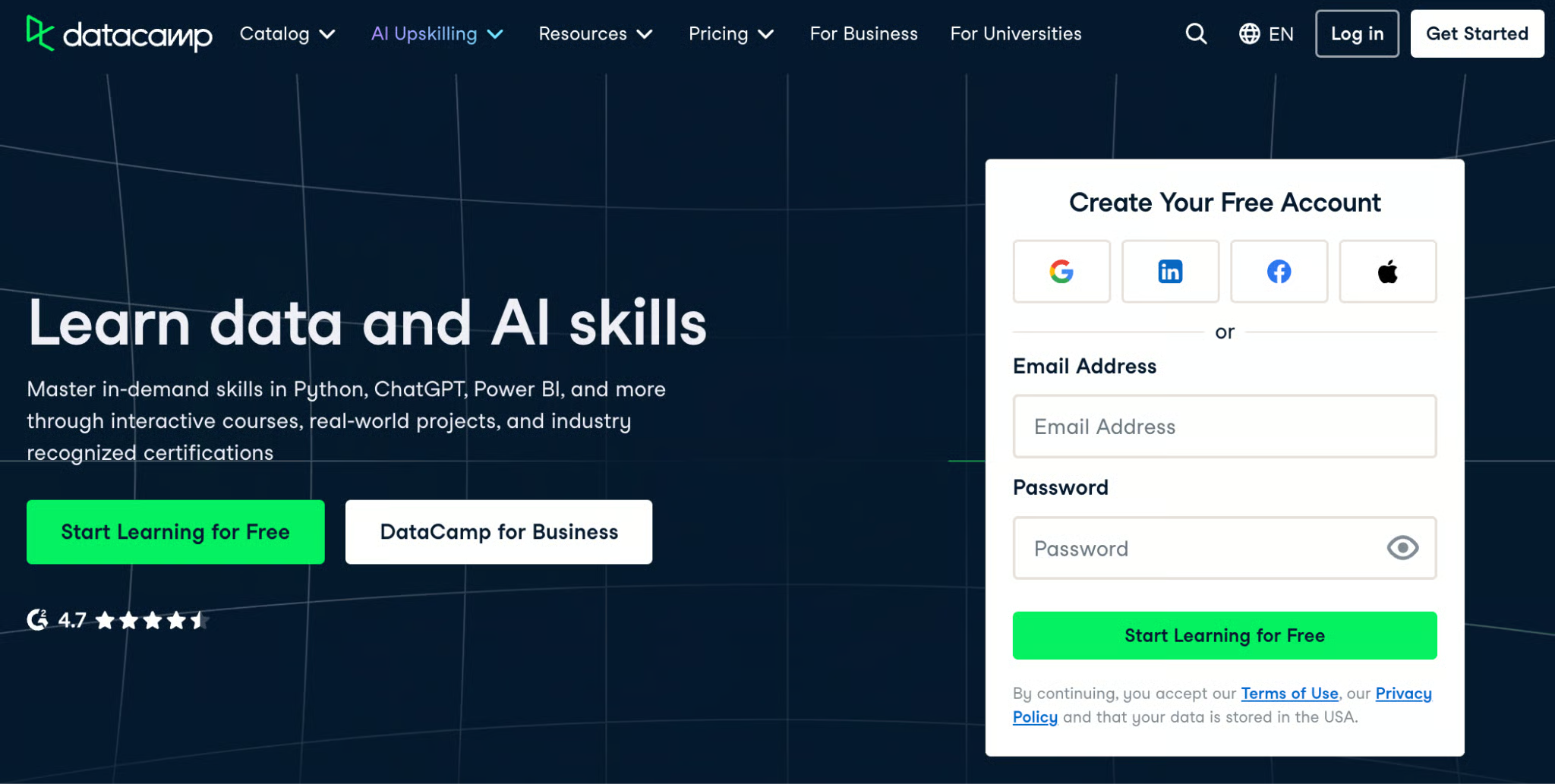
All this is powered by Optima, an AI learning platform DataCamp acquired at the end of 2025. The new system adapts in real time, making bespoke adjustments to pacing, explanations, and feedback. What this amounts to is that, when you start a course, the AI tutor asks what you already know and tailors everything from the examples it uses to the difficulty of exercises accordingly. This is 1:1 tutoring. Nothing else on the market compares.
Writing tools are where most people first encounter AI. Let's look at the best ones:
We are putting it at the top of the list because Claude is known to engage more carefully with the actual nuance of what you're asking. It's known to be less likely to hedge and be less likely to confidently give you a wrong answer.
After our own testing, we agree. Claude, we think, is especially strong for creative writing, editing your own work, and having conversations with some amount of pushback. The free version gives you access to Claude Sonnet — the latest version is Claude Sonnet 4.6, although message limits can kick in.
You've heard of ChatGPT and, chances are, you've used it for an email or two. ChatGPT remains the most used product and the possible best all-rounder for brainstorming ideas or having good conversations.
We should mention that OpenAI has iterated rapidly on the model's personality over the past year. Users thought GPT-4o was too obsequious, likely because OpenAI had focused too much on short-term feedback, so the chatbot skewed toward responses that were overly supportive and felt disingenuous. We think these issues are largely getting fixed. It's now more helpful without being a pushover.
The ChatGPT free tier gives you access to capable models and even includes a "Deep Research" feature, although it is admittedly limited (5 reports a month). The Deep Research feature, if you are not in the know, can browse the web and pull together summaries for you.
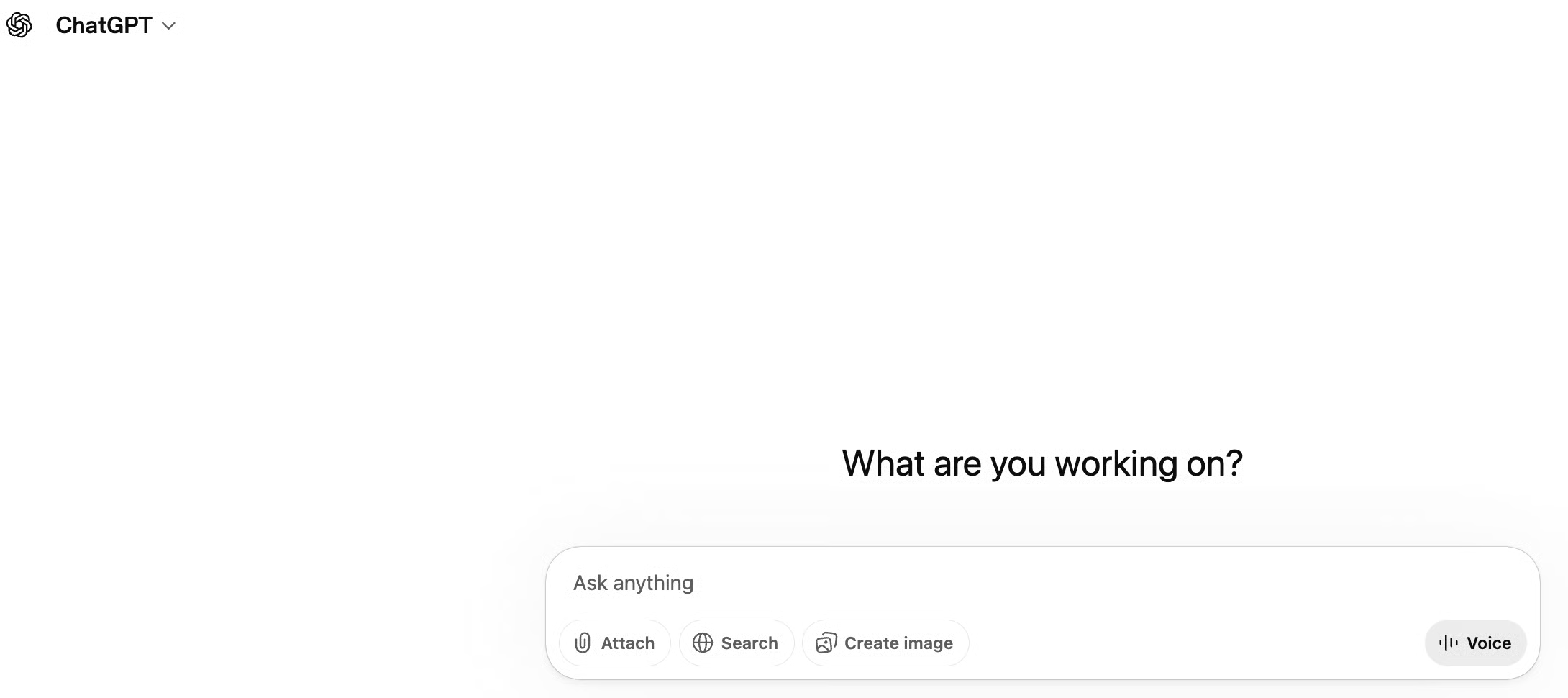
Many people think of Grammarly as a spell-checker, but it's much more than that. If you plug your writing into Grammarly, you will see that it reads your tone and suggests how to make your writing more concise. The free plan includes 100 AI prompts per month for quick rewrites.
Coding tools are evolving quickly. Now, they are capable of agent-like workflows.
With this one, you don't need to install software or handle Python environments: DataLab runs directly in your browser. It allows you to chat with your data to generate SQL queries, Python code, and visualizations. Its built-in reporting features let you turn your analysis into a sleek, shareable dashboard with a single click, without any front-end coding.
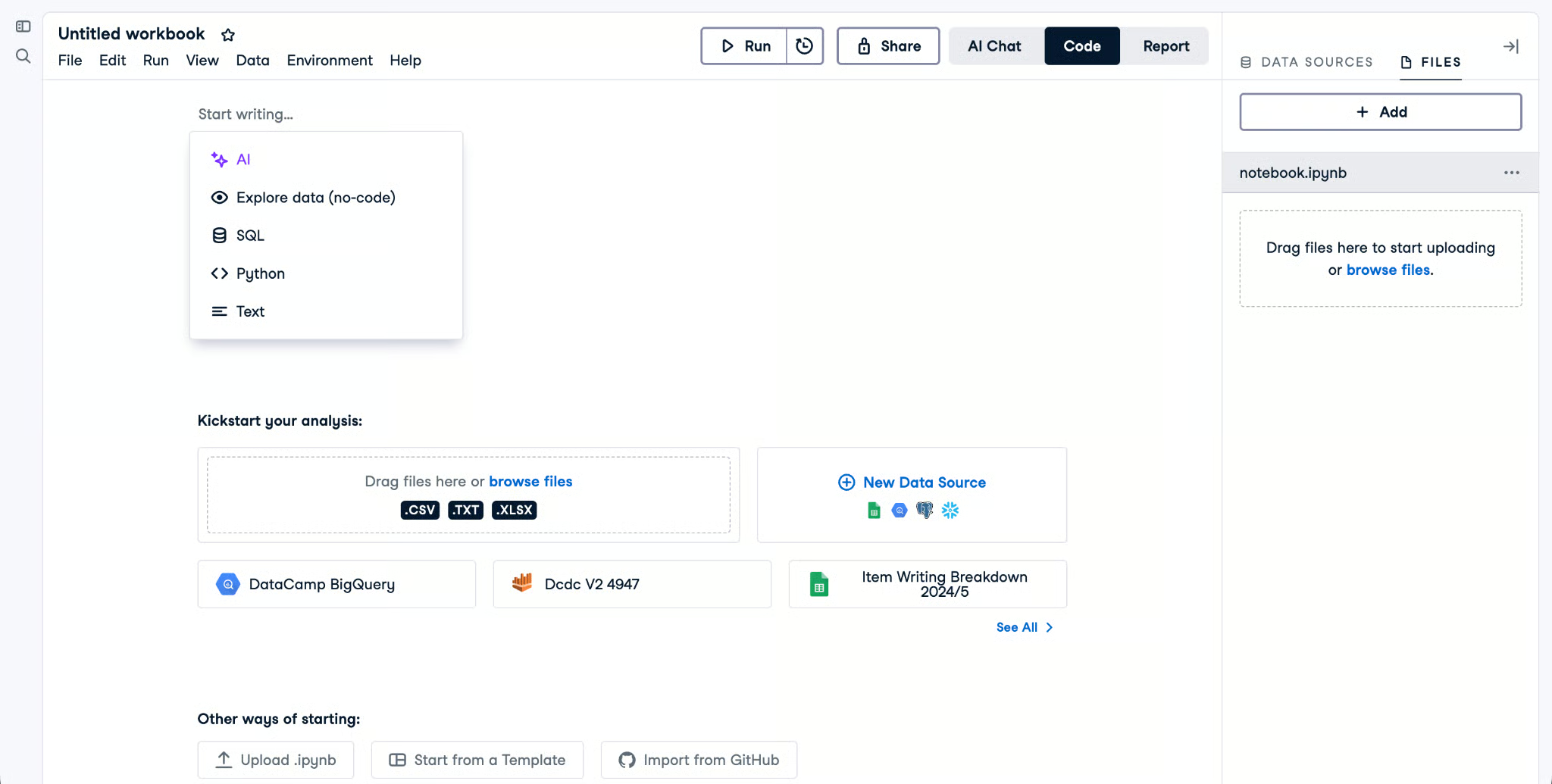
Free users only need a DataCamp account to create up to three workbooks/projects and use the AI Assistant 15 times. To break those limitations, access more powerful hardware, and more, you need a DataLab Premium subscription.
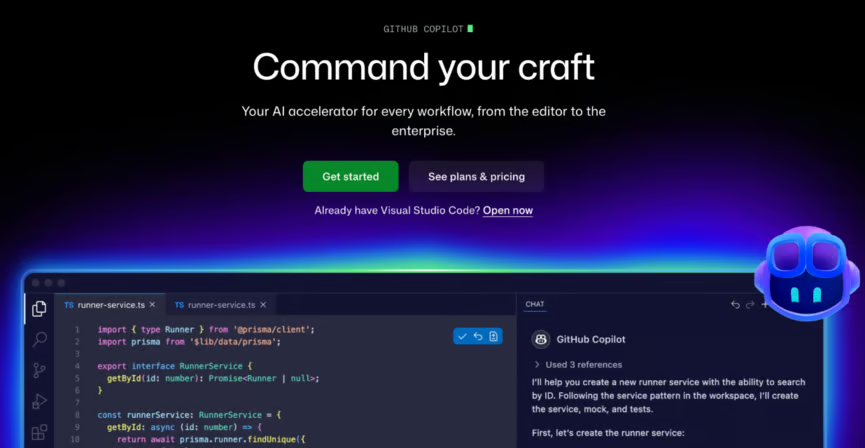
GitHub Copilot is the AI coding assistant used by professional developers worldwide, and Microsoft now offers a free tier. It lives right inside VS Code and quietly autocompletes your code as you type. The free plan gives you 2,000 completions and 50 chat messages per month.
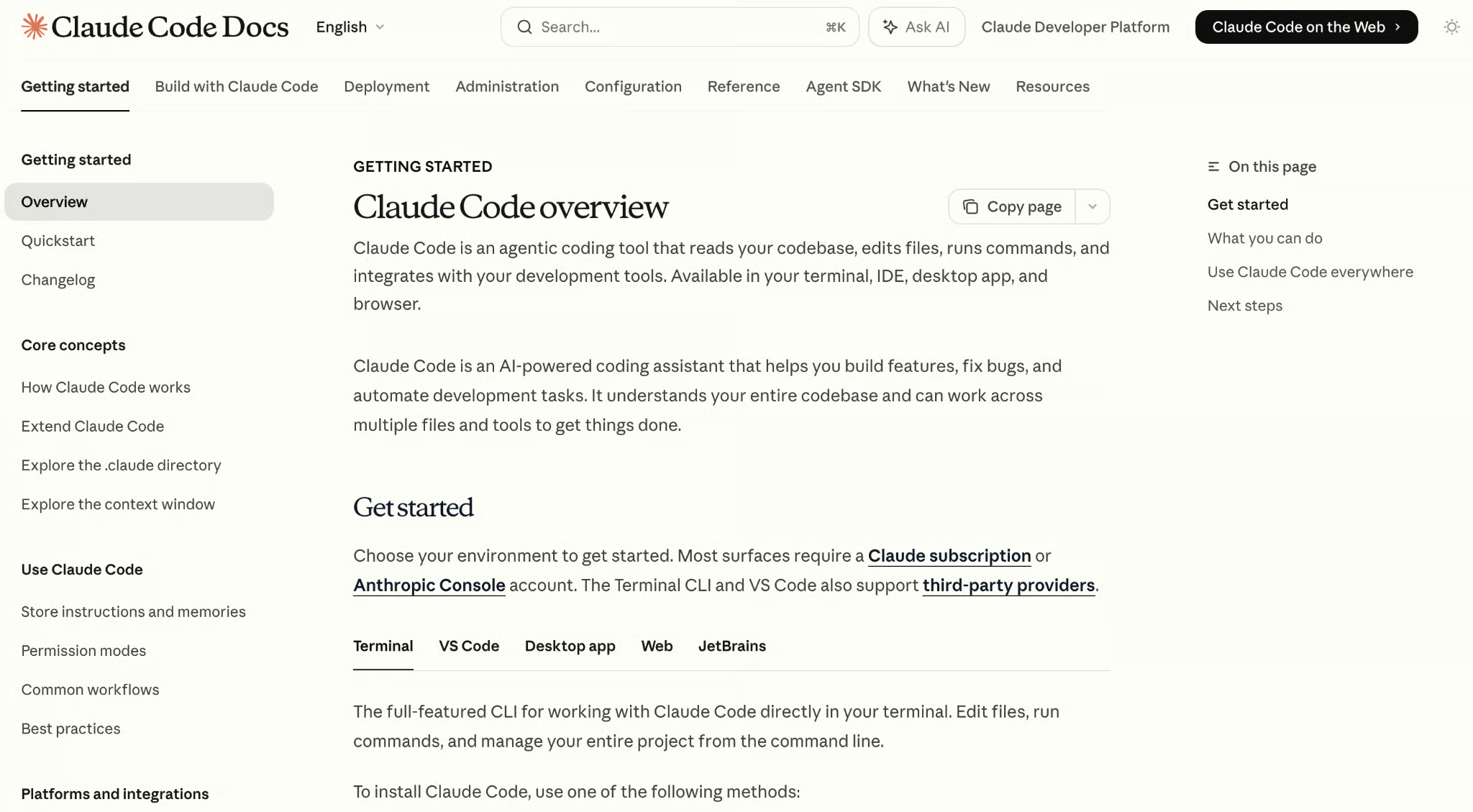
Claude Code brings Anthropic’s reasoning strengths directly into the coding workflow. It’s especially useful for understanding complex codebases, refactoring functions, and explaining logic step by step. Compared to other tools, it tends to produce clearer, more structured outputs, which makes it a good fit for learning and debugging rather than just rapid code generation.
Next is Cursor, which takes a more integrated approach by turning the code editor itself into an AI assistant.
Cursor is a full IDE built around AI, rather than adding AI into an existing editor. You can write code, ask questions, refactor functions, and even update entire files using natural language. It’s especially useful for working across a codebase, where it can understand context and make coordinated changes instead of just suggesting the next line.
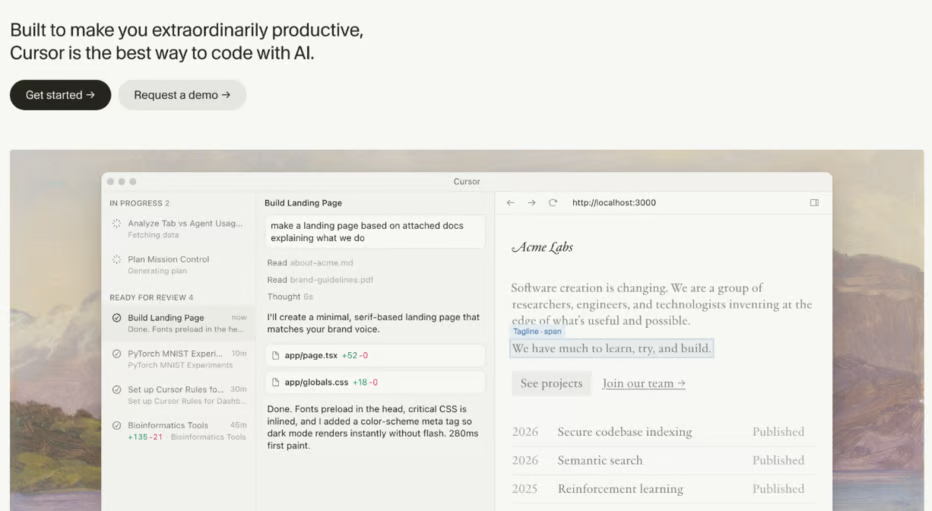
Compared to tools like Copilot, Cursor feels more like a collaborator than an autocomplete tool. It’s a strong option if you want to move beyond suggestions and start relying on AI to help plan and structure your code.
If you've ever wanted to build a real app but got stuck on the setup, Antigravity is for you. It's a full code editor where AI agents can plan, write, and even run your code for you — including installing packages and testing in a browser. It's free and in public preview right now.
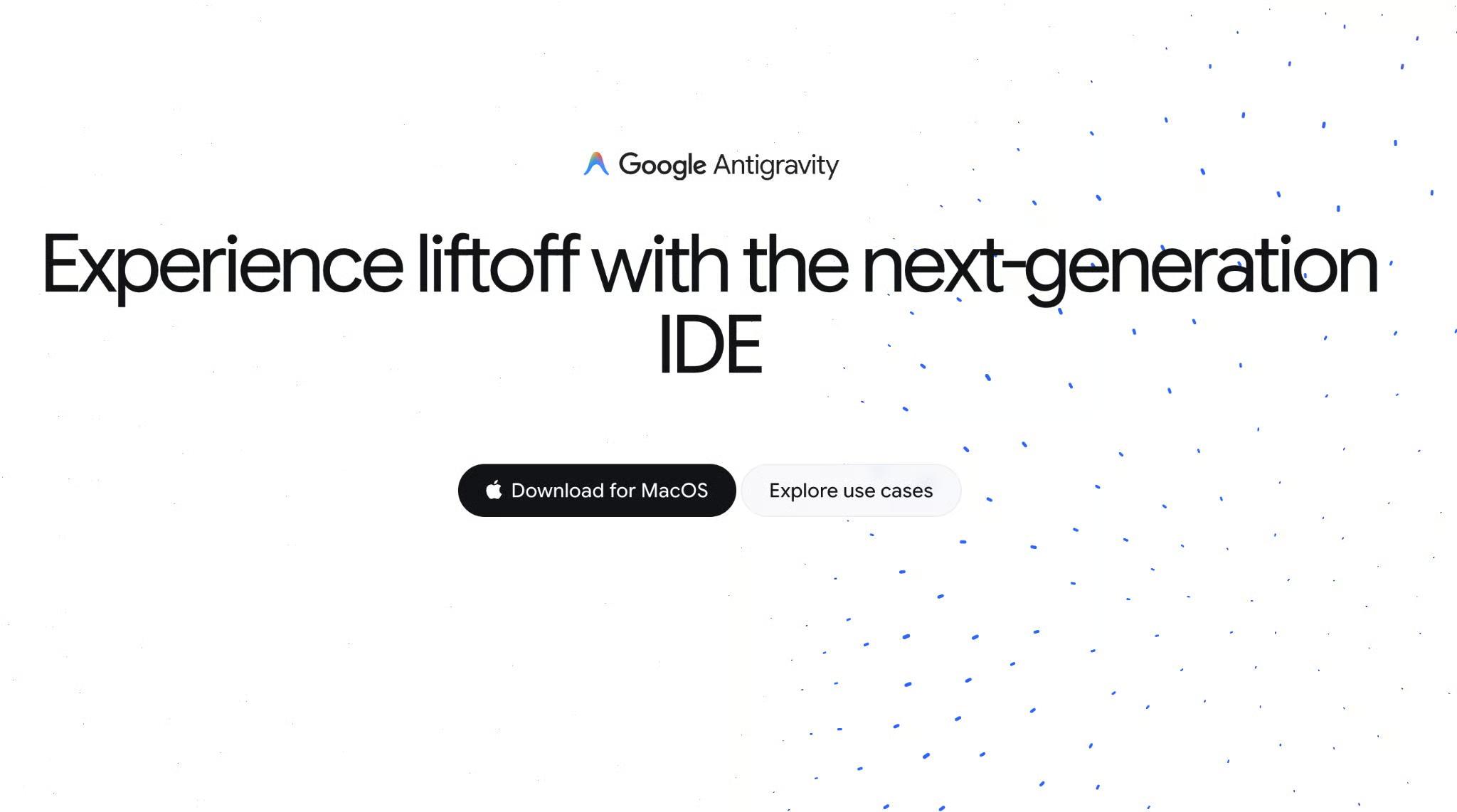
Image tools are some of the most fun ones:
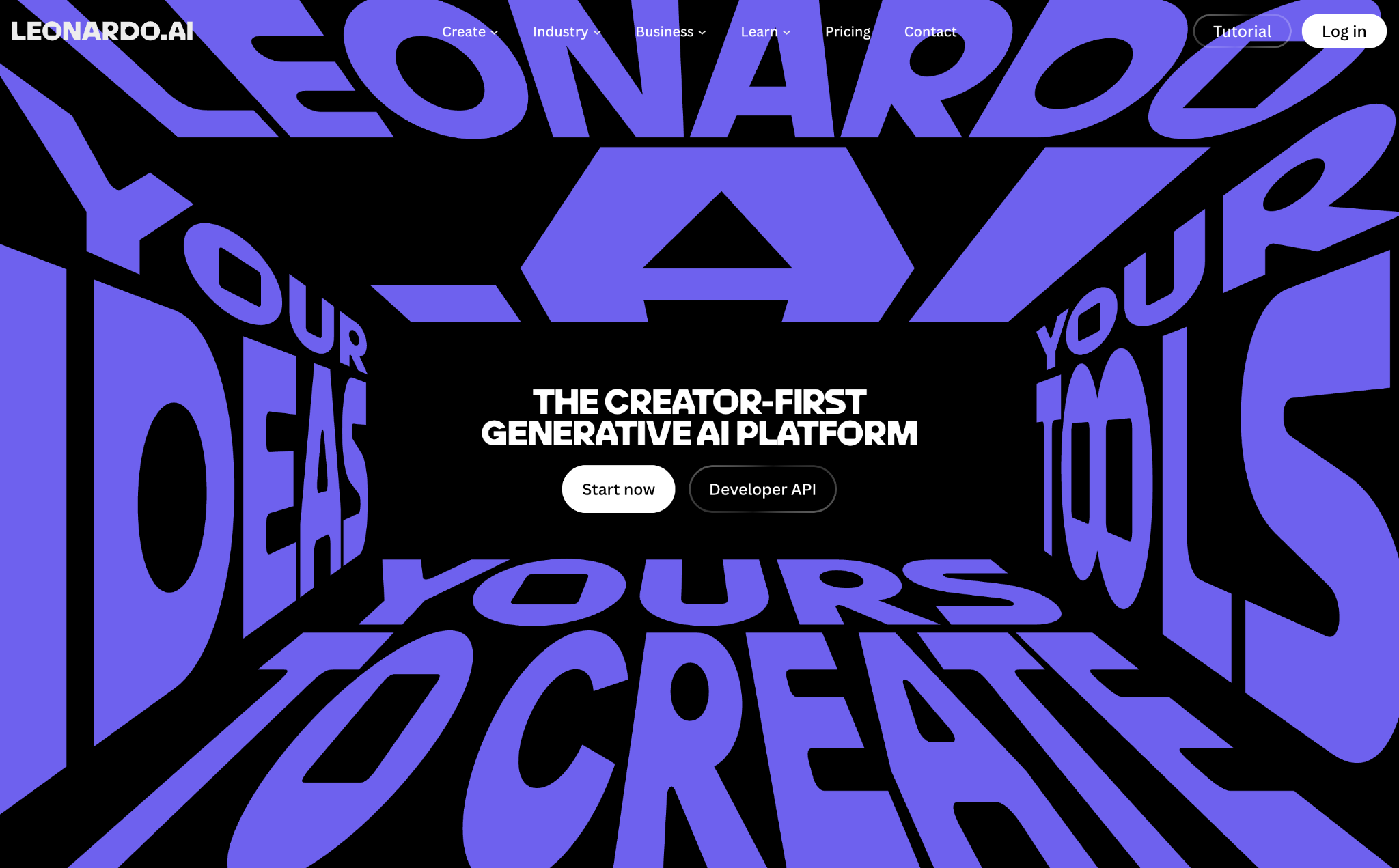
One of the most generous free tiers in image generation. Leonardo.Ai gives you 150 tokens daily (enough for 30–70 images), advanced controls like sketch-to-image, and — unusually — commercial use is allowed on the free plan. Just note that your images are public by default.
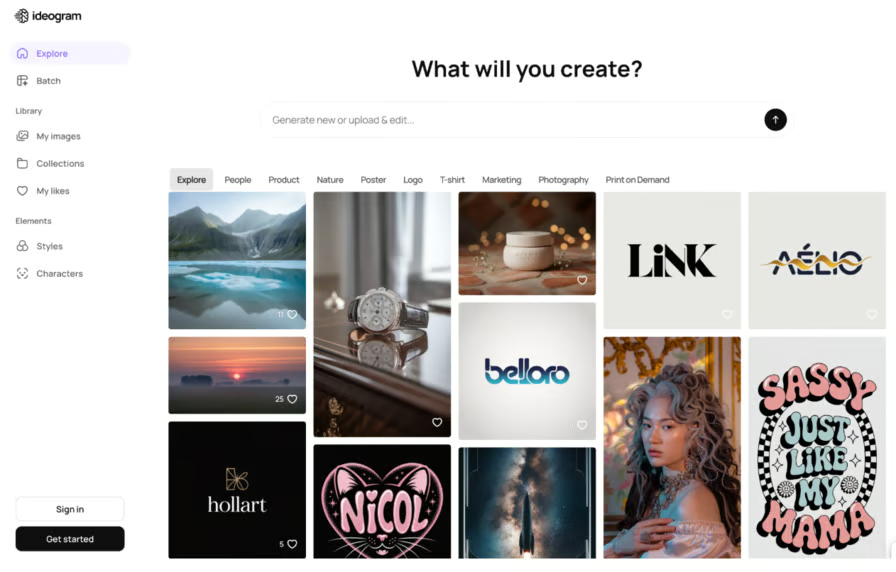
Ideogram is the go-to if you need text to look right inside an image — think posters, thumbnails, or social media graphics. It's surprisingly good at spelling, which is a known weakness for most image generators. A "Magic Prompt" feature automatically improves your prompts, too.
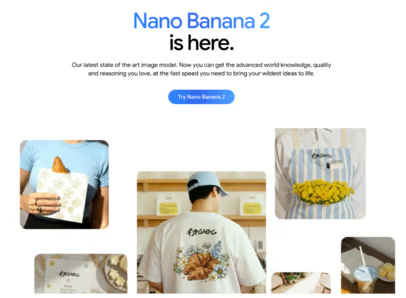
Google also offers Nano Banana 2, its native image generation model built into Gemini. It handles everything from photorealistic images to infographics and diagrams, and is accessible directly from the Gemini app. Nano Banana 2 combines the quality of the Pro model with faster generation speed and is free to use for Gemini users.
Video generation is still developing, but a few tools already stand out for realism.
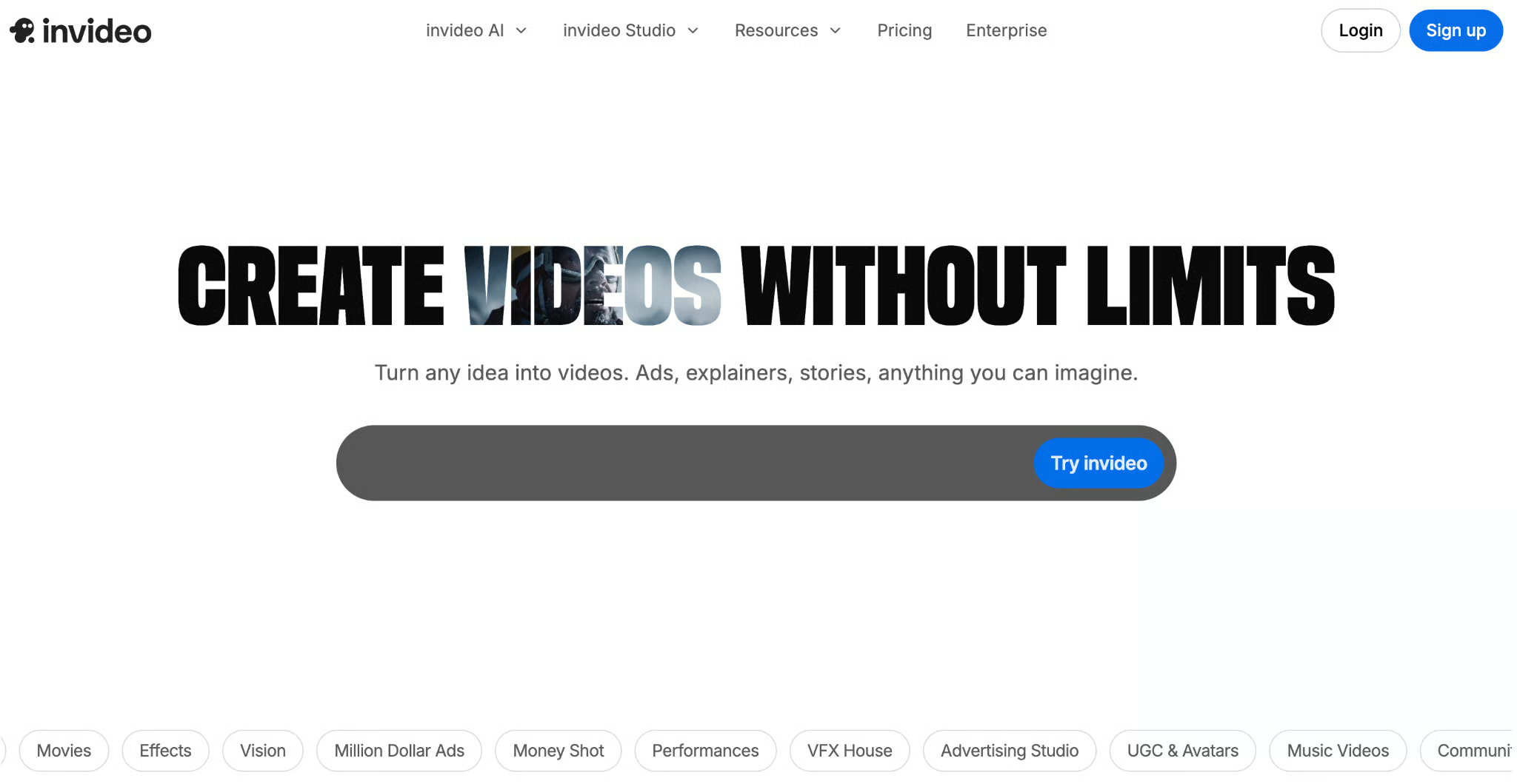
The friendliest video tool for beginners. Give it a topic or a script, and it assembles a full video — stock footage, voiceover, captions, and all. You can even edit it by chatting: "make this punchier" actually works. Free users get 10 minutes of video generation per week.
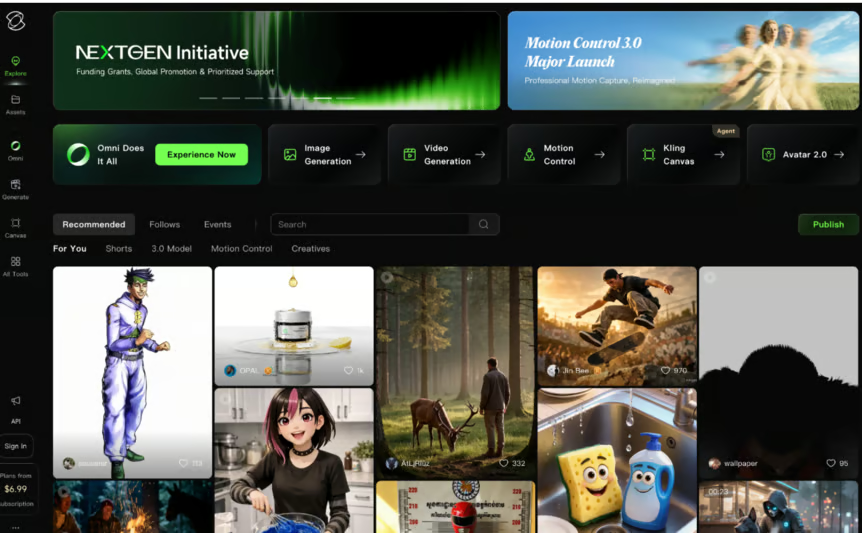
For more realistic motion — like showing a person picking something up without it looking glitchy — Kling AI is currently the best option. In our test of the Kling 3.0 model, it impressed us with its ability to carry character identity, tone, and continuity across scenes. In the free tier, you get 66 daily credits, enough for around 6 short clips every day.
By now, most of the text generation tools mentioned above include modes for parsing uploaded files and initiating online searches to answer user prompts. That being said, there are a few tools that specialize in research specifically. Here's our top selection.
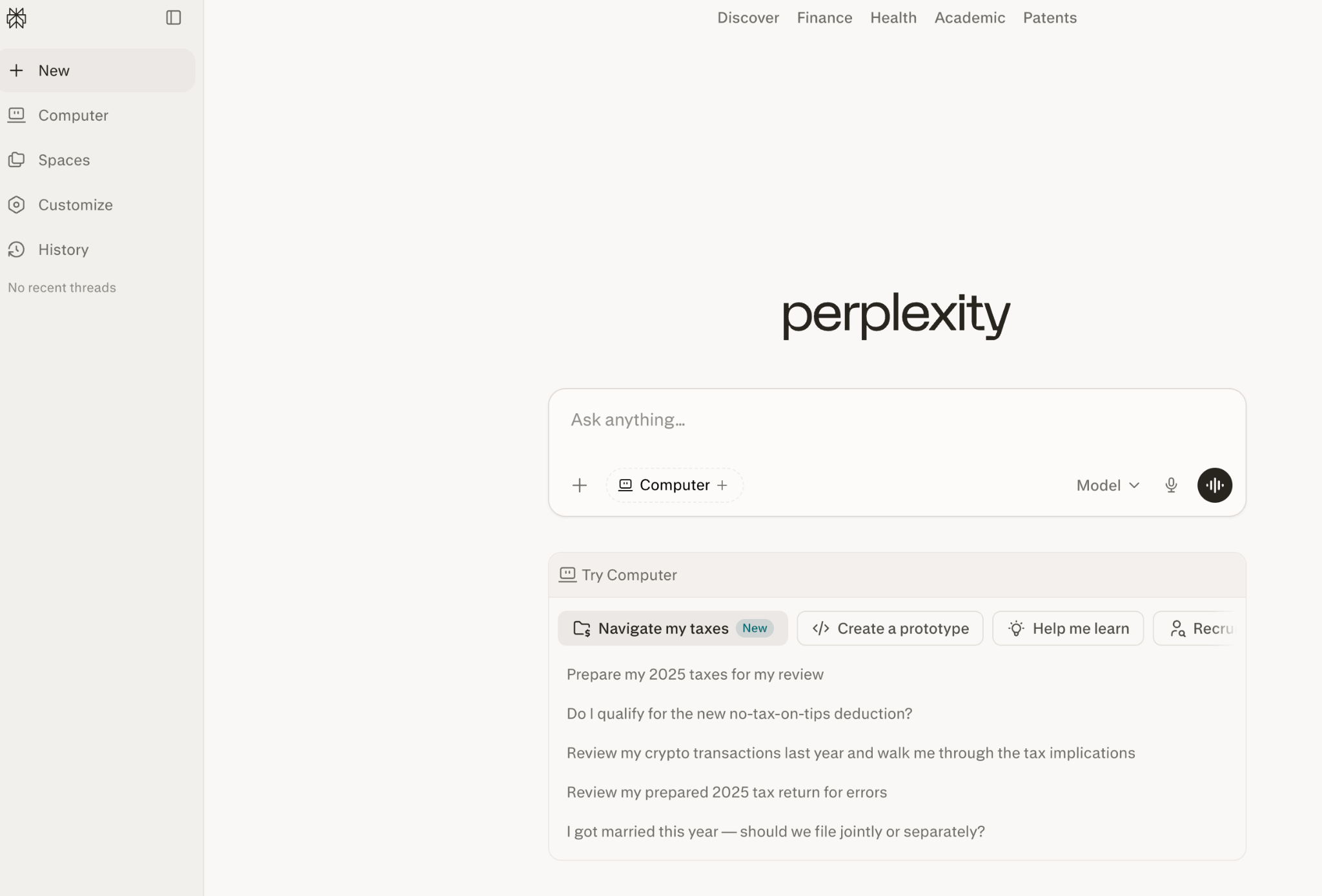
Think of it as a search engine that actually answers your question instead of giving you a list of links. Perplexity reads the top results and gives you a single, cited summary. The free tier includes a limited number of "Pro" searches daily using powerful models.
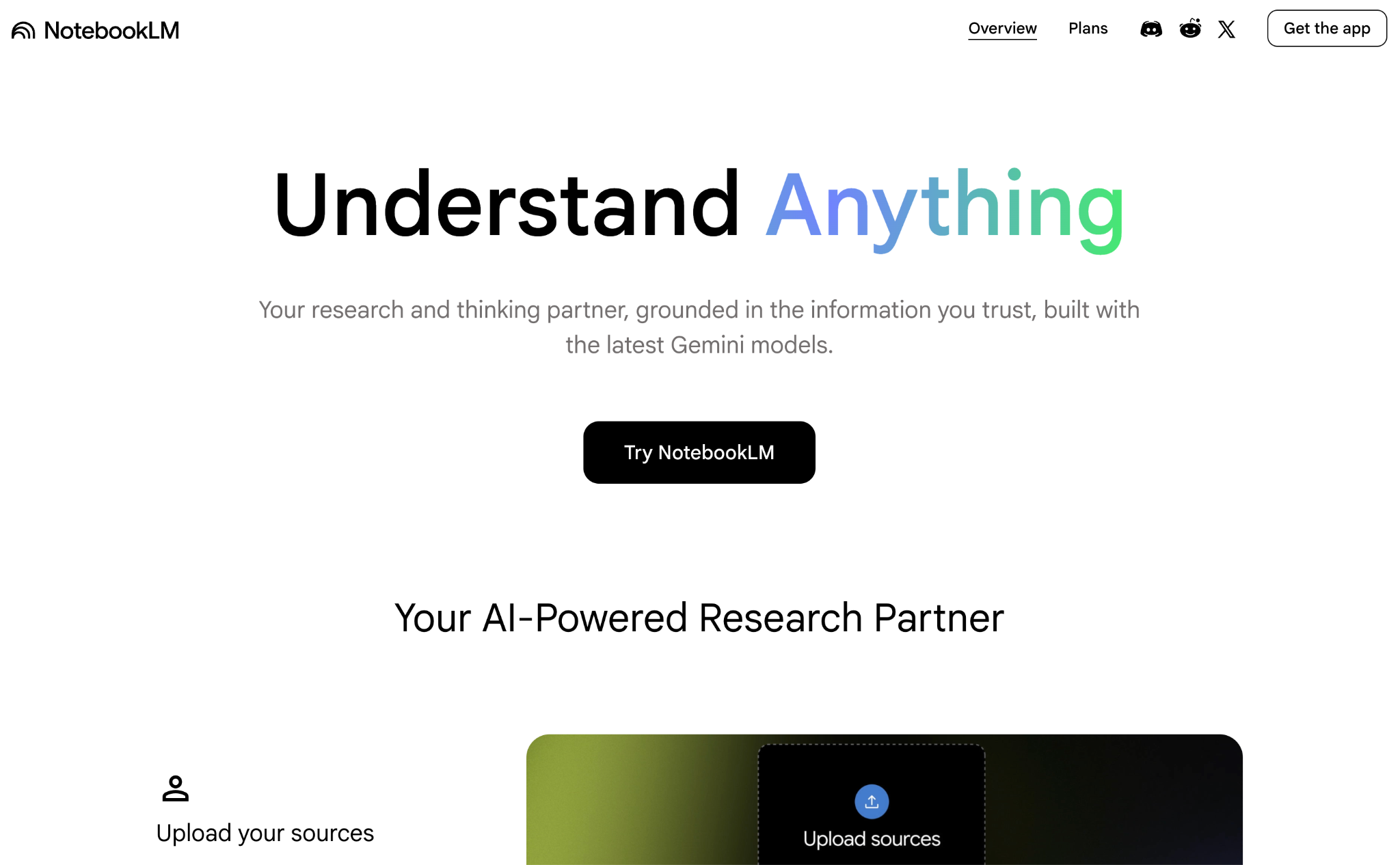
This is Google's secret weapon for deep research. Upload your own documents — PDFs, websites, audio — and NotebookLM becomes an AI expert on just that material. No hallucinations about things outside your sources. It can even turn your documents into a podcast-style audio summary (which works shockingly well!). It's completely free, and you can upload up to 50 documents per project.
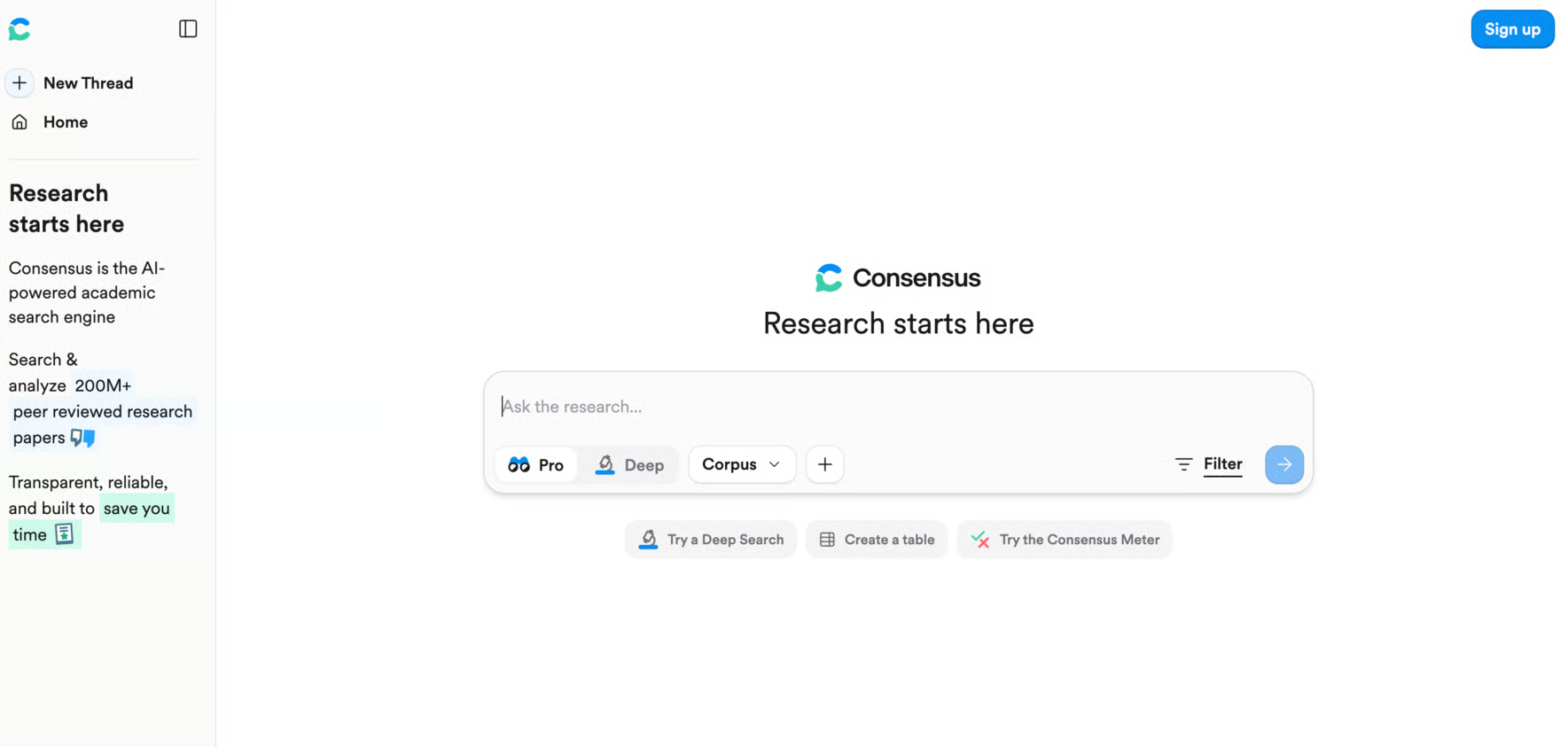
When you need to know what the science actually says about something, Consensus lets you search over 200 million academic papers. It even shows you a "Consensus Meter" — so you can see at a glance whether 80% of papers agree or disagree on a topic.
Last but not least, let's look at AI audio tools.
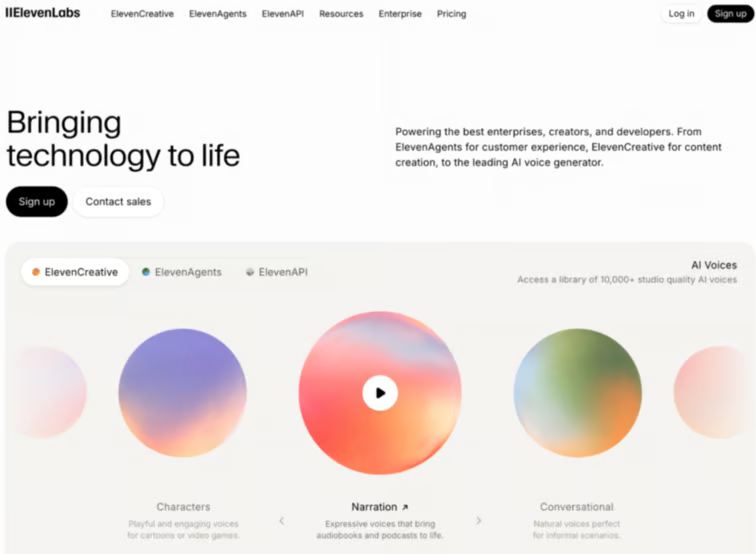
The most realistic AI voice generator available. Whether you need a voiceover for a video or want to hear your writing read aloud, ElevenLabs captures breath, pauses, and intonation in a way that genuinely doesn't sound robotic. Free users get 10,000 characters (~10 minutes of audio) per month.
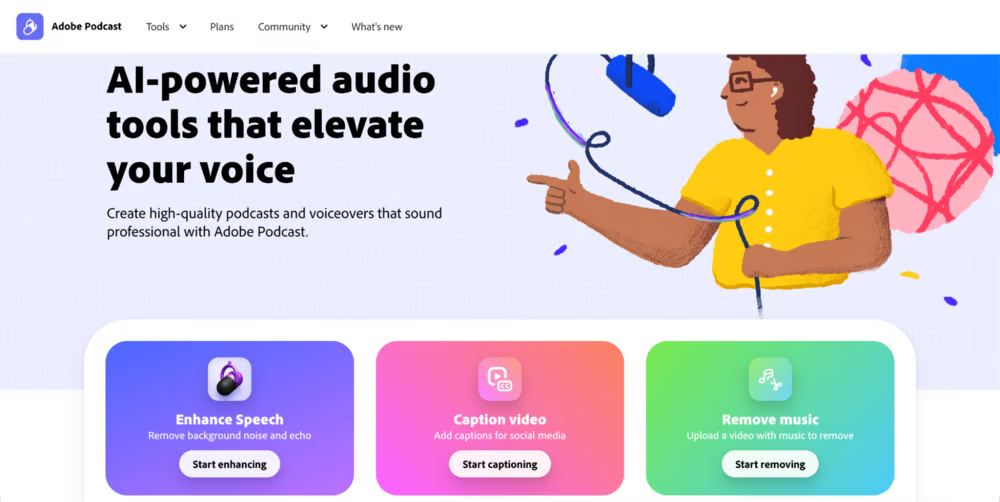
If you're a content creator, Adobe Podcast is the way to go to maintain high audio quality. Its "Enhance Speech" function cleans up noisy recordings by removing echo and background sounds with one click, for free, and from the comfort of your browser window. It offers a few additional capabilities, such as transcription and video captioning.
This is one of the most fun tools out there. Suno is a web app that turns prompts into full songs with vocals and instrumentation in a wide range of styles. You can either give it a simple prompt or customize lyrics, styles, and even include your own recording in the song generation.
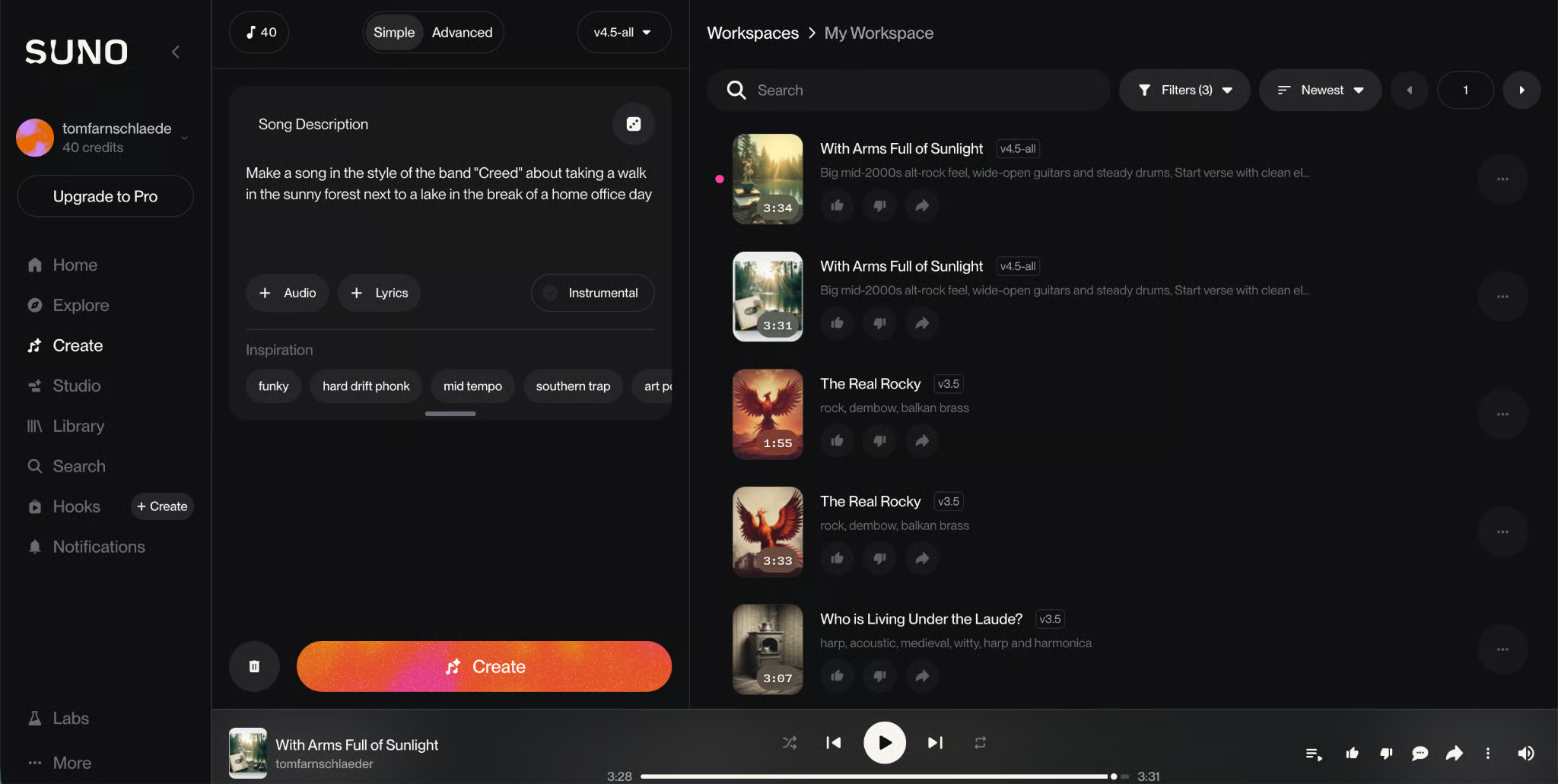
You can create up to 10 songs daily when signing up for free. Pro Plan users get commercial use rights for their new songs, access to a newer model to create up to 500 songs monthly, and Premier Plan users can use Suno Studio, an AI-powered professional editing tool.
We shared some of our top picks, things that are tried and true. But there are so many great AI tools out there, too many to name in a single article.
Stay up to date with the latest in all things AI. Subscribe to The Median, our free Friday newsletter that breaks down the week's key stories. Stay sharp in just a few minutes a week.
Learn with DataCamp
แทร็ก
คอร์ส
คอร์ส
บล็อก
Rajesh Kumar
15 นาที
บล็อก
Laiba Siddiqui
15 นาที
บล็อก
Javier Canales Luna
9 นาที
บล็อก
Matt Crabtree
15 นาที
บล็อก
Abid Ali Awan
8 นาที
บล็อก
Bexruz (Bex) Tuychiev
15 นาที