Tracks
Cloud LLM APIs are powerful, but they come with trade-offs: usage-based pricing, rate limits, and the constant uncertainty around where your data is being processed. For developers working with sensitive data or experimenting heavily, these constraints can quickly become friction.
This is where local-first approaches stand out. The Ollama Python library removes that friction by allowing you to run large language models locally while interacting with them using clean, Python-native code. This gives you full control over performance, cost, and privacy.
In this article, I will walk you through the complete Ollama Python library API, from simple text generation with generate() to tool calling and vision models.
I also recommend checking out our other latest Ollama tutorials:
- Gemma 4 Tutorial: Building a Local AI Coding Agent with Gradio and Ollama
- Qwen 3.5 Small Models Tutorial: Build a Video-to-Game Generator with Ollama
- Using OpenClaw with Ollama: Building a Local Data Analyst
- Using Claude Code with Ollama Local Models
Prerequisites to Run Ollama with Python
Before getting started, ensure you have the following setup on your device:
-
Python 3.8 or higher
-
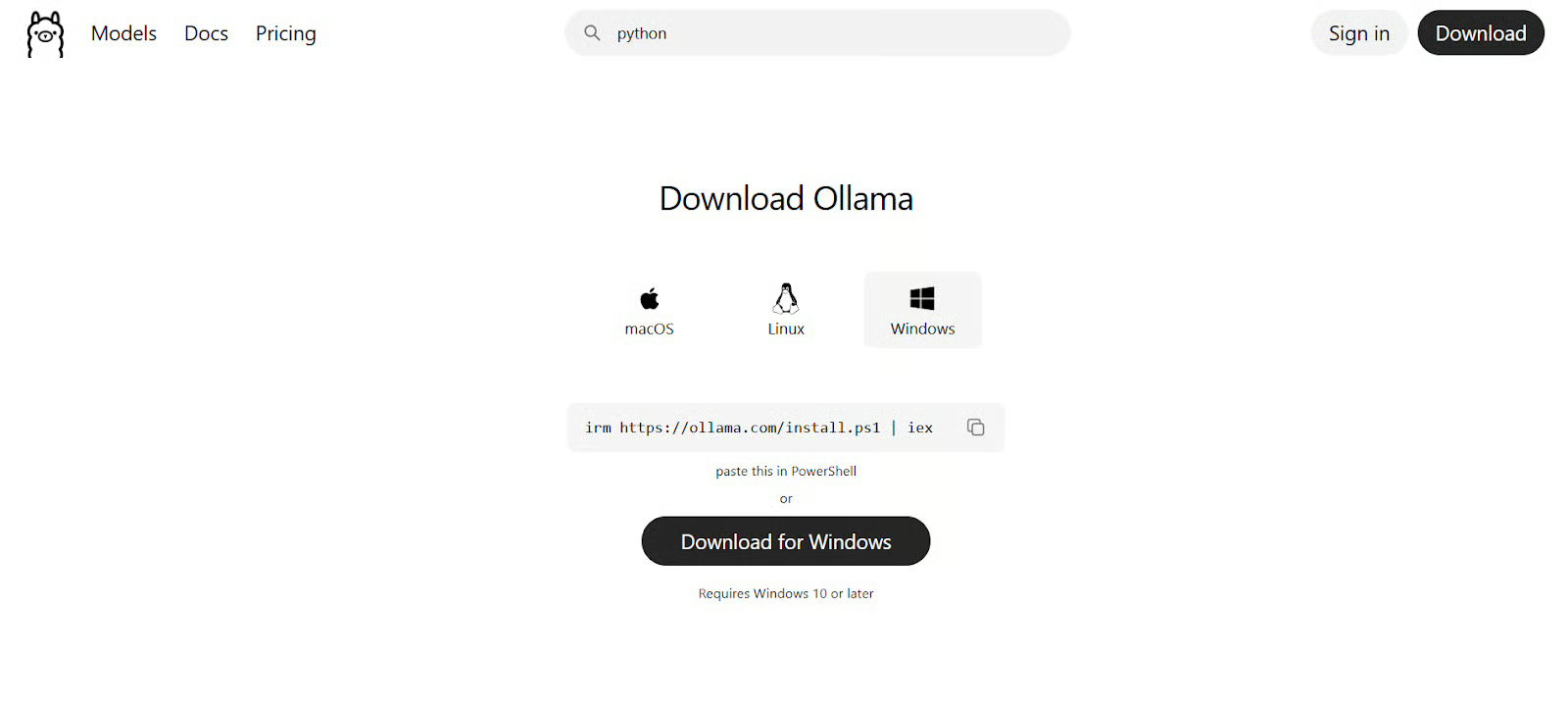
Ollama downloaded from its website, installed, and running (
ollama serve) -
At least one model pulled (e.g.,
ollama pull llama3.2)

These prerequisites matter because the Python SDK is only a client; the actual inference happens in the Ollama runtime. If the runtime is unavailable or no suitable model is present, calls will fail.
You may also consider using Docker with Ollama for version consistency.
What Is the Ollama Python Library?

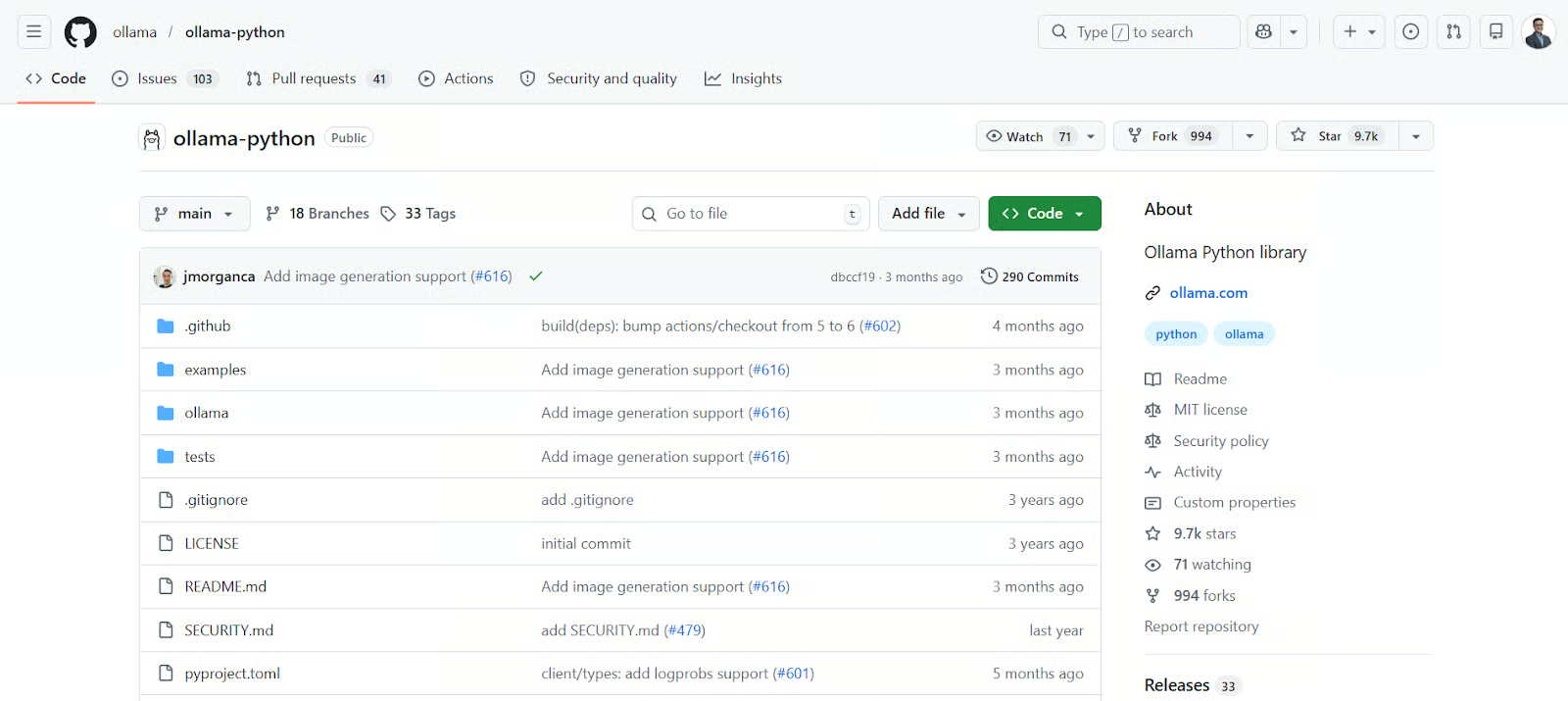
The Ollama Python library is the official SDK that wraps the Ollama REST API into a simple, Pythonic interface. In other words, it turns low-level HTTP requests and JSON payloads into high-level Python functions so you can focus on intent rather than transport details.
As your application grows, this abstraction removes repetitive request construction, standardizes how responses are handled, and centralizes error handling in one place.
For comparison, a raw request might look like this:
import requests
response = requests.post(
"http://localhost:11434/api/generate",
json={
"model": "llama3.2",
"prompt": "Explain recursion"
}
)
This works, but it quickly becomes verbose and error-prone. With the SDK, the same task becomes:
import ollama
response = ollama.generate(
model='llama3.2',
prompt='Explain recursion'
)
How the library communicates with the Ollama server
Under the hood, each SDK call becomes an HTTP request to the Ollama server at http://localhost:11434. Your Python script acts as a client, while the Ollama runtime acts as a server that hosts and executes models.
This separation is important because it allows the model to run as a dedicated service, making resource management (CPU/GPU) more efficient and enabling multiple applications to share the same model instance.
If you need to connect to a different machine, you can configure a custom client:
from ollama import Client
client = Client(host='http://remote-server:11434')
response = client.generate(model='llama3.2', prompt='Hello')
Installing and configuring the library
Installation is straightforward and requires minimal dependencies:
pip install ollama
After installation, it’s good practice to verify connectivity by listing available models.
This helps you confirm that your Python environment, SDK, and Ollama runtime are all correctly connected.
To do that, run the following:
import ollama
print(ollama.list())
Generating Text Using generate()
The generate() function is designed for stateless tasks, meaning each request is handled independently without any memory of previous interactions. This makes it ideal for tasks like summarization, rewriting, or code generation.
Because there is no retained context, the quality of the output depends entirely on how clearly the prompt is written.
Basic text generation
The following example demonstrates the simplest workflow: send a prompt, receive a response, and extract the generated text.
import ollama
response = ollama.generate(
model='llama3.2',
prompt='Write a Python docstring for a function that calculates factorial'
)
print(response['response'])
The response also includes metadata such as execution time and token counts, which are useful when optimizing performance.
Customizing output with parameters
Generation behavior can be adjusted using sampling parameters, which control how the model selects tokens.
Lower temperature values produce more deterministic outputs, while higher values introduce more variability. You can use parameters like top_p and num_predict to further refine output diversity and length.
Here are some important parameters you can use:
|
Parameter |
What It Controls |
How It Affects Output |
When to Use |
|
|
Randomness of token selection |
Lower = more predictable, higher = more creative/random |
Use low (0.1–0.3) for factual tasks, higher (0.7–1.0) for creative writing |
|
|
Nucleus sampling (probability mass cutoff) |
Model only considers tokens within top cumulative probability p |
Use to limit weird outputs while keeping some diversity |
|
|
Limits the number of candidate tokens |
Model picks from the top k most likely tokens only |
Useful for tighter control in structured outputs |
|
|
Maximum tokens to generate |
Controls the length of the response |
Increase for long explanations, reduce for concise answers |
Here’s an example of the use of top_p, temperature, and num_predict parameters:
response = ollama.generate(
model='llama3.2',
prompt='Explain machine learning in one paragraph',
options={
'temperature': 0.2,
'top_p': 0.9,
'num_predict': 100
}
)
Building Conversations Using chat()
Unlike generate(), the chat() API supports stateful interactions by working with a sequence of messages. This allows the model to maintain context across multiple turns.
Each message includes a role, such as user, assistant, or system, which helps structure the conversation.
Single-turn chat requests
Even a single-turn interaction uses the message format, which lays the foundation for more complex conversations.
response = ollama.chat(
model='llama3.2',
messages=[
{'role': 'user', 'content': 'Explain Python decorators'}
]
)
print(response['message']['content'])
Maintaining multi-turn context
To maintain context, you explicitly store and resend the full conversation history with each request. This gives you complete control over what the model remembers.
messages = [
{'role': 'user', 'content': 'What is recursion?'}
]
response = ollama.chat(model='llama3.2', messages=messages)
messages.append(response['message'])
messages.append({'role': 'user', 'content': 'Give an example in Python'})
response = ollama.chat(model='llama3.2', messages=messages)
Using system prompts to shape behavior
A system prompt is used to define the model’s behavior upfront, such as tone, constraints, or role.
messages = [
{'role': 'system', 'content': 'You are a strict Python code reviewer.'},
{'role': 'user', 'content': 'Review this code: def add(a,b): return a+b'}
]
Streaming and Async Support in the Ollama Python Library
For interactive applications, responsiveness is just as important as correctness. Ollama supports both streaming and asynchronous execution to improve performance and user experience.
Streaming responses in real time
Streaming allows you to process output incrementally as it is generated, rather than waiting for the full response.
for chunk in ollama.chat(
model='llama3.2',
messages=[{'role': 'user', 'content': 'Write a story'}],
stream=True
):
print(chunk['message']['content'], end='', flush=True)
Using AsyncClient for async applications
Asynchronous execution allows your application to handle multiple requests concurrently without blocking. You’ll need to use the asyncio Python library to implement this.
Let’s look at an example below:
import asyncio
from ollama import AsyncClient
async def main():
client = AsyncClient()
async for chunk in await client.chat(
model='llama3.2',
messages=[{'role': 'user', 'content': 'Explain async programming'}],
stream=True
):
print(chunk['message']['content'], end='')
asyncio.run(main())
Managing Ollama Models From Python
The Ollama SDK also provides tools for managing models programmatically, which is especially useful in automated environments.
Listing and inspecting local models
You can retrieve the list of available models and inspect their properties, such as size and configuration.
models = ollama.list()
print(models)
info = ollama.show('llama3.2')
print(info)
Pulling and deleting models programmatically
Models can be downloaded or removed directly from Python, making it easier to manage dependencies dynamically.
ollama.pull('llama3.2')
ollama.delete('llama3.2')
Generating and Using Embeddings with the Ollama Python Library
Embeddings represent text as numerical vectors that capture semantic meaning. This allows you to compare texts based on similarity rather than exact wording.
Creating text embeddings
The following example converts text into a vector representation that can be used for search or clustering.
response = ollama.embed(
model='nomic-embed-text',
input='Ollama is a local LLM runtime'
)
embedding = response['embeddings'][0]
Building a basic similarity search
Once embeddings are generated, similarity can be measured using cosine similarity, which compares the angle between vectors.
Here’s a simple example of the search function:
import numpy as np
def cosine_similarity(a, b):
return np.dot(a, b) / (np.linalg.norm(a) * np.linalg.norm(b))
Tool Calling and Structured Output in the Ollama Python Library
To build more advanced applications, models often need to interact with external functions or return structured data.
Implementing tool calling with Python functions
Tool calling allows the model to invoke predefined Python functions based on user intent.
Let’s create a function that uses such tools:
def get_weather(city: str) -> str:
"""Get current weather for a city"""
return f"Weather in {city} is sunny"
response = ollama.chat(
model='llama3.2',
messages=[{'role': 'user', 'content': 'What is the weather in Paris?'}],
tools=[get_weather]
)
Getting structured JSON responses
Structured outputs ensure that responses are returned in a consistent, machine-readable format such as JSON.
response = ollama.chat(
model='llama3.2',
messages=[{'role': 'user', 'content': 'Review: Great product, 5 stars!'}],
format='json'
)
Advanced: Vision Models and Ollama Cloud in Python
Ollama supports multimodal models and cloud-based inference for more advanced use cases.
Sending images to vision models
Vision models can process both text and images, enabling tasks like image description and visual analysis.
response = ollama.chat(
model='llama3.2-vision',
messages=[{
'role': 'user',
'content': 'Describe this image',
'images': ['image.jpg']
}]
)
Running cloud models from Python
For larger models that cannot run locally, Ollama Cloud provides hosted inference.
ollama signin
ollama.chat(model='deepseek-v3.1:671b-cloud', messages=[...])
from ollama import Client
client = Client(
host='https://ollama.com',
headers={'Authorization': 'Bearer YOUR_API_KEY'}
)
Error Handling of the Most Common Ollama Python Pitfalls
When building real applications, handling errors explicitly helps prevent silent failures and improves reliability.
Handling ResponseError exceptions
The Ollama SDK raises structured exceptions for server-side errors, allowing you to inspect what went wrong.
import ollama
try:
ollama.generate(model='unknown', prompt='test')
except ollama.ResponseError as e:
print(e.status_code, e.error)
Debugging connection and model issues
Common issues include the server not running, missing models, insufficient memory, or context limits being exceeded.
-
Server not running: Start with
ollama serve -
Model not found: Run
ollama pull -
Out of memory: Use smaller models or quantization
-
Context issues: Adjust
num_ctx
num_ctx controls the maximum number of tokens the model can “see” at once, including:
- your prompt
- system instructions
- conversation history
- retrieved documents (RAG)
- and the model’s own generated tokens
Managing this parameter will help prevent the LLM from truncating earlier content (usually from the beginning) or losing important instructions or data silently.
Final Thoughts
The Ollama Python library provides a complete interface for working with local and cloud LLMs , from simple text generation to advanced capabilities like embeddings, tool calling, and multimodal inputs. LLMs become a local service you can script against, test, and scale like any other component in your stack.
In my experience using Ollama, I’ve felt that it’s a good option to have without having to use cloud LLMs. For example, I can use open source models more freely. If you’re also looking for more options to switch between models, Ollama is a good gateway to access all this.
If you want to deepen your skills, I recommend taking our Developing LLM Applications with LangChain course or pursuing the Associate AI Engineer for Developers certification.
Ollama Python Library FAQs
Do I need a powerful GPU to use Ollama with Python?
Not necessarily. Ollama can run on a CPU, but performance will be slower compared to using a GPU. Many smaller or quantized models are designed to run efficiently on standard laptops. If you are just getting started or experimenting, a CPU is usually sufficient. For heavier workloads or larger models, a GPU will significantly improve speed and responsiveness.
What is the difference between running models locally and using Ollama Cloud?
Running models locally means everything happens on your own machine, which gives you full control over data privacy and eliminates usage costs. Ollama Cloud, on the other hand, allows you to access much larger models that your local hardware may not support.
When should I use generate() vs chat()?
Use generate() for simple, one-off tasks like summarizing text or generating code. It is straightforward and does not require managing conversation history. Use chat() when you need context across multiple interactions, such as building a chatbot or assistant.
What are embeddings, and why are they useful?
Embeddings convert text into numerical vectors that represent meaning. This allows you to compare different pieces of text based on similarity rather than exact wording. They are commonly used in search systems, recommendation engines, and retrieval-augmented generation (RAG).
How do I handle errors when using the Ollama Python library?
Most errors come from simple issues, such as the Ollama server not running or a model not being available locally. The library raises structured exceptions like ResponseError, which you can catch using try/except blocks.

I'm Austin, a blogger and tech writer with years of experience both as a data scientist and a data analyst in healthcare. Starting my tech journey with a background in biology, I now help others make the same transition through my tech blog. My passion for technology has led me to my writing contributions to dozens of SaaS companies, inspiring others and sharing my experiences.