Cours
Comprendre l'intelligence artificielle
2 h
430.7K
S'entraîner et cursus vos progrès.
Continuer Avec GoogleLa bascule vers le développement de code agentique a été fulgurante : en 2023, les développeurs voulaient des suggestions de code plus intelligentes. En 2026, ils confient désormais des fonctionnalités entrières à des agents d'IA capables de lire une base de code, d'écrire et de tester du code, d'interpréter les erreurs et d'itérer sans accompagnement constant. Bienvenue dans l'univers des IDE agentiques.
Le paysage est étonnamment fragmenté : plateformes léchées financées par le capital-risque, intégrations profondes aux IDE traditionnels, extensions open source pour VS Code et outils CLI qui n'ouvrent jamais de GUI. Cet article explique ce qui rend un IDE véritablement agentique, passe en revue les meilleurs outils dans ces quatre catégories et vous aide à identifier celui qui s'intègre le mieux à votre façon de travailler.
Vous vous demandez peut-être en quoi les IDE agentiques diffèrent des IDE cloud comme GitHub Codespaces ou Replit. Ces outils concernent avant tout l'emplacement de votre environnement de développement, déporté hors de votre machine locale pour améliorer l'accessibilité et la collaboration. Notre article sur les 10 meilleurs IDE cloud couvre bien ce sujet si vous cherchez une comparaison directe.
Les IDE agentiques forment une autre catégorie. Leur caractéristique définitoire, c'est l'autonomie : un agent d'IA capable de planifier une tâche en plusieurs étapes, de lire les fichiers pertinents dans toute votre base de code, d'écrire du code, d'exécuter des commandes terminal, d'interpréter les erreurs et de se corriger seul, en votre nom. Le rôle du développeur évolue : définir ce qu'il faut construire et revoir le résultat plutôt que d'écrire chaque ligne.
Gardez en tête : l'autocomplétion par IA ne suffit pas à rendre un IDE agentique. La vraie exigence, c'est la capacité de l'IA à raisonner en plusieurs étapes, à utiliser des outils comme le système de fichiers et le terminal, et à se remettre d'une erreur sans sollicitation à chaque étape.
Avec cette distinction en tête, passons aux outils. Les 13 meilleurs IDE agentiques de 2026 se répartissent en quatre catégories selon leur conception et leurs usages, chacune convenant à un profil de développeur différent.
Ce sont des environnements conçus de zéro pour le développement agentique, soit des forks autonomes de VS Code, soit des éditeurs entièrement nouveaux. L'IA y est au cœur de l'expérience, pas un ajout tardif.
Cursor est bâti sur VS Code par Anysphere, ce qui vous offre une interface familière sans courbe d'apprentissage abrupte. Sa différence : un raisonnement à l'échelle de la base de code : au lieu d'agir uniquement sur le fichier ouvert, Cursor comprend et intervient sur l'ensemble de votre projet.
Les dernières versions de Cursor ont étendu cela au multi-dépôt, ce qui le rend vraiment utile pour des fonctionnalités complexes et transversales.
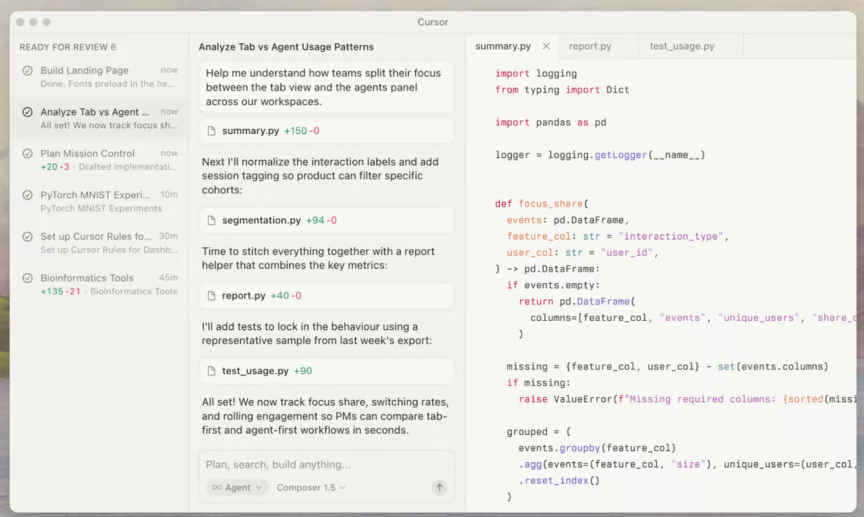
Pour les développeurs déjà sous VS Code, Cursor est la porte d'entrée la plus simple vers le développement agentique. Vous conservez vos extensions, vos raccourcis, vos habitudes ; vous gagnez un collaborateur IA qui comprend le contexte global de ce que vous construisez.
Windsurf, développé par Codeium, convient particulièrement aux grandes bases de code et aux équipes étendue. Sa fonctionnalité phare, Cascade, identifie et charge automatiquement le contexte pertinent pour une tâche donnée sans que vous ayez à marquer des fichiers manuellement.
Dans de grands monorepos, où le « contexte pertinent » couvre des dizaines de modules, ce chargement automatique change vraiment la donne pour garder l'agent sur la bonne voie.
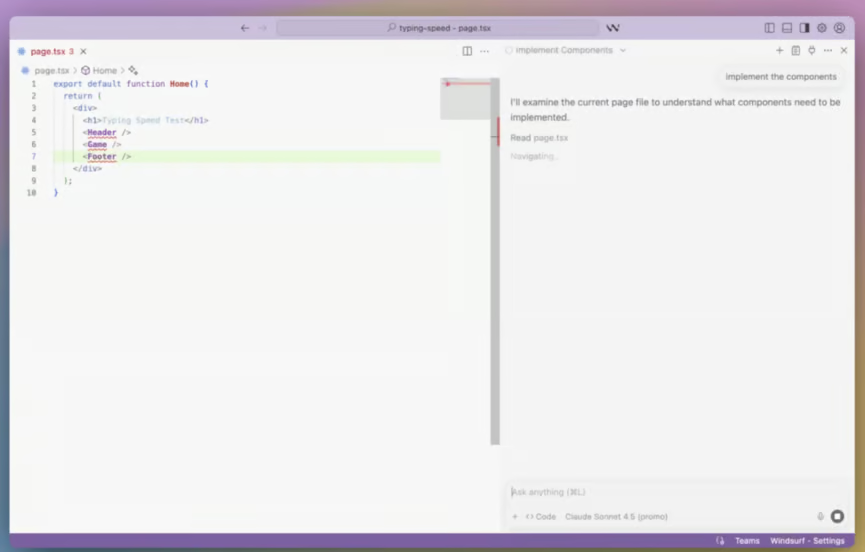
Si vous passez plus de temps à orienter l'IA qu'à construire, la gestion du contexte de Windsurf mérite un essai. Elle prend en charge une bonne part de la charge cognitive.
Si vous hésitez entre Cursor et Windsurf, nous avons un article dédié pour vous aider à trancher.
AWS Kiro adopte une démarche structurée qui le distingue de la plupart des outils de cette liste. Plutôt que de fonctionner en mode libre, Kiro s'appuie sur des specs (documents qui définissent ce qu'il faut construire) et des hooks qui déterminent quand les agents agissent.
Le résultat est plus délibéré : du code reproductible, testable et documenté dès le départ plutôt que rajouté après coup. En 2026, il est encore en aperçu.
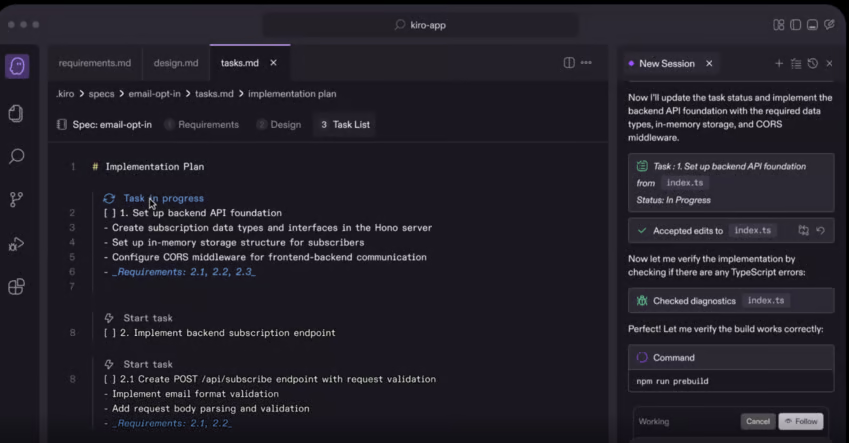
Si vous travaillez dans l'écosystème AWS ou accordez une grande importance à la documentation et à la reproductibilité, le modèle piloté par les specs de Kiro vaut le coup d'œil. Pour la bonne équipe, cette structure est un atout, pas une contrainte.
Google Antigravity adopte une approche multi-agents : plutôt qu'une seule IA sur une seule tâche, l'outil peut exécuter plusieurs agents en parallèle, chacun travaillant sur une tâche différente dans un espace de travail distinct. On passe d'un « assistant de codage IA » à une « équipe de développement IA ».
Antigravity est actuellement gratuit, ce qui en fait l'un des points d'entrée les plus accessibles pour quiconque veut ressentir concrètement le développement agentique.
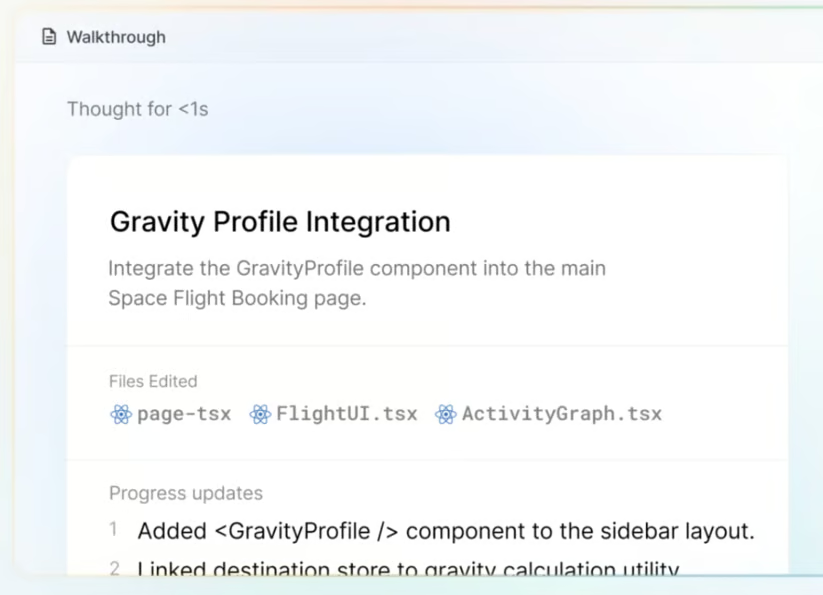
Pour les apprenants et les profils juniors notamment, la gratuité et le design multi-agents d'Antigravity en font un excellent moyen d'explorer ces outils sans engagement financier.
Trae, développé par ByteDance, arrive comme une alternative directe et entièrement gratuite à Cursor et Windsurf. C'est un IDE autonome basé sur VS Code qui inclut un cadre d'agents ouvert, une intégration intelligente des outils et une configuration automatique des environnements.
Par exemple, il peut détecter et installer des bibliothèques Python manquantes au fil du code, sans vous obliger à interrompre pour gérer les dépendances manuellement.
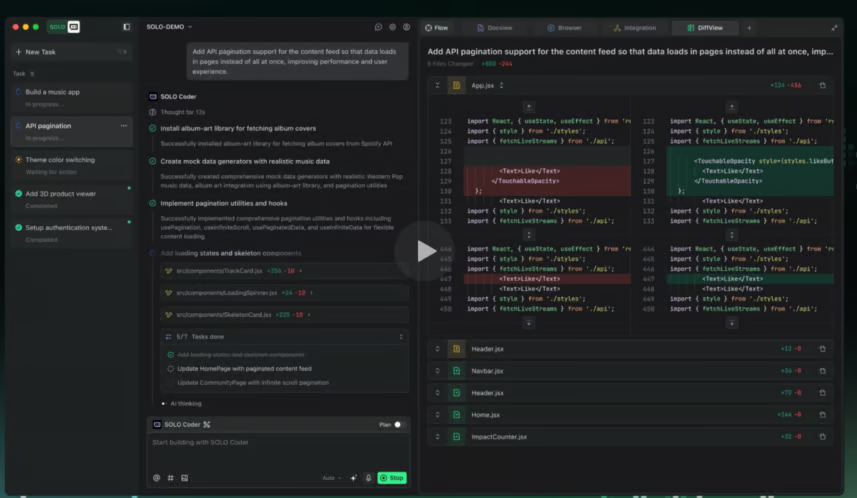
Le positionnement « 100 % gratuit » est un vrai différenciateur quand Cursor et Windsurf facturent les usages intensifs. Pour les apprenants et les développeurs au budget serré, Trae est à considérer sérieusement.
PearAI est la réponse de la communauté open source à Cursor : un fork de VS Code entièrement open source, autonome, que vous téléchargez et installez comme tout IDE dédié. Sa particularité dans cette catégorie : son modèle de tarification.
Plutôt qu'un abonnement à la plateforme, vous utilisez vos propres clés API et ne payez que votre consommation. Vous bénéficiez ainsi du fini d'un IDE agentique dédié avec la transparence coût du modèle BYOK.
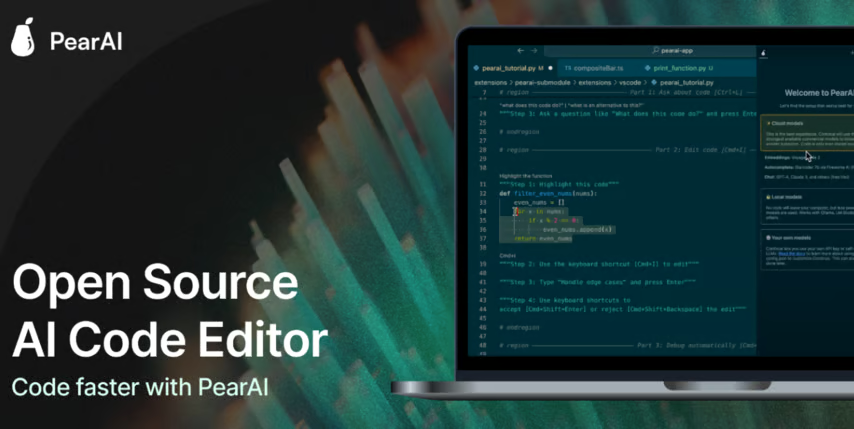
Si vous hésitez à adopter Cursor mais souhaitez une totale visibilité sur l'outil et aucun abonnement mensuel, PearAI mérite votre attention. C'est l'alternative open source la plus convaincante parmi les IDE autonomes.
Zed est un éditeur en Rust conçu from scratch pour la vitesse, en réaction à ce que beaucoup jugent être la lourdeur des éditeurs basés sur Electron comme VS Code et, par extension, Cursor. Il intègre rapidement l'IA et des flux agentiques ; pour ceux qui veulent alléger l'éditeur sans renoncer aux capacités IA modernes, c'est l'alternative de référence.
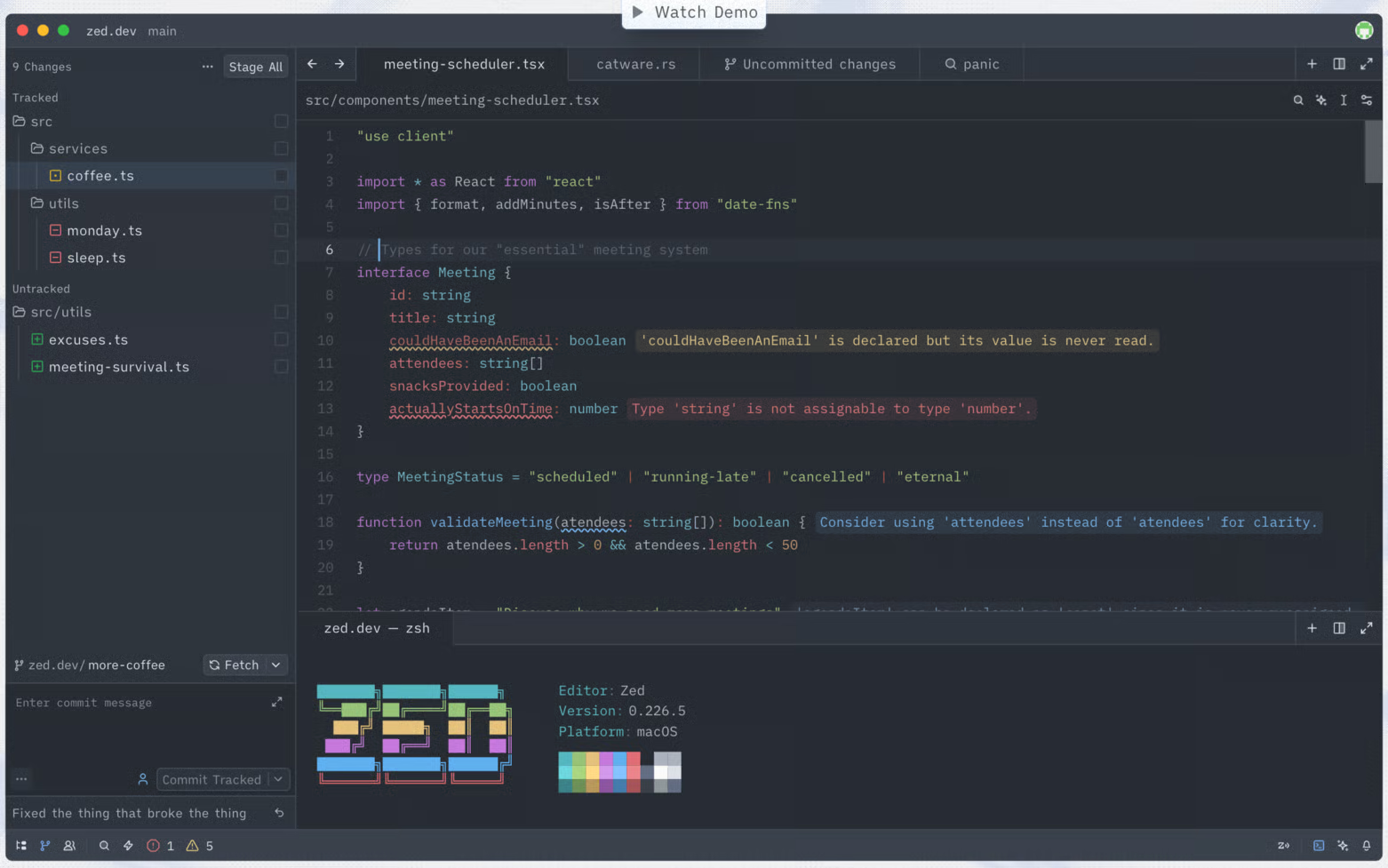
Zed n'est pas encore aussi agentique que des outils conçus pour cela comme Cursor, mais sa trajectoire est claire et ses performances sont réellement différentes. Si vous avez déjà eu l'impression que votre éditeur vous freinait, Zed vaut un benchmark.
Tout le monde ne souhaite pas changer d'éditeur. Pour les équipes déjà très investies dans une chaîne d'outils, il existe une voie plus naturelle : ces outils ne sont pas des environnements autonomes, mais des intégrations profondes aux IDE traditionnels qui apportent des capacités agentiques là où vous travaillez déjà.
GitHub Copilot compte plus d'utilisateurs actifs que n'importe quel autre outil du secteur, grâce à sa profonde intégration GitHub et à sa présence dans les équipes centrées Microsoft.
En 2026, on parle bien au-delà de l'autocomplétion, avec l'agent mode et surtout Copilot Workspaces.
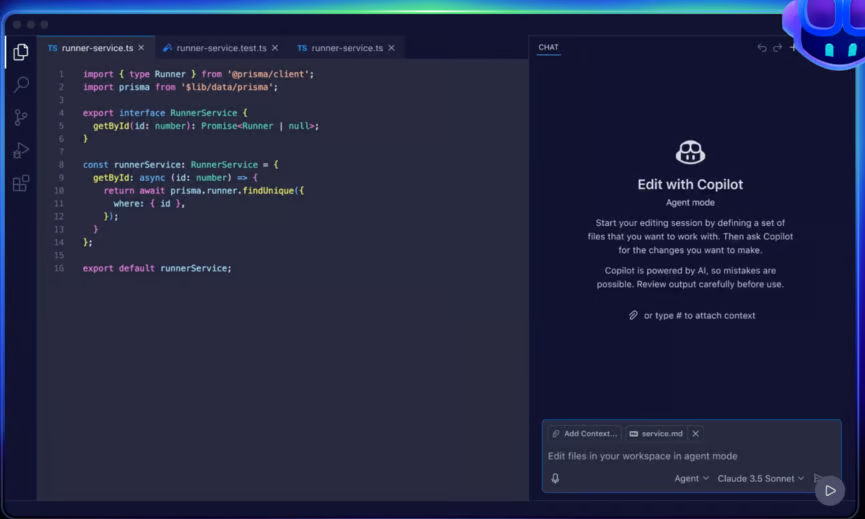
Là où l'agent mode gère les tâches dans l'éditeur, Workspaces est le véritable environnement de planification multi-agents à l'échelle du dépôt. Il vit dans le navigateur et se connecte directement aux issues et pull requests, vous permettant de passer d'une issue GitHub à une branche fonctionnelle avec des modifications de code générées par l'agent. Pour les équipes déjà sur GitHub, c'est la brique la plus « agentique » de l'offre, à distinguer de l'expérience Copilot standard.
Cela dit, le raisonnement multi-étapes de Copilot reste en retrait par rapport à des outils spécifiques comme Cursor et Windsurf. Si votre équipe est déjà sur GitHub et Microsoft 365, c'est un point de départ naturel et sans friction.
JetBrains Junie apporte des capacités agentiques à la famille JetBrains, couvrant IntelliJ IDEA, PyCharm, WebStorm et autres. Si vous êtes déjà investi dans les outils JetBrains, Junie est la voie naturelle pour ajouter des fonctions agentiques sans changer d'environnement.
Son intégration avec l'analyse de code existante de JetBrains offre à l'IA une compréhension mûrie et contextualisée de votre projet dès le premier jour.
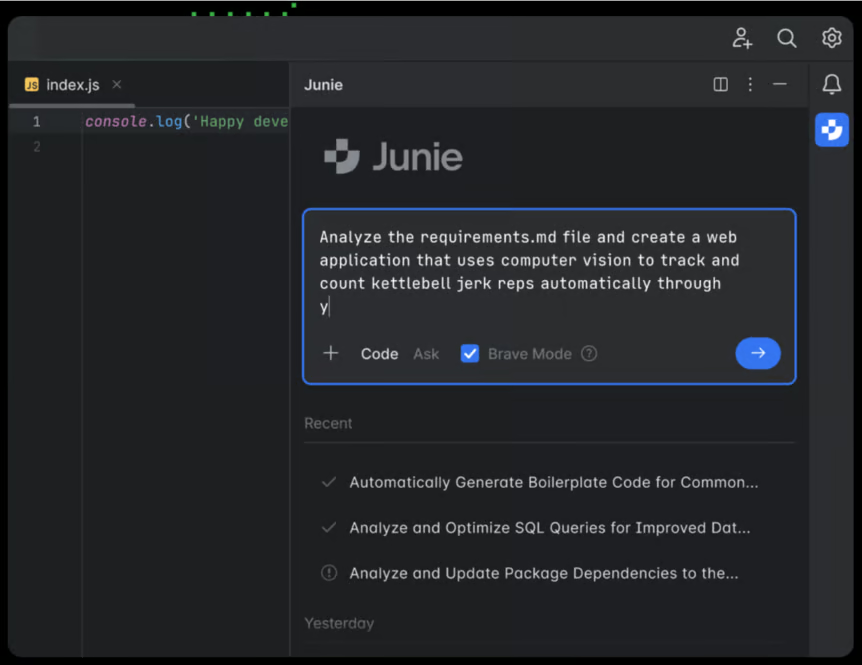
Junie plaira surtout aux équipes déjà utilisatrices des IDE JetBrains qui veulent des capacités agentiques sans bouleverser leur chaîne d'outils. Pour les développeurs nouveaux dans cet écosystème, les alternatives basées sur VS Code sont généralement plus simples à prendre en main.
Plutôt que d'adopter un nouvel IDE, beaucoup préfèrent transformer leur VS Code en environnement agentique via des extensions open source. L'intérêt est clair : vous apportez vos propres clés API, ne payez que votre usage et gardez la main sur le choix du modèle.
Cline (anciennement Claude Dev) est sans doute l'agent de codage open source le plus populaire aujourd'hui. Il s'exécute directement dans VS Code et propose un comportement vraiment agentique : planification en plusieurs étapes, utilisation du terminal, création et édition de fichiers dans tout le projet.
Son grand atout : il est indifférent au modèle, vous pouvez donc le connecter à Anthropic, OpenAI ou même à des modèles locaux sur votre propre matériel.
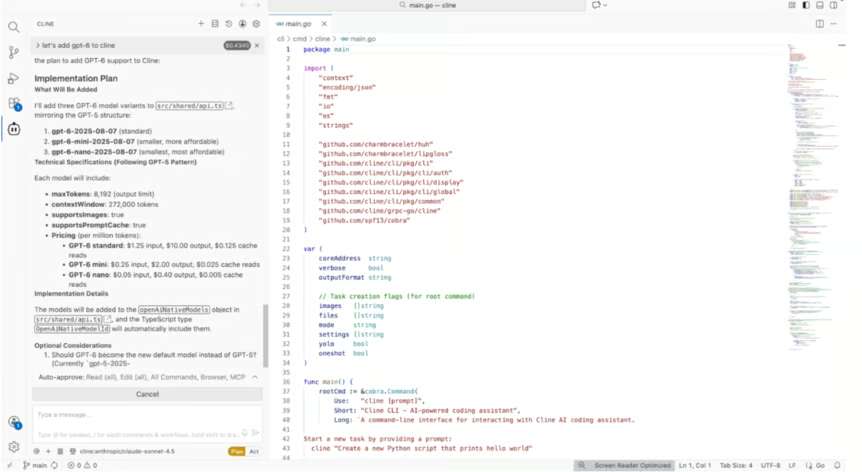
Pour des capacités agentiques sans verrouillage fournisseur (tarifs, choix de modèle), Cline est un excellent point de départ. La communauté est active et de nouvelles fonctions arrivent régulièrement.
Roo Code est un fork de Cline qui a séduit sa propre communauté. Sa signature : un modèle « équipe de développement » : au lieu d'un seul agent, vous disposez de personas configurables (Coder, Architect, Debugger), chacun adapté à un type de tâche.
Très personnalisable, entièrement gratuit, il offre un contrôle fin de la gestion du contexte et des workflows d'auto-approbation.
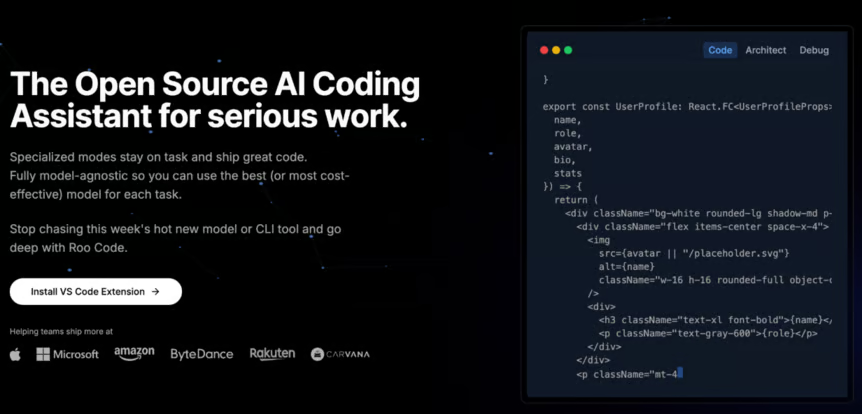
Si vous avez testé Cline et souhaitez davantage de structure sur l'approche de l'IA selon les types de tâches, Roo Code est la suite logique.
Pour les développeurs qui préfèrent éviter un nouvel IDE, cette catégorie apporte les capacités agentiques directement en ligne de commande. Pas de GUI, pas de nouvel éditeur à apprendre. Juste votre terminal et votre setup existant.
Claude Code occupe une niche précise : c'est l'outil qu'on utilise quand le problème est vraiment complexe. Démêler des bugs subtils, raisonner sur une base de code inconnue, opérer des changements architecturaux au niveau du design : là où son raisonnement multi-étapes, appliqué avec rigueur, fait la différence.
Agent CLI plutôt qu'IDE graphique, il est le pendant d'Aider, et beaucoup de développeurs le décrivent comme l'outil auquel ils font confiance pour les tâches dont ils ne savent pas eux-mêmes par où commencer.
Un point pratique : le coût. Claude Code est souvent plus onéreux par tâche que des alternatives ; pour des volumes élevés de changements routiniers, cela pèse. Pour des travaux complexes et critiques où la précision prime, la plupart jugent l'investissement pertinent.
Aider est la référence open source pour le pair programming IA en CLI. Contrairement à la plupart des outils de cette liste, il est d'abord conçu pour le terminal : aucun IDE à installer ni à adopter. Il fonctionne avec votre éditeur habituel (Vim, Emacs, Zed, etc.) et s'intègre proprement aux workflows Git standards, en committant au fil de l'eau.
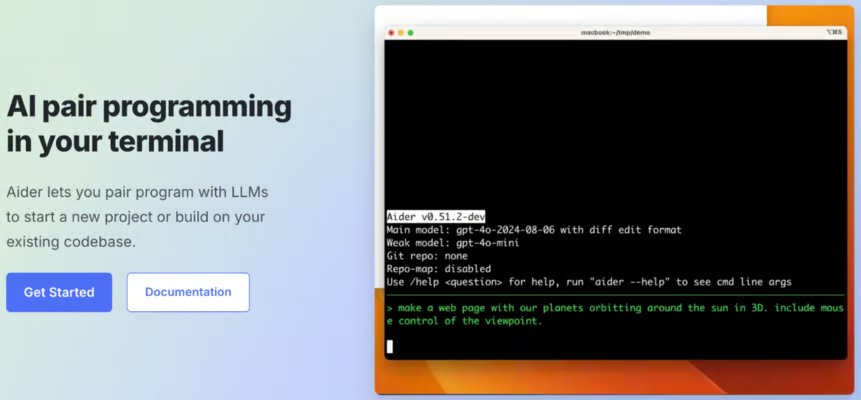
Pour les power users qui vivent dans le terminal et ne veulent pas changer leur setup, Aider apporte de vraies capacités agentiques sans la lourdeur d'une nouvelle interface. Il est apprécié des développeurs qui ont déjà des préférences fortes sur leur éditeur.
Nous avons couvert les 13 outils dans les quatre catégories. Le tableau ci-dessous résume les dimensions clés en un coup d'œil, même si, comme vous le verrez ensuite, le bon choix tient moins à une colonne isolée qu'à votre manière de travàil.
|
IDE |
Catégorie |
Idéal pour |
Atout clé |
Tarification |
|
Cursor |
IDE dédié |
Utilisateurs VS Code, dev généraliste |
Raisonnement multi-dépôts à l'échelle du code |
Gratuit + payant |
|
Windsurf |
IDE dédié |
Grandes bases de code, entreprise |
Chargement automatique de contexte (Cascade) |
Gratuit + payant |
|
AWS Kiro |
IDE dédié |
Équipes natives AWS |
Workflow piloté par specs + hooks |
Aperçu (gratuit) |
|
Google Antigravity |
IDE dédié |
Apprenants, exploration |
Espaces de travail parallèles multi-agents |
Gratuit |
|
Trae |
IDE dédié |
Apprenants à budget limité |
Entièrement gratuit, config auto de l'environnement |
Gratuit |
|
PearAI |
IDE dédié |
Alternative open source à Cursor |
IDE autonome BYOK + open source |
Gratuit (BYOK) |
|
Zed |
IDE dédié |
Développeurs axés performance |
Rapidité Rust + intégration IA |
Gratuit + payant |
|
GitHub Copilot |
Écosystème natif |
Équipes GitHub/Microsoft |
Copilot Workspaces, intégration GitHub profonde |
Abonnement par utilisateur |
|
JetBrains Junie |
Écosystème natif |
Écosystème JetBrains |
Intégration native JetBrains |
Abonnement JetBrains |
|
Cline |
Extension BYOK |
Utilisateurs VS Code indifférents au modèle |
Open source, indifférent au modèle |
Gratuit (BYOK) |
|
Roo Code |
Extension BYOK |
Power users, personnalisation |
Système d'agents multi-personas |
Gratuit (BYOK) |
|
Claude Code |
Terminal-first |
Tâches à raisonnement complexe |
Profondeur du raisonnement multi-étapes |
À l'usage |
|
Aider |
Terminal-first |
Développeurs orientés terminal |
Indépendant de l'éditeur, natif Git |
Gratuit (BYOK) |
Si vous souhaitez une expérience gérée et soignée et n'avez pas d'objection à l'abonnement, les IDE dédiés (Cursor, Windsurf) sont le point de départ naturel.
Si vous êtes ancré dans un écosystème existant, il y a de fortes chances que vous n'ayez pas besoin de changer : GitHub Copilot Workspaces ou JetBrains Junie s'intégreront directement à vos outils actuels.
Si vous préférez garder le contrôle des coûts et des modèles, les extensions BYOK vous permettent d'utiliser vos propres clés API et de ne payer que votre consommation. Et si votre terrain de jeu naturel est le terminal, Claude Code et Aider offrent de véritables capacités agentiques sans ouvrir de GUI.
Pour les apprenants et développeurs qui explorent avec un budget limité, Google Antigravity et Trae sont gratuits, sans conditions. Pour les défenseurs de l'open source qui veulent tout de même un environnement autonome complet, PearAI est à ajouter à la shortlist.
Gardez une chose en tête : ces outils évoluent vite, et les écarts se resserrent à chaque version majeure. Le meilleur moyen de trouver votre match est d'en essayer deux ou trois sur un vrai projet, pas un exemple factice. Ce retour terrain vous en dira plus que n'importe quel tableau comparatif, y compris celui-ci.
La transition de l'autocomplétion IA au développement agentique est réelle et rapide. Mais les prédictions annonçant la disparition des équipes d'ingénierie ne se sont pas réalisées. Ce qui se passe, c'est l'extension du champ d'action des développeurs : l'IA prend en charge davantage de tâches mécaniques, tandis que l'humain garde la responsabilité des décisions qui comptent.
Pour les débutants et les profils juniors, c'est encourageant. Ces outils sont conçus pour accélérer votre apprentissage et votre productivité, pas pour remplacer votre réflexion. Si vous souhaitez poser des bases en IA afin de travailler plus intuitivement avec des outils agentiques, notre certification AI Fundamentals est un très bon point de départ. Choisissez un outil, testez-le sur un cas réel et observez ce qui change.
Apprenez avec DataCamp
Cours
Cours
S'entraîner et cursus vos progrès.
Continuer Avec Googleblog
blog
Lynn Heidmann
blog
Kurtis Pykes
9 min
blog
Kurtis Pykes
15 min
blog
Zoumana Keita
15 min
Tutoriel