Session Resources
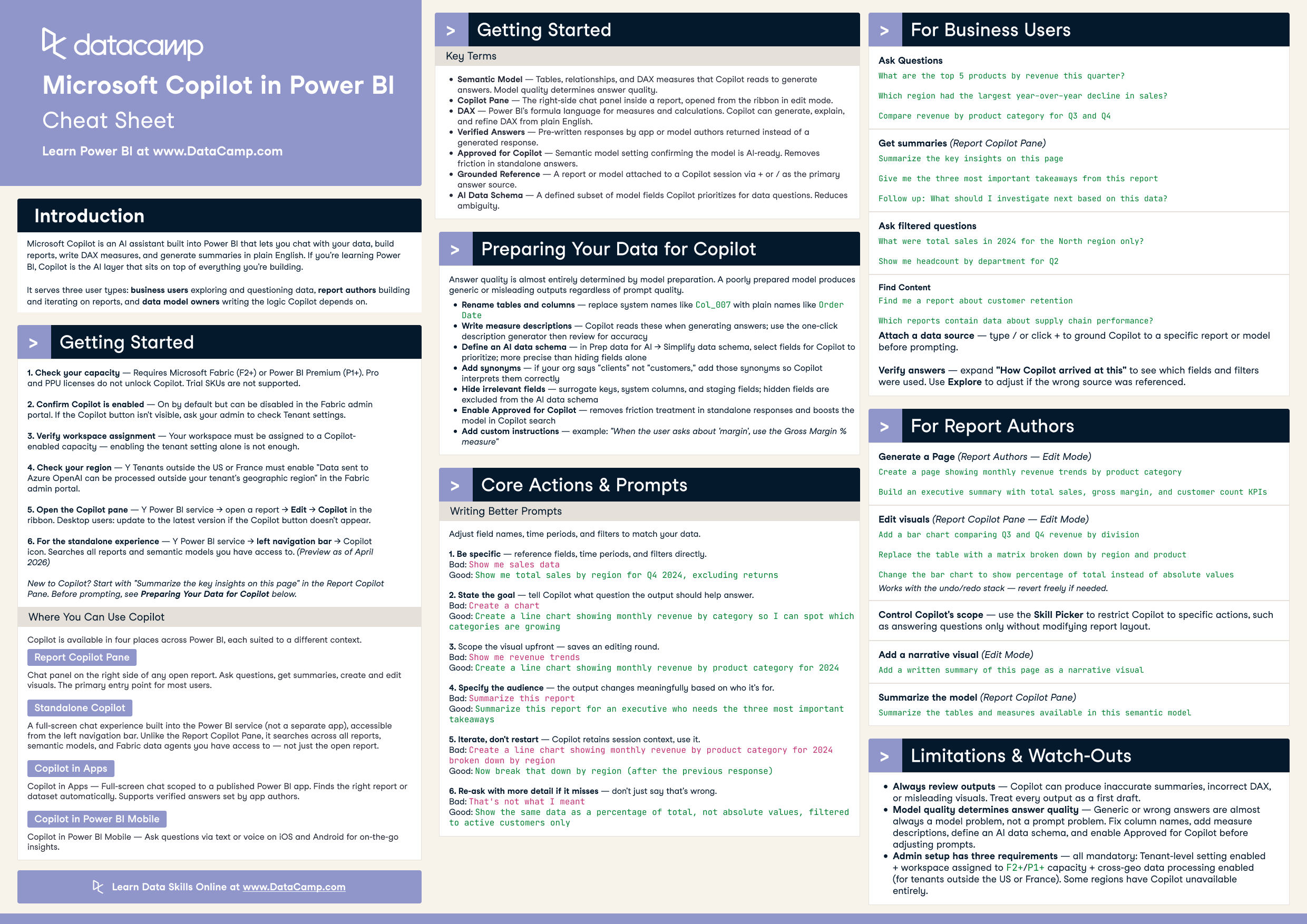
AI is transforming how finance teams work—and for Excel users, Microsoft Copilot is making that shift tangible right now. Business intelligence analysts who learn to harness Copilot can eliminate hours of manual data preparation, surface insights faster, and focus their energy on higher-value analysis. As AI-assisted workflows become the norm, mastering these tools is no longer optional—it's a competitive necessity.
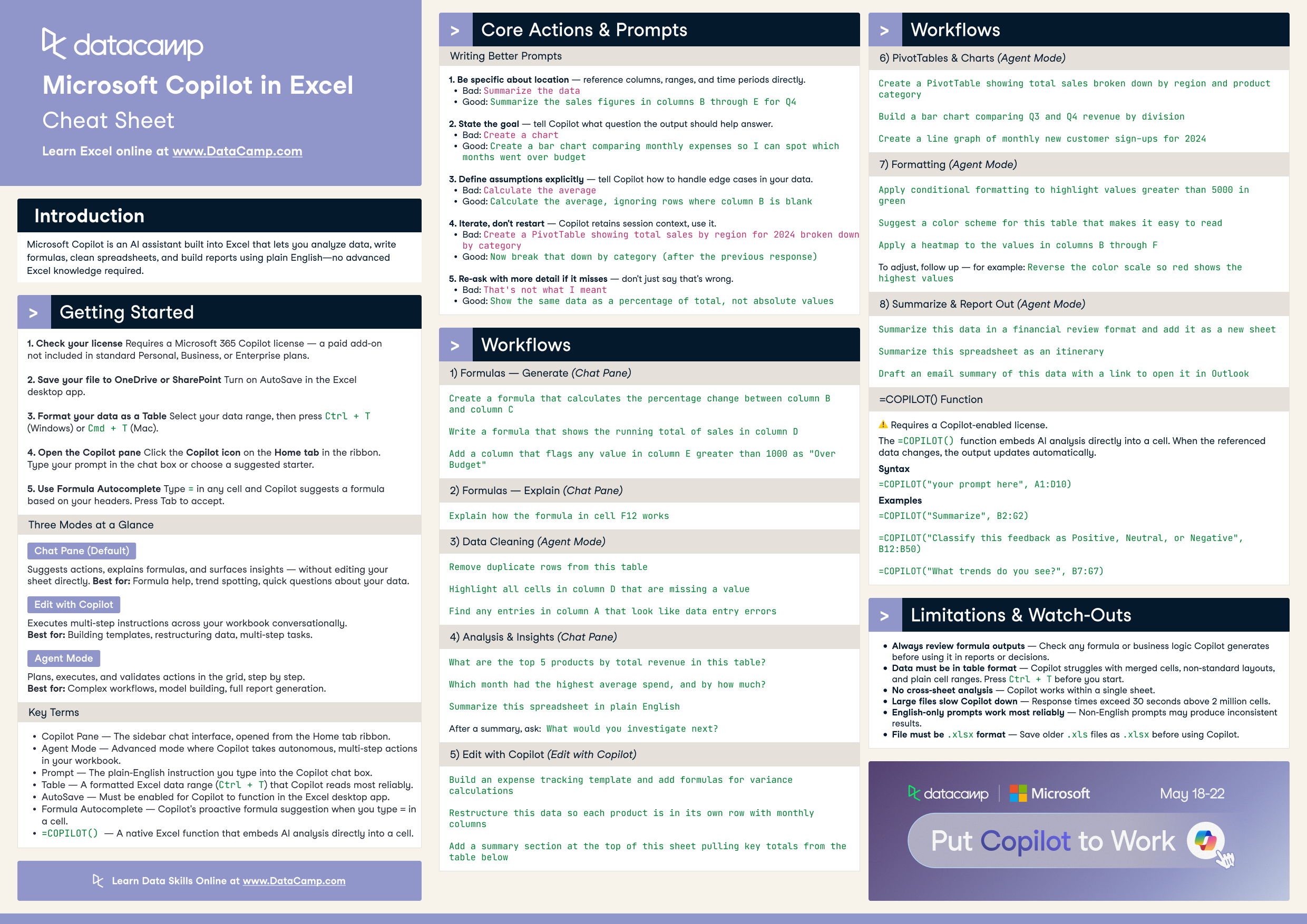
In this code-along webinar, Paul Barnhurst, Founder at The FP&A Hub, shows you how to use Microsoft Copilot in Excel to automate and accelerate everyday data analysis tasks. Through a real-world corporate finance use case, you'll follow along as Paul builds AI-assisted workflows for spreadsheet analytics—from automating repetitive data tasks to generating insights on demand. By the end, you'll have hands-on experience with Copilot and a practical framework you can apply immediately in your own Excel environment.
Key Takeaways
- Learn how to use Microsoft Copilot in Excel to automate data analysis tasks and speed up your workflows.
- Explore a real-world corporate finance use case showing how AI can transform everyday spreadsheet analytics.
- Build hands-on experience with AI-assisted Excel workflows you can apply immediately in your own BI practice.