HomeUpcoming webinars

Create a Financial AI Copilot

Key Takeaways:
  • Learn how to build an AI copilot using GPT-5 and MongoDB for financial document analysis.
  • Understand how to architect, build, and evaluate domain-specific AI copilots.
  • Explore a real-world use case of applying generative AI to financial workflows.
Monday, March 2, 11 AM ET
View More Webinars

Register for the webinar

By continuing, you accept our Terms of Use, our Privacy Policy and that your data is stored in the USA.

Description

AI copilots are revolutionizing how professionals interact with complex information—and the financial field is a prime use case. In this hands-on session, you’ll build an AI-powered financial assistant that can search, summarize, and explain financial documents, giving you a blueprint for developing domain-specific AI tools.

In this code-along, Ashutosh Bajpai, Senior Partner Solutions Architect at MongoDB, will show you how to build a financial AI copilot using GPT-5 and MongoDB. You’ll learn how to architect the system, structure your data layer, and evaluate the assistant’s outputs. Whether you’re working on fin-tech, enterprise copilots, or AI for document-heavy domains, this session will show you what’s possible.

Prerequisites for Financial AI Copilot Session

1. MongoDB Atlas Account Setup

2. Sample Data

  • Prepare and load the provided sample data into your MongoDB cluster for the session. It will also be demonstrated during the session.

3. Required Installations

3.1. MongoDB MCP Server

Clone the MongoDB MCP Server repository:

 
git clone https://github.com/mongodb-js/mongodb-mcp-server

And find the python files we will use for data ingestion, chatbot mcp and prompts: https://github.com/mongo-ab/fin-ai-copilot

3.2. Python Virtual Environment

  • Create a Python virtual environment:
    • Use conda (recommended) or any other virtual environment tool.
    • Activate the virtual environment once created.
    • We will be using VS code during the session, feel free to use the IDE of your choice including Jupyter Notebook. 

3.3. Install Dependencies

To prepare your environment for the session, install the following dependencies:

  1. Node.js:

On Mac OS:

brew install nodejs

On other OS platforms, install Node.js using alternatives like apt, yum, or a direct download from https://nodejs.org.

  1. Python Libraries: Install the required Python packages using pip:
    pip install streamlit
    pip install gradio
    pip install langchain_mcp_adapters
    pip install langgraph
    pip install openai
    pip install langchain_openai
    pip install langchain-mongodb langgraph-checkpoint-mongodb langgraph-store-mongodb

3.4. OpenAI API Key

  • Create an OpenAI API key:
    • Sign up for an OpenAI account and generate an API key via OpenAI Platform.
    • Keep the API key handy for the session.
  • Feel free to use other Large Language Model (LLM) APIs if preferred, but the session demonstration will primarily use OpenAI models.

Completing these prerequisites will fully prepare you to participate in the Financial AI Copilot session.

3.5. OS recommendation: Use a Linux-based OS backbone (Mac/Ubuntu etc.). However, feel free to use Windows as an alternative.

Presenter Bio

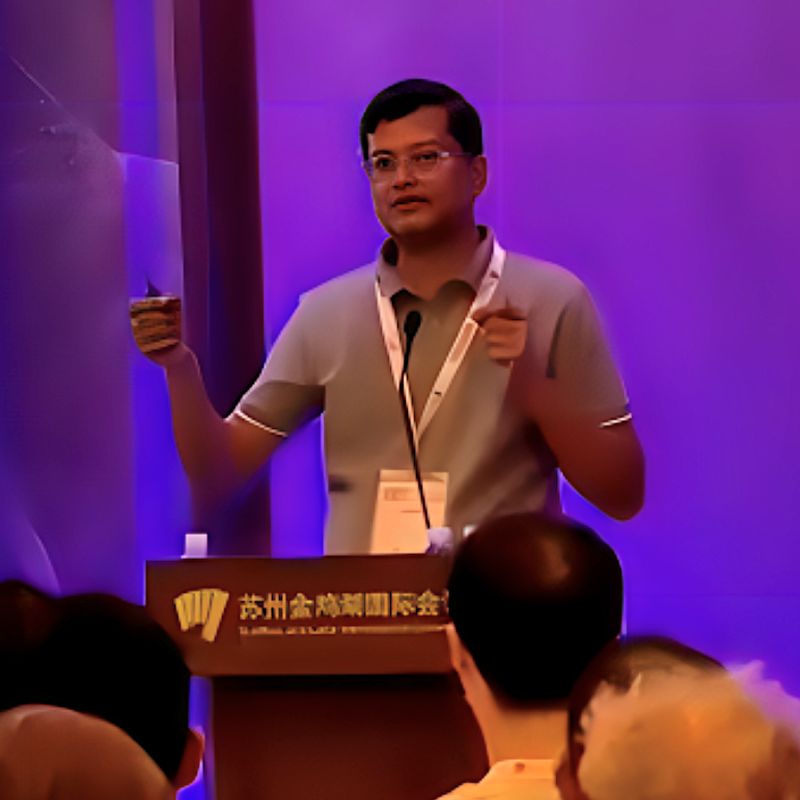
Ashutosh Bajpai Headshot
Ashutosh BajpaiSenior Partner Solutions Architect at MongoDB

Ashutosh helps MongoDB's customers implement AI solutions. He has 15 years of experience as a data scientist and AI architect. Previously Ashutosh was a Technology Architect in the AI Research Lab at Wipro, and Scientific Officer at TIFR contributing to the ASTROSAT mission.

View More Webinars