Practice

Scale your team's skills with Sandbox

The bridge from learning to application. Get every employee applying skills in a secure environment. Use cloud, BI, and coding sandboxes to test ideas, build prototypes, and explore new tools.
Request a Demo
AI
Python
AWS
Azure
Tableau
Power BI
responsive media image

What we offer

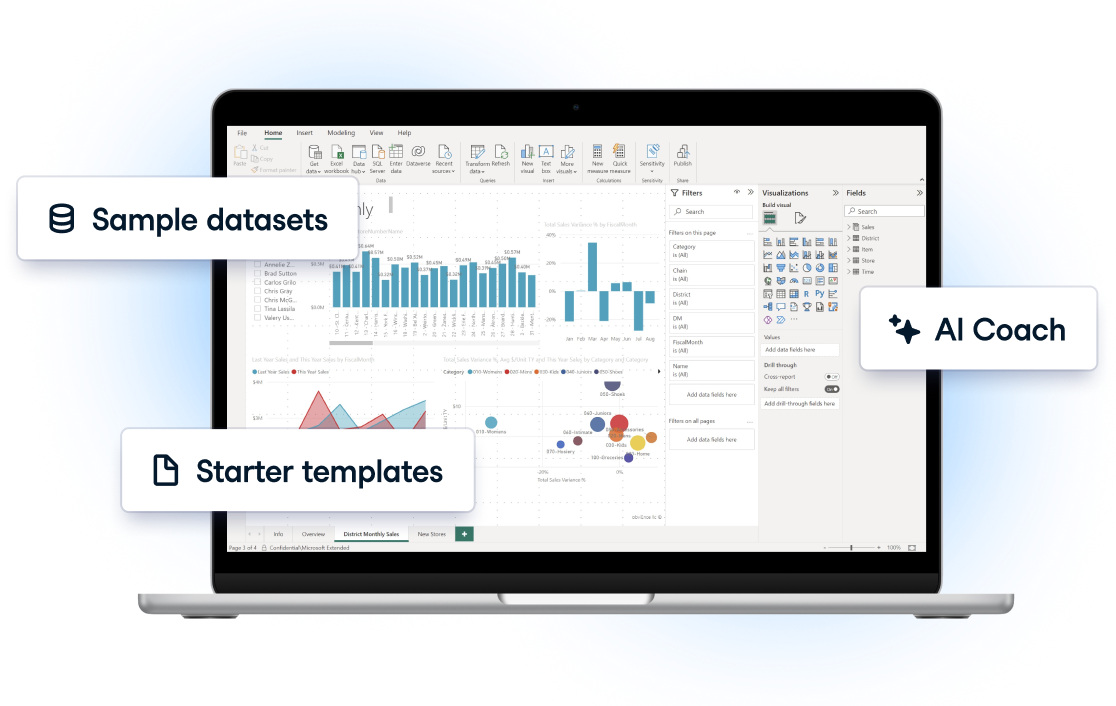
Enable your learners to bridge from learning to real-world application. Unlike contained courses or projects, Sandbox offers unstructured scenarios to mirror real-world applications. Each session is secure, with built-in AI support, so no one gets stuck.
 

Zero infrastructure costs

We manage setup and maintenance, letting your team practice seamlessly.


Instant access

Learners can jump straight in with pre-configured environments via a single click.


Secure testing

Everyone can experiment freely without risking data or system stability.


AI Support

A smart assistant answering tech questions for each Sandbox.

PATH TO PROFICIENCY

How your team can maximize Sandbox

responsive media image

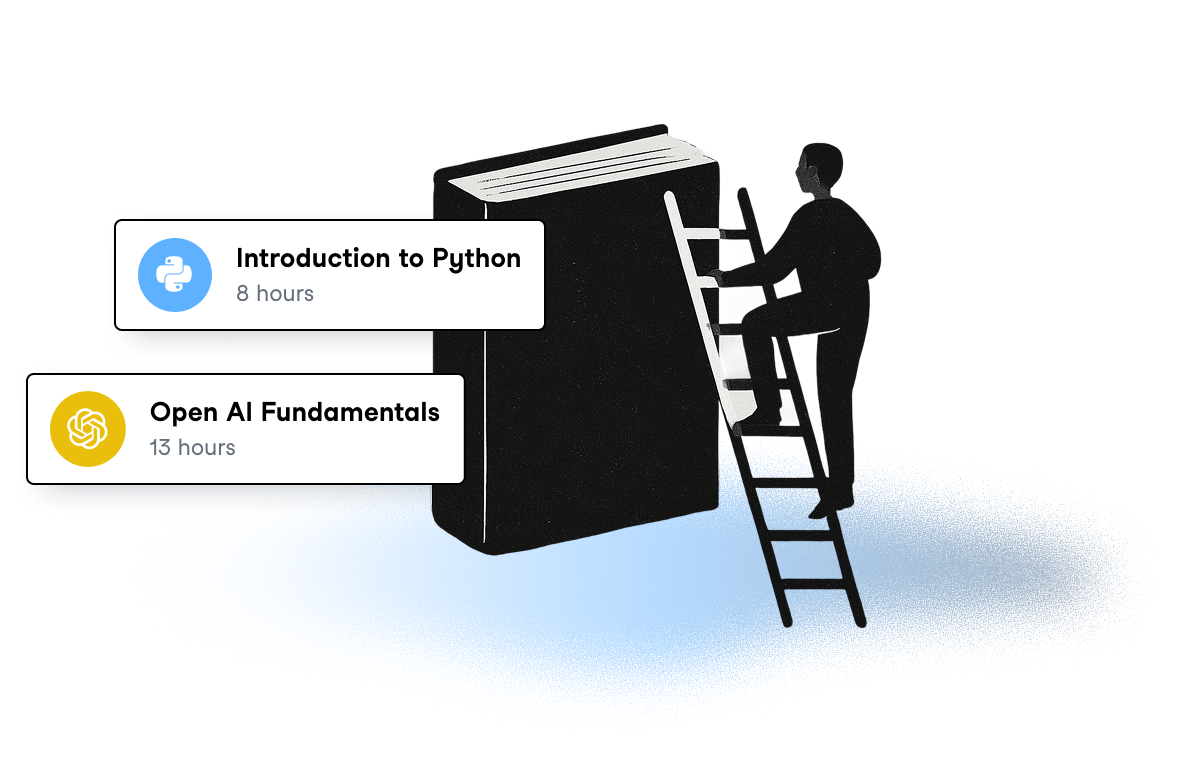
Choose a technology and learn the basics

Develop role-based skills step-by-step with DataCamp's hands-on learning curriculum. Assign courses, learning tracks, and projects to get your team job-ready.

Practice

Practice with Sandbox

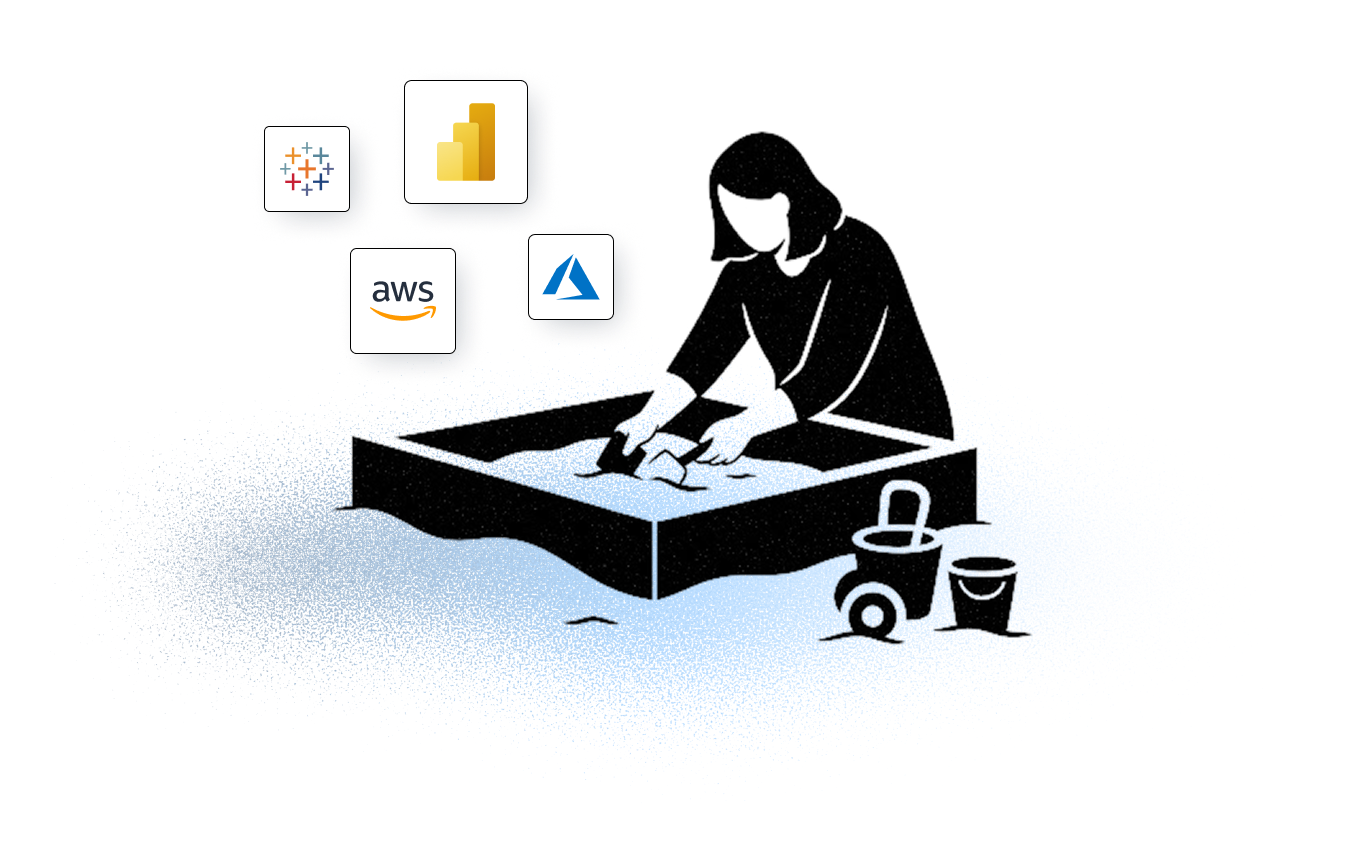
Once your team is familiar with a technology, switch to Sandbox and start practicing. Build workflows, test new tools, and unlock confidence. No setup or installation needed!
responsive media image

Ready? Start practicing!

Discover our full library of Sandboxes.

Request a Demo

Features for independent exploration

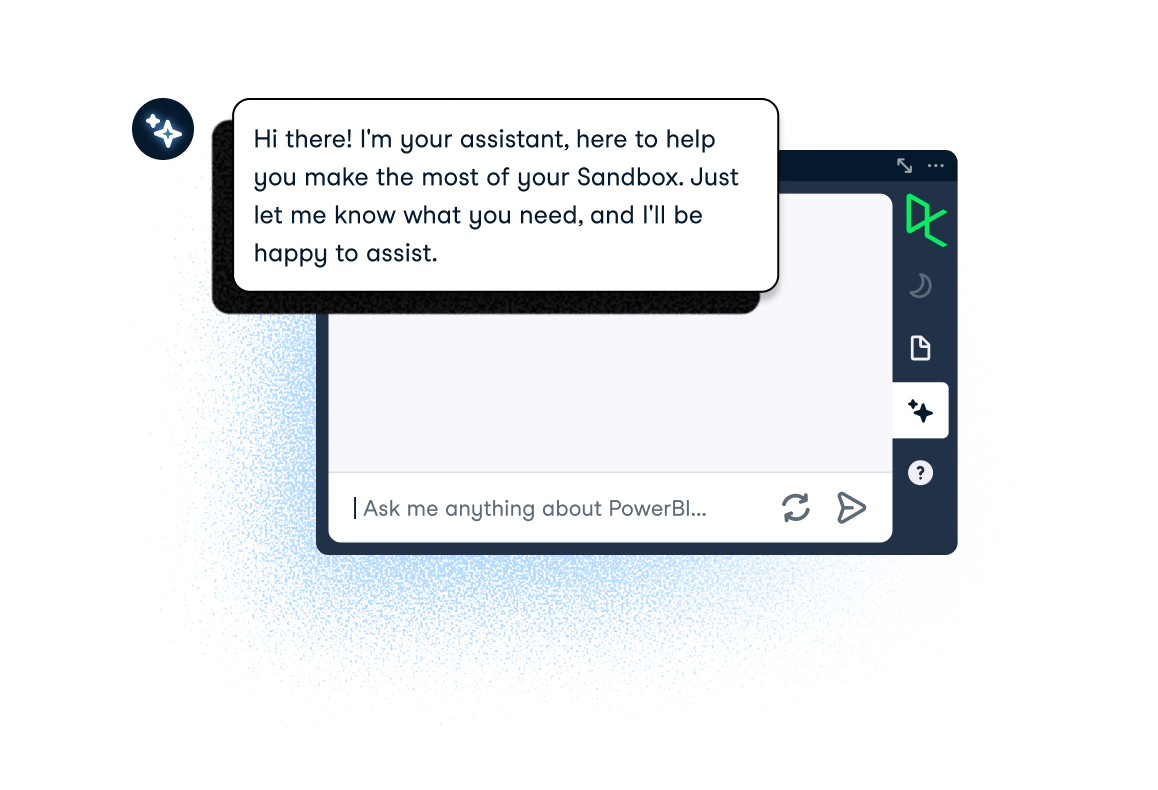
A blank canvas can feel intimidating, but learners aren't alone. The AI-powered Help Bar offers tools to guide and support practice.
responsive media image

AI Coach

The AI Coach isn’t just another assistant, it’s fully aware of the Sandbox environment you’re working in. It offers:

  • Contextual Support: The AI Coach can see interactions in real time, understanding the exact commands, code, or errors teams are working on.
  • Actionable Guidance: Instead of generic answers, it delivers precise, step-by-step help tailored to the current task.
  • Faster Skill Growth: By removing friction and providing live coaching, learners stay engaged and build confidence quicker.

Learning resources

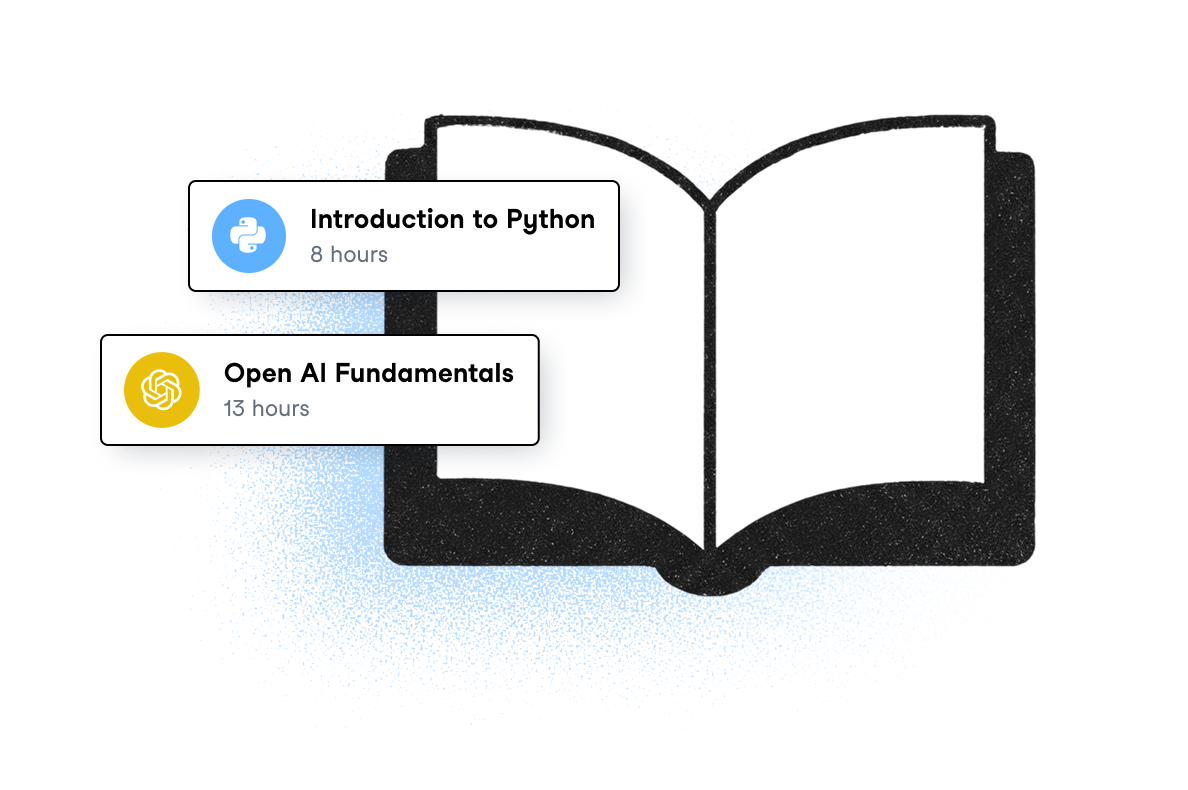
Teams can access to relevant courses and tracks to refresh knowledge or to start learning programs for new hires.
responsive media image

Instructions

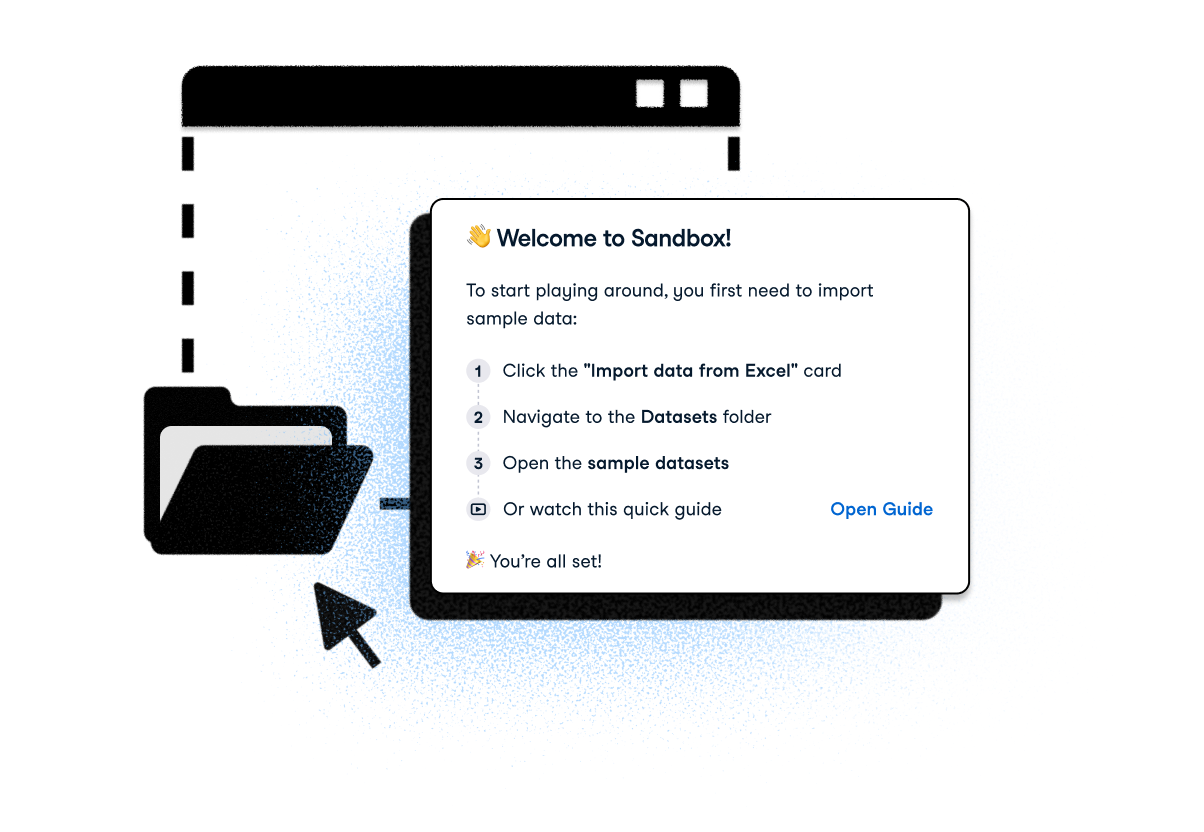
Everyone can access step-by-step guides for uploading sample data for Power BI and Tableau.

FAQs

Do I need a subscription to access Sandboxes?

All DataCamp Business subscribers have access to Sandboxes as part of their subscription. Each learner receives 10,000 credits per week to use in Sandboxes. If you’re not yet a B2B customer, you can request a demo to learn more about how Sandboxes and other DataCamp for Business features can support your team’s learning goals.

Can I upload my files to a Sandbox?

No, we will provide you with sample datasets to practice your skills.

If you need to work with your own datasets, check out DataLab.

Can I save my progress in a Sandbox?

No, DataCamp Sandboxes are designed to be single-session and saving progress is not possible.

If you need to save progress on your projects, check out DataLab, which supports coding in SQL and Python.

What are Sandbox Credits?

What are Sandbox Credits?

  • Power BI: 30 credits = 1 min
  • Tableau: 30 credits = 1 min
  • AWS: 30 credits = 1 min
  • Azure: 30 credits = 1 min
  • Python with OpenAI: 10 credits = 1 min
  • Python with Bedrock: 10 credits = 1 min
  • Python with Anthropic: 10 credits = 1 min
  • Python: 10 credits = 1 min

Can I share the output from my Sandbox?

No, if you need to share the results of your work please use our DataLab product.

How many Sandboxes can I work on simultaneously?

You can launch one Sandbox at a given time.

How is Sandbox different from DataLab?

Sandbox and DataLab are both designed to help users practice and apply their skills, but they serve different purposes and cater to different needs.

DataCamp Sandbox offers a straightforward, low-risk environment where users can practice various technologies, including Cloud, Data Warehouse, Business Intelligence, and AI tools, without the hassle of complex setups. Each Sandbox session starts with a clean slate, providing a secure space for experimentation. It’s ideal for users who want to quickly explore new technologies in a controlled, isolated environment.

DataLab, on the other hand, empowers users to import their own data and generate insights using SQL and Python, with best-in-class AI assistance. It’s designed for users looking to build, save, and share data projects, making it an excellent platform for developing and showcasing portfolios.

Is Sandbox right for me?

If you're just starting your learning journey, we recommend beginning with practice and projects. These are structured to help you build foundational skills through a guided experience.

Sandboxes are best suited for intermediate to advanced learners who want more freedom to explore, experiment, and apply what they’ve learned. Once you’ve gained some confidence, Sandbox becomes a great space to deepen your skills through open-ended practice.