
Course
Understanding Artificial Intelligence
2 hr
430K
AI logo generators let you create a logo in minutes from your business name or a short description, with no design software or design skills needed. The best overall is Canva, but only two tools on this list, LOGO.com and Wix, let you download a usable logo with commercial rights for $0.
Some tools let you generate and download a logo for free. Others are only free until you hit the download button, where the high-resolution file, the vector version, or the version without a watermark costs money.
Below, I compare 10 AI logo generators on logo quality, customization, free downloads, vector files, watermarks, and commercial-use rights.
Use this table for a quick comparison, then read the full reviews below for the details on each tool.
|
Tool |
Best For |
Type of Free |
Free to Generate |
Free Download |
SVG Available Free? |
Watermark |
|
LOGO.com |
A free logo download |
Genuinely free |
Yes, unlimited concepts |
Yes, 4 PNGs (including transparent) |
No |
No |
|
Wix |
A logo and website |
Genuinely free |
Yes, 120 AI credits/month |
Yes, PNG and SVG |
Yes |
No |
|
Canva |
Best overall |
Free with limits |
Yes, about 20 AI uses/month |
Yes, PNG, JPG, PDF (solid background only) |
No (Pro only) |
No, if you use free elements |
|
Adobe Express |
Editing and brand assets |
Free with limits |
Yes, limited daily generations |
Yes, PNG (transparent), JPEG, PDF, GIF |
No |
No |
|
Ideogram |
Logos with text |
Free with limits |
Yes, weekly slow credits |
Yes, JPEG (transparent PNG at 1K) |
No (any plan) |
No |
|
Recraft |
Vector-style logos |
Free with limits |
Yes, 30 images/day |
Yes, but no commercial rights |
Yes (non-commercial) |
No |
|
Design.com |
Logo templates and brand assets |
Free with limits |
Yes |
Free template collection only |
Yes (free collection only) |
Yes, on AI-generated previews |
|
Looka |
Exploring professional concepts |
Free to design, paid to download |
Yes |
No |
No |
N/A |
|
Brandmark |
One-time payment and brand kit |
Free to design, paid to download |
Yes, unlimited, no account |
No |
No |
N/A |
|
Turbologo |
Exclusive rights to a paid logo |
Free to design, paid to download |
Yes, sign-up credits |
No |
No |
N/A |
Let’s explore the top 10 AI logo generators in detail.
Best for: Small businesses and creators who want a free logo they can turn into a full set of branded materials.
Canva is an online design platform with a drag-and-drop AI logo generator built into its editor. It’s free to sign up, and the same account covers business cards, social posts, flyers, and the rest of your brand materials.
You type a prompt describing your business and the look you want, choose a style (3D Render, Illustration, Sketch, or Graphic Design Vector), and Canva AI generates a logo image from scratch. It doesn’t assemble stock icons and fonts the way template-based logo makers do. If you don’t like the result, you rewrite the prompt and regenerate.
The illustration and 3D styles produce clean, usable marks. Text is the weak spot: like most image generators, Canva sometimes misspells or warps the business name. I’d generate the symbol with AI and add the name yourself with one of Canva’s fonts.
Your logo opens in the full Canva editor; you can swap individual colors with Color edit, add text from Canva’s free font library, combine the AI symbol with free icons and shapes, and save it all to a free Brand Kit (limited to three colors).
You can generate, edit, and download your logo for free, with no watermark as long as you stick to free elements. The free plan includes about 20 AI uses a month, shared across every Canva AI tool, so a few rounds of regenerating will use most of them.
Free users can download PNG, JPG, or PDF. However, SVG is pro-only.
On the free plan, your logo always downloads with a solid background. You can’t place it cleanly over a photo, a colored website header, or a product, and you don’t get a vector file for print.
Both transparent backgrounds and SVG export need Canva Pro, which costs $144 a year.

Generate a logo with Canva AI. Image by Author
Best for: People who want to keep editing their logo and build matching brand materials around it, especially if they might need Photoshop or Illustrator later.
Adobe Express is Adobe’s all-in-one design app for social graphics, flyers, video, and print. You generate a logo with AI, refine it in the editor with your own text, icons, and design elements, and then use that same logo on posters, flyers, merch, and anything else you make in the app.
You describe your logo, choose a style, and Adobe’s generative AI creates several options. You can also upload reference images to guide the style or composition, which most generators on this list don’t offer.
The AI does best with icon-style marks, monograms, and geometric logos, and the results look polished. Text inside the logo may still come out imperfect, so plan to add or fix the business name in the editor.
Logo opens in an editor with 4,000+ free Adobe Fonts, free icons and design elements, and 100,000+ free templates. It also works with Photoshop, Illustrator, and Creative Cloud Libraries, so if you hire a professional designer, your logo won’t be stuck in a tool they don’t use.
The free plan needs no credit card and includes a limited number of daily AI generations. You can download your logo as a PNG with a transparent background, something Canva only gives paying users. Adobe generally allows commercial use of its AI-generated output, except for features it labels as beta.
The editor exports in JPEG, PNG, PDF, GIF, PPT, and converts to JPG, PNG, SVG, MP4. SVG isn’t among the export formats.
SVG isn’t one of the editor’s standard export formats. Brand Kits, premium templates, and most fonts are also locked behind Adobe Express Premium, which costs $9.99 a month and adds 250 generative credits.
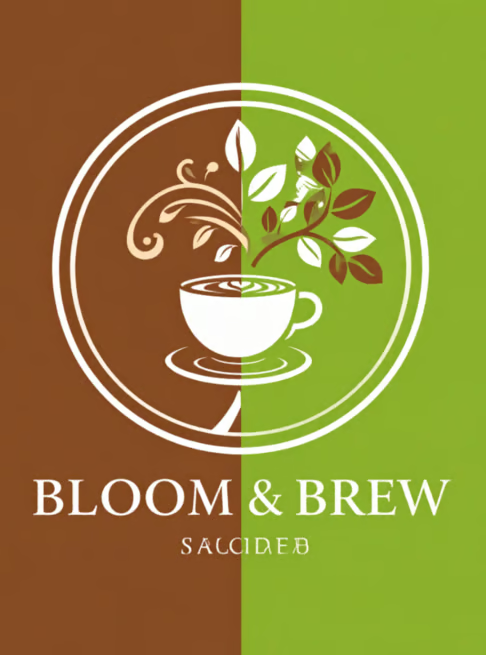
Generate a logo with Adobe Express. Image by Author
Best for: Anyone who needs a usable, commercially licensed logo today without paying anything, and is fine starting with PNG files.
LOGO.com is a dedicated logo maker. Unlike Canva and Adobe Express, logos are the whole product, and everything else it offers (brand kits, templates, a website builder) is built around the logo you make there.
Enter your business name, and it generates a grid of hundreds of finished logo concepts, built from templates, icons, and fonts, that you can filter by icon, color, or category. If none of the icons align with your interests, describe one subject (say, a coffee bean inside a circle), and the AI draws a custom icon in one of 14 styles, including Minimal, Illustration, Retro, and Pixel.
Because most concepts start from professionally designed layouts, the results look tidy and balanced, and the business name is set in real fonts, so you don’t get the misspelled text that image generators produce.
However, template-based concepts may look similar to logos other businesses designed using the same website.
You can:
The free plan lets you download your logo with a full commercial license and no credit card. Many tools that call themselves free stop at a preview; with LOGO.com, you leave with a logo you can put on products, packaging, and your storefront, and you can come back later to edit the layout, colors, font, or name.
PNG is only available on the free plan, in four versions: full color, greyscale, and a transparent-background version of each. SVG, PDF, and the rest of the file pack need a paid plan.
Free gets you PNGs only, for a single saved logo. SVG vectors and the other file formats, brand guidelines, social media sizes, and the full template library come with the Brand Plan ($11 billed yearly).
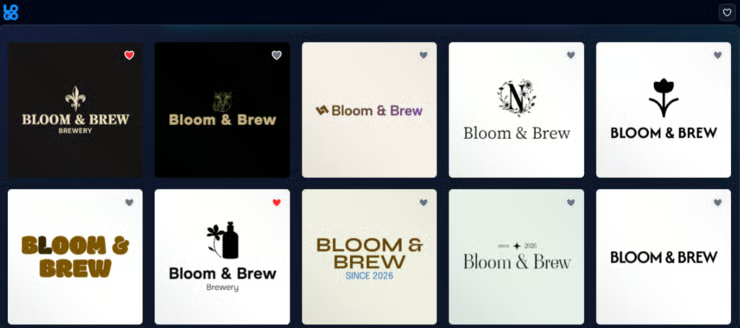
Generate a logo with LOGO.com. Image by Author
Best for: Anyone planning to build a Wix website who wants a free logo with transparent PNG and SVG files to match.
Wix’s AI logo generator runs on Wixel, Wix’s AI design platform. You need a free Wix account to use it, and it’s the same account you’d use to build a Wix website, which makes it the natural choice if your logo is the first step toward a website.
Instead of a form or a template grid, you chat with a design agent. Type your business name and a short brief (industry, vibe, a few keywords), and the AI suggests a logo style based on what works in your industry.
Choose a style, and it generates several logo options based on it. From there, keep refining by asking in the chat for things like a lighter palette, a bolder font, or a simpler icon, and the design updates in real time.
Results look clean and professional, and because the AI builds logos around your brief and industry, they feel more tailored than a generic template. The chat helps here too: if the first batch is close but not right, you can ask for changes instead of starting over.
The AI Breakdown panel splits your logo into separate pieces so you can adjust colors, fonts, icon shape and placement, layout, and background one at a time. Once you’re done, Wixel can turn your logo’s colors and fonts into a brand theme for social posts, documents, and other designs in the same account.
The free plan includes 120 AI credits a month (with a maximum of 30 a day), which Wix estimates is enough for about 20 logos.
With those credits, you can generate concepts, customize them, and download your logo as a transparent PNG or an SVG. That makes Wix one of the few free options on this list that gives you a vector file.
Everything runs on credits, including the AI edits you make in the chat, so a lot of back-and-forth uses them up quickly. Once your free credits run out, you’ll need a paid plan to keep generating and downloading logos.
The website isn’t free either. You can upload your logo to a Wix website in a few clicks, but a website with your own domain needs a paid Wix plan.

Generate a logo with Wix. Image by Author
Best for: Exploring original logo concepts where the business name has to look right, especially wordmarks and text-heavy designs, before finishing the logo somewhere else.
Ideogram is a general AI image generator that’s very good at logos, mainly because it’s one of the few image models that reliably spells words correctly.
You write a prompt, and Ideogram’s latest models (Ideogram 4.0 and 4.5) generate images from it. For a logo, you’d describe the business name, the style, the colors, and the kind of mark you want, then choose from the results or adjust your prompt and try again.
There’s no questionnaire, no template grid, and no icon library. The control comes entirely from how well you write the prompt.
Image generators like Canva and Adobe Express often misspell or warp a business name, while Ideogram’s whole pitch is clear, readable type. Because it’s generated from scratch rather than assembling templates, concepts also tend to be more original.
However, you may need several prompts to get something clean and simple enough to work as a logo, since the model can just as easily produce a detailed illustration.
It provides two main options:
Eligible free accounts get a weekly allowance of slow credits when signing in with Google, Apple, or Microsoft. Free generations run in the slow queue, one at a time, and are published to the public community gallery by default. Ideogram doesn’t claim ownership of what you generate, and you can use images commercially, including on the free plan.
Ideogram doesn’t support SVG. It exports in JPEG, PNG, and WEBP, but the free plan is limited. Without a paid plan, you can download JPEG at the original size, and transparent images as PNG at 1K. PNG downloads and larger upscaled sizes need a paid plan.
It’s a concept generator, not a finished-logo tool. You won’t get vector files, layout variations, or brand assets, and on the free plan your logo ideas are public by default. Private generation and AI editing start with the Plus plan at $15 a month (billed yearly) or $20 month-to-month.
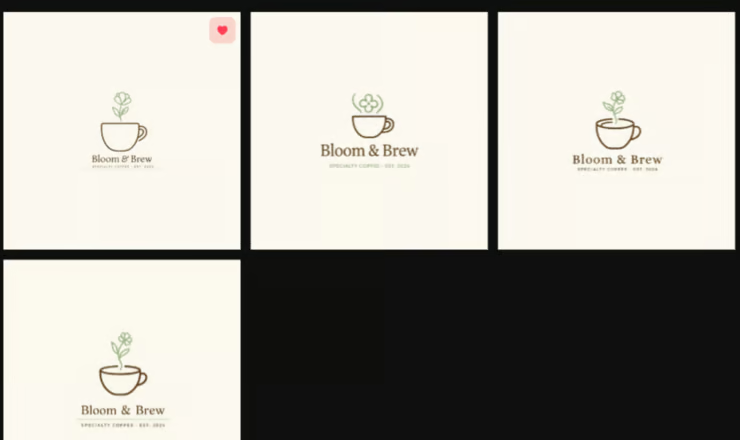
Generate a logo with Ideogram. Image by Author
Best for: Designers and businesses that need a scalable vector logo and plan to upgrade to a paid plan for commercial rights.
Recraft is an AI design tool for graphic design work including logos, icons, illustrations, and vector art. Unlike Ideogram, it’s made with designers in mind, and its biggest difference from everything else on this list is that it can generate logos as actual vector files.
Type a text prompt describing your logo, and Recraft generates several options. Its own models (the newest is Recraft V4.1) can render long, accurate text inside a logo, not just a word or two.
Recraft Studio also gives you access to other image models, including Ideogram, Flux, and GPT Image, if you want to compare results.
Recraft’s output is clean graphic design rather than detailed illustration, which suits logos well. Because it can generate vectors directly, edges stay crisp, and shapes stay simple enough to work at small sizes.
Style control is where Recraft goes further than the other generators here. You can:
Generate up to 30 images a day for free, with no credit card. You can also generate and export as many logos as you like at no cost.
PNG, JPG, SVG, and Lottie (an animation format) are all available for free. Most logo generators give you PNG or JPG, which are made of pixels and blur when you enlarge them.
An SVG is made of shapes and lines instead, so the same logo stays sharp on a favicon, a business card, a storefront sign, or a billboard.
Free generations are publicly visible in the community gallery and aren’t licensed for commercial use, so you can’t put a free Recraft logo on your business. Full ownership, commercial rights, and private images only come with a paid plan (Basic, Advanced, or Pro).
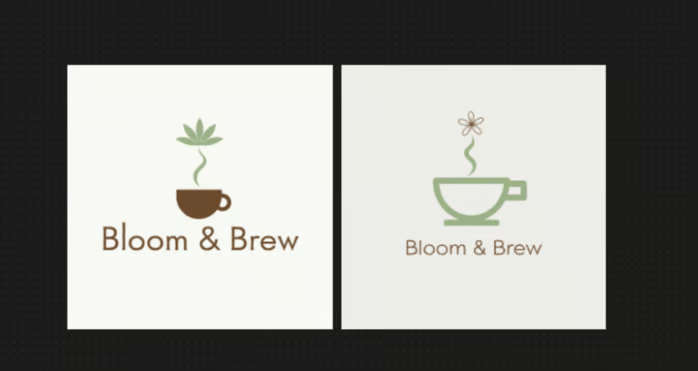
Generate a logo with Recraft. Image by Author
Best for: Small businesses that want a logo plus matching business cards, social posts, and a website from one place, and are happy to start from a free template.
Design.com has an AI logo generator backed by a huge library of designer-made logos, plus templates for business cards, social posts, and websites.
The AI reads your business name and description, uses logos from the library that fit your industry, and adapts them into thousands of variations with your name in them. Once you choose a logo, an AI chat lets you ask for changes to fonts, colors, shapes, or layout instead of editing everything manually.
Because the AI works from professionally designed logos, results look polished and balanced, with real fonts and clean layouts. Every logo in its library goes through a manual IP review, which is worth more than it sounds if you’re worried about accidentally copying someone else’s mark.
The editor lets you change fonts, colors, layouts, and icons, add shapes, curved text, and gradients, and choose from 500+ fonts that are exclusive to its platform. You can preview your logo on apparel and signage before downloading.
Design.com has more than a million templates and 50+ design tools, and it applies your logo’s colors and fonts to business cards, letterheads, email signatures, social media posts, presentations, and a website automatically.
You can generate, edit, and preview AI logos for free, but those previews carry a Design.com watermark. Free downloads come from a separate Free Logos collection, a smaller set of designer-made templates.
Logos from the free collection come with the full set of files, including PNG and JPG, vector files in SVG, EPS, and PDF, with a transparent-background version included. That’s one of the most generous free file packages on this list, alongside Wix. For AI-generated logos, you get the same high-res and vector files once you’re on a paid plan.
Most AI-generated logos aren’t free to download. Choose one outside the free collection, and you’ll be redirected to a checkout page, with plans starting at $15 a month (billed monthly) for the logo files and design tools. The paid plans come with a standard license, which isn’t exclusive, so other users can buy the same design.
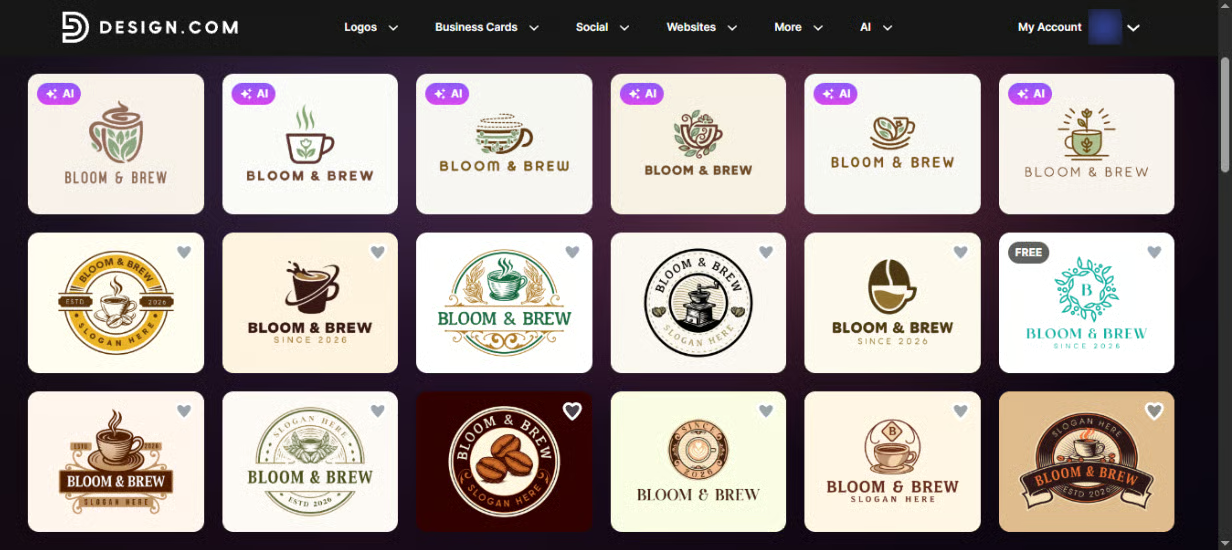
Generate a logo with Design.com. Image by Author
Best for: Anyone willing to pay for a polished logo who wants to explore lots of professional concepts for free before committing.
Looka is a paid logo maker that lets you generate and explore logos for free. That makes it a good place to try out ideas, but unlike most tools on this list, you can’t leave with a usable logo without paying.
Enter your business name and choose the logo styles, colors, and symbols you like. The AI treats those choices as inspiration and generates logos tailored to your business, and it keeps generating more as you scroll. Click any logo, and it shows you variations of that design to explore.
The guided setup means results match the look you asked for more closely than a single prompt, and the logos are clean and professional, with real fonts and balanced layouts. You can also preview your favorites on T-shirts, business cards, and other materials before deciding.
Change colors, fonts, icons, layouts, and spacing to create more variations. After you purchase, you can keep editing and re-downloading, though the business name and its layout are locked once you purchase.
Generate, browse, save, edit, and preview logos for free. You only pay if you decide to download and use your logo.
None for free. The cheapest paid option, the Basic Logo Package, gives you one low-resolution PNG. The Premium Logo Package includes high-res PNG, SVG, EPS, and PDF files, plus color variations with transparent backgrounds. Both are one-time purchases.
It’s not a free logo generator. Every route to a usable logo costs money: either a one-time logo package or an annual Brand Kit subscription, which adds 300+ branded templates like business cards, social posts, email signatures, and brand guidelines.
Even after you pay, Looka says you own the logo as a whole, but not the individual elements in it, such as the symbols.
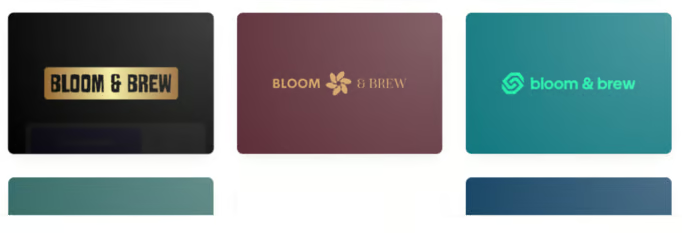
Generate a logo with Looka. Image by Author
Best for: People who want to explore logo ideas for free and then pay once, with no subscription, for a logo and a full set of brand assets.
Brandmark is an AI logo maker that combines generative AI with fonts and templates made by its own designers. You can generate unlimited logos for free without even creating an account, but you’ll pay a one-time fee to download one.
Enter your business name and a few keywords about your brand, and Brandmark generates logo concepts from them. The AI can create a unique icon for your logo, then pair it with Brandmark’s hand-crafted fonts and layouts, so you get a mix of AI-generated and designer-made elements.
The icon gives each logo some originality, while the designer-made fonts and templates keep the text clean and readable, which avoids the misspelled names image generators sometimes produce. Brandmark also allows you to make small tweaks to your design for free if you ask.
Edit your logo in the browser or on your phone, including the text, and keep changing it even after you buy. Once you have a logo, Brandmark builds brand assets around it, including business cards, social media graphics, a brand guide, a one-page website, invoice templates, presentation templates, and animated designs.
Generating and editing logos is free and unlimited, with no account needed. You can preview your designs, but downloading a usable file requires a purchase.
Paid downloads come as SVG, PNG, and PDF. The cheapest package only includes PNG files, so you’d need a higher tier to get vector files.
There’s no free download. Brandmark is a pay-once tool with no monthly subscription. Paid logos include full copyright for commercial and personal use and unlimited revisions after purchase.
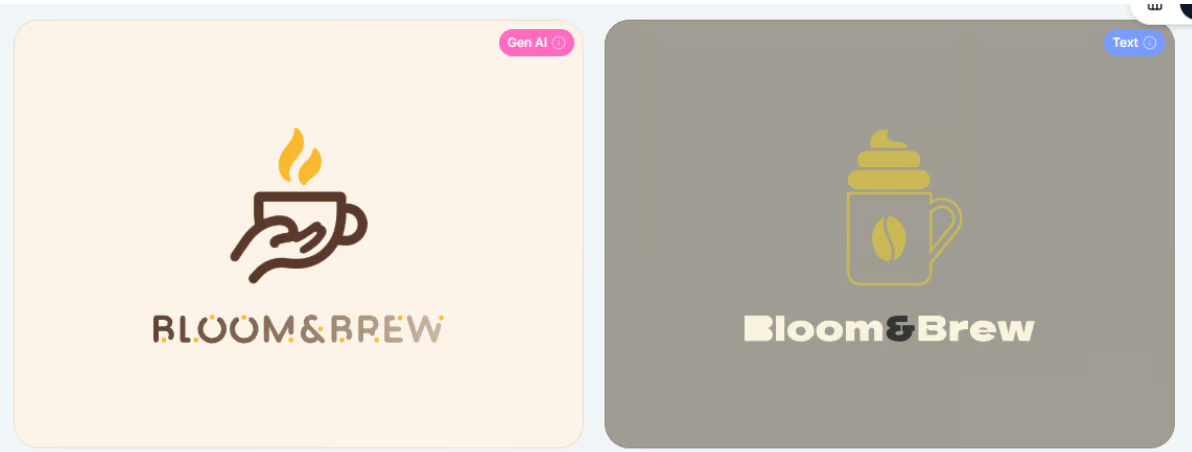
Generate a logo with Brandmark. Image by Author
Best for: Businesses that want a logo they own outright, with exclusive rights, and are happy to pay once for it.
Turbologo has an AI logo generator that creates designs from scratch based on your input. You can design and edit for free, but like Looka and Brandmark, you pay to download.
Enter your business name, slogan, and industry, then choose a few images from Turbologo’s collection as inspiration and choose a color. AI uses that to generate logo options from scratch, rather than adapting existing templates, which is what Turbologo’s regular logo maker does.
Generating from scratch gives you more original results than template-based tools, and you can steer the style with your inspiration. Because the setup asks for your industry and slogan, results are usually on topic from the first round. However, expect to regenerate a few times to get something you love.
The editor lets you change fonts, colors, icons, layout, and sizing on any generated logo, and you can preview it on business cards and T-shirts. Paid plans add branded templates for business cards, letterheads, email signatures, social media, and more.
Get free AI credits when you sign up, enough to try the generator a few times. Turbologo’s template-based logo maker is free to use without credits, and you can create and edit unlimited logo variations in either one.
The Standard and Business packages include print-ready SVG and PDF files, plus high-res PNGs with transparent background. The cheapest package, Lite, only gives you one PNG on its original background.
Downloads are paid only, so you can’t leave with a free logo, and more AI generations cost extra once your sign-up credits run out. The Standard package transfers exclusive rights to the logo to you, and it can’t reproduce or use the logo without your agreement.
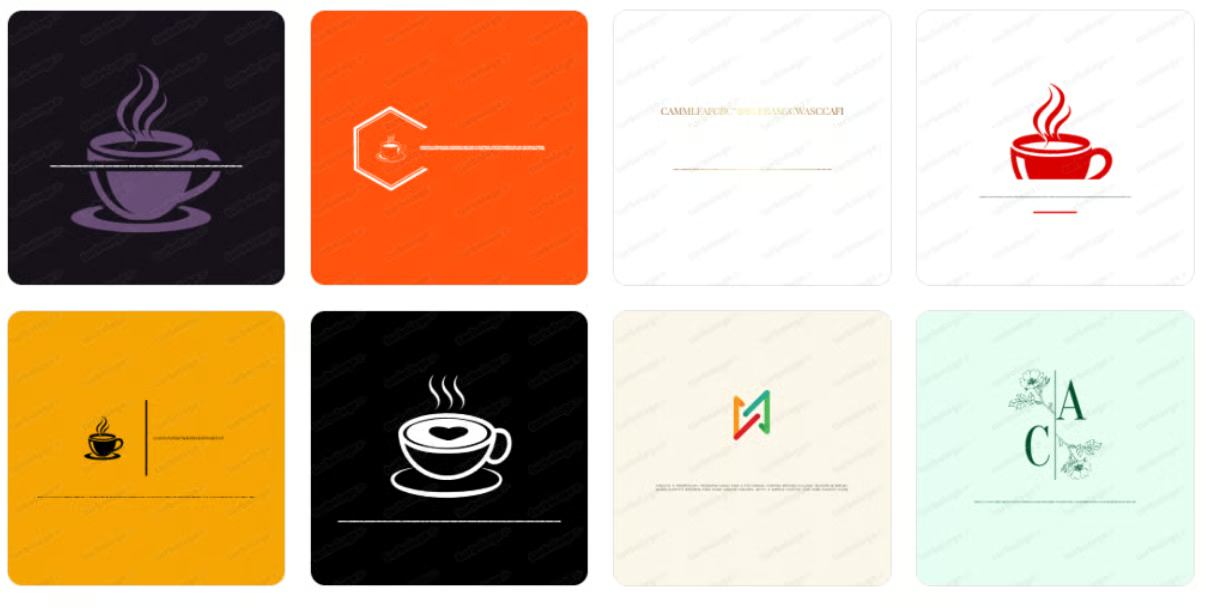
Generate a logo with Turbologo. Image by Author
LOGO.com and Wix Logo Maker are the only two AI logo generators in this article that are actually free and let you download a usable logo with commercial rights for $0.
A tool is free to create and download when you can generate a logo, download it, and use it for your business without paying anything.
For example, a new bakery could make its logo on Wix, download the SVG for its storefront sign, and use the transparent PNG on its website, all for $0.
A free-with-limits AI logo generator lets you download a logo for free but restricts something you’ll likely need, such as the file format, background, number of generations, or commercial rights.
For example, a Canva logo works fine as an Instagram profile picture, but placed on a dark website header, it shows up with a white box around it.
A free-to-create, paid-to-download logo generator lets you generate, edit, and preview logos for free, but charges for every downloadable file.
Generating a design costs these companies very little, so they offer a free generator to attract users. The paid part is everything that makes a logo usable: high-resolution and vector files, transparent backgrounds, a commercial license, and often a brand kit.
That’s why the paywall usually appears after you’ve spent time customizing a design. Before you start with any tool, check three things to save time:
The best free AI logo generator depends on what you need the logo for. Canva is the best overall; LOGO.com is the best completely free option.
Canva is the best overall free AI logo generator because it combines AI generation with a full design editor you can keep using for business cards, social posts, and flyers.
Just know that a transparent background and SVG file cost extra, so it works best if a PNG on a solid background is enough for now.
LOGO.com is the best completely free option because it’s the only tool here with no credit limit, no watermark, and no paywall between you and a commercially licensed logo. You get four PNG files, including transparent versions.
Design.com is best for beginners because you can start with a finished, designer-made logo from its free collection instead of writing a prompt. You can download the full file set, including SVG, without paying.
Ideogram is best for text and typography because it spells business names correctly far more reliably than other image generators. Use it to explore wordmark ideas, then rebuild the final logo in a tool that gives you vector files.
Recraft is the best tool for vector logos because it creates SVG files directly, rather than converting a pixel-based image afterward. Free-plan logos can’t be used commercially, though, so if you need a free vector logo for your business, use Wix instead.
Brandmark is the best for brand kits if you’re willing to pay once. A single purchase covers your logo plus business cards, social graphics, a brand guide, and a one-page website, with no subscription. You can generate and edit unlimited logos for free before deciding.
Wix Logo Maker is the best tool for a logo and website because the account you use to make your logo is the same one you’d use to build a Wix site.
Before choosing a tool, check these eight things.
In the US, the Copyright Office says content generated entirely by AI can’t be copyrighted, and typing prompts or choosing results doesn’t count as enough human input. Substantially editing the logo yourself can help.
Trademarks are separate, but a generic or template-based logo may be refused if it’s too similar to an existing one. If your logo will become a long-term brand, have a trademark professional check it first.
An AI logo generator creates a logo from your prompt or brand information, while a traditional logo maker assembles a logo from ready-made templates, icons, fonts, and layouts.
|
AI logo generators |
Traditional logo makers |
|
|
How it works |
Generates new designs from a prompt or your brand details |
Combines existing templates, icons, and fonts |
|
Originality |
Higher, since designs are created from scratch |
Lower, since other users start from the same templates |
|
Text accuracy |
Can misspell or warp the business name |
Always correct, since text uses real fonts |
|
Editing |
Often limited to regenerating or prompting again |
Full control over every element |
|
Examples |
Ideogram, Recraft, and Canva |
LOGO.com’s and Turbologo’s template-based makers |
Most tools in this article are hybrids. LOGO.com builds logos from templates but uses AI to draw custom icons.
Yes, in most cases you can use an AI-generated logo commercially, but only if the tool’s terms allow it. Being allowed to use a logo isn’t the same as owning it exclusively or being able to trademark it.
For a side project or a small online shop, a logo from any tool with commercial-use rights is usually fine. For a brand you plan to build for years, read the tool’s current terms, choose an exclusive license if one is available, and have a trademark professional review the logo before you register it or print it at scale.
Free AI logo generators are fast and cheap, but they often produce generic designs, restrict downloads, and can’t give you an exclusive, trademark-ready identity.
To choose the best free AI logo generator, start with what you need the logo for, then check what each tool lets you download and use for free.
Follow these seven steps:
Before you choose, download your logo and check the file, not just the preview. Look at the format, the background, any watermark, and whether you can use it for your business. A free PNG is fine for a small online shop or side project. For a long-term brand, get an SVG and check the trademark before you print it on anything.
Want to see what else you can make for free with AI? Read our article on the 40 best free AI tools; it covers everything from images to coding.
Learn with DataCamp
Course
Track
Course
blog
Laiba Siddiqui
15 min
blog
Rajesh Kumar
15 min
blog
Khalid Abdelaty
15 min
blog
Laiba Siddiqui
15 min
blog
Brooke Webber
11 min
blog
Laiba Siddiqui
15 min