
Course
Introduction to AI Agents
1 hr 30 min
137.1K
The Model Context Protocol (MCP) is rapidly becoming the new backbone of AI integrations. As an open standard, MCP enables AI models to interact seamlessly with real-world tools, data sources, and applications. What makes MCP so popular is its simplicity and flexibility: with just a bit of configuration, you can connect almost any AI-powered application to a growing ecosystem of tools, without the hassle.
We keep our readers updated on the latest in AI by sending out The Median, our free Friday newsletter that breaks down the week’s key stories. Subscribe and stay sharp in just a few minutes a week:
In this article, we will explore the top 10 MCP servers and the leading 10 MCP clients, so you don’t have to search the internet and can start using the best that the AI community offers. Especially for non-technical users, MCP is a game changer because you can integrate the MCP server into chat applications and use natural language to automate workflows.
Image by Author
MCP servers are lightweight programs or APIs that expose the capabilities of external tools such as databases, file systems, APIs, or web services to AI models.
Each MCP server acts as a bridge between the AI and a specific tool, handling requests like “fetch this file,” “run this database query,” or “send this email.”
MCP clients are applications or AI chatbots that connect to these MCP servers, allowing users or AI agents to access thousands of tools and services from a single interface.
The client acts as the “AI brain,” discovering available servers, sending requests, and presenting results to the user or the AI agents.
These MCP servers allow you to run Python code, search files, interact with a web browser, take notes, and more.
The Filesystem MCP Server allows AI models to read, write, search, and manage files and directories on your local system, making file operations seamless for automation and note-taking tasks.
Link: servers/src/filesystem
The Playwright MCP Server is most popular with 12K stars on GitHub, enables browser automation, allowing AI agents to interact with web pages, perform scraping, and automate browser-based workflows.
Link: microsoft/playwright-mcp
The Run Python MCP Server allows secure execution of arbitrary Python code in a sandbox. It uses Pyodide with Deno, isolating code execution from the rest of the operating system.
Lin: https://github.com/pydantic/mcp-run-python
The GitHub MCP server is a wrapper around the GitHub API, allowing you to perform various tasks related to your repositories or GitHub profile by simply asking an AI. It is commonly used for automating GitHub workflows and processes, as well as for extracting and analyzing data from GitHub repositories.
Link: github/github-mcp-server
The WhatsApp MCP Server integrates WhatsApp messaging capabilities, enabling AI models to send, receive, and manage messages and chats programmatically.
Link: lharries/whatsapp-mcp
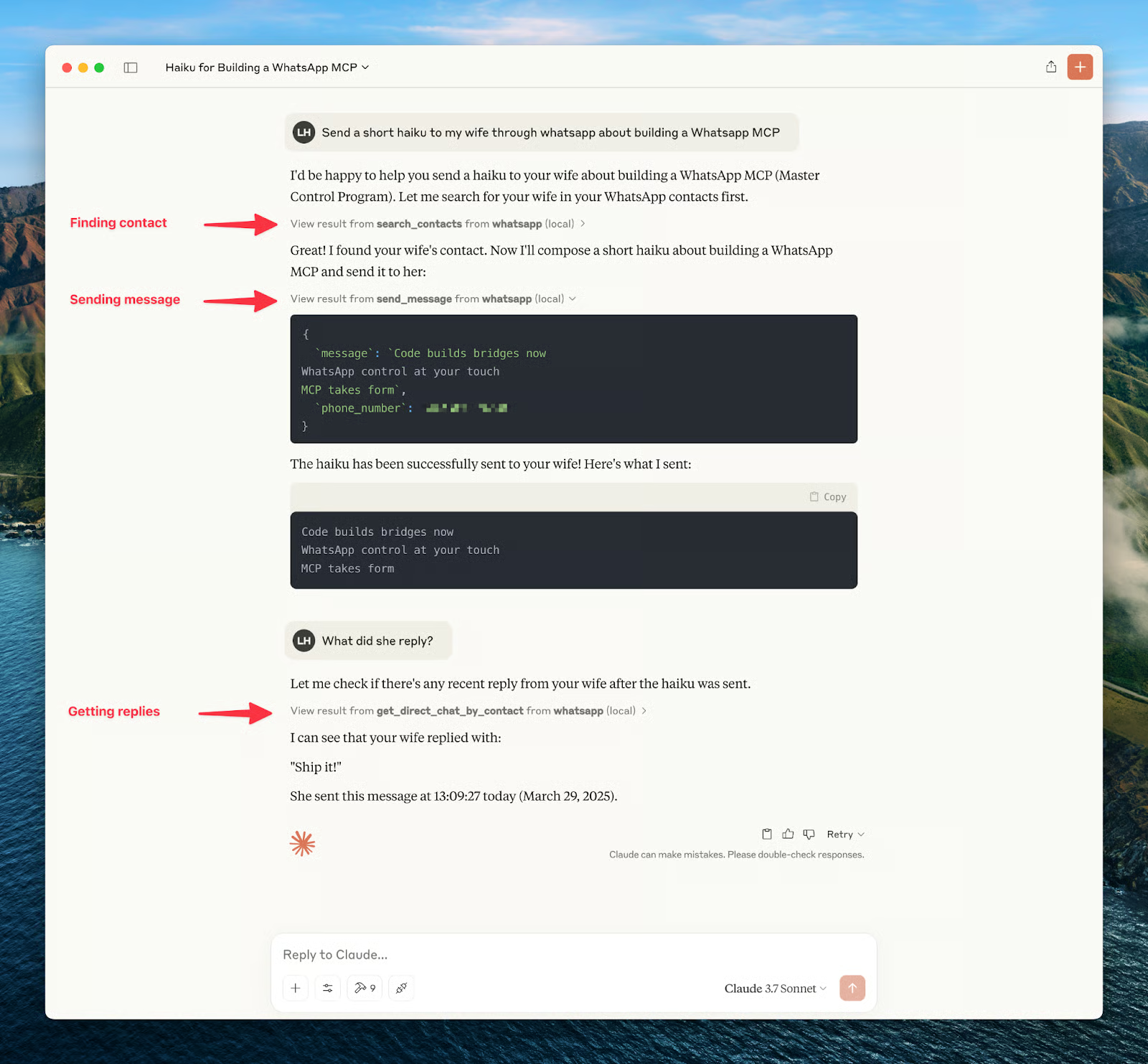
Example of WhatsApp MCP Connected to Claude
The Notion MCP Server connects to Notion’s API, allowing AI to manage notes, to-do lists, and databases for streamlined productivity and organization.
Link: makenotion/notion-mcp-server
The Tavily MCP Server offers AI models real-time access to web information and high-quality knowledge from various sources, equipped with advanced filtering options and domain-specific search capabilities.
Link: tavily-ai/tavily-mcp
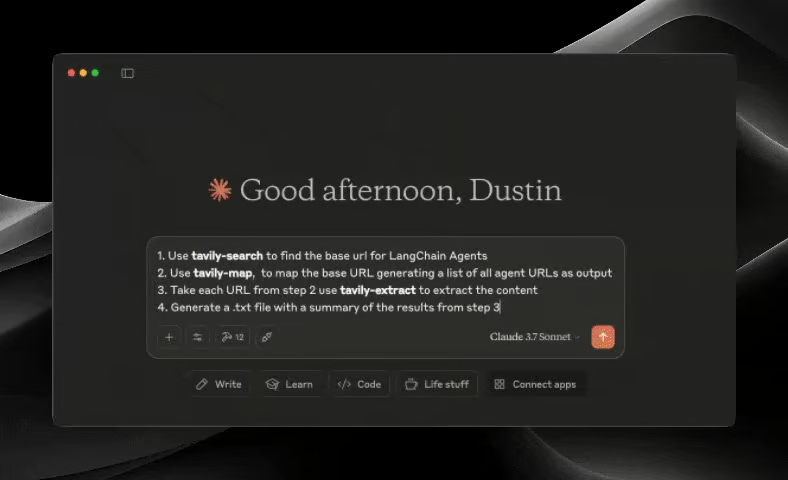
Tavily in Claude: Source
The mem0 MCP Server functions as an AI memory layer, similar to ChatGPT memories, by storing and retrieving contextual data, facts, and relationships to maintain continuity across sessions.
Link: mem0ai/mem0-mcp
The ClickHouse MCP Server enables AI-driven querying and management of ClickHouse databases, supporting analytics and data retrieval tasks.
Link: ClickHouse/mcp-clickhouse
The Google News MCP Server allows AI models to fetch and summarize the latest news articles, making it easy to stay updated with current events.
Link: ChanMeng666/server-google-news
MCP clients include chatbots, frameworks, VSCode extensions, desktop applications, and more.
Claude Desktop brings all the features of Claude Chat to a desktop environment. This means you can run an MCP server locally and interact with it through Claude Desktop. It is the most popular application used for MCP servers.
Link: Download - Claude
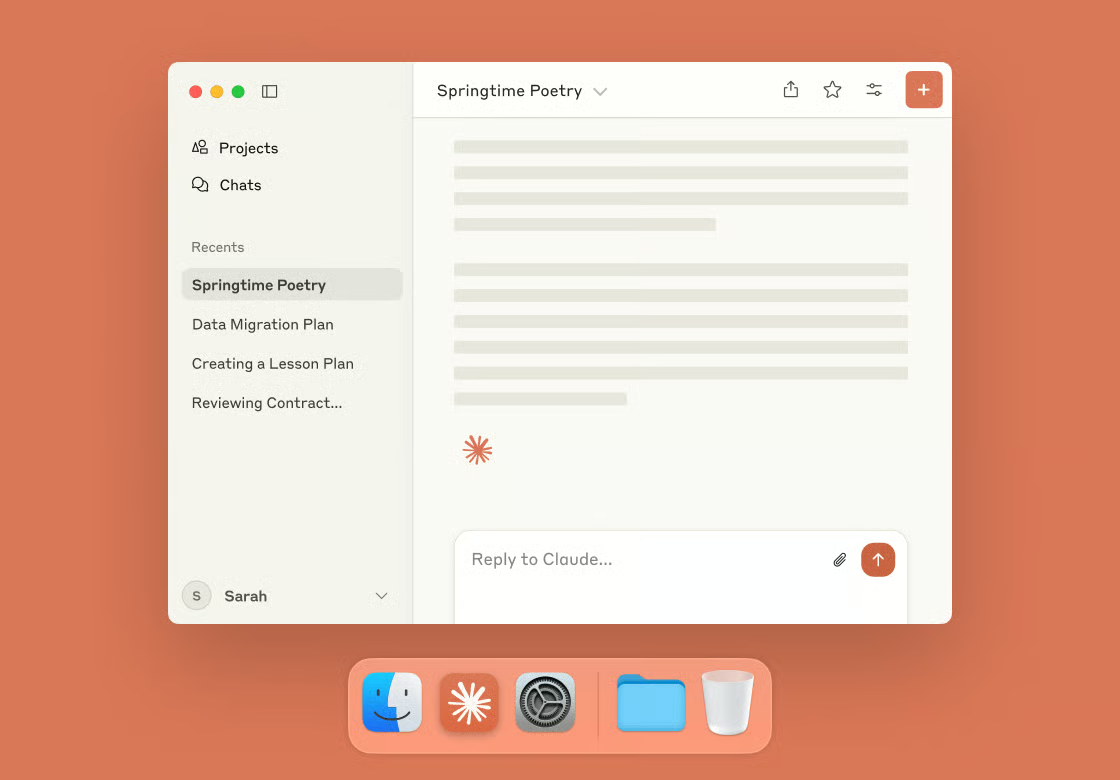
Claude Desktop: Source
As we explore in our tutorial, Cursor AI allows you to integrate the MCP server and tools into coding agents within your IDE. You can use the MCP server to push code to GitHub, ask it to fix changes, and improve your development workflow.
Link: Cursor - The AI Code Editor
Claude Code is a CLI-based coding assistant that helps you generate code, create tests, and deploy your applications fully automatically. Many users also use it for vibe coding. It supports the MCP server for accessing external tools. Check out our guide to Claude 4 Sonnet to learn more.
Link: Claude Code overview - Anthropic
Windsurf is similar to Cursor AI, allowing you to integrate MCP servers into your code editor. It is a fast and underrated app that is expected to be acquired by OpenAI soon. You can check out our Cursor vs Windsurf guide to learn more.
Link: Windsurf (formerly Codeium) - The most powerful AI Code Editor
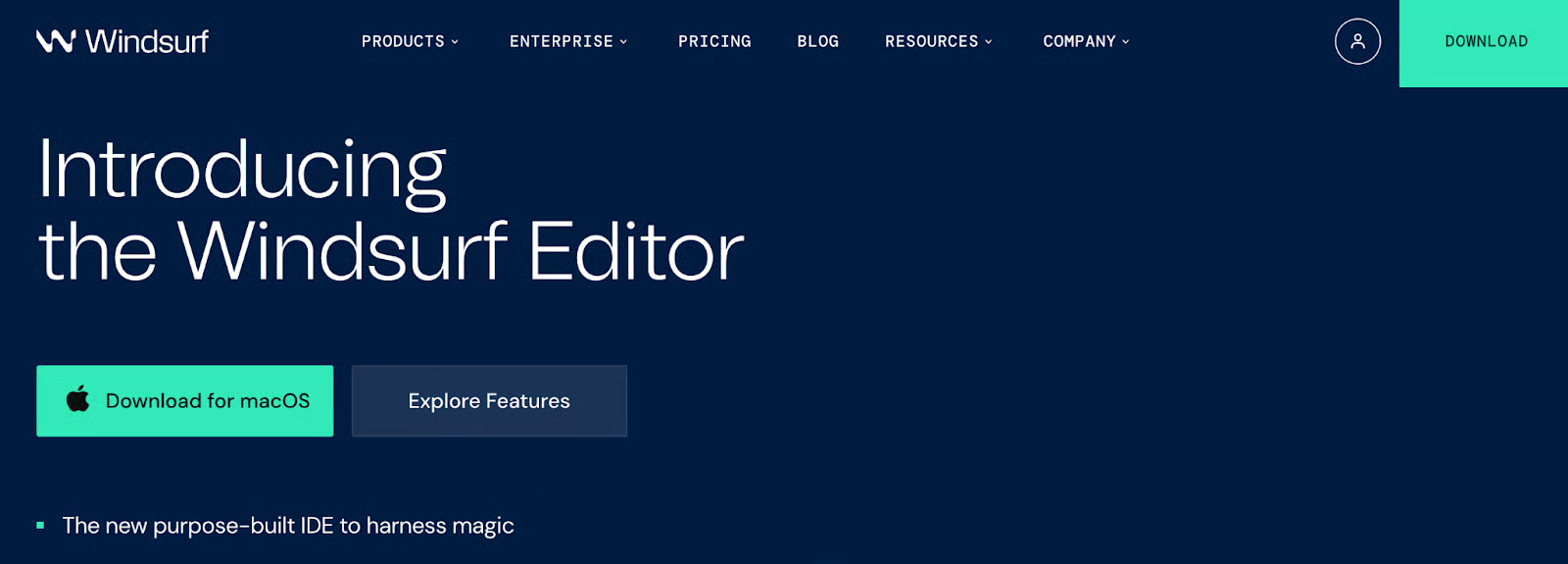
Windsurf: Source
Cline is an autonomous coding agent for VS Code that connects with MCP servers to provide access to external tools. You can even add it to Cursor AI and Windsurf using the extension marketplace. Many developers enjoy using Cline for its ability to provide excellent code suggestions.
Link: Cline - AI Autonomous Coding Agent for VS Code
Continue is an open-source extension that brings conversational AI and code completion capabilities to IDEs. It also allows you to connect to the MCP server, enabling you to work with local models or any AI model provider.
Link: Introduction | Continue
LibreChat is an open-source chat client that supports multiple LLMs and MCP integration, allowing users to interact with AI models in a customizable interface. You can run it using Docker and experience improved performance even from Claude Desktop.
Link: danny-avila/LibreChat
Chainlit is a framework for building conversational AI applications in minutes, with MCP support for integrating advanced AI agents into chat-based workflows. You can create your own AI chatbot and integrate it with MCP servers to access external tools. Learn more with our Chainlit guide.
Link: Chainlit/chainlit: Build Conversational AI in minutes ⚡️
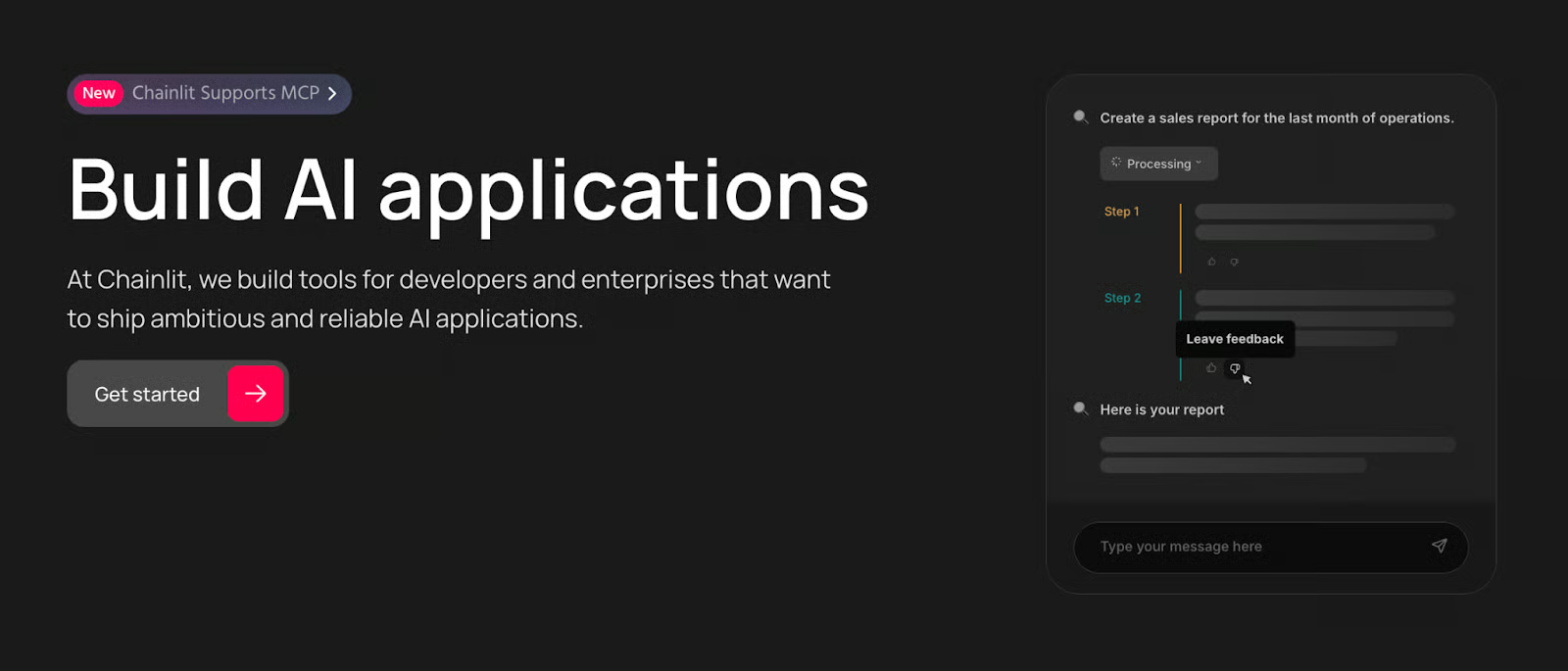
Chainlit: Source
Cherry Studio is a desktop client that supports multiple LLM providers and MCP, offering a unified interface for managing and interacting with various AI models.
Link: CherryHQ/cherry-studio
NextChat is a lightweight, cross-platform AI assistant that supports MCP, enabling fast and flexible access to AI models across web and desktop environments.
Link: ChatGPTNextWeb/NextChat
MCP servers are shaping the future of AI automation. You can even create your own custom MCP server, run it locally, and connect it with a local MCP client and LLM, giving you powerful AI capabilities while keeping your data private and secure.
MCP servers are lightweight and easy to configure. With a simple config file, you can set up your workflow so that all your favorite MCP servers start automatically whenever you launch your MCP client.
Personally, I use MCP servers with Claude Desktop and Cursor AI. My favorite MCP servers include mem0, Playwright, file system, and Tavily. There are thousands of MCP servers available; just explore and find the ones that work best for your needs.
To keep learning, check out one of our tutorials on the topic, such as Model Context Protocol (MCP): A Guide With Demo Project or Chrome DevTools MCP: AI-Powered Browser Automation and Debugging
Top AI Courses
Course
Course
Course
blog
Abid Ali Awan
15 min
blog
Bexruz (Bex) Tuychiev
15 min
blog
Abid Ali Awan
8 min
Tutorial
Aryan Irani
15 min
Tutorial
Aryan Irani
10 min
Tutorial
Abid Ali Awan
8 min