Share this webinar
Close your data and AI skills gap
We're the only platform uniquely engineered to advance data and AI skills across your entire organization. Let's explore a tailored program.
Book an Enterprise DemoData Visualization Best Practices for Dashboards
March 2026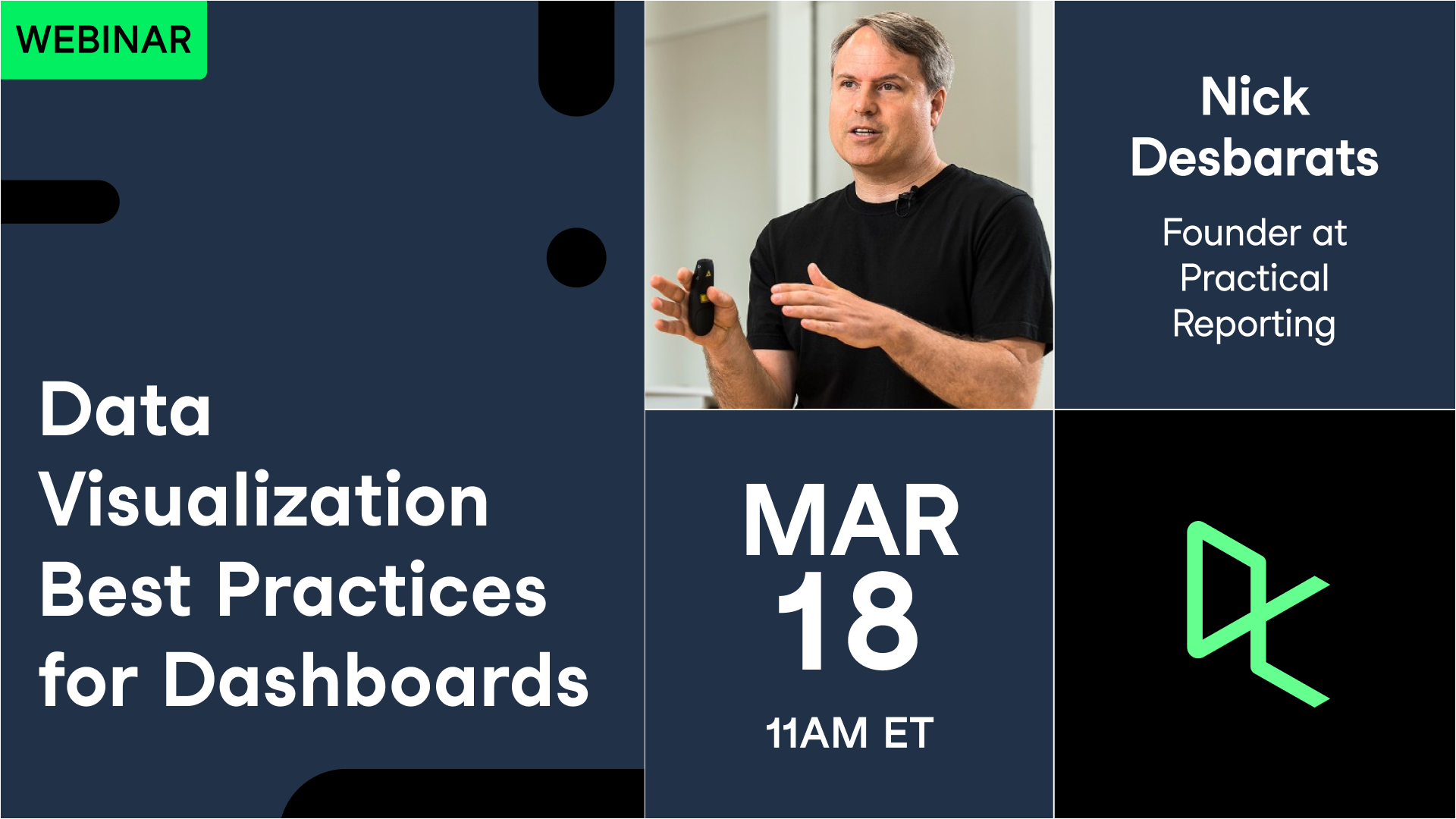
Your Presenter(s)

Nick Desbarats
Principal at Practical Reporting Inc
Nick helps clients create reporting solutions. He is the author of the best-selling "Practical Charts on Demand", and a renowned analytics educator. Previously, Nick was a Senior Educator at Perceptual Edge, Director of Analytics at 360pi, and founded two data startups.
Session Resources
Nick's Book + Course
Summary
A practical guide for analysts, BI developers, and operational leaders who build dashboards—and want strong dashboard adoption after launch.
Dashboards have never been easier to create, yet many still fail quietly: Nick Desbarats cites informal polling suggesting only about 30% are still being used three to six months after deployment. The problem is rarely effort; it’s usually a mismatch between what people call a “dashboard” and what users actually need. As Desbarats puts it, “a dashboard is any display with a bunch of charts on it”—a label so broad that “dashboard best practices” become contradictory unless you first define the dashboard’s type and job.
From there, the session isolates three repeat failure modes that explain why dashboards get abandoned. First, “Swiss Army knife” dashboards that try to serve everyone on one screen—and end up serving no one. Second, dashboards that assume users already know what “good” and “bad” look like, a “deadly assumption” that forces people to hunt for context. Third, the most common red/green indicator schemes—period-over-period change, deviation from target, thresholds—often create false alarms, miss real issues, and trigger “Christmas tree syndrome.”
The alternative is a tighter approach: build a dashboard ecosystem instead of one mega-dashboard, design monitoring dashboards around the question “is everything okay?”, and use clearer action cues. Desbarats’ “action dots” method reframes KPI dashboard alerting around explicit action thresholds, supported by sparklines for recent context and color-blind-friendly palettes. The full session goes deeper on dashboard types, KPI indicator design, and the limits of AI for tactical monitoring—details that matter when “are people using my dashboard?” is the real KPI.
Key Takeaways:
- “Dashboard” is a catch-all label; design decisions only make sense once you identify the dashboard’s type, audience, and purpose.
- “Swiss Army knife” dashboards—packed with filters and everything for everyone—tend to become hard to use and abandoned.
- Many dashboards fail because they assume users have enough background knowledge to interpret raw metrics without guidance on what’s good or bad.
- Common red/green indicators (change vs. previous period, deviation from target, simple thresholds) often produce misleading signals and alert fatigue.
- Action-focused thresholds (“action dots”) plus sparklines can make monitoring dashboards readable in seconds, not half an hour.
Deep Dives
1) Stop Designing “A Dashboard”—Design a Specific Type
The session’s most important move is a language reset: refusing to treat “dashboard” as a single product category. In practice, organizations group everything from an interactive filter-and-explore interface to an executive KPI view to a public-facing UN snapshot and call all of it a dashboard. Desbarats’ point isn’t nitpicking. It explains why teams can follow “common dashboard best practices” and still ship something people don’t use: they’re applying advice meant for a different type of dashboard.
He introduces a taxonomy anchored in two primary families. Live data dashboards update on a schedule (from seconds to months) and exist to answer data questions in ongoing operations—often with restrained visual design, limited storytelling (because the “story” changes every refresh), and meaningful interactivity. Static data dashboards are built from a snapshot that may never update; they often resemble infographics and work best when they are visually distinctive, story-led, and aimed at persuasion, explanation, or engagement rather than day-to-day monitoring.
Within that split, he proposes nine types—including entity, area, and role dashboards (often “tactical monitoring” tools), plus overview, strategic performance, and canned analysis dashboards on the live side, and persuasion, explanation, and engagement dashboards on the static side. The value of naming these types is practical: it gives teams a shared language for requirements. A stakeholder asking for “a dashboard” may be asking for a monitoring tool (“is everything okay?”), a strategic performance view for a quarterly meeting, or an explainer meant for a broad external audience. These aren’t small variations; they are different products with different rules.
This framing also clarifies why experts disagree on dashboard usability guidelines. Filters, one-screen constraints, and role-based personalization are not always right or wrong—they depend on the dashboard’s job. The session’s recurring point—stated directly and indirectly—is that alignment starts before layout: define the category, define the purpose, then design accordingly.
2) The “Swiss Army Knife” Trap and the Case for Dashboard Ecosystems
A common organizational impulse is consolidation: data scattered across spreadsheets, portals, and tools feels messy, so the proposed fix is a single, comprehensive dashboard that “contains all the data that any user might ever need.” The intent is reasonable. The outcome is predictable. Desbarats argues that even one person’s real information needs—once split by project, region, product line, and time—expand into hundreds or thousands of values. Trying to compress that into one interface produces what he calls a Swiss Army knife dashboard: too many features packed into a tool that does nothing especially well.
The failure mode is familiar to anyone who has inherited a sprawling BI asset. A dense bank of filters becomes the main interaction model, forcing users to do the work of finding their way, setting scope, and deciding what to look at first. In theory, this creates flexibility; in reality, it creates friction. Users must remember what’s available, how definitions change across filtered views, and where problems might be hiding. Worse, over-filtering can hide the very anomalies the dashboard was meant to surface—a point Desbarats flags early when discussing how filters can “hide problems” behind selection.
His alternative is structural rather than cosmetic: break the monolith into a dashboard ecosystem, “kind of like a website.” The analogy is intentionally simple: trying to put everything on one dashboard is like trying to put every page of a site onto a single page. An ecosystem lets each dashboard do one job well—monitoring, analysis, executive overview—while still connecting users through consistent navigation, shared metric definitions, and drill paths.
That shift has downstream benefits beyond usability. It encourages clearer ownership (who maintains which dashboard), limits the blast radius of changes (updates to one view don’t destabilize the entire set), and supports different cadences of use (daily monitoring vs. quarterly planning). It also makes requirements conversations easier: instead of negotiating what gets squeezed onto one screen, teams can agree on what belongs in the monitoring layer versus the deeper analytical layer.
In a world where dashboard abandonment is common, this is one of the session’s most actionable ideas: adoption improves when users can tell, quickly, what a given dashboard is for—and what it is not for.
3) The “Deadly Assumption”: Users Will Infer Meaning from Raw Numbers
Many dashboards fail in a quieter way than clutter: they present metrics without telling users what those metrics mean in practice. Desbarats shows an operations-style area dashboard filled with values and small trends, then asks the question that drives most monitoring requests: “Is everything okay?” Without explicit cues, the viewer must bring detailed, metric-by-metric context—what “good” looks like, what volatility is normal, which changes are serious, and which are noise. Desbarats calls this the “deadly assumption” because it kills dashboard adoption at scale: even domain experts rarely hold reliable thresholds for dozens of measures in their heads, and non-experts never do.
This leads to a subtle but important distinction: a monitoring dashboard is not a spreadsheet replacement. A spreadsheet is a place for inspection; a monitoring dashboard is a tool for attention allocation. When dashboards omit sentiment or action indicators, they push the hardest work onto the user: identifying what matters, right now. Desbarats estimates that 80–90% of dashboards “in the wild” fit this pattern—walls of numbers that require slow interpretation.
Once teams try to fix this, they often reach for the same visual vocabulary—red/green flags, arrows, and deltas—without checking whether the signals are reliable. The result is alert fatigue: users become numb to constant indicators or learn that the dashboard often cries wolf. Desbarats’ blunt line captures the rule: “flagging everything is the same as flagging nothing.” If every metric flashes, none of them carries meaning.
The broader lesson is that interpretability is not a nice-to-have; it is the main feature of a KPI monitoring dashboard. Users open these views repeatedly, often quickly, and often under time pressure. A good design makes normal days look normal, bad days look unmistakably bad, and priorities clear at a glance. Anything else—no matter how polished—pushes dashboards toward the graveyard he describes at the beginning of the session.
4) Beyond Red/Green: Action Dots, Sparklines, Accessibility—and Where AI Fits
Desbarats’ most technical section critiques the industry’s standard KPI dashboard alerting patterns: percent change vs. the previous period, percent deviation from target, trailing averages, single thresholds, and green/yellow/red ranges. His claim is intentionally strong—“none of these work”—and he backs it up by showing how each method creates false positives, false negatives, and, most damaging, wrong sentiment. A metric can improve slightly while still being unacceptable; a noisy metric can swing without requiring action; a tiny dip in website availability can be catastrophic for e-commerce. The net effect is “Christmas tree syndrome,” where constant red/green lighting trains users to ignore the lights.
The alternative he proposes—action dots—reframes the problem. Instead of measuring change, the dashboard encodes actionability using four explicit thresholds per metric: crisis, actionably bad, actually good, and best case. Anything between actionably bad and actually good receives no dot by definition, which matches reality: most metrics, most days, don’t require action. The visual payoff is immediate: a mostly quiet dashboard is not “boring,” it is efficient. As Desbarats jokes, once users understand it, it becomes “the sexiest damn dash they’ve ever seen” because it answers “everything’s okay” in a second.
Sparklines add the missing context: a medium red dot paired with an improving trend suggests a different response than the same dot paired with a worsening trend. He also covers practical variations—metrics where “lower is better,” and “Goldilocks” measures where deviation in either direction is bad—as well as an accessibility fix: a toggle to switch from red/green to an orange/blue palette for users with color vision deficiency.
On AI, Desbarats is measured. For tactical monitoring dashboards, he sees limited value in generated text explanations compared to fast visual scanning; AI also lacks local context for prioritization. Where AI can help is in the hands of experts—speeding production, generating drafts, and supporting static or narrative-style dashboards—provided teams check outputs carefully. The message is not anti-AI; it’s pro-accountability: dashboards are decision tools, and decision tools must be reliably interpretable.
İlgili
webinar
Designing Dashboards that Deliver
The four authors of "Dashboards That Deliver", will walk you through a complete dashboard development process—from initial discovery to long-term maintenance.webinar
Developing Dashboards that Deliver
The authors of "Dashboards That Deliver", will show you how to put the concepts and processes you learned about in part 1 into action.webinar
Dashboard Design Best Practices in Tableau
In this live Tableau training, you'll leverage the right tools to design reports. Using a video game dataset, you will learn how to customize charts, use themes, and some best practices when working on data visualizations.webinar
Dashboard Design in Power BI
Learn principles of dashboard design to apply to your own dashboards.webinar
Creating Effective Graphs
In this session, you'll learn key principles of data visualization, from understanding which plot to draw in common situations, to design techniques to improve your audience's comprehension.webinar