Share this webinar
Close your data and AI skills gap
We're the only platform uniquely engineered to advance data and AI skills across your entire organization. Let's explore a tailored program.
Book an Enterprise DemoHow to Create a Great UX While Vibe Coding
June 2026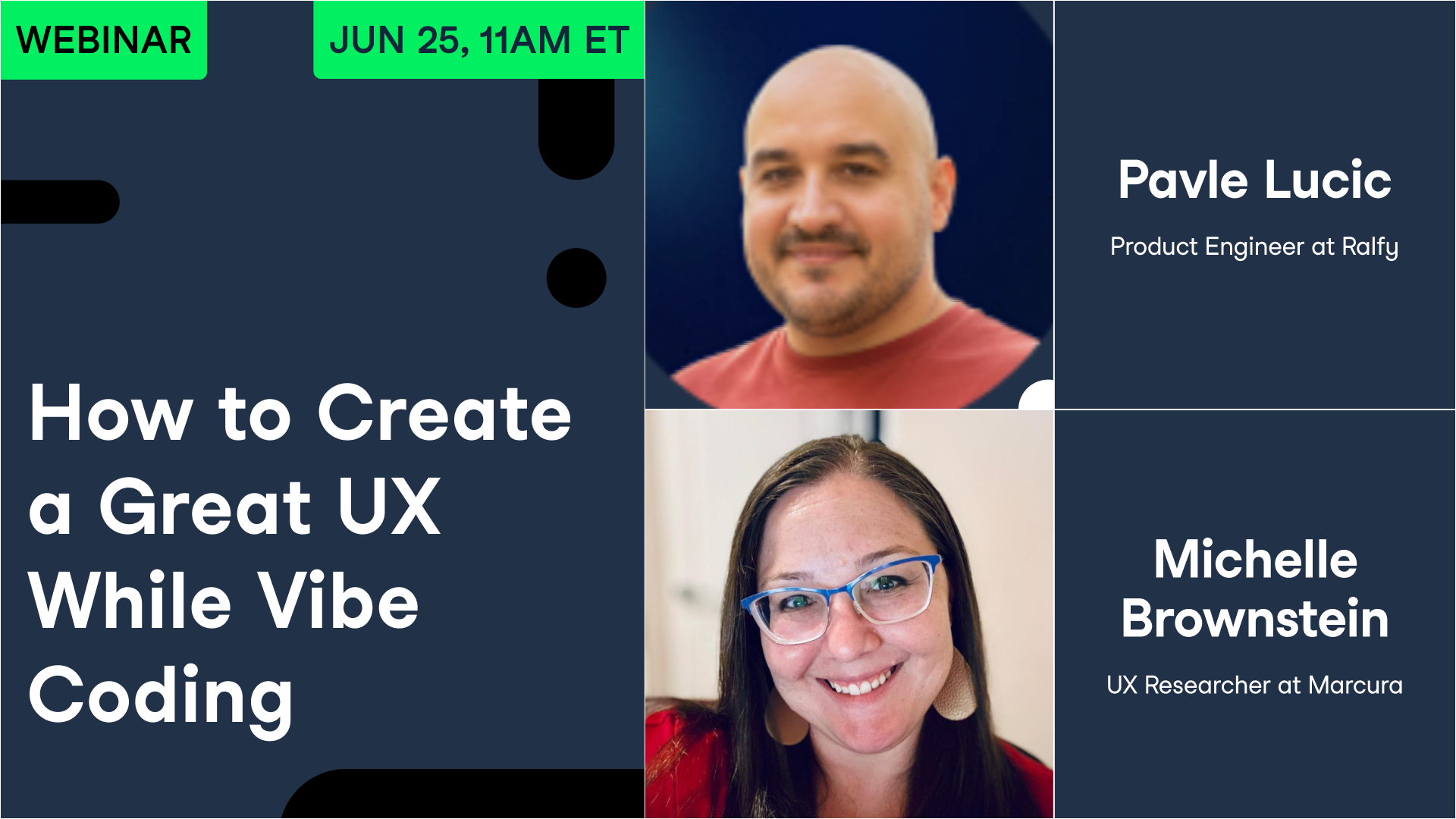
Your Presenter(s)

Pavle Lucic
Product Engineer at Ralfy
Pavle designs and builds AI-powered products that help content creators manage workflows and audience engagement. He specializes in combining product design and front-end engineering, taking products from concept and Figma prototypes to production-ready applications. Pavle has worked with companies including TomTom, Basecamp, Société Générale, and multiple startups across fintech, healthcare, and SaaS. Previously, he spent years as a UI/UX designer and consultant, focusing on user-centered digital products and scalable design systems.

Michelle Brownstein
UX Researcher at Marcura
Michelle Brownstein leads UX research for Marcura’s digital product portfolio, helping teams better understand user needs and make informed product decisions. With a background spanning UX research, experience design, front-end development, and customer experience, she specializes in translating complex user insights into practical product improvements.Throughout her career, Michelle has contributed to projects supporting organizations including Wells Fargo, 3M, Cummins, and Cox Automotive. Prior to Marcura, she worked at digital product consultancy Three Five Two, where she led research initiatives and collaborated with cross-functional teams to design and improve digital experiences across a range of industries.Her work has focused on usability, accessibility, customer-centered product development, and helping organizations build products that balance user needs with business goals.
Summary
Building software with AI is cheap now, which means building bad software is cheap too.
In a DataCamp panel on creating a good user experience while vibe coding, host Richie Cotton spoke with Michelle Brownstein, a UX researcher in fintech, and Pavle Lucic, a product engineer who builds AI products and made the LinkedIn tool Ralphy. They opened with failures. Lucic recounted the Air Canada chatbot that invented a bereavement-fare refund policy and cost the airline a lawsuit it lost. Brownstein described a project tracker a colleague vibe coded without a spec, shipping it with no permissions so every user could read every other user's boards.
From there the two laid out what separates a usable AI product from one that feels like a junior designer touched it. They covered the three-to-five-second clarity test, why information architecture matters more than aesthetics, and how professionals design for empty states and errors instead of the happy path. They were specific about research: stop asking people whether they like your idea, watch what they actually do, and test with five users to find direction rather than statistical proof. Brownstein argued for building accessibility in from the first prompt, including the EU rules that now carry fines. Both kept returning to one rule, keep a human in the loop, and never ship AI work you cannot explain. The full session runs about an hour and includes audience questions on prompting and accessibility.
Key Takeaways
- A chatbot that invents answers can create real liability: a court ordered Air Canada to honor a refund policy its bot made up.
- Test your own AI by asking it something it should not know, and confirm it admits uncertainty instead of inventing a confident answer.
- Vibe coding without a spec skips requirements like permissions; one tool shipped letting every user read every other user's data.
- Good AI shows its work before acting: Cursor previews code changes for approval, and Lucic's tool drafts LinkedIn comments but never posts on its own.
- If a user cannot tell what a screen is for and what to do next within three to five seconds, the design has failed, however it looks.
- One of the most common AI product design mistakes is building only the happy path; professionals design the empty states, errors, and moments when things break.
- Stop asking users whether they would use your product, because they say yes to be polite; ask them to show you how they solve the problem today.
- Five users are enough to find the direction of a usability problem, and statistical significance comes later.
- When a tester gets stuck, the product is wrong, not the tester.
- Polished screens still fail if they do not work together, so trace data across the whole flow, not one screen at a time.
- Build accessibility in from the first prompt: it yields cleaner code, and the EU's European Accessibility Act now carries fines.
- Treat AI as a fast intern and keep the real decisions, what to build and why, for yourself; never accept code you cannot explain.
Deep Dives
When the chatbot makes things up
Both guests opened with the same failure, an AI that answers with confidence when it should hesitate. Lucic told the story of a man who asked the Air Canada chatbot about a bereavement discount for a funeral flight. The bot told him he could buy a full-price ticket and claim the discount later, which was not the airline's policy. Air Canada refused the refund, the man took it to court, and he won. For Lucic the mechanism matters more than the verdict, because the bot never paused to verify. Instead of admitting it did not know, he said, "it starts making up an answer. And it sounds right, but it's totally wrong."
His fix is a habit any builder can adopt before shipping. His advice: "test your own product by just asking it something, it shouldn't know," then check that it says it is not sure rather than inventing something. Cotton agreed the behavior is hard to guarantee, but the test itself costs nothing to run.
Brownstein pointed to Reddit's AI as the opposite case. She uses it in her own research on shipping and cruise crews, where useful information sits scattered across thousands of posts. The tool answers from Reddit's own content and names its sources, the specific post and subreddit, rather than reaching across the open web. It "feels a little more confident that it's not going to hallucinate because it's using its own database," she said, and pointing to where an answer came from is what earns back user trust.
Asked later how to cut hallucination while building, Lucic said you cannot remove it, only contain it. Add review steps where one agent inspects another's output, and keep a person who reads the result at the end. The more a wrong answer would cost, the more layers of checking it deserves.
Keep a human in the loop
The trust problem has a structural answer: never let the AI act without a checkpoint. Lucic's model is the code editor he uses every day. Before it changes anything, it shows him the exact diff and waits for him to accept or decline, so nothing happens behind his back. He built the same rule into Ralphy, his LinkedIn tool, where the AI can draft a comment for review but never posts on its own. "The moment when the AI starts doing these things without asking," he said, "then people will stop trusting it." Anything that sends, deletes, or publishes should ask first and let the person veto it.
That same split decides how he shares work with the model. Hand the AI tasks with clear answers: repetitive code, a rough first version of a screen, cleanup. Keep the judgment calls for yourself, what to build, why, and the main path a user takes. "The AI can build almost anything you ask, but it has no idea if the thing is worth building," he said, and knowing what is worth building is the human's job. His rule follows from that: "never accept a piece of AI work that you don't personally understand," because the day you have to change it, you will be stuck.
Cotton tied this to a shift in cost. Now that producing code is cheap, he expects more applications stuffed with features that were easy to generate and add little for the user. The skill moves from writing to editing, from making things to deciding what to cut. A smaller product someone understands beats a sprawling one they do not, and the discipline to delete is what keeps AI-built software from collapsing under its own options.
Clarity in three to five seconds
Lucic offered one test for whether a screen works. "Can a person look at your screen and know what is it? And what to do next in about ... three to five seconds?" If yes, the rest is detail. He will trade looks for clarity without hesitating: a product can be ugly and still work well as long as it is clear, while a pretty one fails the moment people get confused. Getting there starts with two questions, who the product is for and the one thing they came to do, then making that one thing the easiest element on the screen. His example is Google, almost empty except for a single search box, with nothing else competing for attention.
Brownstein framed the same point as information architecture: decide what users have to notice first so they can act, then arrange everything to serve that. People scan from the top and zigzag down, so professionals remove anything that does not belong. On Amazon, once you start checking out, "they remove everything that's superfluous," down to the search bar. She calls this design taste, a focus on the interaction and the polish rather than the surface decoration. Left alone, AI tends to leave the clutter in, which is what makes a screen feel like "that junior designer touched it."
Taste is learnable, both said, but not from a model. Lucic builds it by studying good work every day until the gap between good and bad becomes obvious, then making his own and getting it wrong in public. He collects references from sites like Dribbble before he opens Figma and asks why a designer chose a particular color or spacing. For finished products worth studying he named Linear and Stripe; Brownstein recommended Mobbin for interface patterns and the Nielsen Norman Group for the research behind them. She added a sharper exercise: find a website that irritates you and work out exactly why.
Designing past the happy path
The clearest line between amateur and professional, both guests agreed, is everything you design besides the case where it all works. Amateurs build the screens where the data is present and the user behaves. Professionals design for empty states, errors, and the moments the product breaks. Skip that work, Lucic warned, and "your users will leave in the cases you just ignored."
He offered himself as the example. He built Ralphy straight in code with no design process, and it grew into too many features aimed at power users until people told him it was confusing. His next project, a bedtime-story app he started for his five-year-old son, he is designing in Figma first, mapping the flows, states, and edge cases before he writes a line of code. Brownstein's version of the habit is to design like a pessimist and keep asking "what if this fails?" That question catches the case behind the panel's other disaster, the project tracker built without permissions, where one missing requirement exposed every user's boards to everyone else.
Accessibility belongs in the same early thinking. Most teams bolt it on at the end, yet starting with it produces cleaner code and helps everyone, the way a curb cut helps far more people than wheelchair users. "We are all temporarily abled," Brownstein said. Prompt the AI to follow the W3C guidelines from the start, then verify by hand, since automated tools like WAVE get you only about halfway and cannot judge whether image descriptions or reading order make sense. She flagged the stakes too: the EU's European Accessibility Act, passed last summer, applies to anyone with users in the EU and carries fines, and many business buyers will not purchase software that fails to conform.
You are not your user
The line Brownstein came back to most was "you are not your user." Because you already know how the system is meant to work, you are the worst judge of whether anyone else can use it. The remedy is simple, get another set of eyes on it, even one person. Budget helps but is optional. Recruit testers on a platform and meet over a screen share, ask your mother, or stand outside a Starbucks with a gift card and a couple of questions. For desk research she turns to Reddit to hear how a specific group already describes its problems.
Lucic's caution is about what you ask. Do not ask whether someone would use your product, because they will say yes to be nice. Ask about their life now: what they use today, what they have already tried, what frustrates them most. After five to ten of those conversations the same problems repeat, and that repetition is the signal. He draws a hard line between talk and behavior, since what people say and what they do diverge. Watch them attempt the task instead: "their behavior is the honest answer ... their words are just the polite one." So the prompt to a tester is to show you how they do the job today, not whether they like the idea.
His usability testing has rules. Give one concrete task, buy this t-shirt, then stay quiet and do not explain, because the second you step in to help you have broken the test and lost the data. Five users surface most problems in an afternoon; at scale he reads session recordings in PostHog to see where people hesitate or drop off, and when several stall at the same step the product is at fault, not the people. Brownstein defends the small sample plainly. A statistician once told her five users cannot give statistical significance, and she agreed that was never the point. "We're looking for direction," she said, and five people tell you whether you are heading the right way. Bigger samples and A/B tests come once people can finish the job at all.
Powiązany
webinar
Building a Learning Culture in the Age of Generative AI
Industry experts explore how organizations can foster continuous learning and adaptability in the age of AI.webinar
Using AI To Increase Your Productivity
Industry experts share real-world examples of how professionals across these fields are using AI to get more done with less effort.webinar
Demystifying AI: Unpacking the Generative AI Landscape
Join experts from leading venture capital firms to discover the latest business and data science use cases of generative AI.webinar
Building Trustworthy AI Products
Experts discuss how to design, build, and operate AI products that users can rely on.webinar
Revolutionizing Learning: Exploring the Future of Upskilling with AI
Join us as the panel of AI and education experts discuss how to work with generative AI to upskill employees and improve corporate training programs.webinar